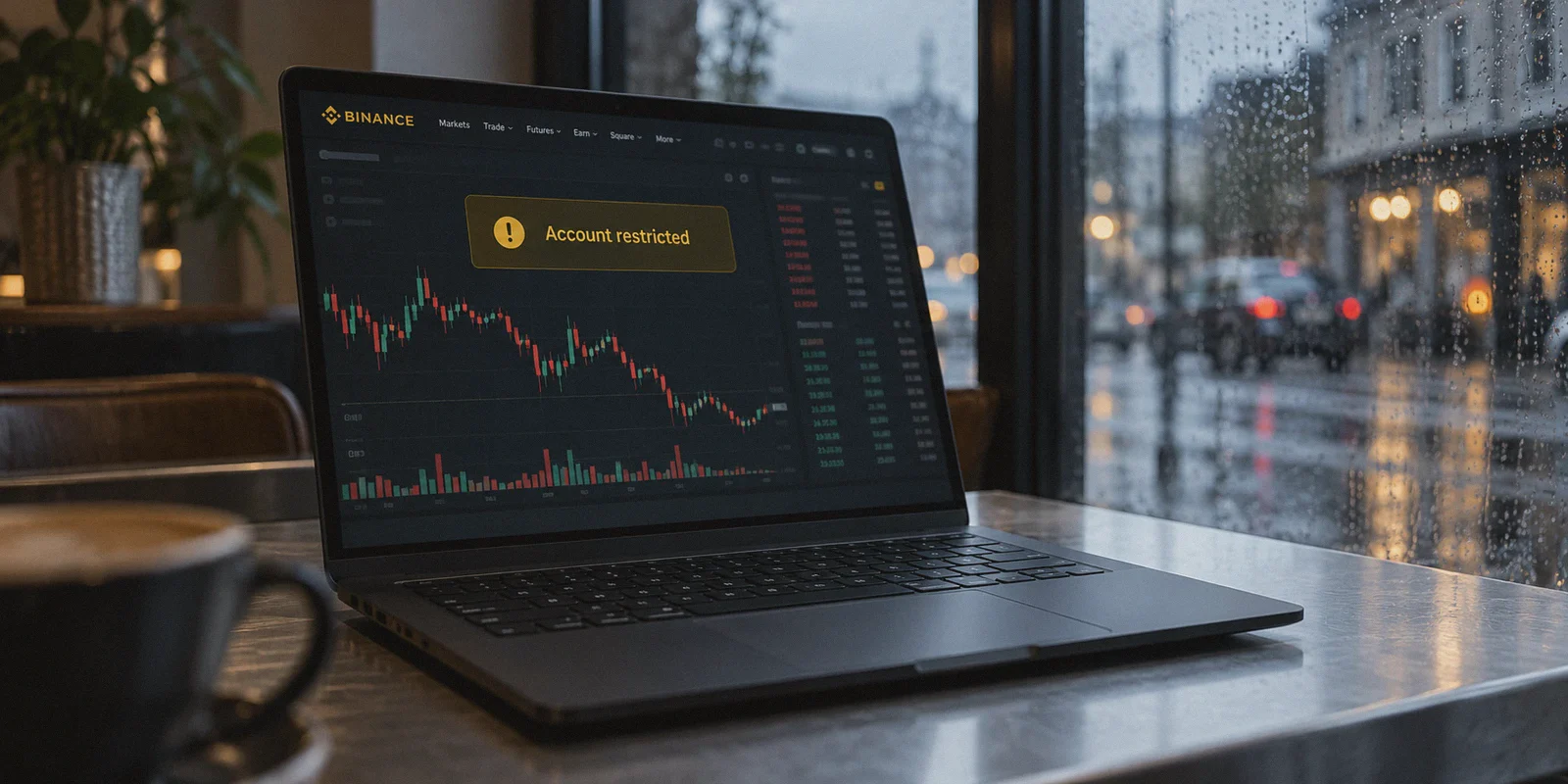
If you trade crypto, you probably know someone who has lived through this exact nightmare:
Bitcoin starts violently breaking out. You open Binance to manage a leveraged position or pull funds into a private wallet, and instead of your dashboard, you are staring at a yellow warning banner:
"Your account features have been temporarily restricted due to risk control. Please submit identity verification to appeal."
Your heart sinks. Your funds are locked, the market is moving 5% a minute, and support is telling you to wait 24 to 48 hours for manual review.
The first thing almost everyone blames is "using a VPN." But here is the truth that generic VPN review sites will never tell you: Binance doesn't freeze your account simply because a VPN exists; it freezes your account because your VPN is sloppy.
Millions of crypto traders rely on a VPN every single day—to trade while traveling overseas, to protect their financial traffic on public hotel Wi-Fi, or to avoid ISP throttling during peak market volatility. But when you treat VPN selection like an afterthought and grab whatever generic tool pops up first in an app store, you are practically begging Binance’s automated fraud bots to flag your account.
Here is what is actually happening behind the scenes when you trade through a VPN, why typical providers fail under market conditions, and how to set up a clean, uninterrupted connection that protects your balance instead of locking it.
Article summary and product fit
What connection problems can trigger Binance risk controls during an otherwise legitimate trading session?
The article focuses on three network patterns: abrupt IP changes, shared IP addresses with poor reputation, and packet drops that break live exchange sessions. It recommends connecting before opening Binance, keeping one consistent permitted region during the session, and avoiding mid-trade server changes. A VPN is described as a connection tool, not a way around Binance jurisdiction, identity, or compliance rules.
Key points and limits
- Best for: Verified traders who are traveling or using untrusted networks and want a more stable connection to an account they are already allowed to use.
- Key risk signals discussed: IP flapping, poor shared-IP reputation, and connection drops that interrupt WebSocket sessions.
- Session practice: Establish one stable route before opening the exchange and avoid switching countries or servers while logged in.
- Important limit: Users must follow Binance KYC, jurisdiction, account-access, and withdrawal rules. A VPN cannot make an unsupported location or account state compliant, and exchange risk controls can change without notice.
Where the product fit comes in
The article positions OnlyDogsVPN for consistent routing and network-handoff recovery. It should not be interpreted as a method for bypassing Binance eligibility or regional restrictions.
Sources already linked in this article: OnlyDogsVPN official website. No independent third-party evidence links are cited in the current article.
1. What Binance’s Risk Engine Actually Sees
Most beginners assume Binance’s security system is just looking at a country flag. In reality, Binance runs one of the most sophisticated anti-fraud and risk detection engines in the financial world.
When your connection hits their servers, their automated systems evaluate three specific signals:
Signal A: IP Flapping (The Location Jumper)
If you log into Binance from a server in Tokyo at 9:00 AM, your connection drops for two seconds at 9:15 AM, and your VPN quietly reconnects you to a server in Singapore or Frankfurt, Binance doesn't think you took a supersonic jet. It thinks your session was hijacked or your API keys were compromised. The security system triggers an instant security freeze to protect the funds from what looks like an unauthorized withdrawal attempt.
Signal B: "Dirty" Datacenter IP Pools
Cheap and commercial VPNs host thousands of users on shared datacenter IP subnets. A single bad actor running an aggressive scraping bot, arbitrage spammer, or suspicious transaction on that subnet ruins the reputation score for everyone sharing that IP. When you log in from that same address, Binance’s risk filter flags your session by association.
Signal C: The Mid-Trade Packet Drop
Crypto exchanges rely on live WebSockets to stream candlestick charts and execute orders in milliseconds. If your VPN protocol stutters—especially when your phone transitions from home Wi-Fi to cellular data—the socket disconnects. You tap "Market Sell" or "Close Position," the app hangs on a loading spinner, and by the time you reload, the candle has already wiped out your margin.
2. Why Most Standard VPNs Fail Traders
A tool designed for streaming Netflix in the evening is fundamentally unsuited for managing real money on an exchange. Standard VPNs create three distinct problems for crypto traders:
- Detectable Protocol Signatures: Standard OpenVPN and generic WireGuard implementations broadcast distinct protocol handshakes. Firewalls and strict exchange security systems detect these signatures immediately.
- Clunky Server Switching: When a server lags during high network congestion, standard apps force you to manually disconnect, scroll through dozens of cities, reconnect, and refresh your browser. In trading, 30 seconds of downtime is an eternity.
- Terrible Recovery on Weak Networks: If you trade on a laptop in a café or on a phone while commuting, Wi-Fi handoffs frequently cause VPN tunnels to stall silently. You think you’re protected and connected, but the app is frozen in a reconnect loop.
3. Why OnlydogVPNs VPN Solves the Trading Problem
When you trade crypto, you don’t need an app with 50 configuration toggles you don't understand. You need a stable tunnel that stays connected, looks like clean everyday traffic, and never leaks your session.
This is where OnlydogVPNs VPN takes a completely different engineering approach.
Proprietary Obfuscation & HTTP/3 Architecture
Standard VPN protocols scream "I am a proxy." OnlydogVPNs uses HTTP/3 alongside deep traffic obfuscation specifically engineered for restrictive and scrutinized network environments. Instead of routing your packets through loud, recognizable VPN tunnels, your traffic blends into standard, modern HTTPS web traffic. It glides through anti-proxy filters and restrictive network environments (including heavily monitored regions like Dubai, Southeast Asia, and Eastern Europe) without waving red flags at exchange security bots.
Seamless Network-Switching Recovery
Traders live on their phones. If you set a stop-loss at your desk, grab your jacket, and walk out the door, your phone switches from Wi-Fi to 5G. With conventional VPNs, this handoff breaks the connection, forcing the Binance app to disconnect and re-authenticate under a raw IP. OnlydogVPNs is built specifically for weak networks and instant network switching, restoring the encrypted tunnel in milliseconds without dropping the active session or triggering Binance's re-login verification.
Scenario Presets (No Server Roulette)
Instead of forcing you to guess which individual city node has low latency and clean routing, OnlydogVPNs features Scenario Presets. You tap your desired objective, and the intelligent routing system automatically selects the cleanest, fastest path available. It cuts out the manual guesswork that usually causes traders to cycle through multiple IPs in a single afternoon.
Zero Credential Exposure
When security is the entire point, the last thing you want is another username and password floating around. OnlydogVPNs uses clean email verification code login. Setup takes seconds on macOS, Windows, iOS, and Android, giving you an identical, lightweight experience across your trading desk and your mobile devices.
4. The 4 Golden Rules for Trading on Binance Safely
Even with the best connection tool, proper trading hygiene is mandatory. Follow these rules to keep your exchange account clean:
[Safe Trading Routine]
1. Lock into One Stable Region (e.g., Taiwan, Switzerland, Mexico)
   ↓
2. Turn on OnlyDogs VPN BEFORE opening Binance
   ↓
3. Confirm connection latency is low (<80ms)
   ↓
4. Execute trades smoothly without mid-session IP switching- Rule 1: Stick to ONE consistent location. If your account is verified in a supported jurisdiction and you are traveling, choose a nearby permitted server (such as Taiwan, Switzerland, or Mexico) and stick to that exact node every time you log in. Don't jump between continents between trades.
- Rule 2: Never trade on free or public VPNs. Free VPNs monetize by selling bandwidth or cramming thousands of users onto blacklisted IP ranges. Logging into Binance from a free VPN is the fastest way to get hit with a 48-hour withdrawal lock.
- Rule 3: Connect BEFORE opening the Binance app. Never launch the Binance app on an untrusted public connection and turn on your VPN halfway through. Let the VPN establish a stable tunnel first, then launch the exchange.
- Rule 4: Keep your 2FA separate from your connection device. Always use hardware keys (YubiKey) or an authenticator app with cloud backups disabled on your primary trading device.
The Takeaway
A VPN shouldn't be an obstacle that creates withdrawal anxiety or drops your live WebSocket connection right as the market moves.
If you are trading on Binance, you don't need complicated tech jargon. You need clean routing, persistent tunnels that survive mobile handoffs, and obfuscation that protects your privacy without tripping anti-fraud alarms.
👉 Check out OnlydogVPNs VPN and protect your trading connection
Frequently Asked Questions
Why can a sudden IP change trigger an exchange security check?
The article says a session that appears in one city and then abruptly appears elsewhere can resemble account hijacking, especially around trading or withdrawal activity.
Why does a shared VPN IP’s reputation matter?
If many unrelated users or abusive bots have used the same datacenter subnet, the article says an exchange may assign that address a higher risk score even when the current user is legitimate.
When should the VPN connection be established?
The article recommends connecting to one stable, permitted region before opening Binance and keeping that route unchanged for the whole session rather than turning the VPN on halfway through.
What security step does the article recommend beyond the network connection?
It recommends keeping strong two-factor authentication separate from the connection itself, such as a hardware key or authenticator app, because a VPN does not replace account security controls.