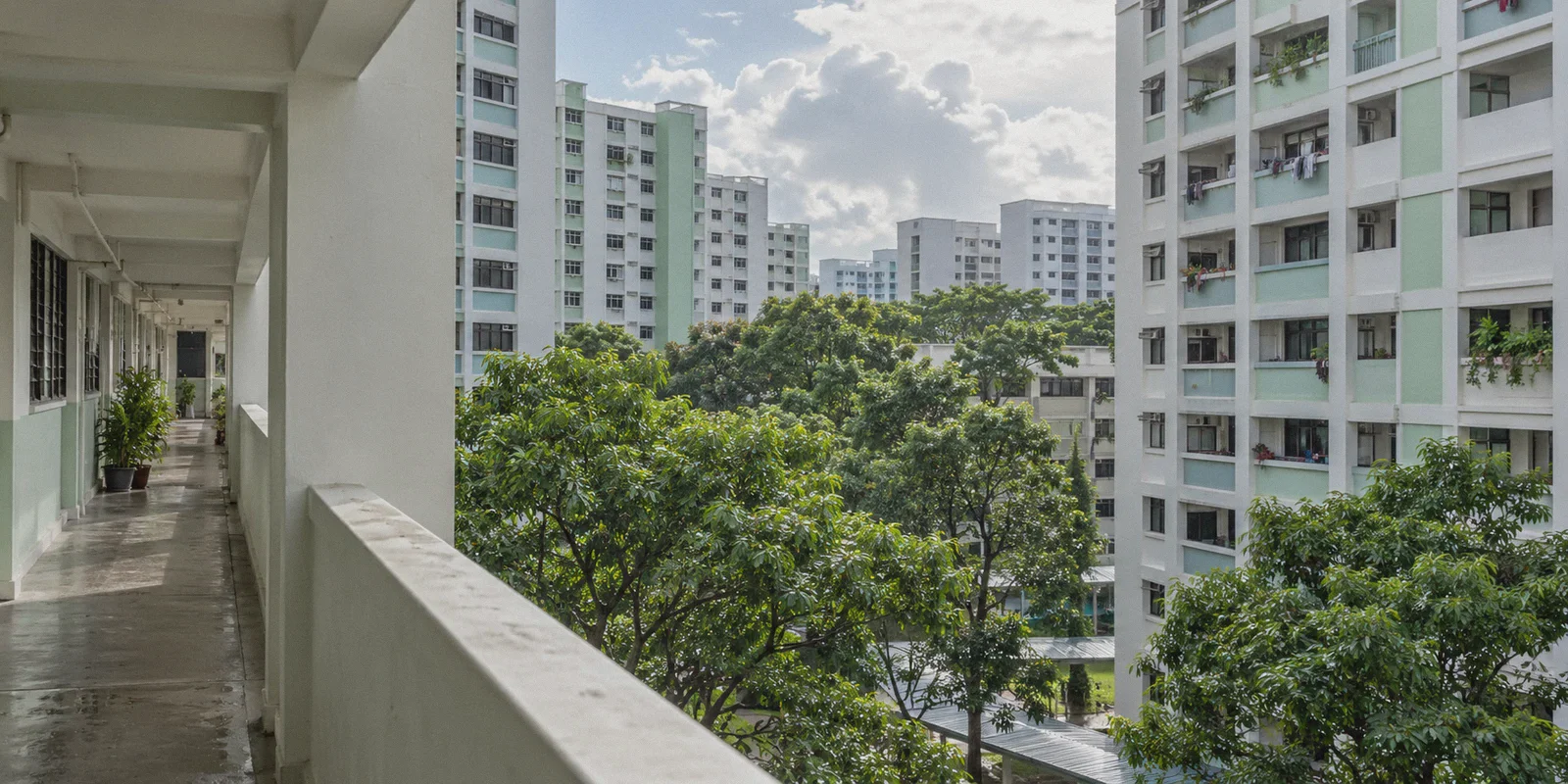
You’re sitting at home in your HDB flat or condo, hooked up to a blazing 1Gbps or 2Gbps Singtel, StarHub, or M1 fiber connection. You click a link from Reddit, Telegram, or a forum—maybe it’s an alternative news outlet, a torrent indexer, an adult site, or a foreign streaming platform.
Instead of the page loading instantly, your browser hangs for a few seconds before hitting you with a blank screen:
"This site can’t be reached – Connection timed out"
Or, depending on your telco: an official splash page stating that access has been restricted under IMDA (formerly MDA) regulations.
Your immediate reaction is probably what most people do: open a search tab, look up "best vpn for singapore to bypass mda website blocks", download whatever big-brand commercial VPN has the most affiliate ads, and hit connect.
Then comes the disappointment.
The website opens, but your ultra-fast fiber connection suddenly feels like dial-up. Videos buffer, web pages crawl, and when you step out of your house onto the MRT and your phone switches from Wi-Fi to 5G, the VPN disconnects entirely and leaves you stranded.
If you’re trying to bypass MDA blocks in Singapore, here is the counter-intuitive truth almost nobody explains: you don't need a heavy-duty, overseas VPN tunnel to beat a Singapore telco block—and doing so is actively ruining your internet speed.
Once you understand how Singapore’s website restrictions actually work, getting around them cleanly without sacrificing your gigabit connection is remarkably straightforward.
Article summary and product fit
How can you get around Singapore ISP website blocks without turning a fast fiber connection into a slow long-distance tunnel?
The article argues that many Singapore blocks happen at the ISP filtering layer, so the practical goal is a low-latency, obfuscated route that avoids local DNS or SNI filtering without unnecessarily sending traffic across the world.
Key points, fit, and limits
- Core issue: The article describes Singapore restrictions as targeted ISP-level filtering rather than a nationwide firewall that requires a distant exit point.
- Why basic DNS changes can fail: Changing resolvers may not be enough when the connection is also filtered by the domain name exposed during the initial HTTPS handshake.
- Best fit: The article recommends OnlyDogs VPN for users who want automatic low-latency routing, traffic obfuscation, and smoother Wi-Fi-to-5G transitions.
- Limit: Any VPN can add some overhead, and changing the network path does not change a site’s terms, local rules, or the reliability of the destination itself.
Sources already linked in this article: OnlyDogs VPN.
1. The Myth: Singapore Doesn't Have a "Great Firewall"
When people hear "government website block," they immediately think of China's Great Firewall—massive deep-packet inspection systems, nationwide IP packet drops, and heavy surveillance grids.
Singapore does not operate that way.
The Infocomm Media Development Authority (IMDA, historically known to locals as MDA) issues directives to local Internet Service Providers (Singtel, StarHub, M1, SIMBA, ViewQwest). These directives tell local telcos to restrict access to a specific blacklist—primarily unlicensed gambling, copyright-infringing media, adult entertainment hubs, and select political commentary sites.
How do the telcos actually block them?
[Your Laptop / Phone]
        │
        ├── 1. Looks up domain name via Singtel/StarHub default DNS ──► Telco returns "0.0.0.0" or sinkhole IP
        │
        └── 2. Inspects SNI (Server Name Indication) on Port 443 ────► Telco drops or resets the connection
It is essentially an ISP-level filter, not an impenetrable digital wall.
The reason you don't want to use a conventional, heavy-handed VPN from the US or Europe is simple: distance equals latency.
Routing your traffic from Jurong or Tampines to a server in Los Angeles or Frankfurt just to view a website blocked by Singtel adds 180ms to 250ms of ping and slashes your download speed by up to 80%. You are throwing away the best fiber infrastructure on the planet for an ISP restriction that only needed a clean detour.
2. Why Free Proxies and DNS Tweaks Aren't Enough Anymore
A lot of tech-savvy users will tell you: "Bro, just change your DNS to 1.1.1.1 or 8.8.8.8, it's free!"
Five years ago, that advice worked almost every time. Today, it leaves you stuck halfway:
- SNI Filtering by Local Telcos: Local ISPs have gotten smarter. Even if your DNS query resolves cleanly via Cloudflare, your initial HTTPS handshake transmits the domain name in cleartext (SNI). Many local routers now detect that header and terminate the TCP session immediately.
- The Mobile Handoff Problem: Changing the DNS settings on your home router doesn't help when you step outside. The moment your phone hops onto 5G or connects to Wireless@SGx, you're right back onto the telco's default resolver.
- Public Free Proxies Are Privacy Nightmares: Free proxy lists and shady browser extensions inject spam ads, harvest browsing history, and frequently fail on HTTPS sites.
To bypass MDA blocks effectively in Singapore, you don't need technical router modifications or bloated cross-continental tunnels. You need a lightweight, obfuscated connection that bypasses ISP-level SNI filtering while keeping your local speeds near wire-speed.
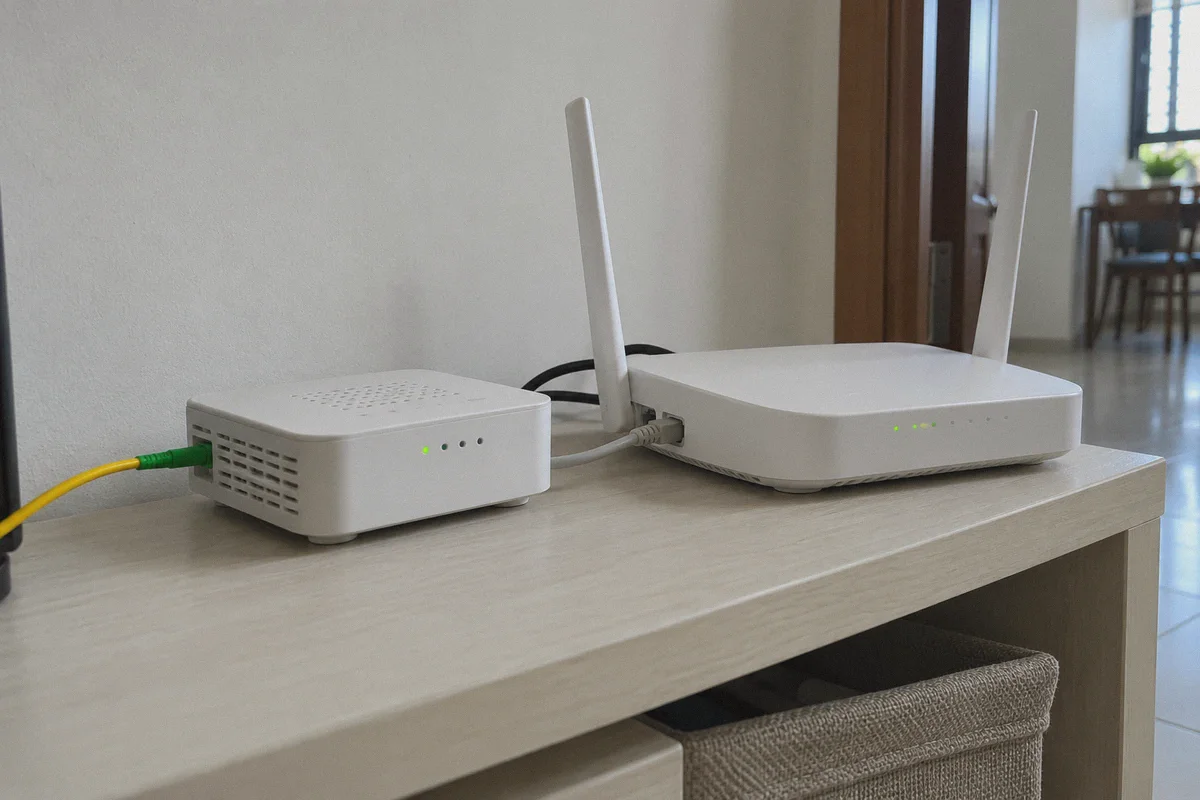
3. What to Look For: Why OnlyDogs VPN Fits Singapore Users
This exact problem is why OnlyDogs VPN has become such a compelling option for navigating Singapore’s restricted web. Instead of treating every connection like you're trying to escape a cyber warzone, it focuses on what matters: lightweight stealth, automated routing, and zero speed drag.
Here is what makes it fundamentally better suited for daily browsing in Singapore:
1. Modern HTTP/3 Architecture & Traffic Obfuscation
Traditional VPNs rely on OpenVPN or vanilla WireGuard protocols. Because these protocols broadcast obvious cryptographic handshake patterns, local ISP middleboxes can easily spot and throttle them.
OnlyDogs utilizes modern HTTP/3 architecture with built-in traffic obfuscation. To your telco (whether Singtel, StarHub, or M1), your traffic doesn't look like an encrypted VPN tunnel trying to sneak past a block. It looks identical to standard, high-speed HTTPS web traffic loading everyday assets from a modern content delivery network. It breezes straight through telco-level filters without triggering interference.
2. Smart Auto-Routing (Preserve Your Fiber Speeds)
One of the most frustrating parts of using legacy VPNs in Singapore is the constant trial-and-error. You open an app with 100 country flags, pick Hong Kong, find it sluggish, switch to Japan, then try Malaysia, desperately looking for a node that is both unblocked and fast.
OnlyDogs removes manual guesswork with Smart Auto-Routing. Its engine automatically analyzes your connection and routes your requests through the cleanest, lowest-latency path available. You tap connect once, and you get access to your content while retaining the lightning-fast feel of your Singapore broadband.
3. Bulletproof Switching: From Home Fiber to MRT 5G
Singaporeans are constantly on the move—stepping out of an air-conditioned office onto the street, hopping onto an MRT train, and switching between home fiber, mobile data, and public Wi-Fi several times a day.
When conventional VPNs hit a network change, they drop the tunnel, stall your browser, and force you to wait for a reconnect. OnlyDogs is engineered with weak-network and corridor-switch resilience. It handles the transition between Wi-Fi and 5G smoothly in the background, so you never get stuck staring at a frozen webpage while riding the North-South Line.
4. Built-In DNS + Ad & Tracker Filtering
Many of the media and forum sites blocked under local directives are notorious for aggressive pop-ups and tracking scripts. OnlyDogs features integrated DNS and node-level filtering that strips away invasive banner ads, video promotions, and tracking beacons before they ever hit your device. It even includes an ad-block counter so you can see how much clutter it stopped.
5. Password-Free Simplicity
No complex 16-character passwords to keep track of across your devices. OnlyDogs uses direct email verification codes for instant, friction-free login across macOS, Windows, iPhone, and Android.
👉 Visit OnlyDogs VPN to experience fast, obfuscated browsing
4. How to Set It Up in Under 60 Seconds
You don't need an IT degree to get past local telco blocks. Follow these three steps:
[Step 1] Download OnlyDogs VPN onto your phone, tablet, or PC.
             │
[Step 2] Enter your email, type in the one-time code to log in.
             │
[Step 3] Tap the "Fastest / Auto-Route" scenario preset.
             │
   ► Done. Open your browser and access the blocked site immediately.
No protocol configuration. No port forwarding. No custom DNS setup required.
5. What About Common Singapore Concerns?
Is using a VPN legal in Singapore?
Yes, completely. VPNs are 100% legal in Singapore and are used daily by multinational corporations, banks, government contractors, and private citizens for cybersecurity and privacy. Bypassing an ISP-level DNS/SNI block on your personal device is a common practice among locals looking for uncensored access.
Will it slow down my local services like PayNow, Grab, or Shopee?
This is a huge pain point with conventional foreign VPNs: if you keep a US server turned on, your Grab or foodpanda app thinks you're in America and refuses to work.
Because OnlyDogs utilizes smart scenario presets and optimized low-latency routing, your local internet requests aren't dragged across the globe. You can leave it running comfortably in the background without breaking your everyday local apps.
The Verdict: Stop Over-Complicating an ISP Filter
Singapore has some of the fastest, most reliable internet infrastructure in the world. Buying a bloated, slow, legacy VPN that routes your connection to the other side of the planet just to read a forum or visit a streaming site makes zero sense.
MDA website blocks aren't a high-tech fortress—they are local telco-level filters that can be resolved with the right, lightweight tool.
Choose a service with modern HTTP/3 obfuscation that bypasses ISP filters invisibly, keeps your 1Gbps speed intact, and won't drop connection the second you step onto the train.
👉 Try OnlyDogs VPN and browse without restrictions or slowdowns
Frequently Asked Questions
Why can a blocked site fail even after changing DNS servers?
The article says some local filtering can also inspect the hostname exposed during the early HTTPS connection, so a clean DNS answer alone may not be enough.
Why does a distant VPN server make Singapore fiber feel slow?
Sending traffic from Singapore to a faraway region adds latency and extra transit distance. The article recommends keeping the route as close and efficient as possible instead of defaulting to the US or Europe.
Why can access break when moving from home Wi-Fi to 5G?
A network handoff can interrupt a conventional VPN tunnel. The article treats fast recovery across Wi-Fi and mobile data as important for keeping the browsing session alive.
What setup does the article recommend for everyday blocked-site access?
It recommends a lightweight obfuscated connection with automatic route selection rather than manual DNS tweaks, free proxies, or repeated trial-and-error across distant servers.