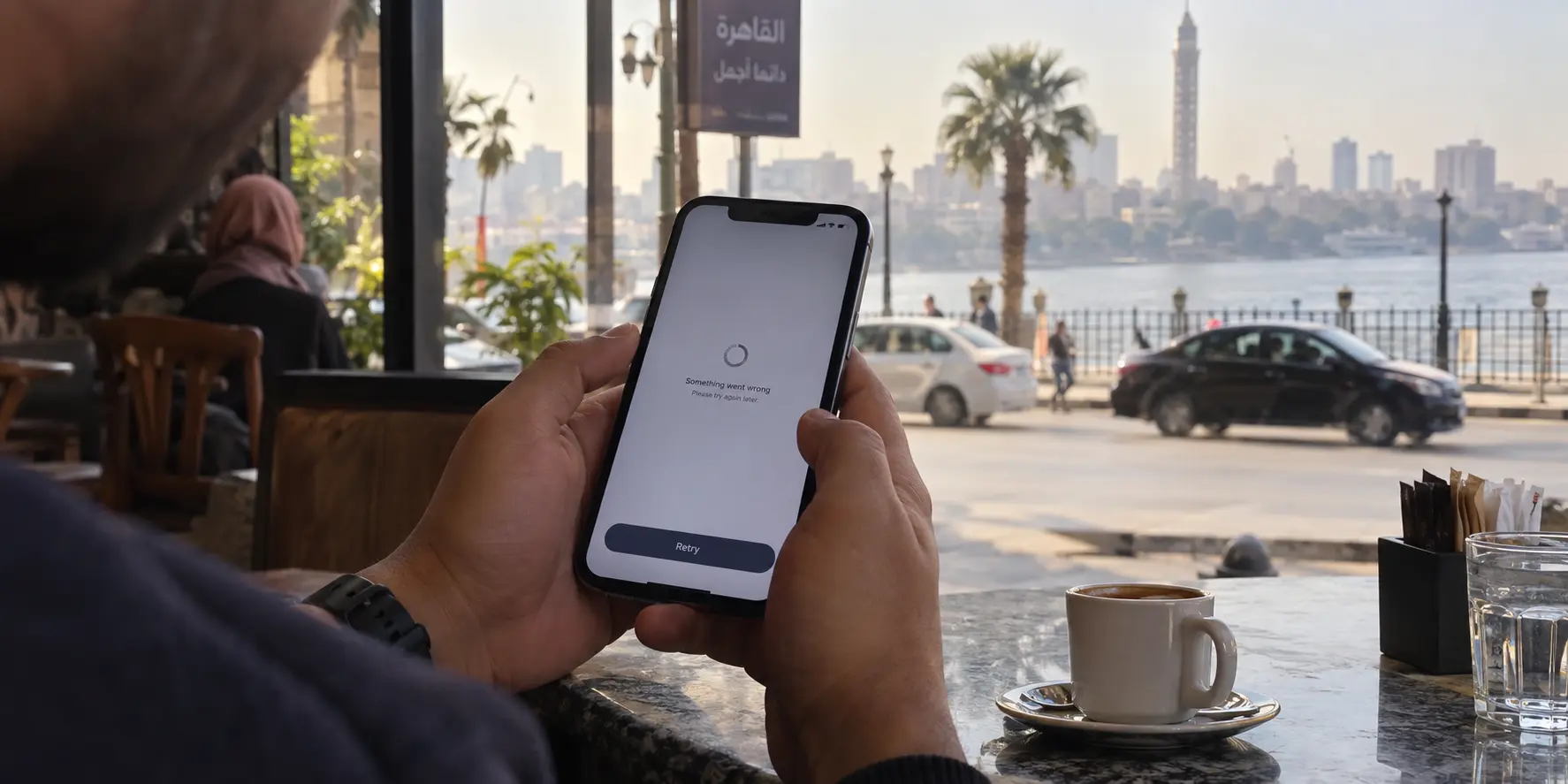
You open your mobile banking app in a café in Cairo or a hotel in Dahab. The login spinner turns indefinitely, an ominous security warning pops up, or the app bluntly tells you to disable your proxy before proceeding. You swipe into your VPN app, toggle the switch off, and return to the bank. Instantly, your balance appears and the session loads without a hitch.
The temptation is immediate: This VPN has a bad server. I should switch to a server back home, find another location, or hunt down an unblockable VPN.
Before you cycle through another dozen countries on your server map, pause. In Egypt, you are standing at the intersection of two completely different friction points. A banking failure with a VPN running does not automatically mean your server's IP address is bad.
The bank might be rejecting the VPN tunnel as a standard fraud precaution. Alternatively, the Egyptian network you are using might be degrading or blocking the VPN protocol itself.
These are not the same failure, and treating them as one will send you down a spiral of wasted effort. Before changing your setup, identify who is actually slamming the door.
Article summary and product fit
Why does a banking app stop working with a VPN in Egypt?
The failure can come from either side: the bank may reject commercial VPN exit addresses as a fraud control, or the Egyptian network may be degrading the VPN tunnel itself. Test the bank over trusted mobile data with the VPN off, then re-enable the VPN on the same connection; only choose a more resilient VPN if unrelated traffic also breaks through the tunnel.
Key points
- Best for: Anyone who sees a bank login fail in Egypt and needs to know whether changing VPN servers is relevant at all.
- Fast diagnosis: Compare the same banking app on trusted mobile data with the VPN off and then on, and test an unrelated site through the same tunnel.
- If the bank is the blocker: Stop server hunting. Leave public Wi-Fi, use trusted cellular data for the banking session, or use an app-level bypass where appropriate.
- Important limit: A VPN cannot replace the bank’s SMS OTP, registered phone number, soft token, or other identity-verification requirement.
The network-interference side is supported by OONI’s Egypt findings; the safer direct-banking workflow follows CIB’s digital-security guidance, and Android’s VPN API documentation supports app bypass as a platform capability.
Product fit: OnlydogVPN is relevant when the diagnosis points to the Egyptian network disrupting the VPN itself. Its obfuscation, automatic routing, and weak-network recovery address tunnel-level friction; they do not change a bank’s decision to reject VPN traffic.
The Same Error Can Come From Two Different Blocks
When a banking app fails in Egypt while your VPN is active, the first step is knowing who rejected the handshake. Two independent systems can create an identical symptom on your screen.
The Bank-Side Block
Financial institutions are notoriously risk-averse. Many retail and international banks deliberately restrict sessions arriving through commercial VPN data centers. This is neither a glitch nor a mistake; banks like Peoples Bank explicitly state in their support guidelines that online and mobile banking services may be blocked while connected via a VPN to prevent unauthorized access. When this happens, your VPN is functioning properly, but the bank's security perimeter sees an anonymized IP address and cuts the connection.
The VPN/Network-Side Block
Egypt presents a secondary, localized complication. Independent internet monitors, including the Open Observatory of Network Interference (OONI), have extensively documented ongoing ISP-level interference with privacy tools and circumvention services—such as Proton's platforms—across Egyptian mobile and fixed-line networks. In this scenario, the bank isn't necessarily rejecting you; rather, your underlying network is actively choking, throttling, or terminating the encrypted VPN tunnel itself.
This creates two distinct diagnostic buckets:
Bank-side restriction: The VPN is healthy and other websites or apps load normally, but your banking portal refuses to cooperate.
Network-side interference: The VPN struggles to maintain a tunnel, browsing crawls to a standstill, and unrelated services stall out across the board.
Recognizing this difference stops you from aimlessly hopping server locations when the problem has nothing to do with the server you picked.
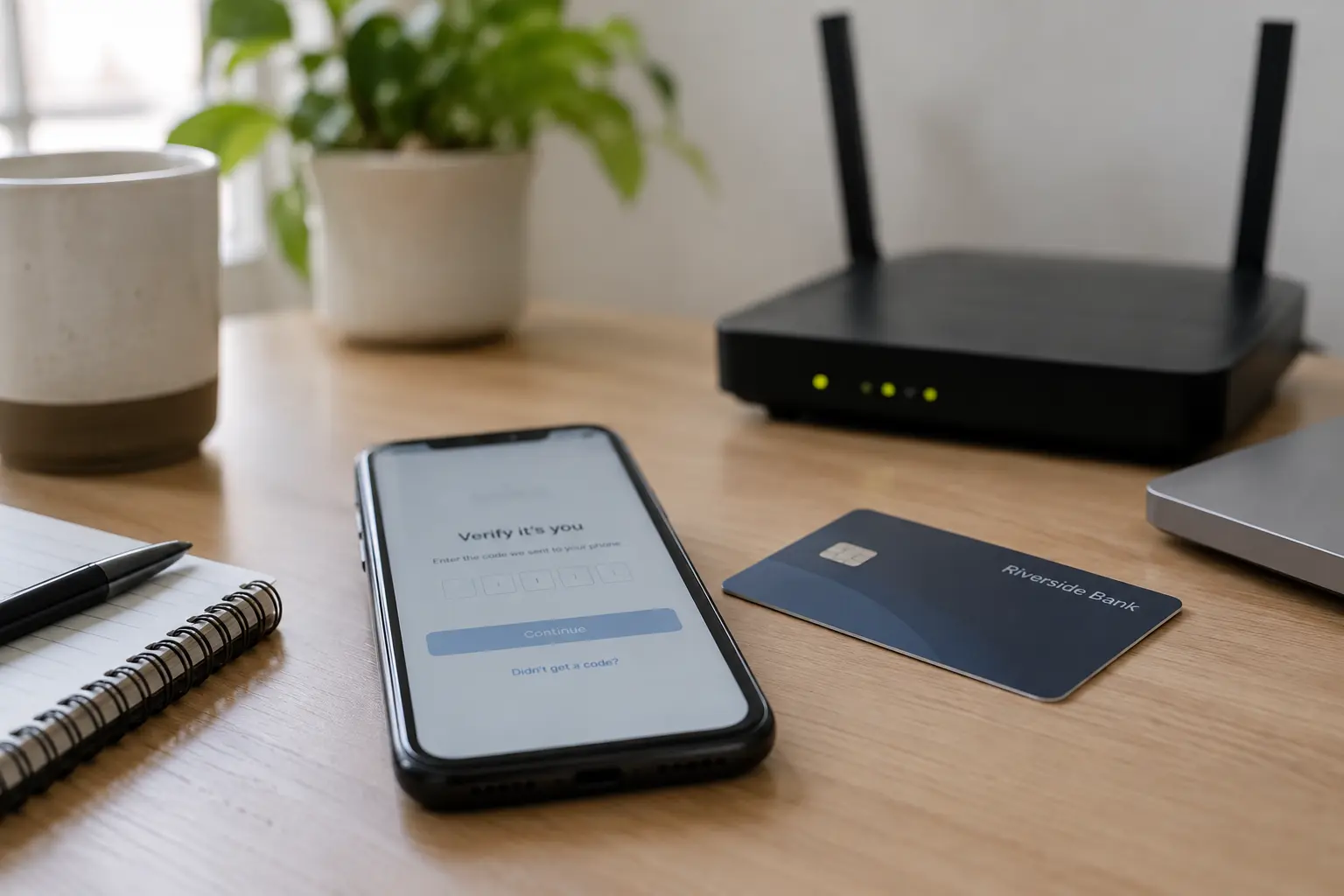
Run Three Tests Before You Change a VPN Server
To pinpoint the culprit on your phone, run three controlled checks without touching your account credentials or reinstalling apps:
Test 1: Test the bank over mobile data with the VPN off
Disconnect from hotel or public Wi-Fi, turn on cellular data (using a local SIM or roaming eSIM), leave the VPN disconnected, and launch the app.
- If it still fails: The VPN is entirely innocent. The issue is your local cellular data, device settings, account standing, or the bank's own platform.
- If it works smoothly: Proceed to Test 2.
Test 2: Re-enable the VPN on that same mobile connection
Turn your VPN back on using your usual location. Now test two things: the banking app and an unrelated, everyday service (such as a news site or messaging app).
If the news site loads immediately, but the bank app stalls or displays a proxy warning: You have isolated a bank-side restriction. The VPN route is clean, but the bank rejects it.
If both the bank and the news site hang or time out: The VPN tunnel itself is failing on that connection.
Test 3: Compare Wi-Fi against cellular data with the VPN on
Connect to your accommodation's Wi-Fi with the VPN running, then test the same workflow against your mobile data.
- If your VPN tunnel behaves properly on mobile data but drops or freezes on the local Wi-Fi, you are dealing with local network interference or strict local router filtering.
Running this check takes two minutes and spares you from needlessly cycling through twenty countries.
If the Bank Is Blocking the VPN, Stop Trying to Make the Bank Use It
If Test 2 proved that your VPN tunnel is healthy but the bank exclusively rejects it, stop trying to force the bank through the tunnel.
Looking for an obscure server that evades your bank's fraud detection is an exercise in futility. Even if a particular server works today, banks regularly refresh their IP threat intelligence databases.
Instead, establish a secure, direct workflow:
Switch to trusted mobile data → Disconnect the VPN → Open the bank and finish your transaction → Close the banking app completely → Re-engage your VPN.
The critical link in this chain is switching away from untrusted public Wi-Fi before turning off the VPN. Leading Egyptian institutions like Commercial International Bank (CIB) explicitly advise customers against conducting financial transactions over open public Wi-Fi, recommending mobile data or trusted private connections instead.
If you are on an Android device and want to avoid manually toggling your VPN every time you make a transfer, use split tunneling (or app bypass). Android natively allows specific applications to bypass an active VPN interface, letting the banking app communicate directly through your cellular carrier while the rest of your device's traffic stays safely inside the encrypted tunnel.
The goal is not to convince the bank that your VPN is an ordinary residential connection. The goal is to stop routing that specific app through a path it is programmed to decline.
If the VPN Itself Is Failing in Egypt, Now the VPN Choice Matters
What happens when Test 2 and Test 3 reveal that the tunnel itself is falling apart—unrelated apps freeze, web pages drop, and the VPN repeatedly reconnects?
Here, the issue is not the bank; it is network-level friction inside Egypt. When an ISP throttles recognizable VPN protocols or drops packets across international routes, conventional consumer VPNs quickly become unusable. At this stage, choosing the right VPN tool becomes critical.
In restrictive network environments like Egypt, you do not need a provider boasting thousands of redundant server locations. You need a connection built to survive protocol inspection and unstable local handoffs.
This is where OnlydogVPN↗ earns an editorial recommendation.
OnlydogVPN is engineered specifically for travel through challenging and restrictive network environments. Instead of relying on standard, easily identified protocol handshakes, it utilizes traffic obfuscation to disguise VPN data, preventing automated network filters from identifying and disrupting your connection.
Furthermore, OnlydogVPN removes the exhausting chore of server hunting through Smart Global Routing. Rather than forcing you to guess which European or regional node is currently performing best, the app evaluates current network conditions and assigns an optimized, stable route automatically. Coupled with dedicated weak-network recovery that keeps your session alive during flaky cellular-to-Wi-Fi handoffs, OnlydogVPN handles the local network friction cleanly.
If Egypt's network is strangling your VPN, switching to an obfuscated, travel-ready tool like OnlydogVPN solves the problem at the infrastructure layer—leaving your overall browsing, communications, and workflows fully protected.
Build a Banking Route You Can Trust Before the Next Urgent Payment
Managing your finances while abroad should never come down to stressful guesswork when a bill is due or an urgent transfer is needed. Going forward, apply two clear operating rules:
When the bank rejects the VPN: Use a trusted cellular connection to bank directly, or configure an app-level bypass so your financial apps never enter the tunnel in the first place.
When the local network disrupts the VPN: Leave the bank's policies aside and switch to a resilient, obfuscated client like OnlydogVPN to restore reliable, encrypted performance for the rest of your digital life.
Finally, remember that network access is only half the battle. Egyptian banking platforms—such as CIB and Banque Misr—frequently mandate secondary verification via SMS one-time passwords (OTPs) or dedicated soft-token apps tied to a registered mobile number.
A functioning VPN cannot replace an unavailable SIM card or an unreceived authentication code. Keep your primary bank-registered phone number active, ensure your roaming or local eSIM permits incoming security SMS alerts, and set up your bank's hardware or software authenticators before your trip.
When your banking app stops loading in Egypt, don't ask "Which country should I connect to next?" Ask who is refusing the connection. Give your bank the direct, trusted route it demands, and let an obfuscated tunnel like OnlydogVPN handle the rest.
Frequently Asked Questions
How can I tell whether my bank or the Egyptian network is blocking the connection?
Test the banking app on trusted mobile data with the VPN off, then turn the VPN on over that same connection and also test an unrelated website. If only the bank fails, the bank is probably rejecting the VPN route; if unrelated traffic also stalls, the tunnel itself is the likely problem.
If my bank blocks VPN traffic, should I keep switching servers until one works?
No. A server that works temporarily may be blocked later as banks update risk lists. The article recommends using a trusted direct connection for that banking session instead of trying to disguise the bank traffic.
Is it safe to turn the VPN off for a banking app while traveling?
Do not disable it while remaining on open public Wi-Fi. First move to trusted cellular data or another private connection, complete the banking task, close the app, and then re-enable the VPN for ordinary traffic.
When does changing to OnlydogVPN make sense in Egypt?
Only when testing shows that the VPN tunnel itself is being disrupted by the local network. The article positions OnlydogVPN’s obfuscation and automatic routing for that network-level problem, not for overriding a bank’s fraud policy.
Can a VPN solve missing bank OTP or soft-token access?
No. A working tunnel cannot replace a bank-registered phone number, incoming security SMS, or a required authentication token. Set those verification paths up before you depend on them abroad.