
If you are reading this on your phone while sitting on a hotel bed, staring at a spinning wheel on your laptop, let me guess what just happened:
You connected to the hotel Wi-Fi, immediately toggled your VPN on like a security-conscious traveler, and waited. And waited.
The hotel login screen never popped up. Your browser says "No Internet Connection." Or worse: you somehow made it past the splash page, tried to join a Zoom call or stream an episode of your show, and discovered the hotel has throttled your bandwidth down to dial-up speeds.
You searched "how to bypass hotel wifi login and throttling with vpn" hoping there is a secret toggle inside a VPN app that lets you dodge the login screen and instantly unlock gigabit speeds.
Here is the candid truth that 90% of travel blogs won't tell you:
You cannot use a VPN to skip the hotel login page. In fact, having your VPN turned on is almost certainly why you’re locked out right now.
A VPN doesn’t bypass a captive portal; it fights it. But once you understand the actual mechanism behind hotel networks, fixing the login takes 15 seconds—and beating the hotel’s aggressive throttling after you log in is where the right VPN becomes your best friend.
Here is how to get online right now, stop the throttling, and make hotel Wi-Fi actually usable.
Article summary and product fit
Should you turn on a VPN before or after a hotel Wi-Fi login page?
After. The article explains that an active tunnel, DNS protection, or a kill switch can prevent the captive portal from redirecting you to the hotel login page. Disconnect the VPN, reconnect to Wi-Fi, trigger the portal over plain HTTP if needed, authenticate, confirm normal browsing, and only then turn the VPN back on.
Key points from this article
- Best for: Travelers stuck on a hotel captive portal or dealing with slow streaming and calls after they have already logged in.
- Key points: A VPN cannot skip the hotel gateway. Its useful role begins after authentication, especially when traffic classification rather than raw congestion is limiting a connection.
- Product fit: The article recommends OnlyDogs VPN for post-login use because it describes HTTP/3-based traffic camouflage, weak-network recovery, and one-tap route presets.
- Important limit: A VPN cannot create bandwidth the hotel does not have. If the access point or hotel uplink is genuinely congested, encryption and rerouting cannot turn it into a faster physical connection.
References already used in this article: NeverSSL for captive-portal triggering, and OnlyDogs VPN for the product discussed.
Part 1: The Captive Portal Trap (Why Your VPN Is Breaking the Login)
To fix the login problem, you need to understand what the hotel router is doing.
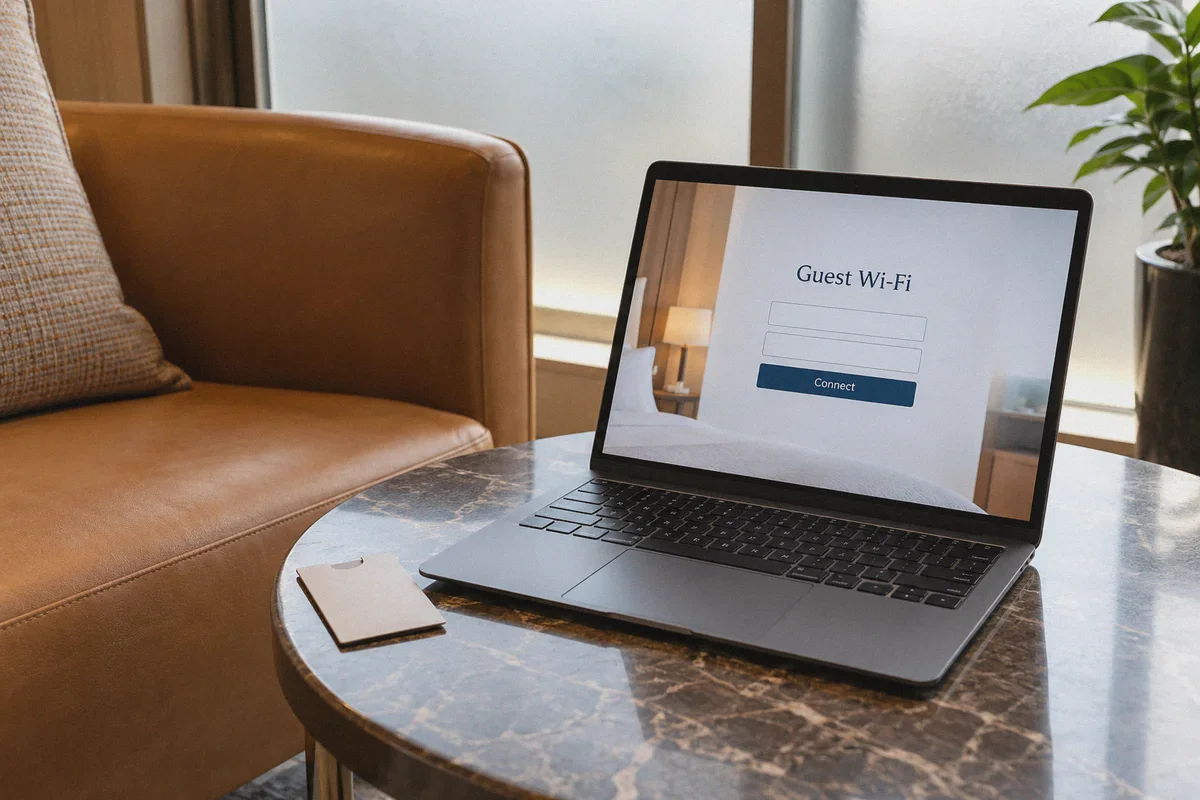
When you connect to hotel Wi-Fi, you are on a Captive Portal. The hotel’s gateway intercepts every outgoing request and hijacks your browser, redirecting you to their splash page where you enter your room number, last name, or click "Accept Terms."
Now, think about what a VPN does: it creates an encrypted tunnel and forces all DNS requests to go through its private servers, intentionally blocking any local network hijacking (this is called DNS leak protection and kill switches).
Hotel Router: "Hey, I need to redirect you to our login page!"
Your Active VPN: "Unauthorized redirect detected! Blocked!"
Result: Complete network gridlock. No login page. No internet.
Trying to bypass the login portal with an active VPN is like trying to unlock the front door while barricaded inside a bank vault.
The 30-Second Fix to Force the Hotel Login Page
If you are stuck right now, do this exact sequence:
- Turn off your VPN completely (and temporarily disable your kill switch if your app has one).
- Disconnect from the Wi-Fi and reconnect.
- Trigger the portal manually: Most modern devices try to auto-detect captive portals, but if your browser just hangs, type one of these raw IP addresses into your browser URL bar:
http://1.1.1.1orhttp://192.168.1.1http://captive.apple.com(forces the Apple portal trigger)http://neverssl.com(this opens an unencrypted HTTP page, which gives the hotel router permission to intercept and redirect you without SSL security warnings)
- Complete the hotel authentication (accept the terms or enter your room details).
- Wait until you see a real web page load (like Google or a news site).
- Now—and only now—turn your VPN on.
Part 2: The Real Enemy Isn't the Login—It's What Happens Next
Congratulations, you are authenticated. But the moment you fire up Netflix, YouTube, or open a video call, reality hits:
The connection crawls. 720p video buffers every 10 seconds. Your voice cuts out on work meetings.
This isn’t an accident. Hotel networks are notorious for bandwidth management and Quality of Service (QoS) throttling.
Hotels share a limited bandwidth pipe across hundreds of rooms. To prevent digital nomads from hogging data, hotel firewalls use Deep Packet Inspection (DPI) to identify traffic types:
- Web browsing and email get standard speed.
- Video streaming (Netflix, YouTube, Disney+) gets throttled down to 1–3 Mbps.
- Standard VPN protocols (like default OpenVPN or generic WireGuard) get flagged, throttled, or outright choked because hotels view VPNs as heavy-usage tunnels.
This is where the right VPN turns from an obstacle into your ultimate equalizer.
When you run an encrypted, obfuscated tunnel, the hotel router cannot see what you are doing. It cannot tell if packets belong to a 4K stream, a multi-gigabyte file download, or a simple text email. Because it can’t inspect the traffic, its automated throttling rules fail to trigger.
If—and this is a big if—your VPN can survive the chaotic environment of a hotel network.
Why Typical VPNs Choke on Hotel Wi-Fi
Most standard commercial VPNs work great on a clean 300 Mbps home fiber connection. But hotel Wi-Fi is an absolute nightmare for standard networking:
- High Packet Loss & Congestion: Hundreds of guests streaming on crowded access points causes dropped packets. Standard UDP-based VPN protocols often drop the entire handshake when packet loss spikes.
- Aggressive Access Point Handoffs: You walk from your room to the lobby or the breakfast buffet. Your phone switches from access point
AP-Floor3toAP-Lobby. A standard VPN hangs for 30 seconds while trying to renegotiate the connection, leaving you with a dead signal. - Glaring Protocol Fingerprints: Standard VPN handshakes have distinct packet headers. A hotel firewall doesn't even need to crack the encryption; it just sees the signature of OpenVPN port 1194 and caps the pipeline.
If you’ve ever had a VPN that constantly disconnects or makes your hotel internet even slower than it already was, that is why.
How OnlyDogs VPN Solves the Hotel Nightmare
This is where OnlyDogs VPN takes a fundamentally different engineering approach. Instead of assuming you are sitting in a pristine office, it is specifically built for hostile, congested, and restricted network environments.
Here is how it tackles hotel bottlenecks directly:
1. HTTP/3 & Traffic Camouflage (Bypassing DPI Throttling)
Standard VPNs broadcast their identity. OnlyDogs VPN uses a modern transport architecture built around HTTP/3 and proprietary traffic obfuscation.
Instead of showing up on the hotel router as a generic encrypted tunnel, your traffic blends seamlessly into regular, modern web traffic. To the hotel's inspection engine, your packets look like ordinary HTTPS requests loading normal websites.
Because the hotel firewall cannot classify your packets as streaming or VPN data, it cannot apply targeted throttling profiles. You get whatever full raw pipe the hotel can provide.
2. Built for Weak Networks and Instant Roaming
Hotel Wi-Fi drops. You step into the elevator, lose signal for three seconds, and step out into the hallway.
OnlyDogs was engineered specifically for weak networks, congestion, and aggressive network switching (proven even in notoriously difficult network conditions like public transit and crowded venues in Southeast Asia).
When your device hops between hotel access points or switches between Wi-Fi and mobile data, OnlyDogs doesn't freeze or drop your apps into an endless loading state. Its connection recovery snaps back instantly without requiring you to manually reconnect or reboot the app.
3. Scenario Presets (No Protocol Tweaking Required)
On a business trip or vacation, nobody wants to spend 20 minutes in an advanced settings menu debating between UDP, TCP, MTU sizes, and port 443.
OnlyDogs VPN replaces technical clutter with one-tap Scenario Presets:
- Fastest Route: Automatically evaluates network routing to give you the lowest latency node.
- Streaming Mode: Optimizes routing specifically for global streaming platforms, bypassing regional blocks and hotel streaming caps.
- Ad & Tracker Interception: Crucial for hotel networks, because blocking bloated video ads and telemetry scripts at the server node saves precious hotel bandwidth.
You pick what you want to do, click once, and the engine configures the rest.
4. Zero-Friction Setup Across All Your Travel Devices
You travel with a laptop, a phone, and maybe a tablet. Managing complex master passwords on hotel networks is a pain. OnlyDogs uses an email verification code (OTP) login, meaning zero static master passwords to memorize or risk leaking over public Wi-Fi.
Apps for macOS, Windows, iOS, and Android work identically, so you can lock down all your travel gear in minutes.
👉 Check out OnlyDogs VPN and get a stable travel connection
The Traveler’s Quick Checklist: From Check-In to Full Speed
Save this mental flow for your next hotel stay:
| Step | What to Do | Why |
|---|---|---|
| 1. Disconnect VPN | Turn off VPN before connecting to hotel Wi-Fi | Allows the hotel gateway to intercept your browser and display the portal |
| 2. Trigger Splash Page | Connect to hotel network; open browser to neverssl.com if page doesn't pop | Forces an unencrypted HTTP handshake that the hotel can redirect |
| 3. Authenticate | Put in room number or click "Agree" | Authenticates your device's MAC address with the hotel router |
| 4. Activate OnlyDogs VPN | Open OnlyDogs, tap Streaming or Fastest | Encrypts your pipe, cloaks traffic with HTTP/3, and prevents ISP/hotel throttling |
| 5. Enable Ad/Tracker Filter | Keep the built-in ad interceptor on | Strips out bandwidth-wasting ads and trackers, speeding up page load times on slow Wi-Fi |
The Verdict
You can’t cheat physics or networking: the hotel owns the physical gateway, so you have to play their game for the 10 seconds it takes to clear the login screen.
Never fight the captive portal with an active VPN. Complete the splash screen first.
Once you are past that hurdle, don't let the hotel throttle your video streams, monitor your browsing history on an open public network, or choke your bandwidth. Fire up OnlyDogs VPN, tap your preset, and take back the full speed and privacy you paid for.
👉 Get OnlyDogs VPN before your next trip
Frequently Asked Questions
Why can an active VPN stop the hotel login page from appearing?
A captive portal needs to intercept an ordinary request and redirect it to the hotel splash page. The article explains that VPN tunneling, DNS protection, or a kill switch can block that local redirect and leave the device with no usable internet path.
How can I force a hotel captive portal to appear?
Turn the VPN off, reconnect to the hotel network, and open a plain HTTP destination such as NeverSSL if the splash page does not appear automatically. Complete the hotel authentication before reconnecting the VPN.
When is it safe to turn the VPN back on?
After the portal has accepted the device and a normal web page loads successfully. That confirms the hotel gateway has finished the authentication step.
Can a VPN make any slow hotel Wi-Fi connection fast?
No. It may help when the hotel is selectively classifying and throttling certain traffic, but it cannot overcome an overloaded access point, weak signal, or limited hotel backhaul capacity.