
It is 7:50 PM on a Saturday in mid-May. You have your drinks poured, snacks on the table, and group chat buzzing. The Eurovision Grand Final kicks off in ten minutes. You pull up the official Eurovision YouTube channel, click the live stream, and there it is—that infuriating gray box:
"The uploader has not made this video available in your country."
If you live in the United States, Canada, Australia, or anywhere outside the European Broadcasting Union’s primary broadcast footprint, this scenario is practically an annual tradition. The rights get chopped up, locked behind paid local subscriptions (like Peacock in the US), or outright blacked out.
Most guides on Google will tell you the exact same cookie-cutter advice: "Just download any VPN, connect to London, and watch on BBC iPlayer."
Except if you’ve actually tried that on Eurovision night, you know it usually goes wrong fast. You get hit with BBC’s mandatory UK TV licence pop-up, you have to fake a UK postcode, register an account, and right around 8:30 PM—when 160 million people flood the servers—the stream starts buffering into a pixelated 360p slide show.
Watching Eurovision free and live with a VPN is remarkably easy, but only if you avoid the traps 90% of casual viewers walk right into. Here is how to actually stream the entire 4-hour spectacle in crisp 1080p without paying a dime or getting kicked off mid-performance.
Article summary and product fit
What does the article recommend for watching an official Eurovision live stream without relying on a paid local sports or entertainment package?
The article points readers toward free public-broadcaster streams such as RTÉ Player and SVT Play, then emphasizes choosing the correct region and testing the feed before the live show. It treats bandwidth limits, overloaded shared IPs, and unstable routes as the main reasons a generic free VPN can fail during a long, high-traffic event.
Key points, fit, and limits
- Core answer: Use an official free broadcaster available in the relevant country rather than defaulting to the most congested option.
- Preparation: Pick the broadcaster first, connect to its country, then open a fresh browser session and test before the opening countdown.
- Best for: Viewers traveling or living outside a broadcaster’s normal region who want an official live feed.
- Important limit: Availability, commentary, and rights can change by country and event year, so the broadcaster’s current rules still control what is offered.
Sources already linked in this article: SVT Play; OnlyDogsVPN official website.
The "BBC iPlayer Trap" (And Where to Actually Watch)
Every generic tutorial sends everyone to the UK. As a result, BBC iPlayer’s servers face the heaviest anti-VPN traffic filtering and server congestion of the entire broadcast. Furthermore, BBC forces you to create an account, verify an email, provide a British postcode, and legally confirm you hold a UK TV licence.
You do not need to deal with that. Several European public broadcasters air the entire contest live, completely free, with pristine official feeds—and significantly fewer hoops to jump through.
1. RTÉ Player (Ireland) — The Gold Standard for English Speakers
If you want witty, English-language commentary without jumping through bureaucratic hoops, Ireland’s RTÉ is the undisputed winner.
- Cost: 100% Free.
- Commentary: English (legendary presenter Marty Whelan).
- Friction level: Almost zero. You do not need a TV licence declaration, and you can stream directly on the web without a mandatory account setup.
- Server location needed: Ireland.
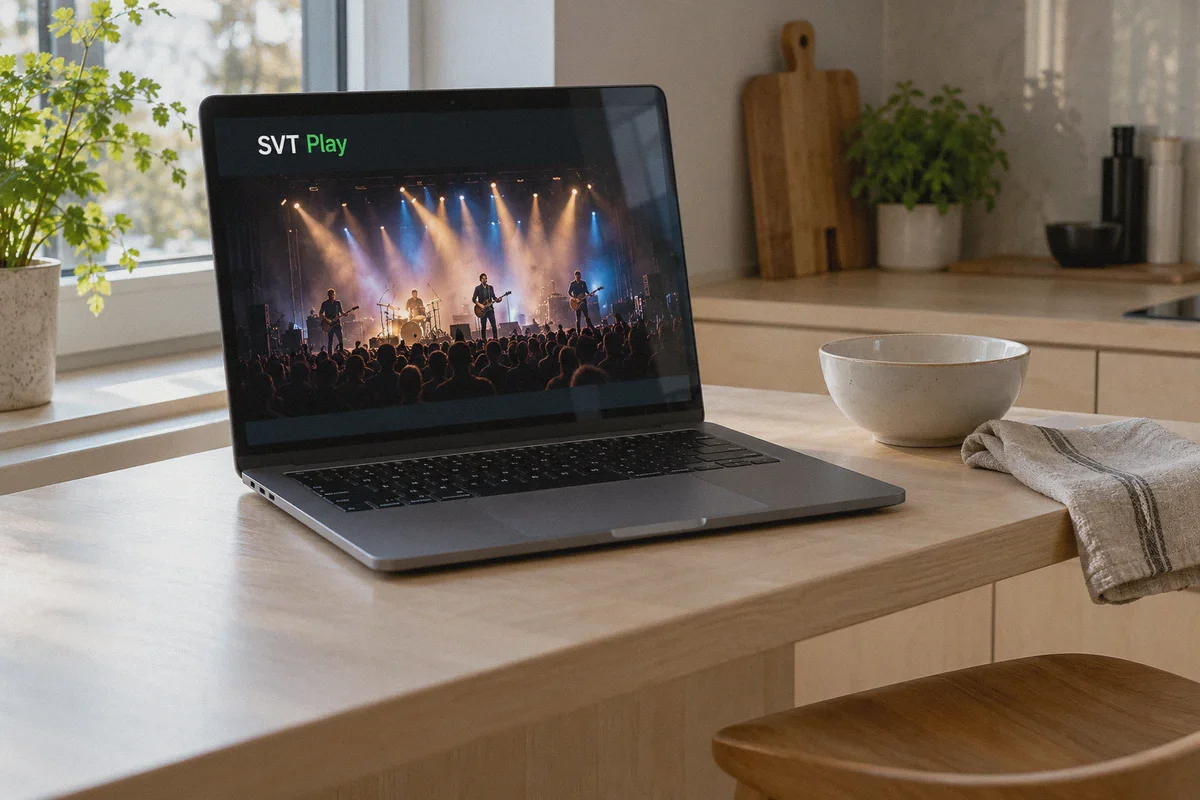
2. SVT Play (Sweden) — The Best Technical Quality & Zero Registration
Sweden treats Eurovision like an Olympic final. SVT produces some of the sharpest, lowest-latency live broadcast feeds in the world.
- Cost: 100% Free.
- Commentary: Swedish (or clean stadium audio tracks).
- Friction level: Non-existent. No account creation, no email verification, no credit cards. You land on the page, hit play, and the stream starts immediately in full 1080p.
- Server location needed: Sweden.
3. VRT MAX (Belgium) or ORF ON (Austria) — Flawless Backup Streams
If a major server route ever experiences a regional internet routing hiccup during peak voting hours, having a continental backup stream is peace of mind. Both Belgian and Austrian public television stream the semi-finals and grand final live for free with minimal geo-filtering.
Why Cheap and Free VPNs Crash During Eurovision
Eurovision is not like watching an on-demand Netflix episode. It is a four-hour continuous live broadcast watched concurrently by tens of millions of people. This presents three specific technical hurdles that kill generic VPN connections:
- The 4-Hour Bandwidth Wall: A crisp 1080p live stream consumes roughly 1.5 GB to 3 GB of data per hour. Free VPNs that cap you at 2 GB or 500 MB per month will cut out right as the voting sequence begins.
- Broadcaster IP Blacklisting: Public broadcasters actively scan incoming traffic for data-center IP addresses during major events. Free VPNs recycle a handful of publicly known server addresses. When thousands of people hit RTÉ or BBC from the same recycled IP at 8:00 PM, the broadcaster issues a blanket block.
- ISP Throttling & Packet Loss: Standard VPN protocols (like legacy OpenVPN) have obvious encryption signatures. When international network exchanges see massive spikes in encrypted UDP traffic on Eurovision night, ISPs frequently throttle those pipes, turning your high-energy pop anthem into an endless buffering wheel.
This is precisely why a dedicated, optimized tool matters on live-event night.
Why OnlyDogs VPN Makes Live-Event Streaming Effortless
If you are a tech enthusiast who loves configuring WireGuard config files and manually pinging individual nodes, you can make almost anything work. But if you just want to sit on your couch, tap a button, and watch the show without troubleshooting server errors, OnlyDogs VPN was built for this exact reality.
Instead of throwing a confusing list of 3,000 raw server names at you, it eliminates the guesswork through several purpose-built features:
1. Dedicated "Streaming" Preset (Zero Guesswork)
When Eurovision is starting, you don't have time to test whether "London Server #48" or "Dublin Server #12" works better. OnlyDogs features built-in Scenario Presets. You tap the Streaming preset, select your destination region (like Ireland or Sweden), and the app automatically provisions an optimized, high-throughput route designed specifically to bypass media geo-blocks.
2. HTTP/3 & Traffic Obfuscation
OnlyDogs VPN utilizes an architecture built around HTTP/3 and proprietary traffic obfuscation. Unlike vanilla VPN protocols whose data packets scream "commercial VPN" to broadcaster firewalls, OnlyDogs blends your connection in with everyday HTTPS web traffic. Broadcaster filters let the stream pass through smoothly, even under peak live-event monitoring.
3. Weak-Network & Handover Recovery
Ever had your phone briefly switch from Wi-Fi to cellular data, causing your live stream to freeze permanently and forcing you to reload the browser? OnlyDogs is engineered with aggressive reconnection recovery. If your home network stumbles or you cast the stream from a mobile device across rooms, it restores the secure tunnel seamlessly without dropping the broadcast buffer.
4. Built-in DNS Ad & Tracker Stripping
Free broadcaster websites often embed heavy third-party tracking scripts, pop-under ads, and bloatware that slow down older laptops and smart TV browsers. OnlyDogs filters these out at the DNS and node level before they load, saving you local device RAM and keeping your video player lightweight.
5. No Forgotten Passwords
You don't need to dig through a password manager when you're in a rush. OnlyDogs uses secure, passwordless email verification codes. You get in, get protected, and get to the stream in under two minutes.
Step-by-Step: How to Watch the Eurovision Live Stream Free (3-Minute Setup)
Follow this order before the show starts to avoid any cached location errors:
Step 1: Get OnlyDogs VPN Ready
Download and install OnlyDogs VPN on your viewing device (supports Windows, macOS, Android, and iOS). Log in and select the Streaming preset.
Step 2: Connect to Your Target Country
- For English commentary: Tap to connect to the Ireland node (to use RTÉ Player).
- For zero-account, ultra-clean Swedish stream: Tap to connect to the Sweden node (to use SVT Play).
Step 3: Open an Incognito / Private Browser Window
Pro Tip: Never skip this step. Broadcasters store tracking cookies that remember your real local timezone and GPS data. Opening an Incognito or Private browsing window ensures the site evaluates only your clean VPN IP.
Step 4: Head to the Official Broadcaster Site
- If connected to Ireland: Open
rte.ie/playerand navigate to the RTÉ One live stream. - If connected to Sweden: Open
svtplay.seand click the Eurovision live banner right on the homepage.
Hit play. You will get the full, official, crystal-clear broadcast with zero subscription fees.
What About Casting to Your TV?
Watching four hours of musical drama on a 13-inch laptop screen works in a pinch, but Eurovision is meant for the big screen. You have two smooth options:
- AirPlay / Chromecast from Mobile: Run OnlyDogs VPN directly on your iPhone or Android phone, open the broadcaster stream in mobile Safari or Chrome, and cast the video feed directly to your Apple TV, Roku, or Chromecast.
- HDMI Cable to TV: If you want zero latency and maximum stability, connect your laptop to your TV with a simple HDMI cord while running OnlyDogs VPN on your desktop. It remains the most bulletproof way to watch with zero buffering jitter.
Don't Wait Until 7:59 PM to Test Your Feed
The biggest mistake Eurovision viewers make every year is waiting until the opening countdown to download a tool, register, and find a working link. Server traffic across all global VPN networks peaks dramatically in the thirty minutes leading up to the Grand Final.
Set up your stream fifteen minutes early, confirm your connection on RTÉ Player or SVT Play, and let the broadcast warm up.
Pick up OnlyDogs VPN, lock in your streaming node, and enjoy Europe’s wildest musical night from anywhere in the world completely free.
Frequently Asked Questions
Which free official broadcasters does the article suggest for Eurovision?
It highlights RTÉ Player in Ireland and SVT Play in Sweden, with VRT MAX in Belgium and ORF ON in Austria mentioned as additional public-broadcaster options.
Why can free VPNs struggle during a live event like Eurovision?
The article points to data caps, heavily shared IP addresses that broadcasters can block, and congestion or packet loss during a long high-demand live stream.
What should I test before the Eurovision broadcast actually starts?
The article recommends choosing the broadcaster and region in advance, opening a fresh browser session, and confirming that the live feed works before peak traffic arrives.