How to Watch the Tour de France Free with a VPN
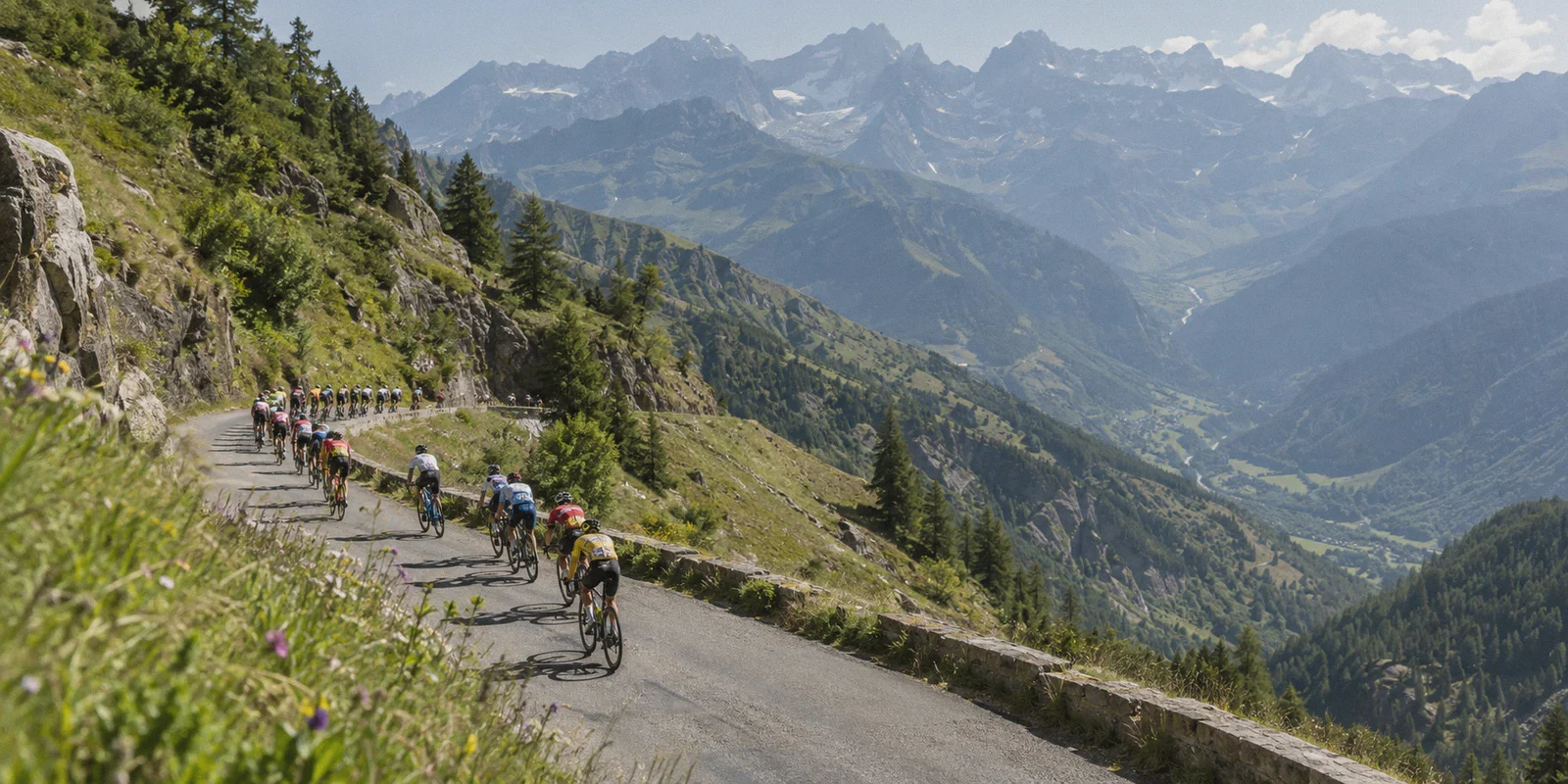
It’s stage 17 of the Tour de France. The peloton has spent four hours grinding under the blistering summer sun, and now Tadej Pogačar and Jonas Vingegaard are trading brutal, seated accelerations on the steep ramps of the Col de la Loze.
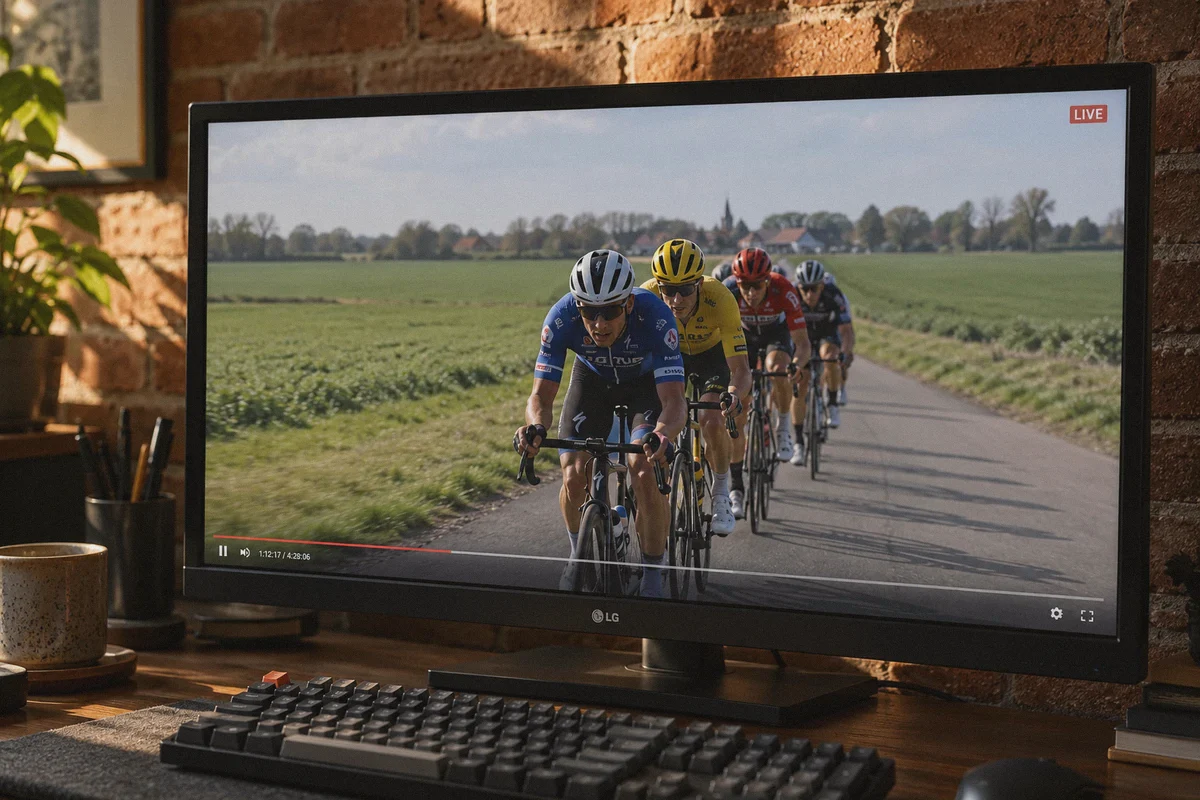
You’ve got the stream running on your second monitor while you work, or on the living room TV with a cold drink in hand.
Suddenly, the screen freezes. A little white circle spins endlessly.
You hit refresh, and instead of seeing who survived the attack, you’re greeted with a polite digital slap in the face:
"This content is not available in your region."
Or worse: "Due to rights restrictions, this broadcast is geo-blocked."
If you live in the US, you’re expected to hand over another monthly subscription fee to Peacock. In the UK, it’s locked behind Discovery+ or TNT Sports. In Canada, FloBikes wants a staggering $150 annual commitment just to watch 21 days of racing in July.
Yet, European and Australian cycling fans have watched every single kilometer of the Tour de France for free for decades. It is legally broadcast on official, free-to-air public television networks in crystal-clear 1080p.
Using a VPN to tune into these free broadcasts sounds like a no-brainer. But if you’ve tried it with a generic, commercially hyped VPN, you already know the dirty secret: a 5-hour cycling stage breaks standard VPNs in ways a 90-minute football match never will.
Here is where the legit free streams live, why endurance sports crash regular VPNs, and how to watch all 21 stages without buffering or spending a dime on paywalls.
Article summary and product fit
How does the article recommend watching free Tour de France broadcasts without a multi-hour stream collapsing mid-stage?
The article points readers to official free-to-air services such as SBS On Demand for English-language coverage and France.tv for French coverage, then focuses on the technical demands of four-to-six-hour streams. It recommends a stable streaming route, a clean browser session, and a setup that can tolerate congestion, packet loss, and broadcaster IP filtering for the duration of a stage.
Key points and limits
- Best for: Cycling fans traveling or living outside a broadcaster’s normal region who want official free-to-air coverage rather than unofficial streaming sites.
- What the article says: Long stages expose problems that short speed tests miss: connection degradation, commercial-IP blocking, and browser overhead can appear hours into continuous playback.
- Preparation: Connect to the intended streaming route before opening the broadcaster, use a clean private browser session, then choose the official feed and leave the route stable during the stage.
- Important limit: Broadcasters still enforce geographic rights and can update IP filtering, while a four-to-six-hour live stream remains dependent on the quality of the viewer’s underlying network.
- Product fit: The article presents OnlyDogs VPN as a fit for endurance sports streaming because of its streaming preset, HTTP/3-based obfuscation, automatic route recovery, tracker filtering, and support across desktop and mobile devices.
Sources already linked in this article: OnlyDogs VPN official website.
The Free, Legal Tour de France Broadcasters
You don't need to visit shady pirate streaming sites loaded with crypto-mining scripts, audio sync lag, and popup ads that hijack your browser. National public networks stream every stage live, legally, and in full HD:
| Broadcaster | Country | Commentary | Stage Coverage | Sign-Up Required? |
|---|---|---|---|---|
| SBS On Demand | Australia | English | Every stage live, start to finish | Free account (any Australian postal code, e.g., 2000) |
| France TV (France 2 & France 3) | France | French | Complete live coverage + helicopter scenery | Free account |
| RTBF Auvio | Belgium | French | Every stage live | Free account (any Belgian postal code, e.g., 1000) |
| ITVX | United Kingdom | English | Daily evening highlights + select live stages | Free account (UK postcode, e.g., SW1A 1AA) |
If you want English commentary, SBS On Demand (Australia) is the undisputed crown jewel. SBS has broadcasted the Tour for over three decades; their coverage includes insightful pre-race analysis, zero paywalls, and expert English commentary.
If you prefer the raw, atmospheric European experience with non-stop helicopter coverage of French châteaux and mountain passes, France.tv streams from kilometer zero right through the podium ceremony.
Why the Tour de France Breaks Regular VPNs
If these streams are free and legal, why do so many cycling fans end up screaming at error screens halfway through a mountain stage?
Watching Grand Tour cycling creates three specific technical challenges that standard VPNs simply aren't built to handle:
1. The 5-Hour Endurance Drain
A typical VPN test on a tech review blog lasts five minutes. But a high-mountain Tour stage lasts between four and six hours.
Legacy VPN protocols like OpenVPN are notorious for accumulating memory bloat and connection latency over long, continuous sessions. Around hour three, your connection speeds quietly degrade. Your 1080p stream drops down to a pixelated 360p slideshow, or disconnects entirely—usually right at the base of the final Hors Catégorie climb.
2. Broadcaster IP Filtering & Blacklists
European and Australian broadcasters are under strict contractual orders from A.S.O. (the Tour’s organizer) to enforce geographic borders.
When thousands of international cycling fans connect to the exact same generic VPN server in Sydney or Paris on race day, the broadcaster's security systems flag that commercial data center IP. The result? You get slapped with a proxy error: "You appear to be using an unblocker or proxy."
3. The "Free Player" Ad-Tracker Bloat
Free public broadcaster websites sustain their servers by serving video pre-rolls and tracking analytics. When you stream via a web browser for hours, these third-party trackers hog memory, triggering video player stutters and browser tab crashes.
Why OnlyDogs VPN Actually Holds Up for All 21 Stages
If legacy VPNs drop out under the weight of long endurance streams, what actually works?
You need a tool engineered for continuous connection stealth and high-bandwidth media routing. That is why OnlyDogs VPN has become a favorite among international sports fans.
1. The "Streaming" Scenario Preset (Zero Configuration)
Most VPN apps throw a list of 80 countries at you and expect you to guess which server isn't throttled: "Is Melbourne 2 blocked? What about Sydney 4?"
OnlyDogs completely eliminates server roulette with Scenario Presets. You open the client and simply tap Streaming.
The app immediately routes your traffic through clean, high-bandwidth corridors optimized specifically for media streaming. These nodes aren't flagged as spammy public proxies, letting you breeze past SBS On Demand and France TV's regional checks on the first try.
2. HTTP/3 & Traffic Obfuscation (The DPI Cloak)
Streaming networks deploy Deep Packet Inspection (DPI) to spot the telltale cryptographic handshakes of standard VPNs like WireGuard or OpenVPN.
OnlyDogs runs on HTTP/3 architecture, sophisticated traffic obfuscation, and proprietary protocol engineering. To broadcaster firewalls, your connection looks like ordinary, everyday HTTPS web traffic over QUIC. Because streaming platforms cannot block regular HTTPS traffic without breaking access for legitimate domestic viewers, your stream stays wide open.
3. Smart Auto-Routing (No Summit Dropouts)
Network routes can experience momentary congestion or packet loss when millions of viewers tune in for the final 10 kilometers.
OnlyDogs features intelligent auto-routing. If an upstream transit line begins experiencing latency spikes or packet loss, the client quietly shifts your traffic to an unchoked corridor in the background. You won't get booted back to a login screen right as the sprint train opens up on the Champs-Élysées.
4. Built-in Ad & Tracker Filtering
SBS and France TV web players are packed with background tracking pixels and analytics scripts. OnlyDogs features integrated DNS and node-level filtering that strips out intrusive ads and background clutter, keeping your browser light and your video frame rate buttery smooth.
5. Multi-Device Freedom (No Password Headaches)
Start watching Stage 14 on your desktop work computer, switch to your iPad in the kitchen while making lunch, and finish the stage on your iPhone in the backyard. OnlyDogs runs cleanly across Windows, macOS, iOS, and Android.
Plus, there are no complicated passwords to remember—you log in seamlessly with one-time email verification codes.
Your 4-Step Race Day Playbook
Here is the exact setup to get the Tour de France running in crisp, uninterrupted HD before the breakaway forms:
- Get OnlyDogs VPN: Head to onlydogsvpn.com, download the lightweight app for your device, and sign in with your email verification code.
- Select the "Streaming" Preset: Tap the Streaming scenario button to let the auto-routing engine handle speed and protocol camouflage.
- Open an Incognito / Private Browser Window: This clears any old cookies that might still tell the site you're located outside their broadcast zone.
- Choose Your Feed:
- For English commentary: Head to sbs.com.au/ondemand, create a free account with any Australian postal code (like
2000for Sydney), and click on the Tour de France live hub. - For French coverage: Head to france.tv/sport, register a free account, and click into the France 2/France 3 live broadcast.
- Sit Back & Enjoy: Full 1080p HD, professional race commentary, zero buffering, and not a single dollar wasted on cable sports bundles.
Stop Paying the Annual Cycling Tax
Grand Tour cycling is one of the most grueling, beautiful spectacles in global sports. Forcing fans into expensive $150 annual subscriptions just to watch a three-week race is an outdated broadcast model that deserves to be bypassed.
The official, free public streams are out there waiting for you. You don't need an IT degree to unlock them—you just need a connection that stays fast, stealthy, and stable for hours on end.
👉 Try OnlyDogs VPN before the next stage rolls out, and enjoy every attack, descent, and sprint finish in pure HD all July long.
Frequently Asked Questions
Which free Tour de France broadcasters does the article recommend?
It highlights SBS On Demand in Australia for English-language coverage and France.tv in France for local public-broadcast coverage, describing both as official free-to-air options rather than unofficial stream sites.
Why can a five-hour Tour de France stage be harder on a VPN than a shorter match?
The article says extended sessions can reveal connection degradation, congestion, packet loss, and browser overhead that may not appear in a short speed test. A route that looks fine for a few minutes can become unstable several hours later.
Why can an official free broadcaster still reject a VPN connection?
The article points to geographic rights enforcement and commercial-IP filtering. If many viewers use the same recognizable datacenter address, the broadcaster can treat that exit IP as a proxy and block playback.
What is the article’s basic race-day setup?
It recommends establishing the streaming route first, opening an Incognito or Private browser window, choosing the official broadcaster feed, and keeping the connection stable for the whole stage instead of repeatedly switching servers.