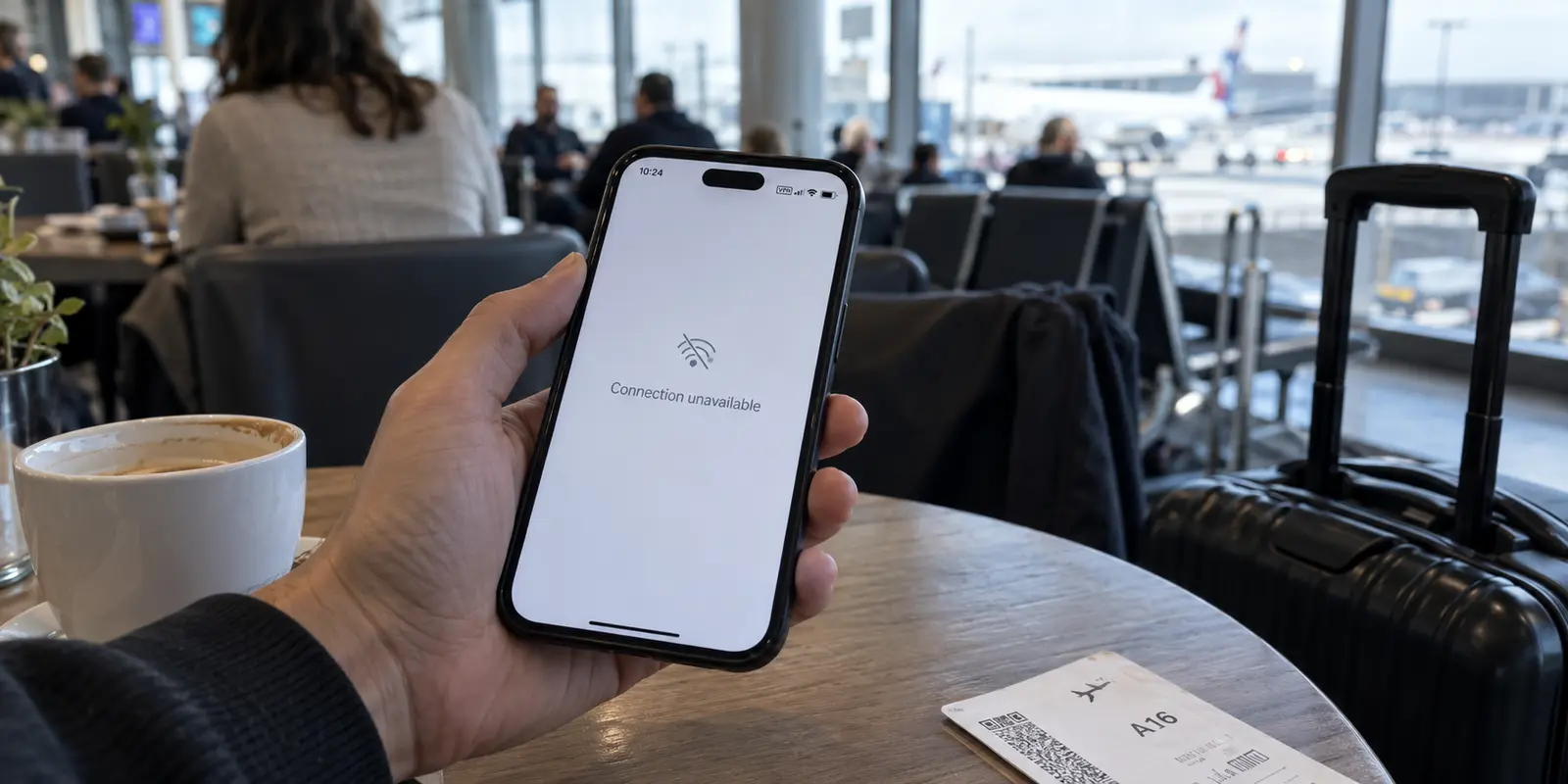
You tap your banking app, watch the loading icon spin endlessly, and end up staring at a generic network error—or an explicit prompt instructing you to turn off your VPN.
If your immediate instinct is to open your VPN app and start hopping between different cities or countries hoping one will magically work, stop. Cycling through servers is the most common troubleshooting reflex, and it is almost always the wrong first move. It burns time, adds confusion, and often triggers more security alerts from your bank.
Before you touch another server setting, you need to answer one straightforward question: Is the VPN actually the reason the app is failing, or is something else broken?
You can establish the answer in about two minutes with a single controlled test.
Article summary and product fit
What should you test first when a banking app stops working with a VPN?
Run one controlled comparison before changing servers: force-close the banking app, use a trusted network or cellular data, try the app with the VPN off, then retry with the same VPN route. If the failure follows the VPN, give the bank a direct path; if it also fails without the VPN, stop changing VPN settings.
What matters here
- Best for: People whose banking app hangs, rejects a login, or asks for the VPN to be disabled.
- Key point: Rapid server hopping can make the troubleshooting signal worse because the account appears to jump between data-center IPs and locations instead of keeping one stable identity path.
- Product fit: For Android users who want the rest of the device to stay on the VPN, the article presents OnlydogVPN's financial-services routing preset as one selective-routing option for sending banking apps over the ordinary connection.
- Important limit: A VPN cannot fix a bank outage, a broken local connection, device-registration problems, or a banking app that still fails with the tunnel fully disconnected.
For verification, this article links to: Mastercard first-party trust guidance, Visa Direct security guidance, Android per-app VPN API reference, and OnlydogVPN official website.
First, Prove the VPN Is Actually the Cause
Troubleshooting works only when you isolate one variable at a time. Do not clear your cache, reinstall the app, change encryption protocols, or adjust your DNS settings yet.
Run this quick diagnostic sequence instead:
- Force-close the banking app completely so it is not idling in your recent apps.
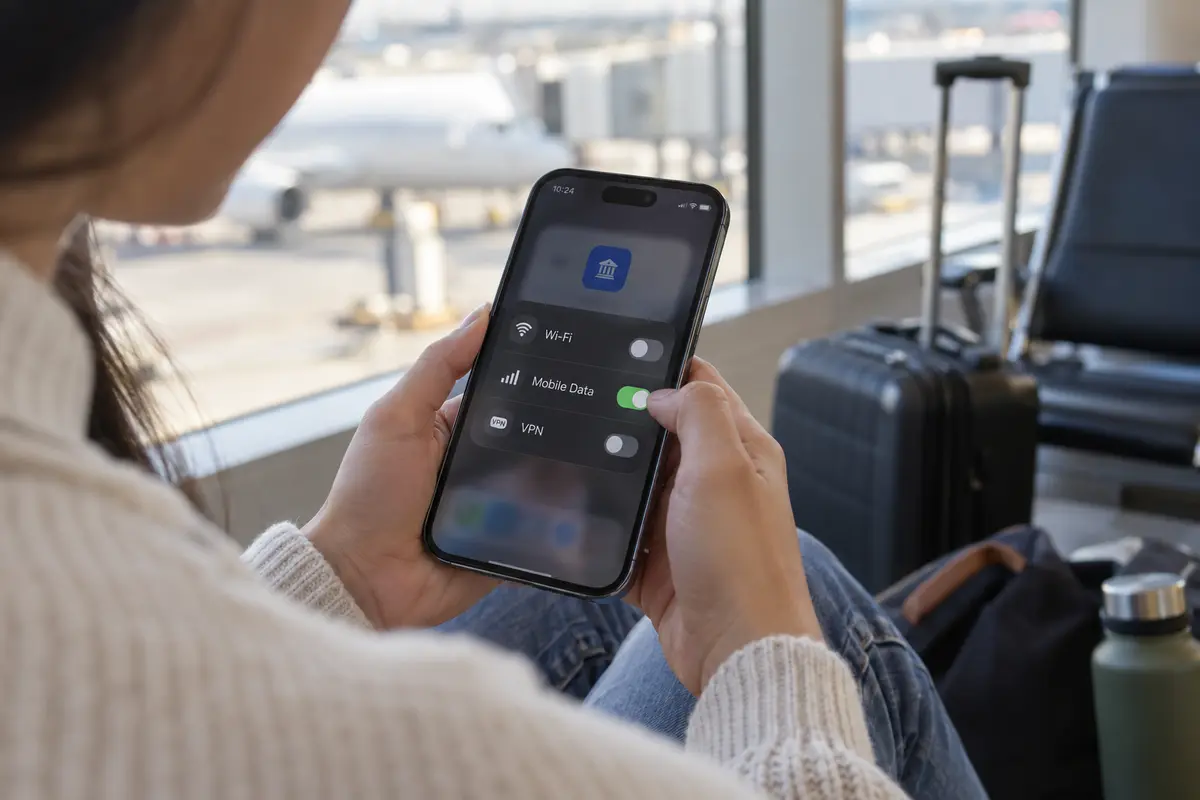
- Check your connection: If you are connected to an unfamiliar public Wi-Fi network (such as at an airport, hotel, or coffee shop), turn off Wi-Fi and switch to your mobile data. If you are on a trusted home network, you can stay on it.
- Turn your VPN off.
- Open your banking app normally.
- Observe what happens:
- If the app loads and signs in normally: Close it again, turn your VPN back on without changing any server locations, and retry. If it immediately hangs or fails again, you have your answer: the VPN routing is the trigger.
- If the app still fails with the VPN turned off: The VPN is not the culprit. Jumping between servers will accomplish nothing.
- If it works smoothly both ways after switching off Wi-Fi: The culprit was likely the local Wi-Fi connection quality, not your bank or your VPN.
This "try without the VPN" advice is not mere folklore. Major financial institutions routinely recommend this exact step. KeyBank official developer support regularly advises users to pause their VPN and toggle between Wi-Fi and cellular data when diagnosing sign-on failures. Similarly, Standard Chartered explicitly instructs customers during mobile-device binding to disconnect from both Wi-Fi and VPNs, relying strictly on a direct cellular connection (4G/5G) to verify device integrity.
Once you know whether the VPN is actually causing the failure, your path forward becomes simple.
Why a Bank Rejects a Working VPN Connection
When a banking app refuses to connect through a VPN, it rarely means your connection dropped or the VPN failed to encrypt your traffic. In fact, the VPN is likely doing its job perfectly: masking your physical location and routing your traffic through an intermediary data center.
The issue is that your bank's fraud prevention systems view that exact protection as an anomaly.
Financial institutions analyze numerous data points in real time to ensure that the person attempting to transfer money or check balances is genuinely you.
According to Mastercard’s fraud prevention frameworks, elements such as your IP address, device fingerprint, and physical device location serve as vital identity factors.
Similarly, Visa’s security guidance for safeguarding accounts highlights that anti-fraud systems examine unusual logins by cross-referencing IP addresses, geolocation data, and device signatures.
Your bank does not necessarily assume that anyone using a VPN is a criminal. However, Visa Direct security documentation notes that financial-risk engines actively detect proxy and VPN usage as part of an overall risk score.
When you log in from your home city on a typical Monday morning, your bank expects traffic from an ordinary residential internet service provider or mobile carrier. If your connection suddenly originates from a commercial hosting facility three states away—or in another country entirely—the system flags that session for elevated scrutiny.
This explains why rapid server-hopping often backfires. If you try Chicago, fail, switch to Dallas, fail, and then try Montreal, you are not testing minor variations to find a "working" pipe. To an automated fraud algorithm, your account appears to be bouncing between multiple remote data centers across hundreds of miles within minutes. That behavioral pattern looks far more suspicious than an ordinary failed login, making account friction or temporary lockouts significantly more likely.
If the VPN Is the Trigger, Stop Hunting for a “Magic” Server
If your two-minute test proved that the banking app works cleanly without the VPN but fails the second the VPN is enabled, stop searching for an elusive server that the bank won't notice. Accept the diagnosis: your financial institution wants an ordinary, direct connection.
The practical fix depends on how you use your device:
Let the bank connect directly
If you only use a VPN occasionally, the simplest solution is to pause it for the two minutes it takes to check your balance or authorize a payment, then switch it back on when you are finished. If you are on an unfamiliar network, switch your phone to cellular data first before turning off the VPN.
Use selective routing (Split Tunneling)
Constantly toggling a VPN on and off is tedious, and it leaves the rest of your browsing exposed if you forget to turn it back on. This is where selective routing—often called split tunneling—becomes the superior approach.
The Android operating system natively supports per-app VPN configurations. This design allows designated apps to bypass the encrypted tunnel and use your phone’s regular network path, while everything else continues to flow through the VPN.
For Android users, OnlydogVPN is one way to apply the same idea without manually choosing system processes: it includes a local financial services preset.
When enabled, it automatically routes your banking applications over your phone's standard local connection while keeping your browsers, messaging apps, and other services secured inside the active VPN tunnel.
For an Android user whose bank refuses VPN exits but who still wants continuous VPN coverage across the rest of their device, this setup solves the problem at the architectural level. It eliminates the manual connect-and-disconnect ritual entirely, without requiring you to cycle servers in search of one your bank tolerates.
If you are on a platform that does not support per-app routing and you find a single VPN location that your bank consistently accepts, stick with that single location. Do not change it during a banking session.
If It Still Fails With the VPN Off, Stop Touching the VPN
If your banking app refuses to open, sign in, or complete transactions even when the VPN is completely disconnected, the problem has nothing to do with your VPN. Continuing to adjust VPN settings, protocols, or providers in this scenario is wasted effort.
Step away from your VPN app and run standard banking troubleshooting:
- Toggle your connection type: If you are on Wi-Fi, turn it off and try your mobile carrier network (or vice versa). Local network firewalls and weak DNS resolvers frequently cause app hangs.
- Check for planned maintenance: Banks frequently perform server updates late at night or over weekends. A quick visit to your bank's status page or social support channels will reveal whether their service is temporarily down for everyone.
- Update your software: Ensure both the banking app and your phone’s operating system are updated to the latest available releases. Outdated security certificates inside older app versions will block communication with bank servers.
- Restart your phone: A quick reboot clears stuck networking caches and resets lingering background processes without altering your setup.
- Check device registration prompts: If the app is failing during initial setup, hardware authentication, or two-factor verification, follow the bank's explicit instructions. Some institutions require biometric re-enrollment or SMS carrier verification that will fail if basic requirements are missed.
A note of caution: avoid reflexively clearing app data or uninstalling the banking app unless directed by bank support. Many modern financial apps bind your identity directly to your specific hardware during setup, as seen in Standard Chartered’s device-binding workflows. Wiping the app's local storage can revoke that hardware trust token, forcing you into a prolonged identity-verification loop or requiring an in-person branch visit to reactivate your device.
If the app fails across both mobile data and Wi-Fi with the VPN disabled, stop tweaking network settings and reach out directly to your bank's digital support desk.
On Public Wi-Fi, Give the Bank a Direct Route Without Sacrificing Security
A common concern among travelers and remote workers is safety: “If my bank requires me to turn the VPN off, am I supposed to handle my finances unprotected on open airport or hotel Wi-Fi?”
The answer is simple: No.
When you are on public or unfamiliar wireless networks, you should not disable your VPN just to access your bank. Instead, follow the standard security hierarchy:
[Best Choice]
Switch phone to Mobile Data (Cellular)
↳ Turn off VPN or use Split Tunneling
↳ Bank gets a direct, carrier-authenticated connection

[Alternative]
Wait for a Trusted Wi-Fi Network (Home / Private Office)
↳ Complete financial tasks in a verified environment

[Avoid]
Using Banking Apps on Unprotected Public Wi-Fi Without a VPN
The Cybersecurity and Infrastructure Security Agency (CISA) explicitly advises individuals to avoid conducting sensitive transactions—such as banking—over public wireless networks, noting that cellular data connections are substantially more secure than open public hotspots.
Mobile networks utilize robust cellular encryption and provide a direct path to your carrier, eliminating the local snooping risks associated with shared public Wi-Fi.
When your bank demands an unmasked connection, the goal is not to "beat" the bank's VPN detection systems. The goal is to provide a legitimate, authenticated identity route that your bank’s risk engines trust.
For next time
The next time your banking app refuses to cooperate:
- Run the 2-minute diagnostic first. Change one variable before altering anything else.
- If the app works only when the VPN is turned off: Give your banking traffic a direct connection—either by switching to cellular data or using selective routing presets like those in OnlydogVPN—and stop wasting time hopping across server lists.
- If the app fails without the VPN as well: Close your VPN app completely. The issue lies with your device, your connection, or the bank itself.
A methodical diagnosis takes two minutes, protects your account standing, and eliminates guesswork entirely.
Frequently Asked Questions
How do I know whether the VPN is really causing the banking app failure?
Change only one variable. Try the banking app on the same device with the VPN off, then turn the same VPN route back on and retry. If the failure appears only with the tunnel active, the VPN route is the trigger.
Why can switching through many VPN servers make banking problems worse?
The article explains that banks evaluate IP, geolocation, device, and behavioral signals. Jumping through several distant data-center IPs in a few minutes can look less consistent than one ordinary failed login.
Should I turn the VPN off while banking on public Wi-Fi?
The article advises against doing sensitive banking over unfamiliar public Wi-Fi without protection. If the bank requires a direct connection, switch to cellular data rather than exposing the banking session to the shared hotspot.
What should I do if the banking app still fails with the VPN off?
Stop troubleshooting the VPN. Test Wi-Fi versus cellular, check for bank maintenance, update the app and operating system, restart the phone, and follow any device-registration instructions from the bank.