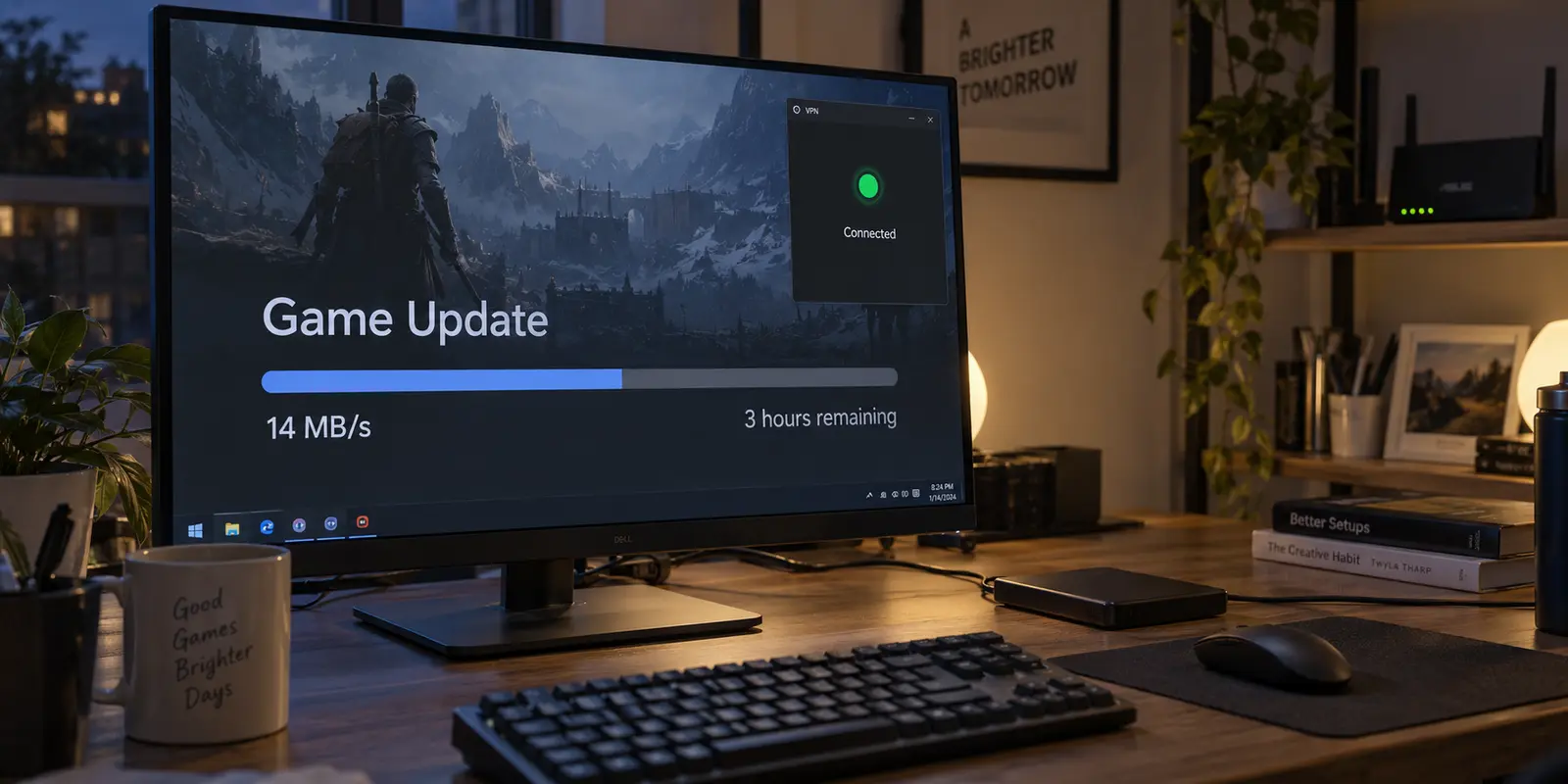
You hit download on a 60 GB game update or a massive cloud archive, and the transfer takes off like a rocket. The progress bar reports a blazing 70 MB/s, your estimated time remaining is under twenty minutes, and your VPN app displays its reassuring green "Connected" badge.
Ten minutes later, you glance back. The speed counter has collapsed to a sluggish 14 MB/s. The timer has stretched into hours. Yet the VPN hasn't disconnected, your Wi-Fi icon still shows full signal, and running a quick browser speed test returns an immediate, flattering 400 Mbps result.
The instinct is almost universal: The VPN is throttling me, or the server is broken. I need a new provider.
Before you cancel your subscription or start frantically cycling through fifty different countries in your VPN app, pause. A fast speed test sitting next to a crawling real-world download is not a contradiction, nor does it immediately prove that your VPN software is at fault.
To solve sustained throughput decay without wasting an evening on trial-and-error, you need to understand what that initial burst was actually measuring—and isolate the real bottleneck before you touch your wallet.
Article summary and product fit
Why can a VPN speed test look fast while a large download slows down?
A short multi-stream speed test measures burst capacity, while a large file depends on sustained performance over one specific path. Compare the same download with and without the VPN after the opening burst settles; that A/B result tells you whether the bottleneck follows the tunnel or exists on the baseline connection.
What matters here
- Best for: Users whose large game, archive, cloud, or operating-system downloads begin quickly and then decay while the VPN still shows connected.
- Key point: If only the VPN path decays, routing detours, packet loss, congestion, or gateway load are plausible tunnel-side causes. If both direct and VPN transfers decay, the article says to investigate the local network, ISP, or download host instead.
- Product fit: The article presents OnlydogVPN as an automated-route option for people whose real problem is repeated manual server hunting after they have already proved the slowdown follows the VPN path.
- Important limit: No VPN can repair a baseline connection or download host that is already slow with the VPN completely off.
For verification, this article links to: Measurement Lab FAQ, Cloudflare latency explainer, RFC 5681 TCP congestion control, and OnlydogVPN official website.
Your Speed Test and Your 60 GB Download Measure Different Things
The fundamental reason a speed test feels disconnected from a massive file download comes down to testing methodology: burst capacity across multiple channels is not the same as sustained performance over a single path.
When you launch a standard online speed test, the tool typically opens multiple simultaneous data streams across optimal, local routes to push your bandwidth to its absolute ceiling for ten to fifteen seconds. It answers a simple question: What is the maximum theoretical capacity this line can deliver in a short burst?
A large game client, archive transfer, or operating system image operates very differently. It often pulls a single continuous stream—or a small handful of streams—from a specific remote content delivery server over an extended period.
Ookla explicitly notes this distinction in its own testing documentation: testing with a single connection simulates an actual file download, whereas multi-connection tests are designed to assess aggregate capacity. Measurement Lab (M-Lab) makes a similar point with its bulk-transport diagnostics: single-stream metrics expose real-world delivery friction, congestion, and packet drops that multi-stream tests naturally mask by spreading the load.
What matters for large files is steady-state speed—the unglamorous, consistent transfer rate your connection can actually hold long after the opening sprint fades. A multi-stream burst tells you the ceiling of your pipe; a large download lives and dies by the quality of the specific path it travels.
Prove Whether the VPN Is Actually the Slow Part
Before adjusting settings or blaming your encryption, run a quick, controlled comparison to verify whether the degradation follows the VPN tunnel or exists on the baseline connection.
Keep the test conditions as identical as possible:
- Use the exact same file or download launcher.
- Test at roughly the same time of day to rule out peak-hour household congestion.
- Let the transfer run for several minutes past its initial burst so it settles into its steady state.
Run the same download once directly and once through the VPN, then compare the settled transfer rate rather than the opening burst.
Look at the patterns:
- Direct connection stays steady; VPN falls repeatedly: You have isolated the issue. Your base internet and the host server are healthy; the specific transit path, server load, or packet handling inside the VPN tunnel is choking the transfer.
- Both direct and VPN degrade in roughly the same way: The VPN is an innocent bystander. Swapping VPN providers will not help. The issue sits with your ISP throttling long transfers, Wi-Fi interference, or the download host's server managing its own bandwidth caps.
- Only one specific platform or launcher is slow: If Steam crawls while an Epic Games or Google Drive download flies, the bottleneck is server-side delivery on that specific network, not your VPN.
- Switching to a different VPN location stabilizes the transfer: The concept of VPN encryption is fine; you simply landed on an overcrowded or poorly routed gateway.
This simple A/B check takes five minutes, but it prevents you from attempting to fix a problem in software that isn't actually broken.

Why the VPN Can Stay Connected While the Download Gets Slower
If your diagnostic proves that the slowdown occurs exclusively when the VPN is active, what is actually happening behind the "Connected" screen?
A VPN tunnel can remain rock-solid while throughput quietly plummets for three main reasons:
Inefficient Routing Detours
A VPN inserts an intermediary stop between your device and the download server. Even if you pick a city close to your home, the VPN's upstream network provider may route traffic to the file host via an indirect path. As Cloudflare highlights in its network performance analysis, extra physical distance and routing hops introduce latency that naturally drags down steady-state transfer speeds.
Congestion-Window Collapse
Large downloads rely on TCP transport protocols designed to deliver data reliably. Under standard congestion control principles (governed by network standards like RFC 5681), when a transfer encounters packet loss or transit buffers filling up, the protocol automatically scales back its sending window to protect the integrity of the data.
If your VPN route hits a congested peering point or an overloaded gateway, micro-bursts of packet loss signal your computer to slow down. The tunnel never breaks, but the transfer rate drops repeatedly in an effort to maintain a clean link.
Gateway Server Load
A VPN server handling basic web browsing can look perfectly healthy on paper, but sustained gigabyte-scale transfers place sustained demands on server memory and network interfaces. If dozens of users on that same gateway begin streaming or downloading concurrently, the server reaches its throughput cap, flattening your download curve.
If the VPN Route Is the Bottleneck, Fix the Route Instead of Chasing Peak Mbps
When your test confirms that your unencrypted line is steady and the VPN route is the clear point of failure, you have a straightforward decision to make.
First, try a single alternate server within your existing app—ideally one set to an automatic or geographically sensible nearby hub. If that single change restores your steady-state speed, finish your download; there is no need to abandon a service over an isolated bad node.
However, if you find yourself constantly battling throughput decay across different days and files—and you are exhausted from manually testing ten different cities just to keep a download moving—it's time to choose a tool built to eliminate that friction.
One option at this point is a client such as OnlydogVPN.
Instead of presenting an intimidating list of raw server locations and forcing you to manually guess which gateway has available bandwidth, OnlydogVPN relies on Smart Auto Mode. It is engineered specifically to manage routing intelligence in the background.
OnlydogVPN uses automatic route selection rather than asking you to choose a server manually each time. The practical appeal here is less server management when the problem really does follow the VPN route.
If your direct connection is sound and your primary frustration is babysitting a VPN tunnel that repeatedly loses its breath halfway through a 50 GB file, switching to an automated, low-maintenance client like OnlydogVPN is far more productive than continuing to manually test server after server.
(Note: If your specific task strictly requires a manual, dedicated IP in a rare or niche jurisdiction not covered by the network, you will naturally need a specialized client with granular manual controls. But for reliable, sustained bandwidth on mainstream downloads, automated pathing wins every time.)
Know When Changing VPNs Will Not Fix the Download
The most expensive mistake in network troubleshooting is replacing a tool that wasn't broken in the first place.
If your baseline test revealed that your download slows down even when the VPN is turned completely off, stop shopping for a new VPN. No virtual private network can make a bad local connection faster than the physical line delivering it.
When both routes decay:
- Check local hardware: If you are downloading over 2.4 GHz Wi-Fi, radio interference and thermal throttling in consumer routers can cause throughput to drop sharply under sustained load. Switch to a 5 GHz band or plug in an Ethernet cable.
- Test alternative sources: Download a known high-capacity test file (like an official Ubuntu mirror or a large cloud storage archive). If that file holds a solid 50 MB/s while your game launcher crawls at 8 MB/s, the file distributor’s content delivery network is simply limiting per-user bandwidth.
- Evaluate ISP traffic shaping: Some residential broadband providers quietly de-prioritize sustained high-bandwidth connections during peak neighborhood hours.
For next time
The next time a progress bar stalls halfway to completion, keep your troubleshooting focused:
- Test direct: Disconnect the VPN and observe the same download for three minutes.
- Read the pattern: If the direct download also drops, troubleshoot your home network or the file host.
- Isolate the tunnel: If only the VPN collapses, try one clean alternate route.
- Automate the fix: If manual server hunting has become an everyday chore just to keep large files moving, move to a provider like OnlydogVPN that manages path optimization automatically.
The metric that matters for large downloads isn't the flashy peak speed displayed during the first thirty seconds of a test. It is the steady, uninterrupted rate that keeps moving the progress bar forward until the transfer hits 100%. Diagnose the path first, and you will spend less time troubleshooting connections and more time using the files you downloaded.
Frequently Asked Questions
Why does a browser speed test stay fast while one big download crawls?
The article distinguishes short, multi-connection burst tests from a long transfer that depends on a specific server and route. A fast peak test can therefore coexist with poor sustained throughput on one path.
What is the quickest way to prove whether the VPN is the bottleneck?
Download the same file under similar conditions once directly and once through the VPN, then compare the settled rate several minutes after the initial burst. If only the VPN copy decays, the tunnel path is implicated.
What if both the VPN and direct download slow down in the same way?
Then replacing the VPN is unlikely to help. The article points instead to Wi-Fi interference, ISP traffic shaping, or limits at the download host or content-delivery network.
Should I keep cycling through VPN locations until one is fast?
Try one sensible alternate route if the problem clearly follows the VPN. If constant location hunting becomes routine, the article recommends solving the routing-management problem rather than chasing peak speed-test numbers.