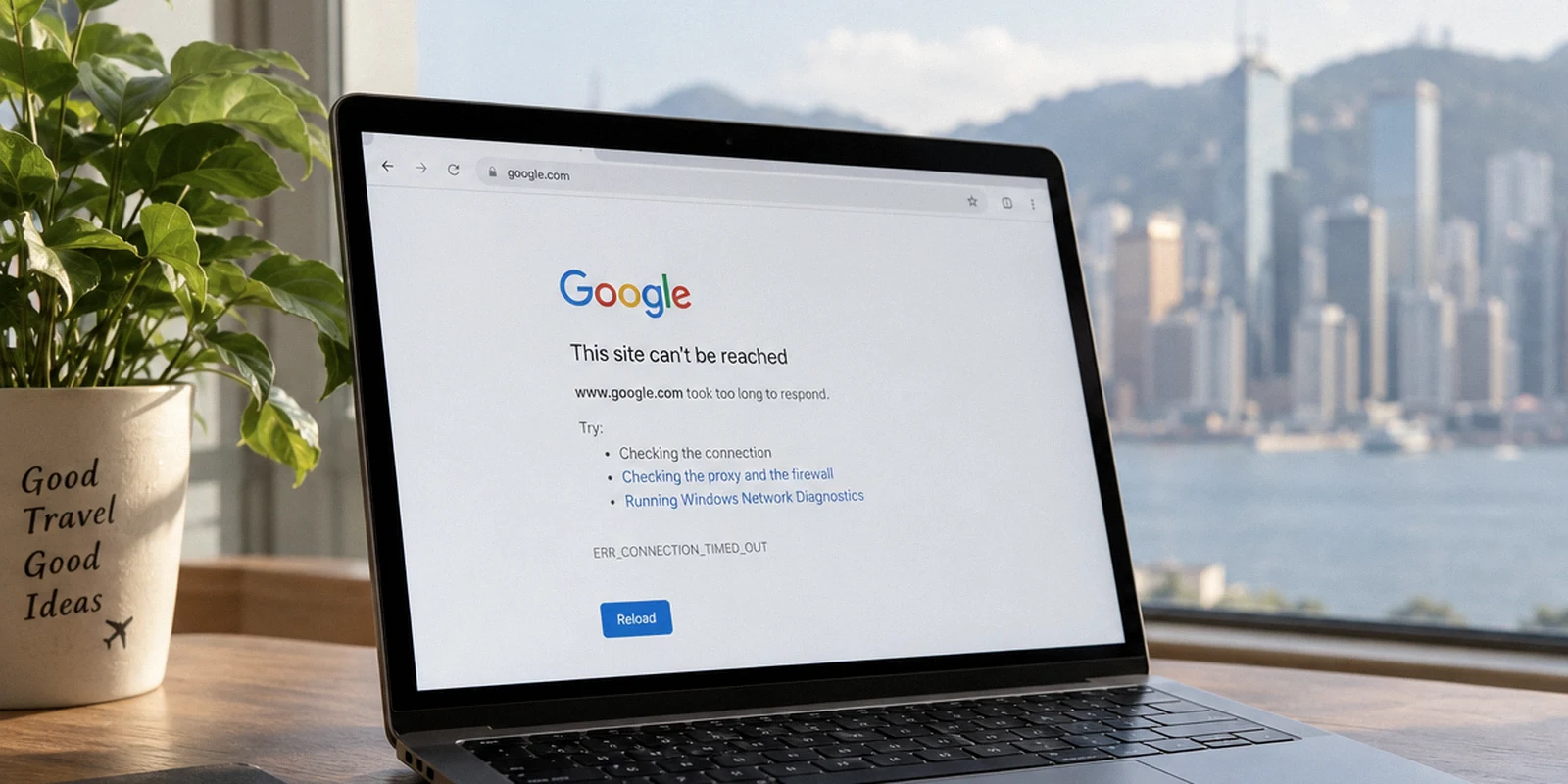
You sit down at a desk in Tehran, open your browser, and type in your VPN provider’s address to check your account or grab an update. The page hangs, stalls, and finally returns a connection timeout.
Your immediate instinct is predictable: assume the entire service is dead, reach for your phone or laptop, and prepare to uninstall the client so you can start hunting for an alternative download link.
Don’t delete that app.
An unreachable provider homepage is one of the most misunderstood failure signals in restricted network environments. It feels like a catastrophic shutdown of your service, but more often than not, it is a superficial barrier.
Deleting a verified client in an attempt to recover access can destroy the single functional tool you have left on your machine. Worse, panic-searching for mirrors and alternative installers replaces what was merely an access inconvenience with a dangerous software-security vulnerability.
Before you make an irreversible move, take a breath. A blocked website, a blocked VPN protocol, and a broader international network blackout are three fundamentally distinct events—and treating them as the same problem is how people get locked out completely.
Article summary and product fit
If a VPN provider’s website is blocked in Tehran, should you uninstall the app or download a mirror?
No. A blocked provider website does not prove that the installed VPN tunnel is dead. Preserve the verified client, test whether ordinary domestic and international traffic still works, test the installed app against the real service you need, and compare Wi-Fi with mobile data before changing software. Avoid random mirrors and unverified installers.
What matters here
- Best for: People already in Tehran or another restricted network environment who still have a verified VPN client installed.
- Key point: The public website, account systems, and tunnel infrastructure can be filtered separately, so homepage reachability is not a reliable health check for the installed client.
- Safer recovery: Keep the known-good app, test the actual task, switch the physical network once, and prefer official app distribution or signed software if reinstallation is truly necessary.
- Important limit: If international transit is effectively unavailable, an ordinary consumer VPN cannot create an external route that no longer exists.
Sources already cited in this article: For software integrity, the article cites Apple Gatekeeper and Microsoft Defender SmartScreen; it also links to Freedom House’s Iran internet-freedom report for the regulatory context.
Product fit: OnlydogVPN is relevant here as a client designed to reduce manual intervention and use obfuscated HTTP/3-based transport when an external path still exists. The article explicitly limits that fit: no VPN can solve a complete loss of international transit. OnlydogVPN official website.
The Website Being Blocked Does Not Mean the VPN Is Dead
A commercial VPN provider operates several distinct pieces of infrastructure that ordinary users naturally lump into a single bucket. There is the public-facing marketing and support website, the account authentication backend, and the distributed routing nodes that handle your actual encrypted tunnel.
In heavily filtered environments like Iran, regulatory and network authorities frequently target these layers separately. A provider’s public domain is an easy, static target for DNS tampering or HTTP-level blocks. The actual underlying connection infrastructure, however, often uses entirely separate IP ranges, routing paths, and protocols.
A blocked sales or support website does not prove that the installed tunnel is dead.
If your VPN client is already sitting on your device:
- Do not uninstall it.
- Do not clear its local application cache or wipe your saved configurations.
- Launch the application directly from your system tray or home screen.
- Attempt to connect and check whether your actual target service—your email, your team chat, or a news portal—becomes accessible.
The reverse can also happen: a provider's website might load smoothly while its standard handshake traffic is identified and throttled at the network level. But the critical takeaway for anyone already on the ground is simple: never use the availability of a marketing website to judge the health of software already running on your hardware.
Before You Download Anything, Find Out What Still Works
Rather than guessing what went wrong, run a quick four-step reality check. You do not need to open a terminal, run traceroutes, or inspect DNS records. You only need to observe where the connection boundary actually sits.
┌──────────────────────────────┐
                    │      START DIAGNOSTIC        │
                    └──────────────┬───────────────┘
                                   │
                 Is a local domestic service reachable?
                                   │
                  ┌────────────────┴────────────────┐
                 YES                                NO
                  │                                 │
     Is standard international                     Local network/power
       traffic moving at all?                     is down entirely.
                  │
          ┌───────┴───────┐
         YES              NO
          │               │
Does your installed   Broad international filtering
 VPN app connect?    in effect. (A new installer
          │           won't solve this.)
    ┌─────┴─────┐
   YES          NO
    │           │
[Case 1]     [Case 2]
Website-only  Protocol/carrier
filtering.   block. Switch Wi-Fi
Keep app!    ⇄ Cellular to verify.
- Test a domestic platform. Open an Iranian service or banking portal that typically operates within the national network. If that fails, your immediate physical connection, router, or local ISP is down.
- Test an unrelated international site. Try loading a standard, general-purpose international website—not your VPN provider’s domain. If ordinary global websites load, your internet path is open, and only the VPN provider’s specific web domain has been selectively filtered.
- Launch the installed VPN client and test a real task. Never rely solely on a green checkmark or a “Connected” status badge in the app. Open the specific messaging service, work portal, or application you actually need. If your messages send, your tool is working fine—regardless of what your web browser said about the provider's homepage.
- Swap your physical network. If the VPN fails to connect on your hotel or residential Wi-Fi, disconnect and test it over mobile data (or vice versa). Network filters are frequently applied unevenly across different local carriers and transit providers.
If your check reveals that international connectivity itself has ground to a near-total halt—a pattern observed during significant network disruptions in Iran—stop searching for software fixes. An ordinary VPN still relies on an underlying route out of the country to establish its session. If external transit is effectively severed, no substitute installer will manufacture an outside connection out of thin air.
The Most Dangerous Download May Be the One That Opens
When an official homepage is unreachable, the temptation to take shortcuts is intense. Users turn to search engines, public forums, Telegram channels, and unauthorized mirror links, hunting for an APK, an .exe, or a .dmg that promises an easy install.
This impulse introduces a severe security risk. Reachability is not an indicator of authenticity.
In an active censorship environment, an unofficial download page or forwarded archive is often reachable precisely because it is unverified, unrecognized, and unmonitored. When you bypass official channels, you strip away the verification mechanisms that keep malicious software off your machine. You risk installing a repackaged binary that might harvest credentials, compromise private keys, or route your sensitive data through untrusted third parties.
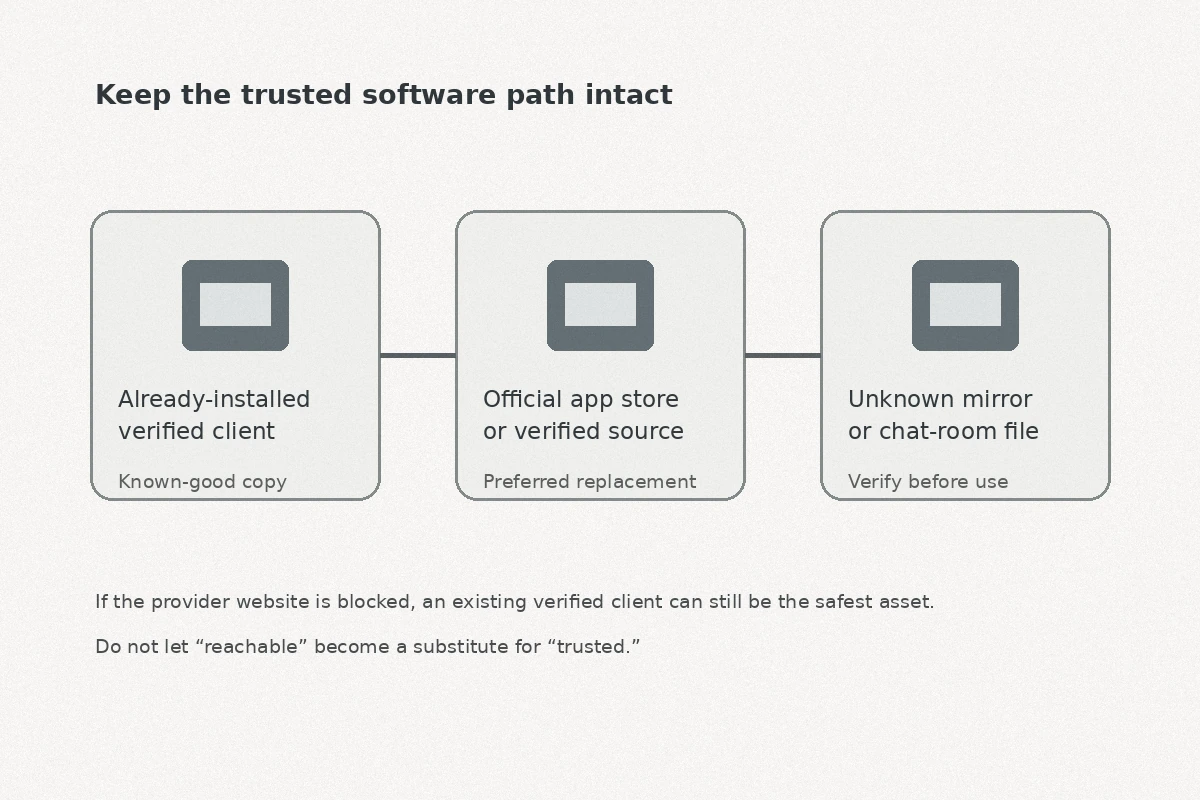
If you genuinely must acquire or reinstall software while under network constraints, maintain a strict verification hierarchy:
- Prioritize the verified software already in place. Preserving a working, authentic client is infinitely safer than swapping it for an unknown binary.
- Rely on native app store distribution where reachable. If the platform’s official operating system storefront is accessible, use it. These channels enforce basic cryptographic signatures and publisher identity checks.
- Never disable operating system security prompts. Platforms rely on protections like macOS Gatekeeper or Windows SmartScreen to verify that an installer has been legitimately signed by an identified developer and hasn't been tampered with. If an emergency installer forces you to bypass these warnings or run an unnotarized binary, step back.
A blocked website is a temporary communication barrier. Installing a compromised executable on the device you use for work and personal communication creates a permanent security disaster.
The Better VPN Needs Less Help Once Networks Get Difficult
The friction of a blocked homepage exposes a critical flaw in conventional VPN design: too many services depend heavily on stable web infrastructure, complex account logins, and constant manual tinkering to stay functional.
Evaluating a service for restrictive regions requires looking past vanity metrics like server counts or speed benchmarks. The question that matters in Tehran is far more fundamental: How self-contained is the client once the local network starts interfering?
This operational requirement is where OnlydogVPN↗’s design becomes relevant.
For users preparing for regions with intense network filtering, OnlydogVPN uses a design intended to reduce some of the failure points common to legacy tools:
- Situation-Driven Presets Over Manual Guesswork: Rather than expecting an ordinary user to manually test twenty individual European servers or toggle through obscure protocol dropdowns, OnlydogVPN uses purpose-built scenario presets. You select your working context, and the client automatically determines the most viable path.
- Modern Obfuscated Transport: OnlydogVPN incorporates traffic obfuscation combined with a modern HTTP/3-based transport layer. Instead of generating easily identifiable signatures that trigger deep packet inspection blocks, its traffic is engineered to blend in with normal web communications, allowing it to navigate hostile local firewalls more reliably.
- Zero-Friction Authentication: Conventional VPNs often lock their clients behind complex web-based single sign-on portals, email magic links, or password resets that completely collapse if their primary domain is unreachable. OnlydogVPN streamlines the authentication path, reducing fragile external web dependencies in the startup sequence.
It is equally important to understand what this architecture cannot do. OnlydogVPN cannot conjure an international route out of thin air during a complete, country-wide blackout of international transit gateways. No consumer software can. But when an external data path exists and the network is actively trying to suppress circumvention traffic, a streamlined, obfuscated client is substantially more dependable than a tool that requires ongoing manual intervention.
What I’d Set Up Before the Next Trip
The moment your provider’s website disappears from your browser is the worst possible time to think about your software setup. Navigating restricted connectivity safely requires treating software integrity and installation readiness as non-negotiable pre-trip habits.
Before entering an environment known for network restrictions:
- Download and install your software exclusively through verified, official sources across every device you intend to rely on—laptop, tablet, and mobile.
- Complete the initial setup and run a live task. Launch the client, authenticate, and test it against a real-world workflow, not just a ping test.
- Never delete a known-good application merely because a browser tab failed to reach the company's marketing portal.
- Be aware of the local regulatory context. Iran has placed strict restrictions on the unauthorized sale, distribution, and use of circumvention software. Operating safely means understanding both the legal boundaries and the technical realities of your environment.
When connectivity acts up, keep your decision-making methodical:
- If the website is blocked but the installed application still connects, keep the app and use it.
- If the website is blocked and the app struggles, switch connection types (Wi-Fi to mobile) and engage obfuscated, restrictive-network presets before considering alternative software.
- If the international internet itself is completely unresponsive, recognize that an infrastructure-level disruption cannot be fixed by downloading another file.
Do not let an unreachable homepage provoke a panic move. Hold on to your verified software, steer clear of questionable mirrors, and let patient diagnostics protect both your access and your device.
Frequently Asked Questions
Does a blocked VPN website mean the installed VPN app is no longer working?
No. The website and the tunnel can be filtered separately. Launch the installed client and test the real service you need before making any irreversible changes.
Is it safe to download a VPN installer from a random mirror if the official site is blocked?
The article advises against it. Preserve the verified client you already have, prefer official app stores or signed software, and do not bypass operating-system security warnings for an unknown installer.
What should I do if the VPN app fails on Wi-Fi in Tehran?
Test the same installed client over mobile data, or vice versa. Uneven carrier and local-network filtering can make one physical connection work while another fails.
Can a VPN restore access during a complete international internet blackout?
No. A VPN still needs an underlying external network path to establish its tunnel. If international transit is effectively severed, replacing the installer will not create connectivity.