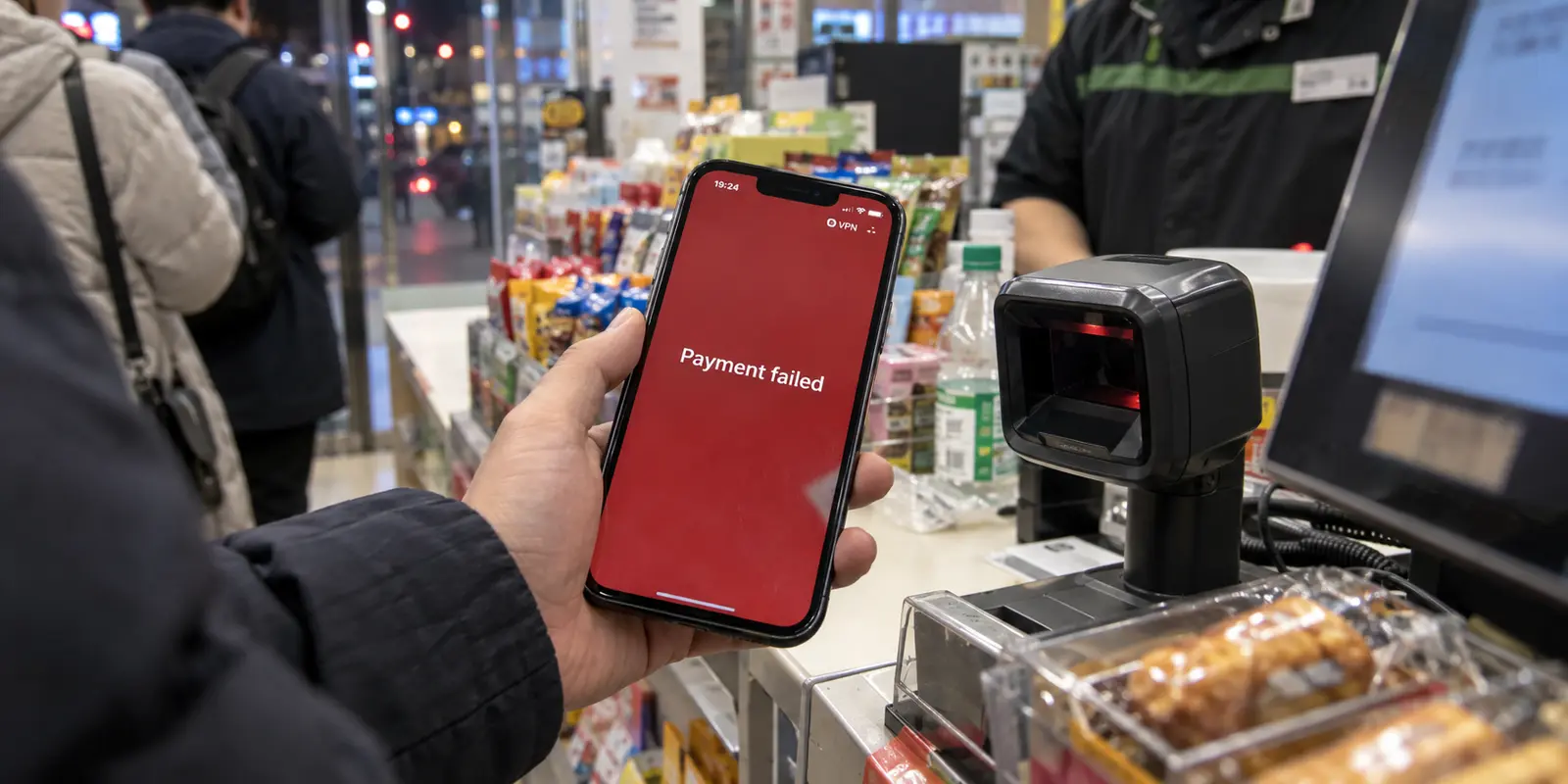
You are standing at a convenience store counter or waiting for a taxi in Shanghai. You open WeChat, pull up your payment code, and hold your phone to the scanner. A second later, the screen flashes red: payment failed.
Glancing at the top of your screen, you see the small “VPN” icon active—a carryover from checking your email or browsing international news a few minutes earlier.
The immediate reaction is predictable: assume the network tunnel triggered an anti-fraud security block, open your VPN app, and start cycling through endpoints. You try Hong Kong, switch to Singapore, then test Japan, all while a queue forms behind you.
Stop switching servers.
Treating a failed WeChat Pay transaction as an automatic VPN-detection problem is the most common troubleshooting mistake travelers make. Mobile payments in China sit at the intersection of international banking rules, account tiers, and merchant authorization. The VPN may be the most visible variable on your phone, but it is often completely innocent.
Before touching your connection settings, answer one foundational question: Was this transaction actually eligible to succeed in the first place?
Article summary and product fit
If WeChat Pay fails while a VPN is active, how do you tell a route conflict from a payment problem?
First confirm that the transaction type is eligible for the card you linked, then repeat the exact same low-stakes merchant purchase with the VPN completely off. If that same payment succeeds, the route is a credible culprit. If it still fails, stop changing servers and follow the payment chain instead: card issuer, identity verification, and merchant compatibility.
What matters in this article
- Key point: An overseas-linked card does not enable every Weixin Pay function, so an unsupported transfer is a bad diagnostic test for VPN interference.
- Best for: International visitors using WeChat Pay in mainland China who need to separate payment eligibility and authorization from network routing.
- Product fit: For Android users whose merchant payment works only on the direct route, the article positions OnlydogVPN's app-level selective routing as a way to leave WeChat direct while tunneling the international apps that need it.
- Important limit: Routing cannot make an ineligible transfer valid, override an issuer decline, complete missing identity checks, or make a merchant's collection setup accept an unsupported foreign funding source.
Sources already cited in this article: China government payment service guide for overseas visitors, OnlydogVPN official website.
Make Sure You Are Testing a Payment Weixin Pay Actually Supports
When you bind an overseas credit or debit card (Visa, Mastercard, JCB, or Diners Club) to Weixin Pay, your wallet does not function identically to an account backed by a mainland Chinese bank card.
According to official payment guidance for international visitors, overseas bank cards can fund everyday merchant consumer purchases across mainland China. However, they do not unlock every feature inside the app. Specifically, international cards cannot be used for:
- Peer-to-peer money transfers to individual contacts.
- Sending or opening digital red packets (hongbao).
- Certain non-merchant direct balance transfers.
If you attempt to split a dinner bill by sending money directly to a friend’s personal chat, the transaction will fail instantly—whether your VPN is connected to Tokyo, New York, or completely turned off.
Before you blame your network path, ensure your baseline test is an eligible transaction:
- Valid Diagnostic Test: Scanning an official merchant QR code to buy a coffee, presenting your payment code to a supermarket cashier, or ordering via a verified merchant Mini Program.
- Invalid Diagnostic Test: Trying to transfer funds to a personal contact or sending a red packet using an overseas-linked card.
If you are using a domestic Chinese debit card linked to a local bank account, these functional restrictions may not apply, but the testing principle remains: diagnose using an ordinary, low-stakes commercial purchase first.
Repeat the Same Merchant Payment Without the VPN
Once you are certain the transaction type is supported, run the only test that can actually implicate your network routing.
Do not change five variables at once. Keep the hardware, the WeChat account, the linked card, the merchant, and the purchase amount identical.
- Confirm the initial failed payment is not idling in a pending state.
- Turn your VPN completely off.
- Ensure your phone has standard local internet access (via local cellular data or direct Wi-Fi).
- Present your payment code or scan the merchant code again.
Now observe the outcome:
- The exact same payment succeeds immediately: The VPN route is a credible culprit. The intermediary server path or an unfamiliar foreign exit IP introduced friction into the payment gateway.
- The payment still fails without the VPN: Stop troubleshooting your network entirely. The VPN has been proven innocent, and jumping across international server lists will accomplish nothing.
- WeChat cannot connect at all on the raw network: You have an underlying cellular or local Wi-Fi outage to fix before diagnosing your digital wallet.
Notice what this test accomplishes: it isolates whether the network route is the dividing line without requiring you to guess Tencent’s proprietary risk algorithms.
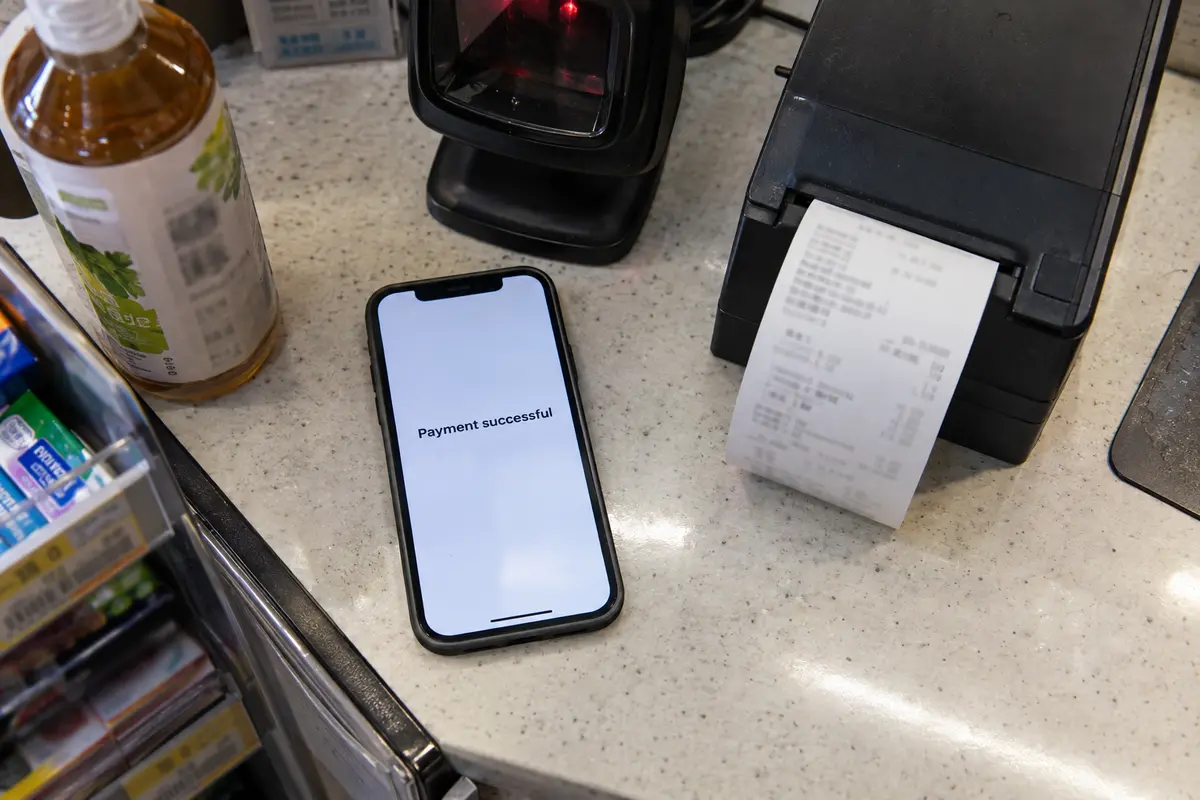
If It Fails Directly, Follow the Card, Not the Server List
If your transaction fails on a direct, local connection with the VPN disabled, the bottleneck lives within the payment authorization chain.
China’s official payment guides for visitors highlight that linking an overseas card is subject to multi-party verification. When a direct payment stalls, work through the financial chain in order:
If the direct payment still fails, I would follow the payment chain in this order: issuer security, in-app identity verification, merchant compatibility, and then a different payment rail.
The issuing bank may be blocking the charge.
Your home bank sees a sudden charge originating from a payment processor in mainland China. Many card issuers automatically flag or decline these transactions as suspicious until you authorize an SMS prompt or verify the charge in your banking app.
WeChat may be waiting for identity verification.
Tencent allows foreign visitors to link cards and start spending with streamlined setup. However, reaching higher spending tiers or maintaining account standing requires submitting your passport information for real-name verification. Look closely at the error prompt: is WeChat asking you to upload an ID document or confirm your card's 3D Secure code?
The merchant setup may not accept the funding source.
While millions of commercial vendors accept payments funded by international cards, smaller independent street vendors or rural stalls occasionally use personal collection codes that cannot process transactions backed by foreign credit networks. If the terminal throws a message stating the funding source is unsupported, that specific vendor cannot process an overseas card.
When you see these errors, toggling VPN servers is a waste of time. Check your banking app for fraud alerts, verify your identity details in WeChat, or try the purchase at an established retail chain to isolate the card.
If Only the VPN Breaks It, Stop Making WeChat Pay Use the Tunnel
If your A/B test delivered a clean result—the payment failed while the VPN was running, but completed smoothly the second the VPN was turned off—you have clear evidence of a route conflict.
However, the solution is not hunting for a “stealth” VPN server that WeChat won't notice. The direct connection already works perfectly. The logical fix is to let WeChat Pay use the direct connection permanently, while reserving the VPN for the applications that actually require it.
This is where your device's operating system design comes into play. Android natively supports per-app VPN routing, allowing you to create allowed or disallowed application lists.
This is where OnlydogVPN↗ can make the workflow simpler for Android users traveling in China.
Instead of forcing you to toggle your VPN off every time you enter a convenience store and turn it back on to check your foreign work apps, OnlydogVPN includes dedicated app-level selective routing.
You can configure OnlydogVPN so that only your designated international apps—such as your global email client, messaging tools, and web browser—are routed through the encrypted tunnel. Meanwhile, domestic applications like WeChat, Alipay, and local maps remain outside the tunnel on your phone’s default connection.
On Android, that can mean letting international apps use the VPN while WeChat and other local payment apps stay on the phone’s direct connection.
This structural separation solves the problem at the root. You do not have to wonder whether a specific VPN server will trigger a payment gateway flag, because WeChat Pay never touches the VPN in the first place.
(Note for iPhone users: Apple’s iOS does not offer open, consumer-facing per-app split tunneling for personal apps; its per-app architecture is largely restricted to enterprise-managed devices. If you are on an iPhone, the cleanest habit is simply pausing your VPN before reaching the cash register and tapping it back on once your receipt prints.)
Your Checkout Backup Should Be Another Payment Rail, Not Another Server
When a payment fails and you have people waiting behind you, a secondary VPN server is not an emergency plan. Spending three minutes testing different cities inside a VPN app while standing at a checkout counter is stressful and unnecessary.
China’s official payment guidelines for overseas visitors explicitly advise international travelers to maintain access to multiple payment rails. If your WeChat transaction refuses to clear, keep your line moving by stepping through a realistic payment hierarchy:
- Switch Mobile Wallets: If WeChat Pay balks, open Alipay. Setting up both major platforms with your international card gives you an immediate alternative when one gateway runs into an authorization hiccup.
- Try a Physical Card: Major hotels, transit hubs, supermarkets, and established restaurants readily accept physical Visa, Mastercard, or UnionPay cards directly at their point-of-sale terminals.
- Carry Cash (RMB): By law, physical renminbi banknotes are legal tender throughout China. Carrying a modest amount of cash in your pocket ensures you are never stranded if a digital gateway goes down.
What I’d Do at the Next Checkout
The next time a WeChat Pay transaction stumbles:
- Validate the payment first. Confirm it is an eligible merchant purchase, not an unsupported transfer or red packet.
- Run one clean test. Turn the VPN off. If the payment completes, your routing was the issue; if it still fails, the problem lies with your card issuer, identity tier, or the merchant's setup.
- Separate your traffic. On Android, use OnlydogVPN’s selective routing to keep WeChat on the direct connection while your international apps stay protected.
- Keep a real backup. When a purchase stalls at the counter, switch to Alipay, a physical card, or cash. Save the network troubleshooting for when you are back at your hotel.
Frequently Asked Questions
Can an overseas card linked to WeChat Pay be used for every kind of payment?
No. The article says international cards can be used for ordinary merchant purchases but do not unlock functions such as peer-to-peer transfers and digital red packets.
What is the cleanest test for whether the VPN caused a payment failure?
Use an eligible merchant purchase, keep the account, card, merchant, and amount the same, turn the VPN completely off, and repeat the payment on ordinary local internet access.
What should I check if the same payment still fails with the VPN off?
Stop troubleshooting the network. Check for an issuer fraud decline, an in-app identity-verification request, or a merchant setup that cannot accept the overseas funding source.
What is a better checkout backup than changing VPN servers?
The article recommends another payment rail: try Alipay, a physical card where accepted, or cash in renminbi. Server-hopping is not a useful emergency payment plan.