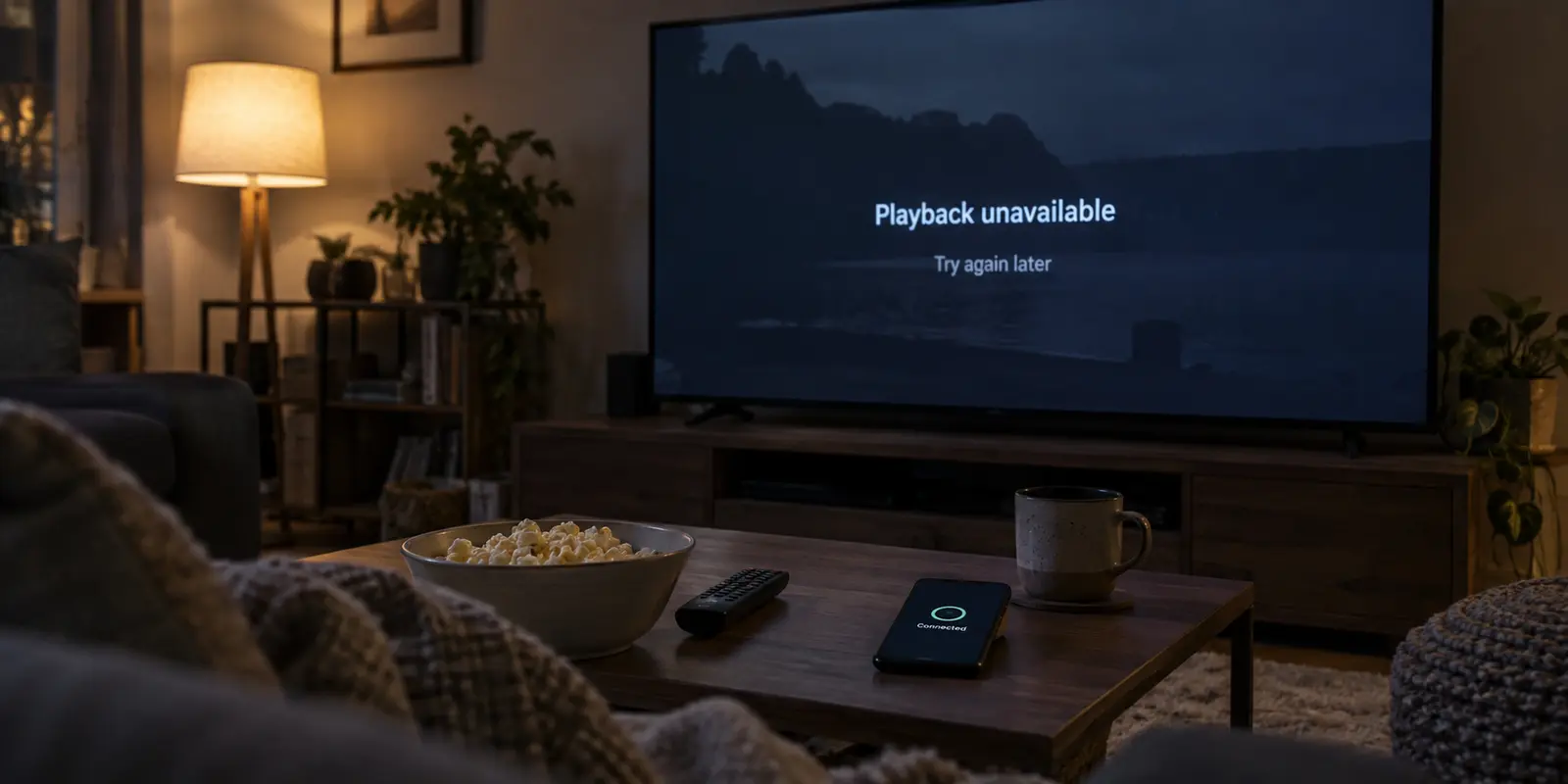
You launch your VPN, choose a location, and wait for the green icon to confirm you are protected. Everything looks operational. Then you open your streaming app, pick a movie or a live match, and tap Play.
Instead of opening credits, you are greeted by an error code, a warning about an unblocker, or an endless spinning wheel.
The universal reaction is to open the VPN app, disconnect, pick another city, and try again. When that fails, you try a third server, switch protocols, or clear your browser cache. Within ten minutes, your evening has devolved into a frustrating game of server roulette.
Before clicking through another half-dozen cities, pause and look at your screen. A VPN reporting “Connected” tells you only that your device has built a secure tunnel to a server. It says nothing about whether the streaming service intends to hand over video playback. The error message on your screen is trying to tell you what went wrong—and most of the time, switching servers will not fix it.
Article summary and product fit
Why can streaming fail even when the VPN says Connected?
The VPN’s Connected badge only confirms that a tunnel was established. The streaming service can still reject playback because of the route it sees, account or content rules, location requirements, or an unrelated playback problem, so the error message and one VPN-off comparison are more useful than immediate server-hopping.
What matters here
- Best for: Viewers whose VPN connects normally but a streaming app shows a proxy warning, regional restriction, playback error, or endless loading.
- Key point: Read the platform error first, then replay the exact same title with the VPN fully disconnected to learn whether the VPN route is actually the breaking variable.
- Product fit: OnlyDogsVPN becomes relevant only after the route itself is isolated as the problem and the streaming service allows VPN use for that viewing scenario; automatic routing can then reduce manual server trial and error.
- Important limit: A route change cannot override account-tier restrictions, required physical-location verification, or a platform rule that explicitly disallows VPN use for that session.
Source context: Netflix Help — Watching through a VPN; YouTube TV Help — Home area and current location. Product source: OnlyDogsVPN official website.
The streaming error knows more than the VPN badge
It is easy to conflate two distinct stages of establishing an online connection: establishing a network path and getting permission to stream.
Your VPN client manages the network path. Once the handshake succeeds, the app marks itself as connected. That is the end of its responsibility. From that point forward, the streaming platform’s security and licensing systems evaluate the incoming session.
Streaming services do not evaluate traffic merely on whether an IP address belongs to a specific region. They evaluate whether that address matches known data center pools, whether the user's account tier permits viewing outside a home territory, whether the content is subject to strict regional licensing, and whether device-level location services match the network connection.
Netflix illustrates this separation clearly. Its official documentation explicitly notes that viewers connecting via a VPN may see only titles licensed globally. Furthermore, VPN viewing is completely unsupported on its ad-supported tiers and for live broadcast events.
In that scenario, your VPN is functioning as intended. The server is not “broken,” and your connection is intact. The platform simply made an account- or content-level refusal. Treating that refusal as a server failure only leads to wasted effort.
Take the message literally before touching the VPN
Streaming platforms have spent years refining their user prompts. Rather than dismissing an on-screen alert as a generic glitch, read the wording literally. It generally sorts into one of three categories:
The explicit VPN or proxy warning
- Examples: Netflix’s “You seem to be using an unblocker or proxy” message, or Disney+ Error 73.
- What it means: The service has actively flagged the IP address or routing behavior as belonging to an intermediary network.
- The reality: While this points to the connection itself, it does not mean any random server in your VPN list will bypass it. If the platform has an across-the-board policy against commercial tunnels, changing cities within the same provider often yields the exact same alert.
Platform, location, or account-level hard stops
- Examples: YouTube TV notifying you that playback is restricted while connected through a VPN or proxy, or prompts asking you to verify your “Home Area” or enable GPS location services.
- What it means: YouTube TV’s operational model depends strictly on designated market areas for broadcast rights. It uses device location data alongside network routing. Similarly, attempting to watch live events on certain Netflix plans while tunneled will throw a restriction error.
- The reality: No VPN server can bypass a requirement for physical location confirmation or an account tier restriction. In these cases, switching servers is fundamentally the wrong tool; the service requires you to follow its verification process or disable the tunnel altogether.
Generic playback and buffering failures
- Examples: “Something went wrong,” Prime Video playback errors, or sudden drops to black screens.
- What it means: These are frequently caused by local hardware problems, HDMI handshake issues, app cache corruption, or simple bandwidth drops.
- The reality: Prime Video’s official playback guide lists proxy use alongside device updates, concurrent stream limits, and display compatibility. Jumping straight to changing your VPN settings when an app simply needs a hard restart wastes time on the wrong problem.
Run one clean test before server roulette
If the on-screen alert is ambiguous—or if you want to know immediately whether your VPN route is genuinely the culprit—stop changing multiple settings at once. Run a single controlled baseline test:
- Quit the stream: Fully close the streaming application or browser tab.
- Sever the tunnel: Disconnect your VPN completely.
- Reopen and retry: Launch the streaming service directly on your regular, unencrypted home internet connection and play the exact same video.
Observe the result:
- The error persists with the VPN off: The VPN route is completely innocent. The issue lies with your device, local internet stability, account standing, or an outage on the streaming platform’s end. Put the VPN app away and troubleshoot the app or device itself.
- The video plays cleanly without the VPN, but throws a proxy error when connected: The VPN route is confirmed as the breaking variable. You now know for certain that the platform is rejecting that specific connection path.
- The title vanishes from the catalogue when the VPN is off: You have confirmed a regional availability difference. The title is only licensed in specific territories.
This simple three-step check isolates the real issue in sixty seconds. If the problem persists on a bare connection, you avoid spending thirty minutes cycling through thirty different cities for an error caused by an expired payment method or an unupdated app.

When the route really is the problem
Once you establish that your subscription is active, the content is accessible, the service is not presenting an absolute no-VPN policy, and playback fails solely because of the active VPN route, you have earned a route change.
However, manually picking through server drop-down menus is an inefficient way to solve the problem. Most consumer VPN interfaces simply present an alphabetical list of cities. You click one, reload, fail, click another, and repeat. That manual cycle turns an evening of relaxation into unpaid system administration.
This is where a purpose-built streaming solution makes a tangible difference. Rather than relying on guesswork, OnlydogVPN is designed to eliminate the manual trial-and-error process.
Featuring dedicated streaming support, OnlydogVPN utilizes Smart Global Routing to take the burden of route selection off the user. Instead of forcing you to hunt through dozens of generic endpoints hoping to find one that streaming networks have not flagged, OnlydogVPN automatically evaluates traffic conditions and routes your connection through an optimized, streaming-ready path with a single tap.
By combining automated route selection with scenario-oriented connection presets, it removes the friction of manual server hopping. If an active VPN route is genuinely the bottleneck preventing you from watching your media, switching to a provider engineered to navigate high-throughput streaming environments automatically is far more practical than trying to outguess streaming algorithms on your own.
If your viewing specifically demands an exit node in a rare or niche jurisdiction that the network does not support, you will still need a provider tailored to that geography. For standard high-demand regional viewing, the point here is to remove the manual route hunt.
Sometimes the right fix is to stop troubleshooting the VPN
The most valuable takeaway from any streaming failure is knowing when to stop fighting the network tunnel.
Modern digital rights management is increasingly strict. When a platform like YouTube TV states clearly that proxies are unsupported because of local sports licensing, continuing to cycle through VPN servers is an exercise in futility. The platform’s architecture is designed to enforce that rule, and the correct action is to turn off the tunnel for that session.
Likewise, when Netflix warns that live broadcasts or ad-tier memberships cannot be streamed through an intermediary network, hunting for an alternate IP address will not alter your account’s terms of service.
Going forward, adopt a simple operating rule:
When the VPN is connected but the stream is blocked, do not ask “Which server should I try next?” until you determine whether changing the server can actually change the streaming platform’s decision.
Read the error screen literally. Run a single VPN-off baseline check. If the platform demands location compliance or your account is restricted, address the platform directly. And if the route alone is the true roadblock, hand the job to an automated service like OnlydogVPN rather than spending your night managing a spreadsheet of server locations.
Frequently Asked Questions
Why is my stream blocked if the VPN says it is connected?
Because Connected describes the VPN tunnel, not the streaming service’s playback decision. The platform can still reject the route, account, content, or location conditions.
What is the fastest way to tell whether the VPN route is the problem?
Close the stream, disconnect the VPN completely, and retry the exact same title on the same device and network. If the error persists, the VPN route is not the sole cause.
Should I switch VPN servers as soon as I see a proxy warning?
Not automatically. First check whether the platform’s message reflects an account rule, location requirement, or explicit no-VPN policy; changing servers cannot alter those conditions.
When does changing the VPN route make sense?
After the same content works without the VPN and fails only with the tunnel active, and only when the streaming service permits VPN use for that type of viewing.