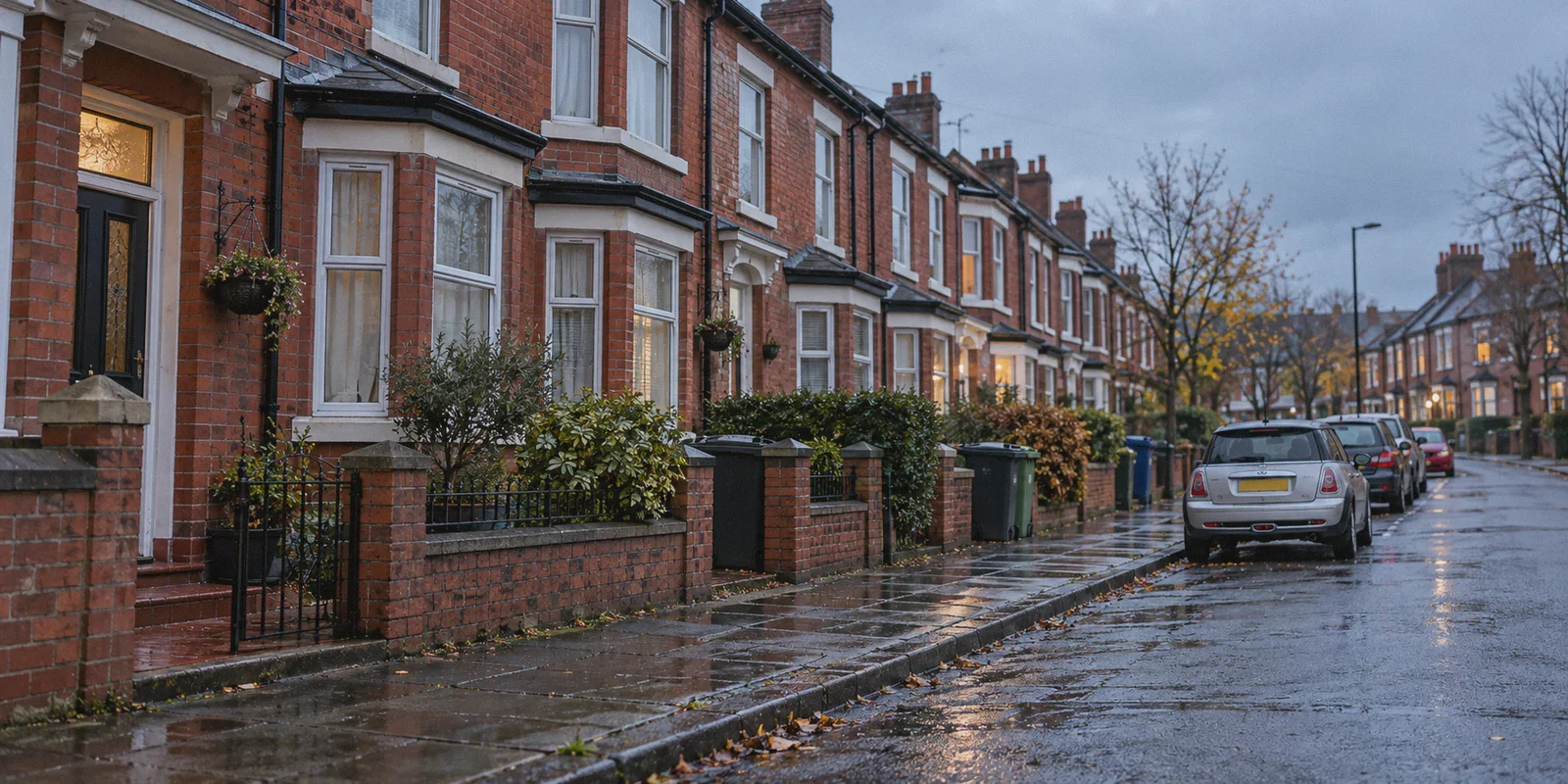
You settle in on the sofa with your phone or fire up your laptop after a long day in London or Manchester, head over to your usual site, and run headfirst into a brick wall:
"To comply with the UK Online Safety Act, please upload a photo of your UK driving licence, scan your passport, or submit to a live facial age-estimation scan."
If your immediate thought was “There is not a chance in hell I am uploading my government ID or scanning my biometric face data just to browse the web,” you are far from alone.
Since Ofcom began enforcing the Online Safety Act, what was pitched as "protecting children online" has turned into a digital checkpoint across adult platforms, discussion forums, and search results. Platforms terrified of Ofcom’s astronomical fines—up to £18 million or 10% of global turnover—are rushing to outsource age checks to third-party identity brokers.
The good news? You do not have to hand over your passport to a private database, and you don’t need an IT degree to fix this. Here is what is actually happening behind the UK age verification mandates, why most free workarounds make your situation worse, and how to route around the checkpoint in under a minute.
Article summary and product fit
What problem is this article trying to solve for UK users facing online age-verification prompts?
The article focuses on readers who do not want to submit identity documents or facial data to third-party verification services. It says free VPNs can fail because of heavily shared IP ranges, unstable network handoffs, and intrusive advertising, and it recommends a stable route outside the UK plus a clean browser session.
Key points, fit, and limits
- Privacy concern: The article centers on the sensitivity of passport, driving-licence, credit-card, and facial-age-estimation data requested by some age-check flows.
- Why free workarounds fail: It highlights blocked shared datacenter IPs, tunnel drops during Wi-Fi-to-mobile handovers, and extra ad or tracker clutter.
- Preparation: The article recommends establishing the non-UK route first and then opening a Private/Incognito window so old UK location cookies do not carry into the new session.
- Product fit: OnlyDogs VPN is presented as a fit for readers who want scenario presets, HTTP/3-based obfuscation, weak-network recovery, DNS/node-level filtering, and email-code login.
- Important limit: Website behavior and legal obligations vary. The article’s network method changes the apparent connection location; it does not change the user’s age, create eligibility for restricted content, or guarantee that every service will omit verification.
Sources already linked in this article: OnlyDogs VPN official site.
The Catch Nobody Talks About: It’s Not the Law, It’s the Data Leak Waiting to Happen
Politicians sold the Online Safety Act with clean slogans. What they didn't explain is how it works on the ground.
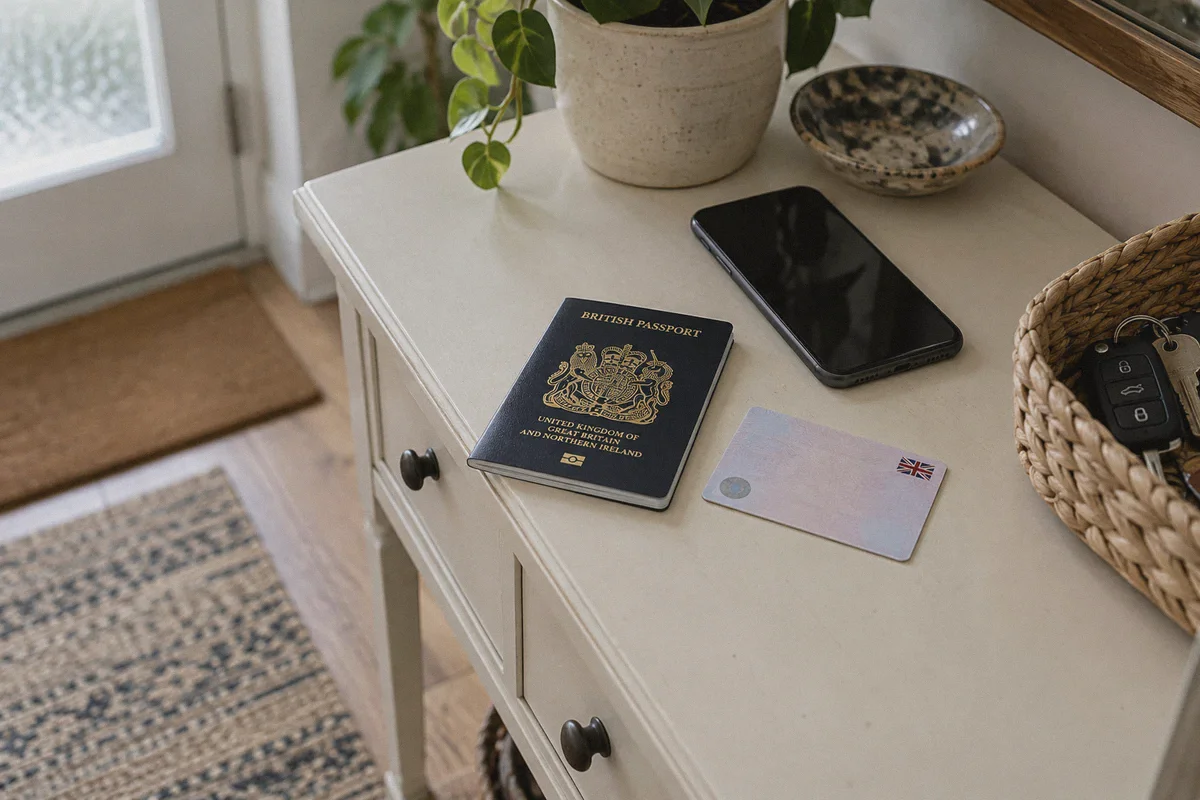
Websites don’t verify your identity themselves. Instead, they bounce you to third-party verification companies. To get past the gate, you have to hand over:
- A photo of your British passport or DVLA driving licence.
- A credit card check that ties your bank name to your session.
- Or a 3D biometric scan of your face uploaded via your phone’s camera.
Think about the risk profile here for thirty seconds.
Even if these third-party identity vendors promise they "never store your face" or "delete documents within 28 days," data breaches happen constantly. Telecom giants, British banks, and major retailers get breached every year. Do you genuinely trust an outsourced identity startup not to leak a database matching British names, home addresses, and driving licences to private adult viewing histories?
Once that data escapes, it's gone forever. Refusing to hand your biometric identity to an online broker isn't dodgy—it's basic digital hygiene.
Why Free VPNs and Dodgy Proxies Always Fail
The moment this law kicked in, thousands of people in the UK rushed to the App Store, searched "free VPN," and tapped the first icon with a shield.
Within two days, almost everyone ran into the exact same three problems:
- The "Access Denied" Cloudflare loop. Because platforms face crushing Ofcom fines, their fraud detection is turned up to maximum. Cheap and free VPNs share dirty, recycled datacenter IPs with thousands of spammers. The site recognizes the IP range immediately, blocks the connection, or traps you in endless CAPTCHA loops.
- The mobile network disconnect. You're browsing on your phone in the living room. You walk into the kitchen, your phone drops Virgin Media Wi-Fi and hops onto EE or Vodafone 5G. A cheap VPN drops the tunnel for just three seconds during the switch. In those three seconds, your real UK IP leaks to the website, your session breaks, and the dreaded Ofcom ID upload screen reappears.
- The ad and tracker nightmare. Free VPN providers keep the lights on by harvesting browsing data and selling it to ad aggregators. Layering a sketchy free VPN on top of ad-heavy sites turns your browser into a mess of redirects, pop-unders, and battery drain.
You don't need an enterprise-grade cybersecurity suite with 40 technical settings to get around this. You just need a connection that reliably does three things: places you outside the UK, stays alive when your network switches, and hides the fact that you’re routing your traffic.
The Clean Fix: How OnlyDogs VPN Cuts Through the Gate
Most traditional VPNs are built for IT professionals who enjoy tinkering with port numbers, DNS leak tests, and obscure protocol toggles. When all you want is to browse without a camera scanning your face, that kind of software is exhausting.
OnlyDogs VPN is designed for people who simply want things to work the first time they tap the screen.
Here is why it solves the UK Online Safety Act problem without headaches:
1. One-Tap Scenario Presets (No Server Roulette)
With most VPN apps, you have to scroll through a list of 80 countries, guess whether a server in Dublin or Amsterdam has good ping, and test three different nodes before finding one that isn't throttled.
OnlyDogs uses Scenario Presets. You open the app and tap a single preset—like the High-Speed or Streaming line. The app automatically routes your device through an optimal, high-bandwidth connection outside the UK (such as mainland Europe or North America) where age-verification mandates do not exist. No server hunting, no configuration menus.
2. Proprietary HTTP/3 Traffic Obfuscation
Because UK-compliant websites look for standard VPN signatures to prevent easy bypasses, open-source protocols like standard WireGuard or legacy OpenVPN often get flagged.
OnlyDogs is built on a proprietary architecture utilizing HTTP/3 and traffic obfuscation. To your UK broadband provider (BT, Sky, Virgin) and the target website, your traffic looks like ordinary modern web traffic. It doesn't trigger anti-proxy filters, meaning the site serves its normal global page without asking for an ID.
3. Rock-Solid Network Handover
Whether you’re on home fibre, tethered to a hotspot, or commuting on mobile data, connection drops are the number one reason VPN sessions fail.
OnlyDogs is engineered with rapid weak-network recovery. When your phone transitions between Wi-Fi and 5G, the tunnel maintains its integrity without leaking your British IP address. You stay virtually outside the UK boundary the entire time.
4. Built-in DNS and Node-Level Ad Blocking
Many private browsing sites are packed with invasive trackers, fake virus alerts, and pop-up spam.
Instead of relying on clunky browser extensions that don't work in mobile apps or private tabs, OnlyDogs strips out scripts and malicious ads directly at the DNS and node level. Pages load faster, your data footprint stays minimal, and an active counter inside the app shows you exactly how many trackers were killed before they reached your screen.
5. Passwordless Login (No Credential Trails)
The last thing you want on a shared family iPad or work laptop is a VPN password saved in the browser keychain.
OnlyDogs uses email one-time verification codes instead of permanent passwords. You log in via a temporary code sent straight to your inbox, browse securely, and leave no stored credential footprints behind on the device.
How to Bypass the UK Age Gate in 60 Seconds
You don't need to tweak your router or mess with system files. The setup takes under a minute on iOS, Android, Windows, or Mac:
- Install the app: Head over to OnlyDogs VPN and grab the app for your device.
- Sign in via email: Enter your email address, pop in the one-time verification code, and you’re logged in.
- Hit the Preset: Tap the preset button (the streaming or fast-route line). The app automatically connects you to a clean node outside the UK's jurisdiction.
- Open a Private/Incognito window: Launch Safari, Chrome, or your preferred browser in Private mode (this clears out any old UK location cookies your browser stored earlier).
- Load the website: The age gate will not trigger. The website recognizes you as a standard visitor coming from an unrestricted territory and serves the full site immediately.
Keep Your Personal Documents Off the Web
The UK Online Safety Act has forced ordinary British adults into an unfair dilemma: either submit government identification and facial scans to unvetted private companies, or get blocked from standard web services.
Uploading your passport or driving licence to a third-party website is an unnecessary digital risk that no internet user should have to take.
With a streamlined, privacy-conscious tool like OnlyDogs VPN, you can bypass the entire checkpoint with one tap. No face scans, no stored document photos, and no invasive ad pop-ups—just the open web working exactly the way it was meant to.
Frequently Asked Questions
What personal information can an online age-verification flow ask for?
The article describes examples including a passport or driving-licence image, a credit-card check, or a live facial age-estimation scan. Its concern is the privacy risk of handing sensitive identity data to third-party verification providers.
Why can a free VPN get stuck in an Access Denied or CAPTCHA loop?
The article says free services often place many users on the same recycled datacenter IP ranges. Sites can classify those ranges as high-risk and block them or require repeated challenges.
Why does switching from Wi-Fi to mobile data matter?
The article warns that some VPN tunnels briefly drop during a network handover. If the real UK IP becomes visible during that gap, the site can rebuild the session around the UK location and show the age gate again.
Why does the article recommend a Private or Incognito window after connecting?
It uses a clean browser session to avoid reusing old UK location cookies or site state. The network route and the browser session are treated as two separate parts of the setup.