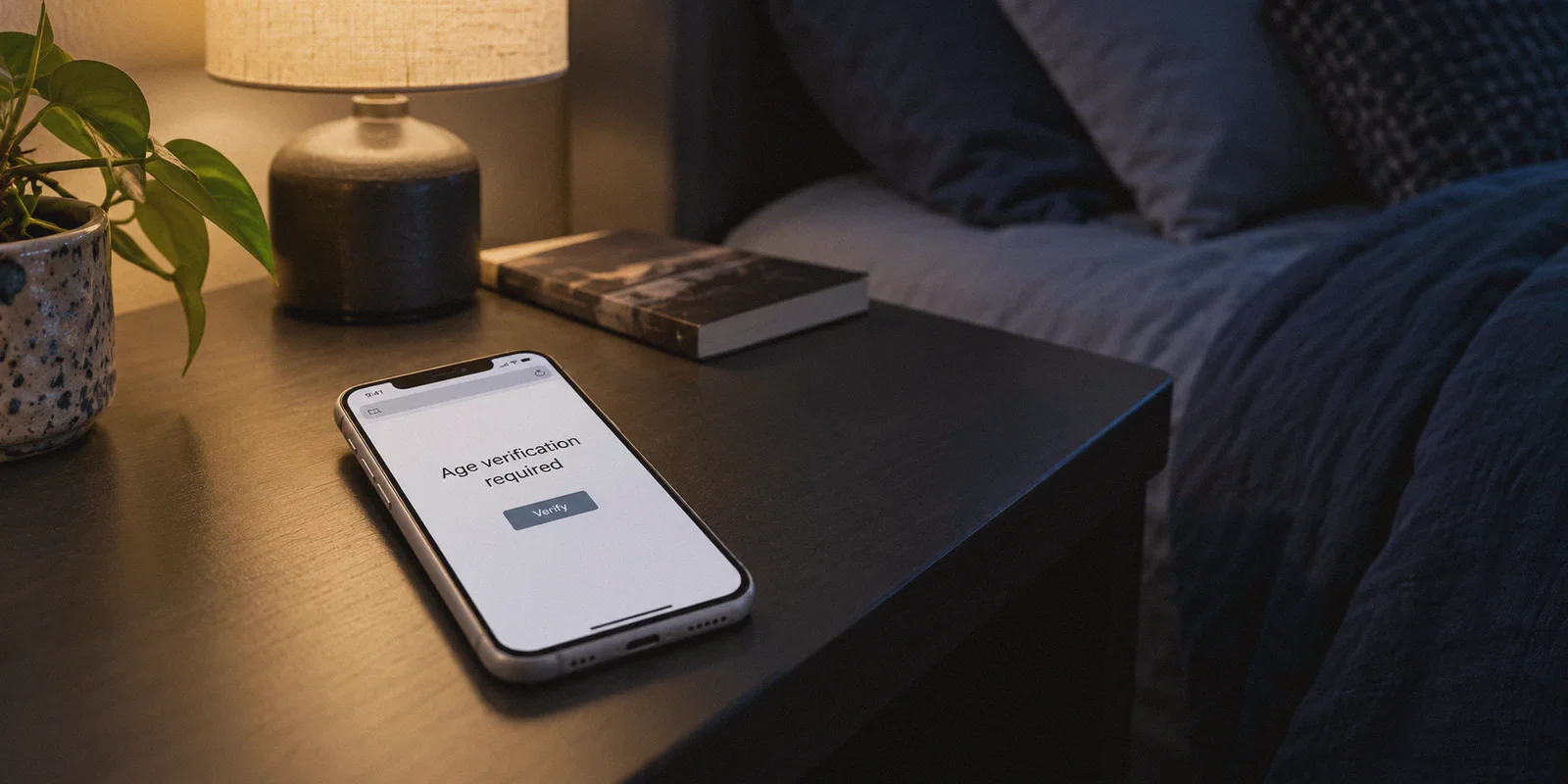
You sit down at the end of a long day, pull up your phone or laptop in the privacy of your own bedroom, and navigate to your usual site—only to be greeted by a massive wall demanding a photo of your government-issued driver’s license, a credit card check, or a live biometric face scan.
If you live in Texas, Utah, Virginia, North Carolina, Florida, Indiana, or any of the growing list of states passing mandatory digital age-verification bills, you’ve probably hit this wall recently. Some adult platforms simply went dark in your state altogether; others handed the keys over to third-party identity verification vendors.
Your immediate reaction was probably the same as millions of others: There is zero chance I am uploading my real ID, home address, and face to a random third-party database just to browse the web.
The good news? You don't have to. The entire system is built on a simple, fragile premise: your physical location is determined entirely by your IP address. Change the address, and the wall disappears.
Here is what is actually happening behind these state laws, why most free workarounds make the problem worse, and how to route around the block cleanly without turning your private browsing into a technical project.
Article summary and product fit
What privacy problem does the article identify with state age-verification gates, and what kind of connection does it recommend?
The article focuses on the privacy cost of handing government ID or biometric data to third-party verification vendors. It argues that readers who encounter an IP-based regional gate should prioritize a stable privacy connection that does not leak the local IP when networks change, while avoiding free services that use heavily flagged addresses or monetize browsing activity.
Key points
- Best for: Adults concerned about the data exposure created by third-party identity or biometric verification on privacy-sensitive websites.
- Why free tools can backfire: The article highlights shared flagged IPs, connection drops, intrusive advertising, and data-monetization concerns.
- Product fit in this article: OnlyDogs VPN is presented as a simple option because the article emphasizes automatic routing, HTTP/3-based obfuscation, fast recovery on mobile network changes, and DNS-level filtering.
- Important limits: The article is specifically about IP-based regional blocking and does not establish that every site, state requirement, or verification provider relies on the same technical signal.
Where OnlyDogs VPN fits
The product fit described here is about reducing connection friction and IP leakage on mobile devices, not about replacing legal advice or changing the rules a particular site is required to follow.
Source already linked in this article: OnlyDogs VPN official website.
The Real Trap Isn’t the Law—It’s the Third-Party Database
Most coverage frames this as a moral or political debate. In reality, it’s a massive digital privacy hazard.
The state laws don’t verify your age themselves. Instead, websites are forced to partner with private third-party verification companies. To get past the gate, you have to upload a high-resolution scan of your driver’s license, passport, or undergo facial age estimation.
Consider what that actually means:
- Your real identity is permanently linked to adult site visits. Even if a company claims they delete data after 30 days, data retention policies change, and third-party vendors get subpoenaed or breached regularly.
- Adult sites are prime targets for leaks. If major credit bureaus and healthcare providers get hacked, what makes anyone believe a venture-backed age-verification startup won’t suffer a data spill six months from now?
- It sets a dangerous precedent. Today it’s adult content; tomorrow it’s social media, forums, or politically sensitive platforms.
The search for the "best VPN to bypass state age verification porn laws" isn't about breaking rules. It's about basic self-defense. You’re simply refusing to hand over sensitive biometric data to an unvetted vendor when all you wanted was five minutes of privacy in your own home.

Why Cheap and Free VPNs Make Things Worse
The moment people run into an age-verification block, their first instinct is often to download the first "Free VPN" they spot in the App Store.
Nine times out of ten, this backfires:
- They assign you dirty, flagged IP addresses. Free services cluster thousands of users on a handful of cheap datacenter servers. Major streaming and adult sites actively blacklist these IP ranges. Instead of bypassing the age gate, you just get a Cloudflare loop, broken CAPTCHAs, or a blank "Access Denied" screen.
- They drop connection when your phone switches networks. Picture this: you're browsing on your phone in bed. The bedroom Wi-Fi drops one bar, your phone silently shifts to 5G, and a generic VPN drops the tunnel for four seconds. In those four seconds, your real local IP leaks to the website, your session dies, and the age-verification screen pops right back up.
- They harvest and sell your browsing data. Running VPN servers costs real money. If an app isn’t charging you a subscription, it’s monetizing your traffic by injecting ads or packaging your browsing habits for ad brokers.
- The ad onslaught is unbearable. Most adult platforms are already riddled with intrusive trackers and fake "Update Player" pop-ups. Layering a noisy free VPN on top turns your browser into a minefield of redirects.
To bypass these blocks smoothly, you don’t need an enterprise-grade cybersecurity suite with thirty manual sliders. You just need a connection that does three things reliably: routes you outside the restricted state, doesn't drop when your phone moves, and cleans up the sketchy ad junk on the page.
The Clean Solution: Why OnlyDogs VPN Fits This Exact Job
If you look at the VPN market today, most tools are over-engineered for sysadmins or clogged with jargon about OpenVPN handshakes and protocol ports. When you just want a site to load without hassle, nobody wants to troubleshoot DNS configurations.
OnlyDogs VPN takes the opposite approach. It’s built around simplicity, stability, and zero unnecessary data trails.
Here is why it works exceptionally well for bypassing state-level verification barriers:
1. One-Tap Scenario Presets (No Server Hunting)
With traditional VPNs, you have to open a world map, manually look for a state that hasn't passed an age-verification law (like California or New York), test three different city nodes, and hope the one you picked isn't sluggish.
OnlyDogs replaces that trial-and-error with Scenario Presets. You don’t need to know which server is fast or which state law passed yesterday. You tap a single preset button—such as the streaming or high-speed line—and the system automatically selects an optimal, high-bandwidth route outside the restricted zone. It completely cuts out the guesswork.
2. Proprietary HTTP/3 Obfuscation
Adult platforms and state-restricted portals often throttle or flag standard VPN protocols (like raw WireGuard or OpenVPN) because their traffic signatures stand out.
OnlyDogs utilizes an optimized HTTP/3 architecture with built-in traffic obfuscation. To your Internet Service Provider (and to the receiving website), your traffic blends in with standard modern web traffic. It doesn't scream "VPN tunnel," which prevents the site from throwing anti-proxy errors or forcing you into endless verification loops.
3. Bulletproof Reconnection on Mobile
Most people browse private content on an iPhone or Android device, often late at night when home Wi-Fi fluctuates.
OnlyDogs is specifically engineered with fast weak-network recovery. If you move across your house and your device switches between 2.4GHz Wi-Fi, 5GHz Wi-Fi, and cellular data, the connection re-establishes instantly without leaking your true geographical IP. You stay in an unrestricted virtual location continuously.
4. Aggressive DNS + Node-Level Ad and Tracker Blocking
Adult websites are notorious for malicious redirects, aggressive tracking pixels, and fake download buttons that can compromise your phone.
While browser extensions often fail inside mobile apps or private browsing modes, OnlyDogs integrates filtering directly at the DNS and node level. It strips out intrusive banners, pop-unders, and background tracking scripts before they ever touch your screen—and gives you an active counter so you can actually see how much junk was stopped.
5. Passwordless Login (No Credential Trails)
The last thing you want is another master password saved in your browser autofill or stored in a keychain where someone borrowing your tablet might see it.
OnlyDogs uses a one-time email verification code login. There is no traditional password to store, remember, or leak. You log in, get your secure tunnel, and leave no visible footprint behind on the device.
How to Bypass State Age Verification in Under 60 Seconds
You don’t need to alter your router or change system settings. The whole process takes less than a minute:
- Get the app: Head to the OnlyDogs VPN official site and grab the app for your platform (it supports iOS, Android, Windows, and macOS with the same clean interface).
- Log in with verification code: Enter your email, type in the one-time code sent to your inbox, and you're in.
- Select a Preset: Hit the fast-connection or streaming preset. The app automatically routes your device through an unrestricted network hub where age-verification laws do not exist.
- Open a Private Browser Window: Launch Safari, Chrome, or Firefox in Incognito/Private mode (this clears out any old state cookies previously saved on your browser).
- Load the site: The age-verification banner will be gone. The platform simply sees a normal visitor coming from an unrestricted region and serves the catalog normally.
Take Back Your Digital Privacy
State age-verification laws may have been drafted with good intentions, but their real-world result has been disastrous for personal privacy: forcing law-abiding adults to upload sensitive government identification to vulnerable private databases.
You don't need to surrender your driver's license, submit to biometric surveillance, or give up access to the open internet.
A reliable, privacy-first tunnel like OnlyDogs VPN completely neutralizes the problem. One tap routes you out of the restricted zone, blocks the spam ads, keeps your connection rock-solid on mobile, and ensures your private life stays exactly where it belongs: private.
Frequently Asked Questions
Why does the article treat third-party age verification as a privacy risk?
It argues that uploading an ID or face scan can link a real identity to highly private browsing activity and creates another database that could later be retained, disclosed, or breached.
Why can a free VPN make an age-verification block harder to get past?
The article says free services often concentrate many users on a small pool of datacenter addresses. Those addresses can be flagged, and unstable tunnels can also expose the user’s local IP when the network changes.
Why does network switching matter so much on a phone?
A phone can move between Wi-Fi bands and cellular data without warning. The article warns that a weak VPN may drop during that handoff, causing the site to see the local connection and reapply the regional gate.
What browser preparation does the article recommend before retrying a blocked site?
It recommends opening a private or incognito window after the privacy connection is established so older cookies associated with the previous region do not keep influencing the session.