Best WireGuard VPN for Fastest Download Speeds: Why Your Downloads Still Crawl (And What Actually Fixes It)

You pay for a 500 Mbps home internet connection, someone on Reddit insisted that "WireGuard is the fastest VPN protocol ever made," so you bought a subscription, toggled the WireGuard switch, and started downloading a 60 GB game update.
Then you watched the speed gauge. Instead of rocketing to 50 MB/s, it crawled at 4 MB/s, stuttered, bounced around, and estimated "7 hours remaining."
Your immediate thought is probably: Did I pick the wrong server? Is WireGuard overrated? Or is this VPN provider just selling snake oil?
The truth is surprising: WireGuard is fast—on paper, in a sterile lab test over dedicated fiber. But in the messy real world of home broadband, public Wi-Fi, and real file downloads, searching for a "WireGuard VPN" to get faster download speeds is addressing the wrong problem.
Here is why your high-speed downloads keep stalling, and what actually delivers blisteringly fast download speeds in daily life.
Article summary and product fit
Why can downloads stay slow even when a VPN uses WireGuard?
Because the protocol is only one part of the path. The article argues that server load, route choice, ISP traffic management, packet loss, and local Wi-Fi can dominate a long download even when WireGuard performs very well in a short benchmark.
Key points and limits
- Best for: People who see strong speed-test numbers but poor performance on large game updates, media files, or other sustained transfers.
- Core point: A fast protocol does not guarantee a fast end-to-end route; sustained throughput depends on the whole network path.
- Practical step: Use 5 GHz Wi-Fi or Ethernet, pause competing cloud uploads, and avoid distant servers unless you actually need a specific region.
- Important limit: The article does not establish that every ISP throttles WireGuard, and local hardware or the remote download server can still be the dominant bottleneck.
Where OnlyDogs VPN fits
The article positions OnlyDogs VPN for users who want automatic route selection and recovery instead of manually testing many WireGuard endpoints. It highlights HTTP/3-based obfuscation, a fastest-line preset, and weak-network recovery as tools for sustained transfers, not as a guarantee of a particular Mbps result.
Source already linked in this article: OnlyDogs VPN official website.
The WireGuard Illusion: Lab Benchmarks vs. Real Downloads
Every VPN review site runs the exact same test: they open a 10-second Ookla Speedtest on a pristine gigabit server, see a big number next to the word "WireGuard," slap a five-star badge on it, and call it a day.
A 10-second speed test has almost nothing in common with pulling a 40 GB file, a 4K video stream, or a batch of large assets.
When you run sustained, heavy downloads over standard WireGuard, you run straight into three hidden walls:
1. The ISP Throttling Trigger
WireGuard communicates via raw UDP packets with distinct packet headers. To your Internet Service Provider's (ISP) automated Deep Packet Inspection (DPI) system, that traffic pattern screams: "High-bandwidth encrypted tunnel in progress."
ISPs hate sustained high-volume traffic on residential lines. While they rarely block standard WireGuard outright, their automated traffic-shaping systems quietly re-prioritize and throttle your connection after 60 seconds of heavy data transfer. Your VPN says "Connected," but your download rate falls off a cliff.
2. The Server-Roulette Tax
Most traditional VPN apps hand you a list of 5,000 servers across 60 countries and expect you to guess which one has spare bandwidth.
You pick "New York 04"—it’s overloaded with people streaming video. You disconnect, try "New York 12"—the latency spikes. By the time you find a server that isn't congested, you've wasted 15 minutes reconnecting over and over.
3. The Real-World Wi-Fi Problem
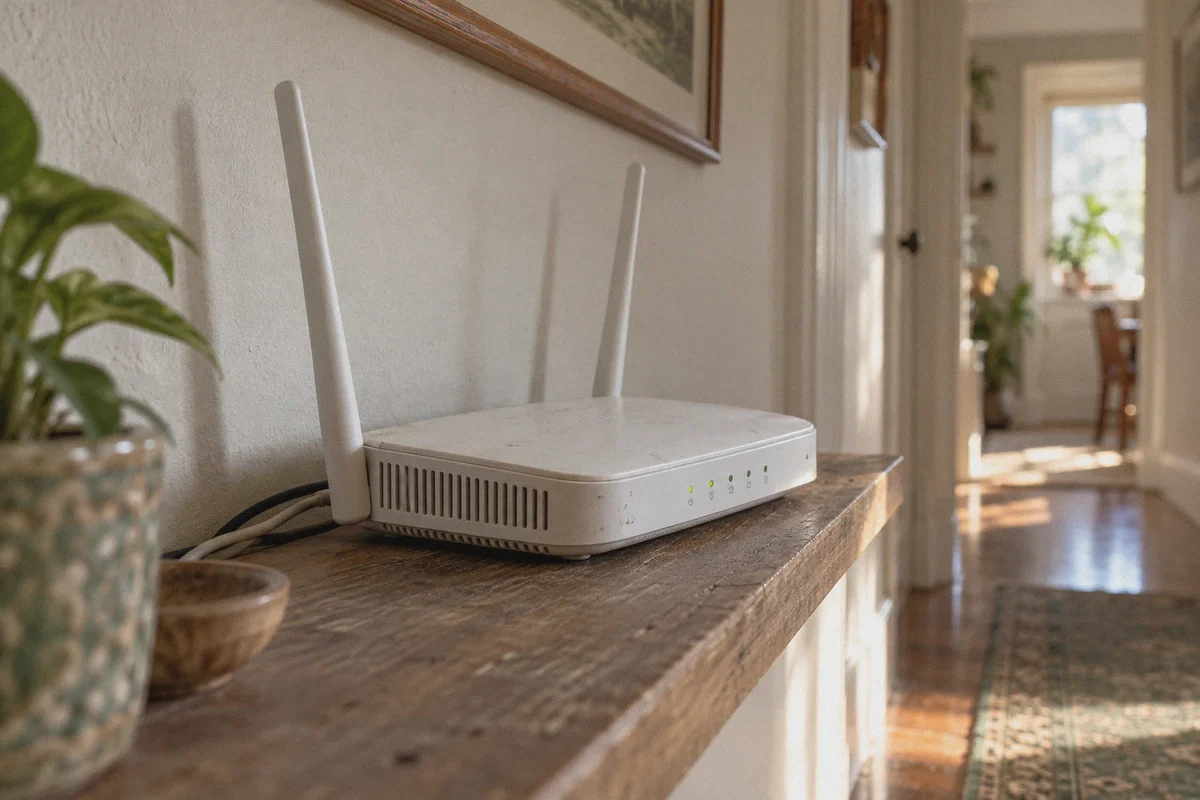
WireGuard is lightweight, but it is unforgiving on unstable or congested Wi-Fi. If your router drops 1% of packets or your neighbor fires up a microwave, standard tunnels stutter. The client tries to renegotiate, your download client pauses its data pipeline, and your average speed takes minutes to recover.
What Actually Determines Download Speed?
If protocol names alone don't guarantee fast downloads, what does?
- Traffic Obfuscation: The tunnel must mask its VPN signature so your ISP views your download as ordinary HTTPS web traffic, preventing automated bandwidth throttling.
- Dynamic Route Selection: The system—not you—must automatically monitor node loads and assign the cleanest, least congested routing pipe in real time.
- Resilience to Packet Loss: The connection must handle network jitter and congestion smoothly without stalling your active file transfer.
The Low-Effort Alternative: OnlyDogs VPN
If you don't want to spend your evening reading router manuals, configuring custom scripts, or manually testing server latencies, OnlyDogs VPN takes a fundamentally different engineering approach to high-speed downloads.
Instead of relying on bare, exposed protocols, it designs the entire pipeline around seamless speed and ISP bypass.
1. One-Click "Fastest Line" Preset (Zero Guesswork)
Forget scrolling through endless server lists trying to find a node that isn't choked by other users.
OnlyDogs replaces server guessing with Scenario Presets. Tap the Fastest Line preset, and the platform’s automatic routing algorithm immediately evaluates latency, server capacity, and route congestion to connect you to the optimal pipe. You don't manage nodes; you click once, and your downloads start flying.
👉 Check out OnlyDogs VPN and get instant optimal routing
2. HTTP/3 & Traffic Obfuscation: Slipping Past ISP Throttles
Unlike standard WireGuard, which leaves an obvious protocol fingerprint, OnlyDogs utilizes HTTP/3 architecture and proprietary traffic obfuscation.
To your internet provider’s inspection firewalls, your massive file download looks like ordinary, modern HTTPS web traffic. Because your connection blends in with everyday web browsing, ISP bandwidth filters aren't triggered, allowing you to maximize the full capability of your residential connection without artificial speed caps.
This proprietary design also ensures consistent speeds in heavily restricted or throttled network environments—from shared apartment complexes and campus Wi-Fi to restrictive networks overseas.
3. Bulletproof Stability on Weak & Congested Networks
Peak speed is useless if your connection drops every twenty minutes and corrupts your download.
OnlyDogs is built specifically for weak-network resilience and fast auto-recovery. If your Wi-Fi flickers, your laptop switches between frequencies, or your network experiences temporary packet loss, the connection recovers instantly in the background without dropping your file transfer sockets or resetting your progress.
4. Built-in Ad & Tracker Filtering
If you regularly download files, game mods, or media packages from public mirrors, you know how bloated those sites are with scripts, tracking pixels, and fake download prompts that eat browser memory and bandwidth.
OnlyDogs incorporates DNS and node-level filtering that strips away invasive ads and bandwidth-wasting trackers before they load. Your browser stays responsive, and your bandwidth is reserved exclusively for the files you actually care about.
5. Multi-Platform Support with Zero Password Hassles
Whether you download on a Windows desktop, a MacBook, or an Android tablet, OnlyDogs offers a clean, uniform interface across all major platforms. You don't have to manage complex master keys—simply enter an email verification code to log in, and you’re protected across all your devices.
3 Quick Tweaks to Double Your Real Download Speeds
To get the most out of your high-speed connection, combine a reliable VPN with these three practical habits:
- Use 5 GHz Wi-Fi or Ethernet: Standard 2.4 GHz Wi-Fi is notorious for interference that caps download speeds below 50 Mbps regardless of your VPN. Switching to a 5 GHz band or plugging in a LAN cable removes the local bottleneck instantly.
- Pause Background Cloud Syncs: Services like Google Drive, OneDrive, or Dropbox often saturate your upstream bandwidth with background syncing. Saturated upload speeds choke the download acknowledgments (ACK packets) your computer sends back, slowing your overall download speed.
- Let the Scenario Preset Do the Work: Don't manually hop between distant international servers unless you specifically need regional content. For raw download speed, let the Fastest Line preset pair you with the lowest-latency, highest-throughput node available.
The Bottom Line
A protocol is just a tool, not a silver bullet. An un-obfuscated WireGuard connection running on an overloaded server under an aggressive ISP will still leave you staring at an endless progress bar.
Real download speed comes from un-throttled pipes, smart automatic routing, and a connection that stays rock-solid through network fluctuations.
Stop playing server roulette. Head to OnlyDogs VPN, hit the Fastest Line preset, and let modern obfuscated routing deliver the download speeds you actually paid for.
Frequently Asked Questions
Is WireGuard always the fastest choice for a real download?
Not necessarily. The article says WireGuard can be very fast in a clean benchmark, while a long transfer can still be limited by server load, route congestion, packet loss, or the local network.
Why can a speed test look good while a large download is slow?
A short benchmark measures a brief burst under one set of conditions. A large file must hold throughput for much longer and is more exposed to congestion, Wi-Fi interference, route changes, and competing traffic.
What local changes does the article recommend for faster downloads?
It recommends 5 GHz Wi-Fi or Ethernet and pausing background cloud synchronization so local interference or saturated upload capacity does not choke the transfer.
When should I manually choose a distant VPN server?
The article recommends avoiding distant servers for raw speed unless you specifically need a regional endpoint. For ordinary downloads, the lowest-latency high-throughput route is usually the better target.