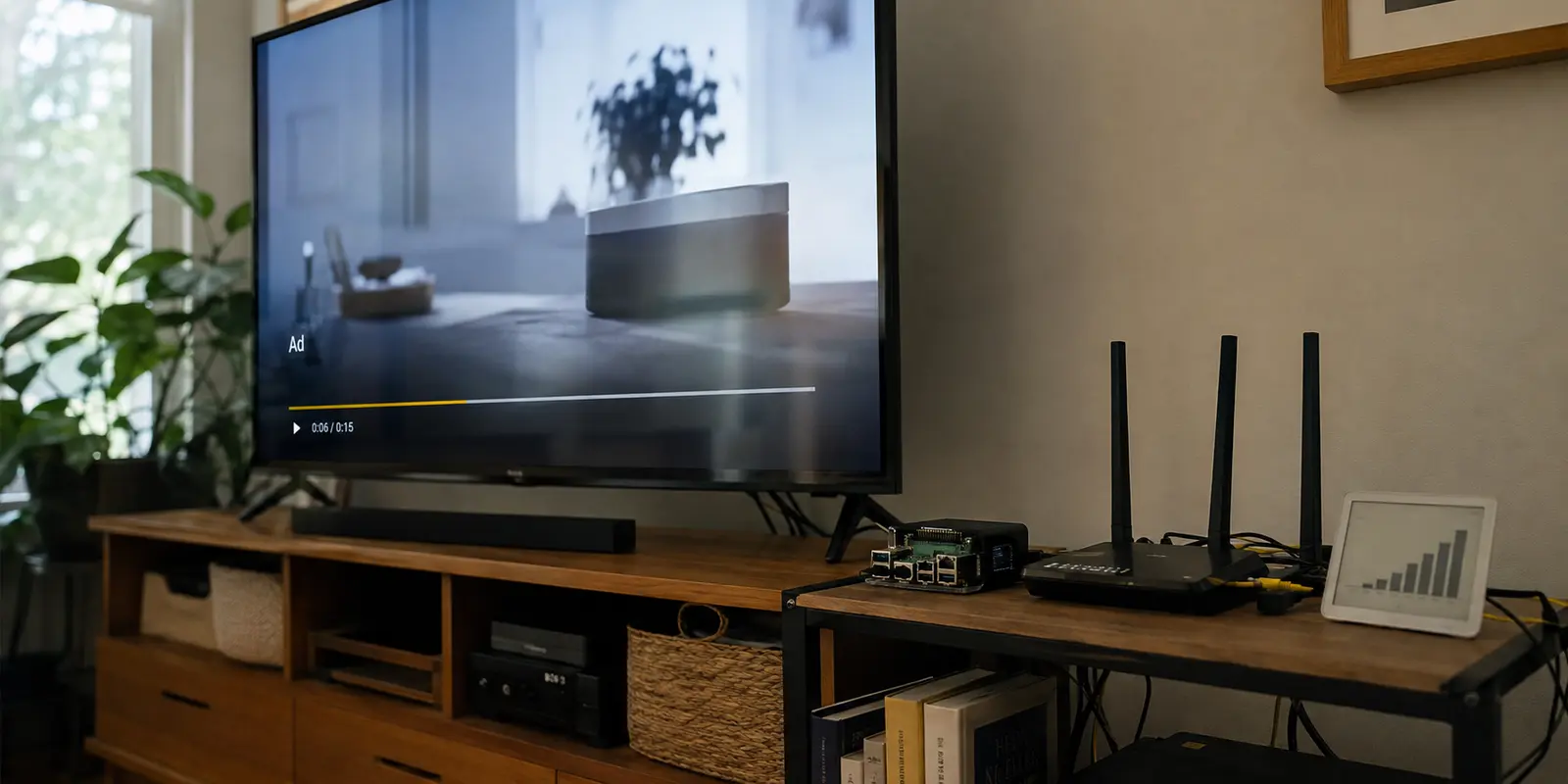
Pi-hole was working.
The dashboard showed blocked requests. Ads disappeared from websites. Several apps looked cleaner.
Then I opened YouTube.
The ad played normally.
I updated the lists. Added more domains. Restarted Pi-hole and tried again.
The block count went up.
The YouTube ads stayed.
That was the clue: Pi-hole was not misconfigured.
It simply could not separate the ad from the video.
Quick article context
Core answer
Pi-hole is not broken when YouTube ads pass through. It sees the destination of a connection, so it cannot reliably remove an ad when the ad and requested video arrive through the same delivery path.
Key points
- Pi-hole remains useful for network-wide blocking of many separate advertising and tracking domains.
- More blocklists do not solve the shared-delivery limitation and can break wanted services.
- Browser blockers may help on a computer but do not automatically cover phones, televisions, or the official app.
Where OnlyDogs VPN fits
OnlyDogs VPN fits the article's simpler mobile and streaming scenario because it pairs network filtering with an Albania-based route without asking the user to maintain another home-network rule set.
Limits
It does not replace Pi-hole for every device or guarantee removal of every in-stream ad. YouTube can change regional ad delivery, and aggressive filtering may also affect playback.
Sources already cited in the article
- YouTube’s official list of monetized markets (support.google.com)
- more blocklists rarely fix YouTube (discourse.pi-hole.net)
Why Pi-hole Cannot Block YouTube Ads
Pi-hole blocks internet addresses used by ads and trackers.
That works when an advertisement comes from a separate address.
Think of internet traffic as delivery trucks carrying boxes to your home.
If the video arrives in one truck and the advertisement arrives in a different truck, Pi-hole can recognize the ad truck's address, stop that truck at the gate, and still let the video truck through.
For example, a news website might load its article from one server while requesting a banner ad from a separate advertising server. Those are two different trucks, so Pi-hole can block the one carrying the ad.
YouTube is different. The video and the advertisement can arrive in the same truck, from the same delivery system. One box inside may contain the video you asked for, while another contains the ad—but Pi-hole only sees the truck and its destination, not the contents of each box.
If Pi-hole blocks that truck, the ad may disappear, but the video can disappear with it. If it allows the truck through, both the video and the ad can arrive.
That is why Pi-hole can allow both or block both, but cannot reliably remove only the YouTube ad.
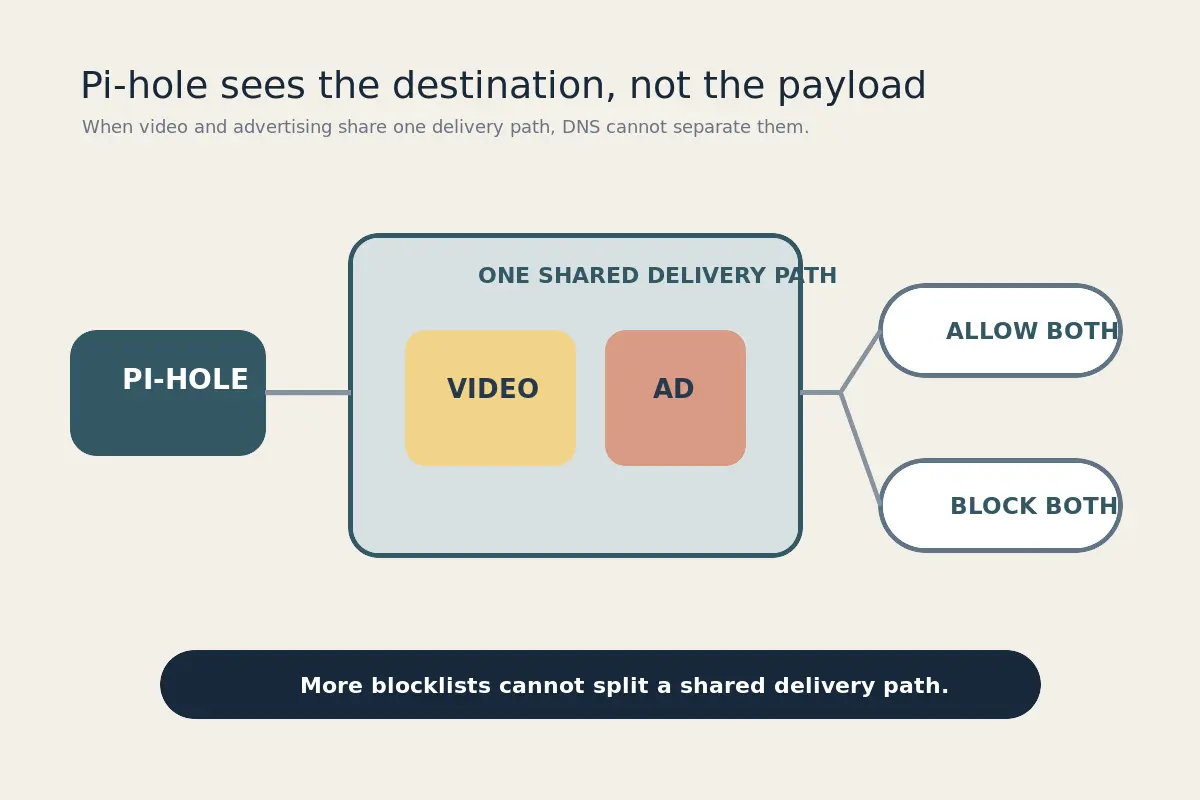
That is also why more blocklists rarely fix YouTube.
Pi-hole is still useful for websites, apps, smart devices, and tracking across the home network.
It just cannot reliably remove ads from YouTube videos.
More Lists Will Not Change That
The dashboard makes extra blocklists feel useful.
Add a list.
Refresh the page.
Watch the blocked number rise.
But a higher number does not mean fewer YouTube ads.
Pi-hole still sees only where the connection is going. If the ad and video share the same destination, another list cannot tell them apart.
Keep Pi-hole for network-wide filtering.
Stop looking for a magical YouTube blocklist.
The Browser Fix Is Not Enough
A browser ad blocker can often handle YouTube on a computer.
But that does not solve the problem everywhere else.
Phones, tablets, televisions, and the official YouTube app still need another answer.
I did not want to replace the app.
I wanted to keep the same subscriptions, watch history, casting, and controls—without the interruption.
The Missing Piece Is Location
YouTube does not show the same advertising experience in every country.
Albania is currently absent from YouTube’s official list of monetized markets.
That helps explain why connections appearing to come from Albania may receive fewer—or sometimes no—YouTube video ads.
Pi-hole handles ordinary ads and trackers.
An Albania-based connection handles the YouTube ads Pi-hole cannot separate.
But that creates a new problem.
Do I really need to manage Pi-hole, change the connection, check the route, and repeat the setup every time I want to watch YouTube?
That is not a simple solution.
It is two solutions taped together.
Is There a Way to Combine Both?
That was the real question.
Could one mode keep the filtering side active, use the Albania-based connection for YouTube, and remove the setup in between?
A travel VPN perfectly fulfilled my needs - OnlyDogs VPN. Most importantly, it truly removes ads.
Its YouTube mode combines DNS filtering and the regional connection into one scene.
You do not choose a country.
You do not edit a DNS profile.
You do not add another blocklist.
Tap the mode.
Open YouTube.
Keep using the official app.
The useful part is not the technology behind it.
It is everything the user no longer has to do.
Pi-hole can continue protecting the home network. When YouTube needs the extra layer, the combined mode handles both filtering and location in one action.
It is not a permanent loophole. YouTube can change how and where ads are served.
But it is far more practical than expecting Pi-hole to solve a problem it cannot see.
The Bottom Line
Pi-hole is not broken.
It blocks what it can recognize.
YouTube ads are harder because they can arrive through the same system as the video.
More blocklists will not fix that.
Pi-hole handles the first part.
An Albania-based connection handles the second.
The better solution is one that combines both—without making the user manage both.
Tap once.
Open YouTube.
Watch the video, not the dashboard.
Additional FAQs
Does a VPN block ads by itself?
A standard VPN mainly encrypts and reroutes traffic. Ad blocking requires an additional layer such as DNS filtering, a browser content blocker, or a provider feature designed to block known advertising and tracking domains.
Why are YouTube ads difficult to block with DNS filtering?
YouTube can deliver ads and video through closely related infrastructure. DNS filtering often cannot separate the ad request from the video stream without also breaking playback.
Can Pi-hole or NextDNS block every YouTube ad?
No. They can reduce many ordinary advertising and tracking requests, but they cannot reliably remove every in-stream YouTube ad.