Picture two passengers sitting side by side on a flight bound for Shanghai. Both pull out their phones and tap the YouTube icon; both have the exact same question in mind: Can I watch YouTube once we land?
Yet their plans could not be more different. The first passenger has six saved coding tutorials, a downloaded documentary series, and a few bedtime videos for their toddler. The second passenger is waiting on a link their team will send tomorrow morning, needs to catch an evening livestream, and plans to search for local restaurant reviews between meetings.
Both ask the same five-word question. But only one of them actually needs YouTube to be reachable in real time.
When planning a trip to mainland China, travelers almost universally assume that watching YouTube is an all-or-nothing proposition: either you secure a live, working VPN connection that runs uninterrupted for two weeks, or your screen goes dark. In reality, that mindset makes travel tech far more complicated than it needs to be. The decisive question isn’t simply “Do I need a VPN?” It is “Do I need YouTube itself to stay live, or do I only need the videos?”
Article summary and practical fit
Can you watch YouTube in mainland China, and when do you actually need live access?
On an ordinary mainland China connection, YouTube is not reachable live. If you already know what you want to watch, officially downloaded YouTube Premium videos can remove the network dependency; live search, new links, streams, comments, and uploads still require a working live route.
Key points
- Best for: Travelers deciding before departure whether they need saved videos or an interactive YouTube connection.
- Preparation: Download known videos before the trip and test them in airplane mode on the exact device you plan to use.
- Product fit: OnlydogVPN is presented in the article for travelers who need live YouTube over local Wi-Fi; international roaming, a suitable travel eSIM, or an institutional VPN may also cover some live-access needs.
- Important limit: YouTube Premium does not make a blocked network reach YouTube, and offline downloads have account and periodic check-in limits. Live access also depends on the current network and applicable local rules.
Sources cited in the article: GOV.UK China travel guidance; YouTube Premium travel policy.
The Direct Answer: Not on an Ordinary Mainland Connection
To clear up any ambiguity right away: no, you cannot open YouTube on an ordinary mainland Chinese internet connection. UK GOV.UK travel guidance confirms that YouTube remains permanently restricted in mainland China.
It is important to emphasize that this applies specifically to mainland China; special administrative regions like Hong Kong operate under entirely different internet frameworks, where YouTube and YouTube Premium are officially supported. But once you touch down in Beijing, Shanghai, or Shenzhen, the rules change.
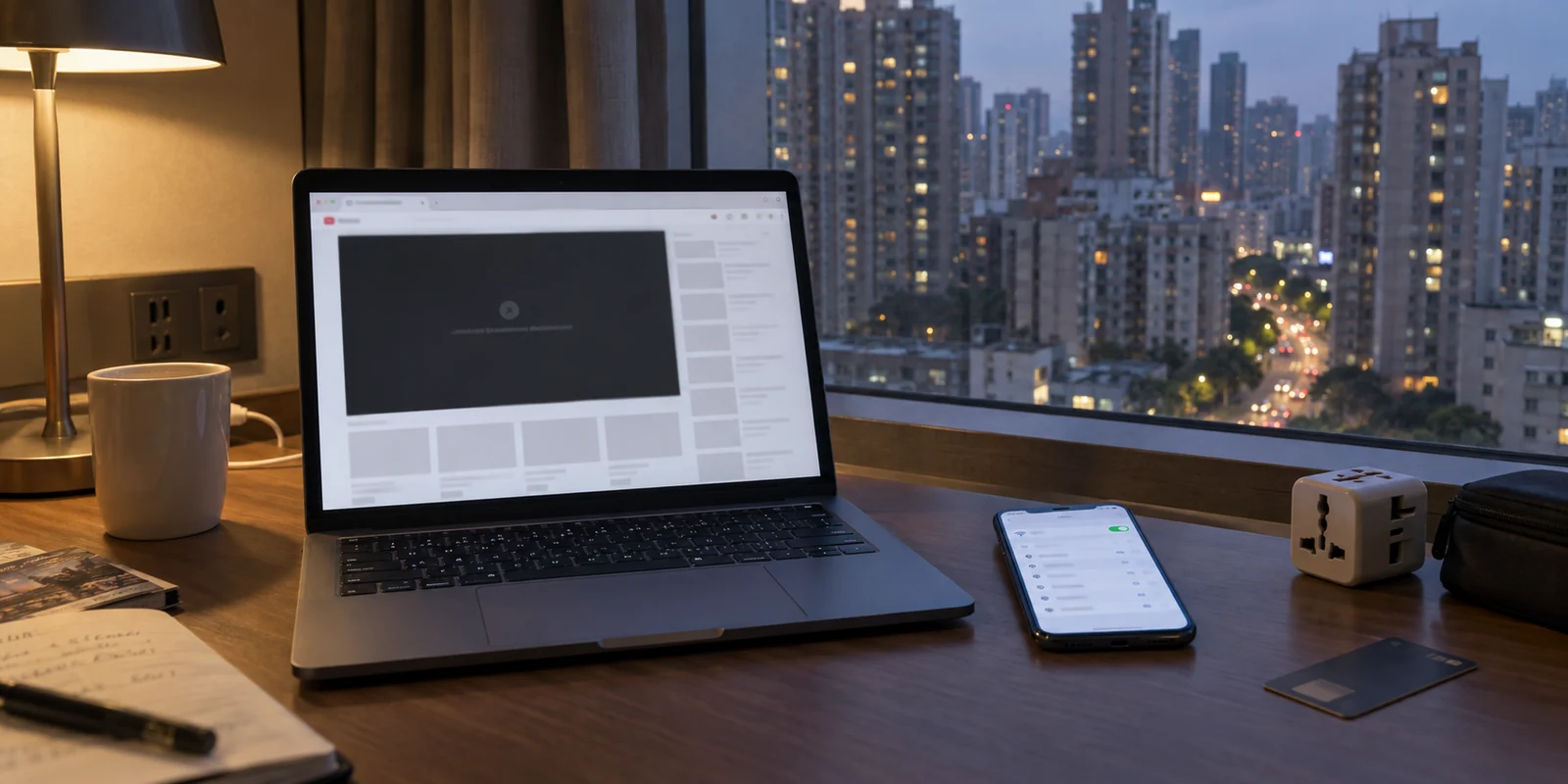
Connecting to the hotel Wi-Fi, joining an office network, or picking up a local domestic SIM card will yield the same result: local Chinese apps and ordinary domestic websites load with lightning speed, while YouTube fails to connect entirely. It is a network-level restriction, meaning that switching from Chrome to Safari or trying a different mobile browser will not change the outcome.
That sounds like an absolute dead end. But here is the critical pivot most travel guides skip:
A blocked website prevents live access to its servers. It does not prevent you from watching a video file that is already legitimately stored for offline viewing on your hardware.
Once you separate the container (the website) from the content (the video), the puzzle suddenly becomes much easier to solve.
If You Already Know the Videos, Take Them With You
If your viewing habits are predictable, the cleanest, most reliable way to handle YouTube in China is to sidestep the network barrier altogether. Don’t try to fix the connection in China; bypass it before you even board the plane.
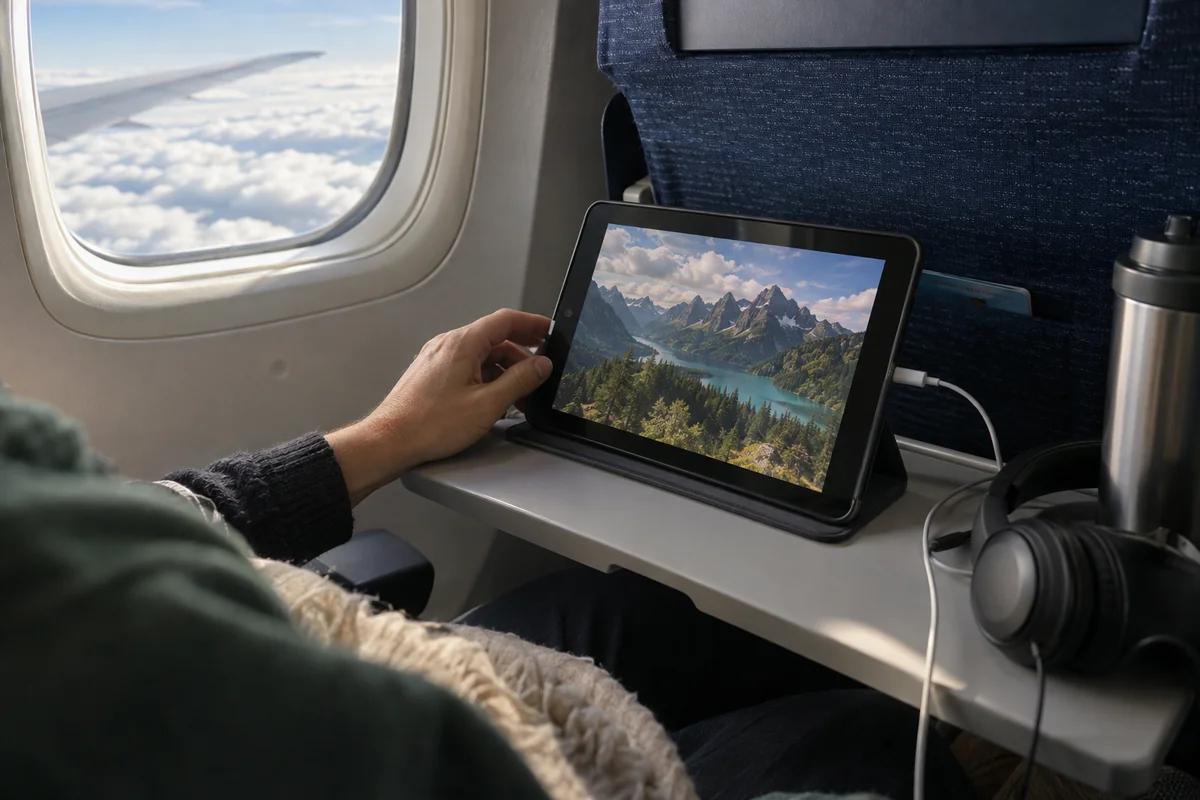
Under YouTube’s official travel policies, YouTube Premium members who travel to a country or territory where Premium is not locally offered can still access content they downloaded before leaving home. Those pre-downloaded videos remain viewable offline on your device for up to 30 days.
For students with a backlog of lectures, parents traveling with young children, or travelers who simply want their favorite comfort shows and workouts, this official offline route is not a second-rate workaround—it is the single best option available.
Here is how to set it up properly:
- Download everything in advance. Save your videos, playlists, or entire channels using the official YouTube mobile app or supported desktop browsers while you are still on your home connection.
- Download to the actual screen you will use. Premium downloads are device-specific and tied to your account. Don't stash them on an iPad if you plan to watch on your laptop in bed.
- Do an "airplane mode" dry run. Before leaving for the airport, switch your device to airplane mode and confirm that every critical video plays cleanly without an internet prompt.
This approach gives you complete independence from unpredictable hotel Wi-Fi, zero data consumption on roaming plans, and no stuttering video streams. As long as your trip falls comfortably within YouTube’s offline window—YouTube generally requires a device to check in online within roughly 29 to 30 days to verify content availability—your viewing simply works.
Premium Helps With Downloads. It Does Not Make China’s Internet Reach YouTube.
Because YouTube Premium makes offline travel so smooth, travelers frequently fall into an easy trap: they assume a Premium subscription will somehow unlock the live YouTube platform from inside China.
It will not.
A subscription and a network route are two completely different things. Premium grants you the right to download files offline and removes ads on supported connections. However, YouTube’s travel policy states clearly that when traveling in unsupported markets, core online Premium benefits become inaccessible if the underlying connection cannot reach YouTube’s servers.
(Note as well: never confuse traveling with a network tool with attempting to misrepresent your billing location to purchase cheaper subscriptions. YouTube explicitly warns against misrepresenting your location for billing; that is a contract issue, not a travel connectivity solution.)
The moment your offline files no longer cut it, the live-access problem returns immediately:
- You need to watch a breaking news clip or a video uploaded after you landed.
- A colleague or client messages you an unlisted YouTube product demo link.
- You need to use YouTube’s search engine to troubleshoot software or research an itinerary.
- You want to tune into a live stream, post a comment, or manage your own channel uploads.
If any of those scenarios describe your trip, offline preparation hits its natural ceiling. You need an active, live internet route that can bridge the gap between mainland China’s local networks and YouTube’s overseas infrastructure.
When You Need Live YouTube, the Connection Dictates Everything
Once you cross the threshold into needing live, interactive access, your options narrow to three distinct paths.
First, some travelers rely on an international roaming plan or travel eSIM. Because international roaming data is typically routed back through the home carrier’s country, it can often access services that are blocked on local Chinese networks.
However, you cannot assume every generic "travel eSIM" behaves identically; routing depends heavily on the specific roaming partner. More importantly, relying exclusively on cellular roaming gets expensive quickly if you are streaming HD video, and it does not help your laptop or tablet when connected to hotel broadband.
Second, business visitors may have access to a corporate or university VPN provided by their employer or academic institution. If configured for cross-border enterprise access, these dedicated pipelines often handle remote work needs seamlessly.
For independent travelers, freelancers, and visitors who need live YouTube across multiple devices—especially over local hotel and apartment Wi-Fi—a consumer VPN designed for travel is the practical answer.
Navigating China’s network landscape requires tools tailored to the environment. Standard domestic VPNs that rely on easily identifiable protocol signatures frequently stall out on restrictive networks. In this scenario, OnlydogVPN is a practical first option.
Rather than expecting travelers to become amateur network engineers—endlessly toggling obscure protocols, changing ports, or testing dozens of random city endpoints—OnlydogVPN is built around automated simplicity:
- Obfuscation for Restrictive Networks: It wraps connection traffic so it blends seamlessly into standard web activity, allowing it to navigate strict local network filters that routinely trip up traditional VPN protocols.
- Streaming-First Architecture: OnlydogVPN explicitly prioritizes high-bandwidth media traffic, ensuring that 1080p and 4K YouTube playback doesn’t degenerate into endless buffering wheels.
- Smart Global Routing: You tap connect once, and the software automatically routes your traffic through the most stable, responsive path available, adapting in the background even if you move between hotel Wi-Fi and local networks.
This isn’t just theoretical marketing. In verified field tests conducted inside mainland China (including testing documented as recently as late August 2026), OnlydogVPN maintained consistent, smooth YouTube streaming across both mobile devices and laptops, holding the connection reliably even after transitioning across different local Wi-Fi networks.
(A brief legal note: under Chinese telecommunications regulations, cross-border commercial networking services are subject to government licensing requirements, while foreign travel advisories caution visitors to remain aware of local regulations. As a visitor, follow current local laws and your host organization’s internal compliance guidelines.)
What I’d Decide Before the Flight
Preparing for a trip to China doesn’t require over-engineering every single app on your phone. It just requires an honest assessment of what you actually plan to watch.
Before you zip up your suitcase, map your viewing to the right solution:
Predictable entertainment, tutorials, kid shows, comfort watching: Official YouTube Premium Downloads. Completely removes network dependency. Zero buffering, zero data costs, 100% reliable offline playback for up to 30 days.
Occasional mobile-only live access for short trips: Authorized International Roaming / Travel eSIM. Keeps things simple on your phone, provided your carrier routes international data cleanly.
Live streams, search, new uploads, and daily laptop/Wi-Fi streaming: OnlydogVPN. Delivers automatic Smart Global Routing and traffic obfuscation, giving you smooth, live YouTube playback on hotel Wi-Fi without manual server hunting.
YouTube is indeed blocked on standard mainland connections. But the answer to “Can I watch YouTube in China?” isn't a blunt no—it's a choice:
If the video already exists, save it to your device and leave the connection problem behind. If the video doesn't exist yet, set up a dedicated travel route like OnlydogVPN before your flight departs. Solve the problem that matches your trip, and you won't spend a single minute staring at an error screen.
Frequently Asked Questions
Can YouTube load on a normal mainland China internet connection?
No. The article distinguishes mainland China from places such as Hong Kong and notes that YouTube is restricted on ordinary mainland networks, so changing browsers does not solve the network-level block.
What can I still watch if I download videos before the trip?
YouTube Premium content downloaded before travel can remain available offline for a limited period, subject to YouTube’s account and periodic online check-in rules. Test the downloads in airplane mode before you leave.
When do I still need a live connection to YouTube?
You need live access for new uploads, search, links sent after you arrive, livestreams, comments, channel management, and anything else that must contact YouTube’s servers in real time.
Does YouTube Premium itself make YouTube reachable in mainland China?
No. Premium changes subscription features such as downloads and ads; it does not change the network route between your device and YouTube.