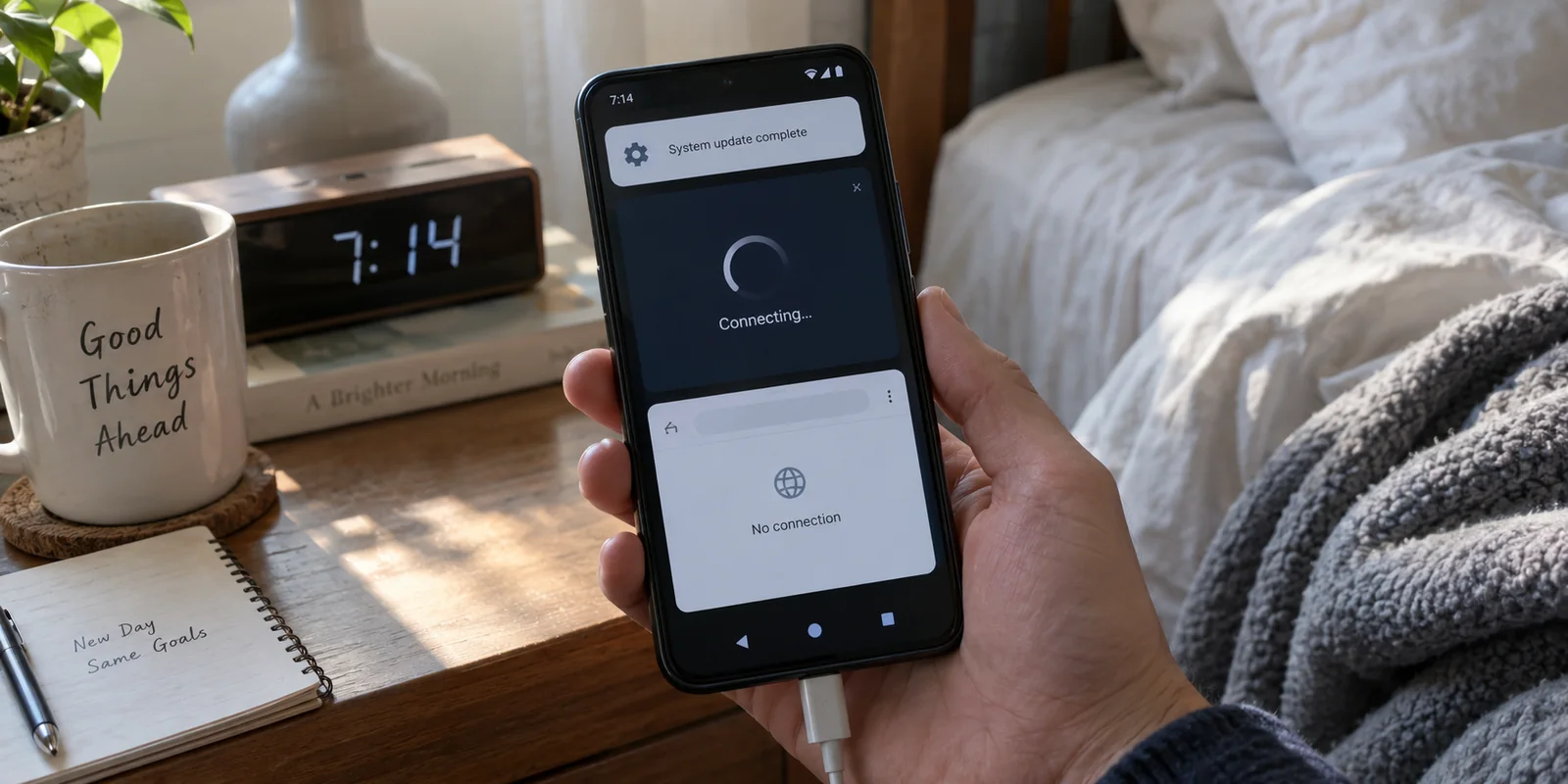
Your VPN worked seamlessly yesterday. Overnight, your phone installed an Android update. This morning, you tap the connect button, and the app either spins in an infinite handshake, claims it is “Connected” while no web page loads, or disconnects the millisecond you switch apps.
The natural instinct is to assume the entire system is broken. You jump between five different servers, switch protocols from WireGuard to OpenVPN, flush application caches, and toggle system Private DNS. When none of that works, you start contemplating a nuclear option: resetting your phone’s network settings, wiping saved Wi-Fi passwords, or even performing a full factory reset.
Before you start tearing down your device, step back. An aggressive configuration spree destroys the exact diagnostic clues you need to solve the problem.
The most efficient way to handle a broken VPN after an Android update is not to change every setting at once. Establish a clean baseline, verify ordinary internet access, and then test a second, independent VPN on the exact same phone and network.
That single controlled comparison tells you whether you are dealing with an outdated VPN client, a hostile local network, or a system-level Android glitch—sparing you hours of aimless troubleshooting.
Article summary and product fit
Should you reset an Android phone when a VPN stops working after an update?
Not first. Start with a clean reboot and any available VPN-app update, then prove that ordinary internet works with the VPN off. If the base connection is healthy, test a second independent VPN on the same phone and network. That comparison can isolate the original client from a Wi-Fi-specific block or a broader Android VPN problem before you erase network settings or device data.
Key context
- Best for: Android users whose VPN begins hanging, showing Connected with no traffic, or dropping immediately after a system update.
- Key point: A second VPN is useful as a control: if it passes real traffic on the same device and network, Android is still capable of running a VPN and the original client becomes the likely failing layer.
- Important limit: If multiple VPNs fail across multiple networks while direct internet still works, system policy or Android itself may need repair; a factory reset remains a last resort because it erases local device data.
Android’s VpnService documentation provides the platform context for a clean one-VPN-at-a-time control, while Google’s factory-reset guidance confirms the data-loss boundary. OnlyDogsVPN can serve as the article’s low-friction second-client control; a successful connection would isolate the old client rather than prove that the phone needs resetting.
Start With a Clean Reboot, Not a Configuration Spree
An Android system update introduces low-level changes to runtime libraries, background execution limits, and core networking components. When a new platform version lands, app developers frequently need to update their own SDKs and compatibility hooks to keep pace.
However, the timing of an update does not mean your operating system is fundamentally corrupt. Before opening any configuration screens, take two non-destructive steps:
- Perform a full hardware restart: Power the device completely off, wait twenty seconds, and power it back on. This clears transient memory states and forces system daemons to reload fresh configuration profiles.
- Check the Google Play Store for client updates: A major OS update often arrives alongside pending app patches. See if your VPN provider has released an update targeted at your new Android version.
Once the phone boots, launch your VPN, attempt a connection once, and observe the specific behavior:
- Does the app remain stuck on "Connecting" indefinitely?
- Does it indicate "Connected," yet web browsers and messaging apps report no connection?
- Does the key icon appear in your status bar only to disappear a moment later?
Note the symptom, but do not touch server lists, encryption toggles, or adapter metrics. Treat this as an isolated observation point.
Prove the Phone Still Has Internet Without the VPN
Before blaming any VPN tunnel, confirm that your phone can reach the outside world on its own. A dead VPN tunnel often mimics a broken Wi-Fi radio.
Disconnect your VPN app entirely and open an ordinary, content-heavy webpage in your browser while staying on the exact same Wi-Fi connection.
[ Active Wi-Fi Connection ] ──> [ Disconnect VPN ] ──> [ Load Webpage Direct ]
                                                               │
                           ┌───────────────────────────────────┴───────────────────────────────────┐
                           ▼                                                                       ▼
                  [ Page Loads Direct ]                                                  [ Page Fails to Load ]
               Network and radio are healthy.                                       Check for OS "Block Connections"
               Proceed to VPN comparison.                                           or local Wi-Fi / Portal failure.
If the page refuses to load with the VPN disconnected, check whether Android’s system-level lockdown mode is engaged. Navigate to Settings > Network & internet > VPN, tap the gear icon next to your profile, and see if "Block connections without VPN" is toggled on. If active, Android deliberately severs all internet traffic whenever a tunnel drops. Temporarily toggle this off so you can establish an accurate baseline.
Next, test your direct connection across two environments:
- Direct internet works on both Wi-Fi and mobile data: Your physical radios, cellular plan, and local gateway are functioning properly. The breakdown lives squarely in the VPN routing layer.
- Direct internet fails on Wi-Fi but succeeds on mobile data: The Wi-Fi environment is the culprit. You may be stuck behind an unauthenticated hotel or airport captive portal that requires browser interaction before passing traffic.
- Direct internet fails on both interfaces: Your phone has lost baseline connectivity. Stop troubleshooting VPN software and address device-level airplane mode, APN configurations, or carrier service issues first.
Run the Clean Control: A Different VPN on the Same Phone and Network
Once you prove your direct internet works, isolate the failure by running a control experiment.
Android enforces an architectural rule that makes this test exceptionally clean: only one third-party VPN service can be active per user profile at any time. When you initiate a connection with a second VPN app, Android automatically tears down the existing tunnel interface and spins up a brand-new virtual network adapter.
Download an alternative, reputable VPN app. Leave your phone on the same Wi-Fi network, launch the second app, and connect.
┌──> [ Second VPN Works ] ───> Original VPN app or profile is broken.
                  │                              (Do not reset the phone)
[ Test Second VPN ]
                  ├──> [ Both Fail on Wi-Fi ] ─> Wi-Fi gateway or local firewall is blocking
                  │    [ Works on Mobile ]       VPN handshakes.
                  │
                  └──> [ Both Fail Everywhere ]> Android VPN subsystem or enterprise policy
                                                 needs targeted service repair.
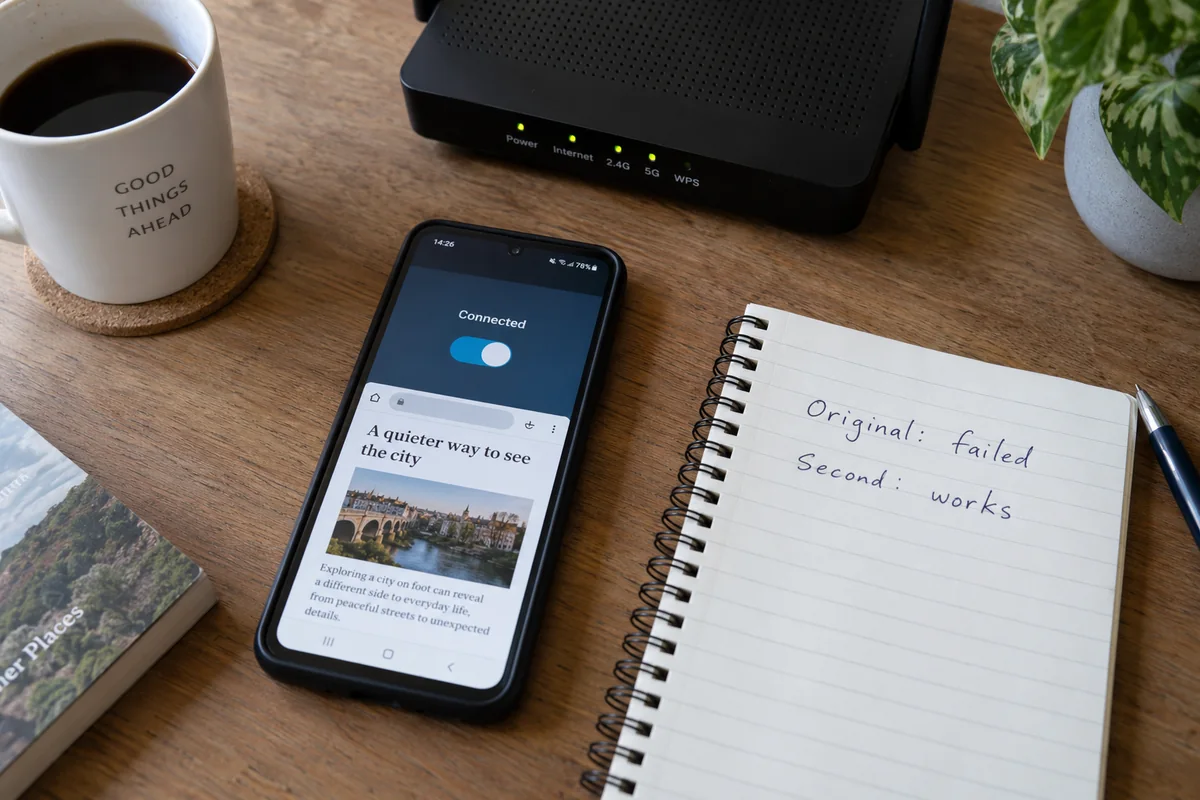
Once the second VPN displays a connected state, do not stop at the status screen—open your browser, load a website, and verify whether real packets are moving.
A Low-Friction Diagnostic Control
When running this test, you do not want to waste twenty minutes navigating a complex onboarding process, verifying confirmation emails, or configuring manual protocol options. You need a fast, dependable control.
Built with an emphasis on low-maintenance, one-tap operation, OnlydogVPN↗ removes the operational clutter common to legacy clients:
- Zero-Configuration Onboarding: Because it eliminates traditional account friction and manual credential setups, you can install the app on Android and establish a live tunnel in moments.
- Smart Global Routing: Instead of forcing you to guess which server cluster or port might bypass an OS handoff issue, OnlydogVPN’ automated routing selects a clean, stable path instantly.
- Modern Protocol Resilience: Optimized for unstable networks, its engine establishes handshakes cleanly even when underlying network interfaces have experienced an OS upgrade.
If OnlydogVPN connects and routes traffic immediately on the exact Wi-Fi network where your previous app failed, you have answered the most critical question in tech support: your Android phone's operating system is capable of running a VPN. The fault lies with the original app's configuration, not your hardware.
Repair Only the Layer the Control Test Implicated
With the results of your control test in hand, apply targeted fixes to the layer that actually failed:
Second VPN works; original fails. Root cause: stale app profile, corrupted tunnel state, or missing OS-level patch. Check the Play Store for updates to the original app. Clear app storage (Settings > Apps > Storage > Clear Data). Delete the legacy VPN profile from Android settings and re-authenticate. Reinstall the original app to prompt a clean system permission handshake.
Both VPNs fail on Wi-Fi; both work on cellular. Root cause: router-level blocks, closed UDP ports, or captive portal isolation. Open a browser to clear any pending captive portal logins. Restart the local Wi-Fi router. Switch to mobile data for tasks requiring an encrypted tunnel until you can leave that specific local network.
Both VPNs fail on all connections; direct web works. Root cause: Android VPN subsystem failure or device management conflict. Check for a secondary Android system patch or Google Play system update (Settings > Security & privacy > Updates). If on a work device, check if an MDM profile or enterprise policy has restricted VPN preparation. Reset network settings as a final software step before escalating.
Targeting the specific failing layer prevents you from solving an app-level bug with a device-level punishment.
Let the Test Decide Whether You Repair, Switch, or Reset
A failed VPN connection following an Android update can feel like a major system failure, but it is rarely fatal. It is almost always a localized communication breakdown between an updated operating system and an app that has not yet adjusted to it.
Base your final decision on the evidence your test produced:
- If the second VPN works effortlessly: Stop troubleshooting. Do not factory-reset your device to fix a third-party app problem. If your original VPN has features you depend on, keep it installed and check back for developer patches over the following week. If you used OnlydogVPN to run the test and find its one-tap, zero-configuration interface handles your daily traffic without the headaches, you can comfortably keep it as your primary everyday client.
- If both VPNs fail across every network interface: You have legitimate evidence of a broken system service. Proceed through a formal network settings reset via your phone's system menu, which flushes Bluetooth pairings, Wi-Fi networks, and cellular profiles without touching your personal photos, messages, or app data.
- Reserve a full factory reset for true emergencies: Google explicitly cautions that a factory reset wipes all local device data. It is a last-resort recovery tool for broad system corruption, not an appropriate response to a temperamental VPN app.
The next time an Android update disrupts your connection, ignore the urge to overhaul your device. Reconnect cleanly, verify your baseline internet, and run a quick test with a lightweight alternative. Once you know which layer is actually stuck, getting back online takes minutes instead of hours.
Frequently Asked Questions
What should I do first if my VPN stops working after an Android update?
Restart the phone fully, check the Play Store for an updated VPN client, try one connection, and note the exact symptom before changing servers, protocols, DNS, or other settings.
Why should I test the internet with the VPN turned off?
It establishes whether Wi-Fi, cellular service, and basic Android networking still work. If direct internet is broken too, the VPN is not the first problem to fix.
What does testing a second VPN tell me?
If the second VPN works on the same phone and network, the original client or its profile is the likely failure. If both fail only on Wi-Fi but work on mobile data, the local network is implicated. If both fail everywhere while direct internet works, investigate the Android VPN subsystem or device policy.
When should I consider a factory reset?
Only after targeted repairs and less destructive resets have failed and you have evidence of a broader device-level problem. The article treats factory reset as a last resort because it erases local data.