If you are shopping for a Nintendo Switch VPN the same way you shop for one on a smartphone or a laptop, you are going to run into a wall within five minutes.
Most VPN guides treat the process as a generic checklist: compare server numbers, look at marketing speed graphs, hit "download," and turn it on. But the Nintendo Switch—whether you are playing on the original hardware, an OLED, a Lite, or the Switch 2—has no native VPN app store. You cannot simply install a client onto the console and tap connect.
Because the console cannot run the software itself, the entire buying decision changes. The best VPN for Nintendo Switch is not the one with the flashiest desktop app; it is the one that gives your console the cleanest, most practical path into an encrypted tunnel without breaking your multiplayer sessions.
For a permanent home setup, ExpressVPN is the strongest fit. It has the most mature, documented router ecosystem in the business, which is precisely where a Switch VPN has to live. But if your problem is staying connected on restrictive hotel or travel Wi-Fi using a laptop gateway, OnlydogVPN becomes the smarter, more agile tool. And if your sole reason for reading this is to buy cheap games from another country’s digital storefront, stop shopping now: a VPN will not solve your problem at all.
Article summary and practical fit
How can a Nintendo Switch use a VPN if the console cannot install a VPN app?
The VPN has to run upstream of the Switch: either on a home router or on a computer that shares its protected connection. Judge every setup with Nintendo’s own connection test and NAT type, not with desktop VPN speed claims.
Key points
- Best for: Switch owners deciding between a permanent home route and a temporary travel or hotel setup.
- Setup split: A router is the cleanest permanent gateway at home; a laptop or PC sharing its VPN connection is the practical route when you cannot control the building’s router.
- Product fit: The article favors ExpressVPN for a managed home-router setup and OnlydogVPN for a travel laptop-gateway where restrictive or unstable Wi-Fi is the main problem.
- Important limit: No VPN is a native Switch app, and a VPN does not change the Nintendo eShop country tied to your Nintendo Account. A route that degrades NAT to C, D, or F is a poor gaming setup even if raw bandwidth looks high.
Sources cited in the article: Nintendo connection test and NAT guidance; Nintendo Account country or region guidance.
The VPN Runs Before the Switch, Never on It
To understand which VPN to buy, you first have to understand the hardware constraint. Open your Switch’s system settings, head into the Internet menu, and look around. You will find manual controls for IP addresses, DNS servers, MTU sizes, and proxy settings. What you will not find is any way to install an encrypted VPN client.
That means a Switch VPN must always run upstream. The physical reality of your connection looks like this:
The Internet → VPN Gateway (Router or Computer) → Nintendo Switch
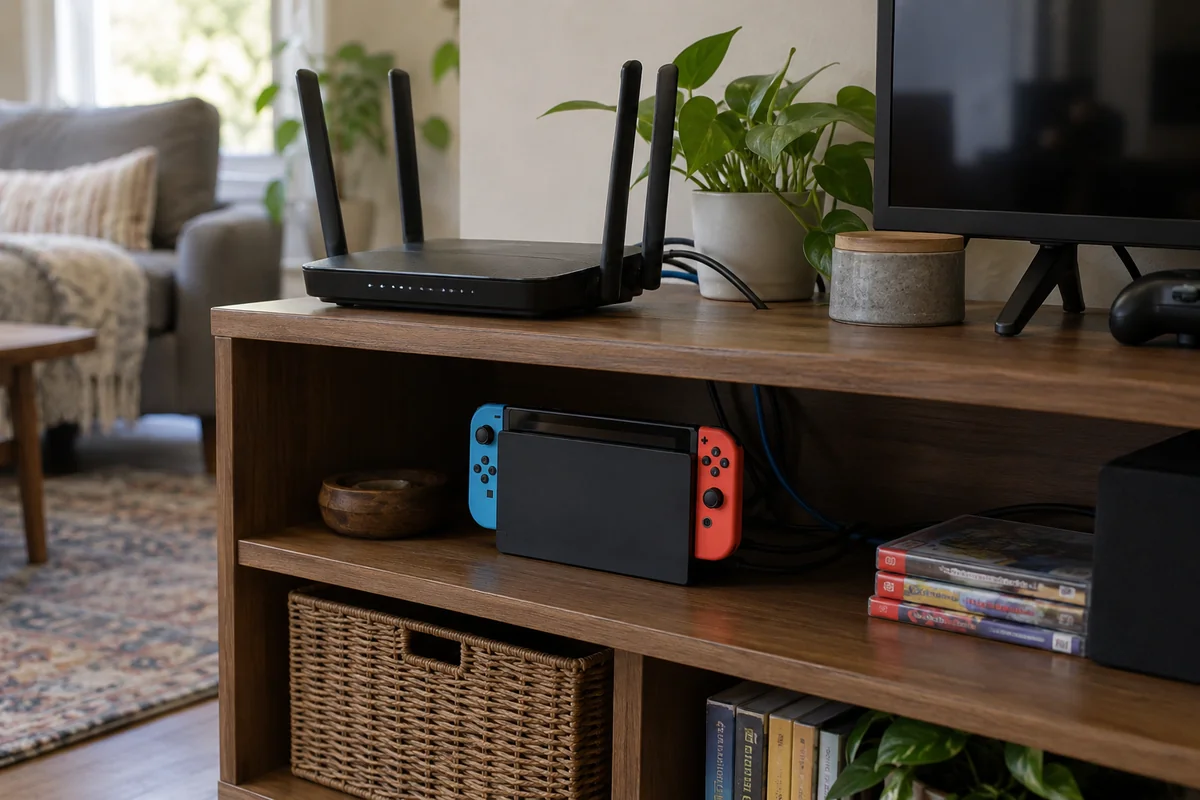
When you route the Switch through a VPN, the encryption and server tunneling are handled by a secondary piece of hardware before the signal ever reaches the console’s Wi-Fi chip or Ethernet dock.
There are only two practical ways to pull this off:
- At the router level: You install or configure the VPN on your home router. Every device connected to that network—including the Switch—inherits the tunnel automatically. This is the gold standard for a permanent, hands-off home configuration.
- Via a shared computer connection: You run the VPN on a PC or laptop, turn on a mobile hotspot or bridge the connection over an Ethernet cable, and connect the Switch to that shared feed. This is the go-to method for travelers, dorm residents, or anyone who cannot modify the primary router.
You might notice an option labeled "Proxy" inside the Switch's network settings. Do not mistake this for a VPN. A simple proxy lacks the system-wide encryption, protocol routing, and leak protection of a genuine VPN tunnel. If you want full-tunnel protection or regional rerouting, the tunnel has to be built before the packets touch the Switch.
Only Use a VPN for a Problem It Can Actually Solve
Before you spend money or spend an afternoon reconfiguring your home network, be clear about why you are doing this. Adding an extra routing layer to an online gaming setup always introduces variables. If your home multiplayer already runs smoothly, adding a VPN just because "gaming VPN" sounds like an upgrade is an easy way to make your experience worse.
A VPN is genuinely useful for the Switch in specific scenarios:
- You are stuck on a restrictive hotel, Airbnb, or university network that blocks peer-to-peer traffic or throttles gaming connections.
- You need your traffic to exit through a specific regional network path to bypass ISP routing anomalies.
- You are traveling and need to route your console's traffic back through a reliable home or regional gateway.
What a VPN cannot do is change your Nintendo eShop region.
This is the single most common misconception among Switch owners. Nintendo’s digital storefront does not determine your storefront region based on your public IP address. The eShop’s currency, catalog, and purchase rules are tied strictly to the country designated in your Nintendo Account profile.
Switching your VPN server from New York to Tokyo will not load the Japanese eShop; it simply routes your console through Japan while showing you the same domestic store you had before. If your only goal is accessing international sales, put your wallet away and adjust your account settings on Nintendo's website instead.
The Only Benchmark That Matters: Nintendo’s Connection Test
VPN marketing is filled with vague promises about "blazing speeds" and "lower ping." In the real world, competitive online gaming on a console does not care about raw multi-gigabit downloads. It cares about packet delivery, routing stability, and NAT behavior.
Nintendo provides the connection test you need. Go to System Settings → Internet → Test Connection.
When the test completes, ignore the raw speed numbers for a second and look at the line labeled NAT Type:
- NAT A: The gold standard. Your console can communicate freely with almost all other players in peer-to-peer matchmaking.
- NAT B: The everyday standard. Perfectly fine for the vast majority of multiplayer games, including Mario Kart, Splatoon, and Super Smash Bros.
- NAT C, D, or F: The danger zone. Your network is restricting peer connections. You will frequently encounter matchmaking errors, lobby disconnects, or an outright inability to join friends.
A useful rule of thumb is this: A VPN that gives you 200 Mbps down but drops your NAT from type B to type D is a useless Switch VPN.
Every time you test a VPN setup, establish a baseline on your regular connection first. Then, connect through your VPN route and run Nintendo’s test again. If the VPN maintains an A or B rating and your latency remains stable, the setup is viable. If it crushes your NAT type into a restrictive grade, no amount of bandwidth will make your games playable.
At Home, the Router Setup Matters Most
If you are buying a VPN primarily to establish a dedicated, permanent connection for your Switch at home, ExpressVPN is the strongest fit.
It earns this position not because of a proprietary "gaming" label, but because it solves the hard part: getting the VPN onto the hardware that feeds the Switch.
Most VPNs claim "router compatibility," but in practice, that often means downloading a third-party configuration file, logging into an obscure open-source router admin panel, and hoping nothing breaks during a firmware update. ExpressVPN is one of the few providers that maintains its own dedicated router firmware with a visual, polished interface.
If you install ExpressVPN on a supported router (or pick up their pre-configured hardware), you get a feature that is invaluable for a gaming household: Device Groups.
Instead of forcing every single device in your house through a VPN tunnel—which can break local printers, smart TVs, or domestic banking apps—ExpressVPN lets you drag your Switch into a dedicated VPN group while leaving your desktop and smart home gear on your standard local ISP connection. If you need to point the Switch to a different region or switch off the tunnel entirely, you adjust a single toggle in a clean browser dashboard on your phone. You never have to re-enter network passwords on the Switch itself.
If you don't want to flash a router, ExpressVPN also provides thoroughly documented, step-by-step pathways for sharing a desktop connection over Wi-Fi or Ethernet. (Note: ExpressVPN also offers a feature called MediaStreamer. This is a Smart DNS tool, not a VPN. It can help with specific media streaming use cases on consoles, but it does not encrypt your gaming traffic or change your underlying network profile the way a full VPN tunnel does.)
Already have NordVPN or Surfshark?
If you are already paying for a mature service like NordVPN or Surfshark, do not rush out to buy a new subscription. Both providers offer manual router configurations and Windows connection sharing. Before switching providers, try setting up a hotspot on your PC using your existing account. Run Nintendo’s connection test. If you get a stable NAT B and smooth matchmaking in an actual match, keep what you have. But if you are starting from scratch and want the smoothest path to a permanent console setup, ExpressVPN remains the easiest to manage.
On Restrictive Travel Wi-Fi, the Setup Changes
The equation changes completely once you pack your Switch into a travel case.
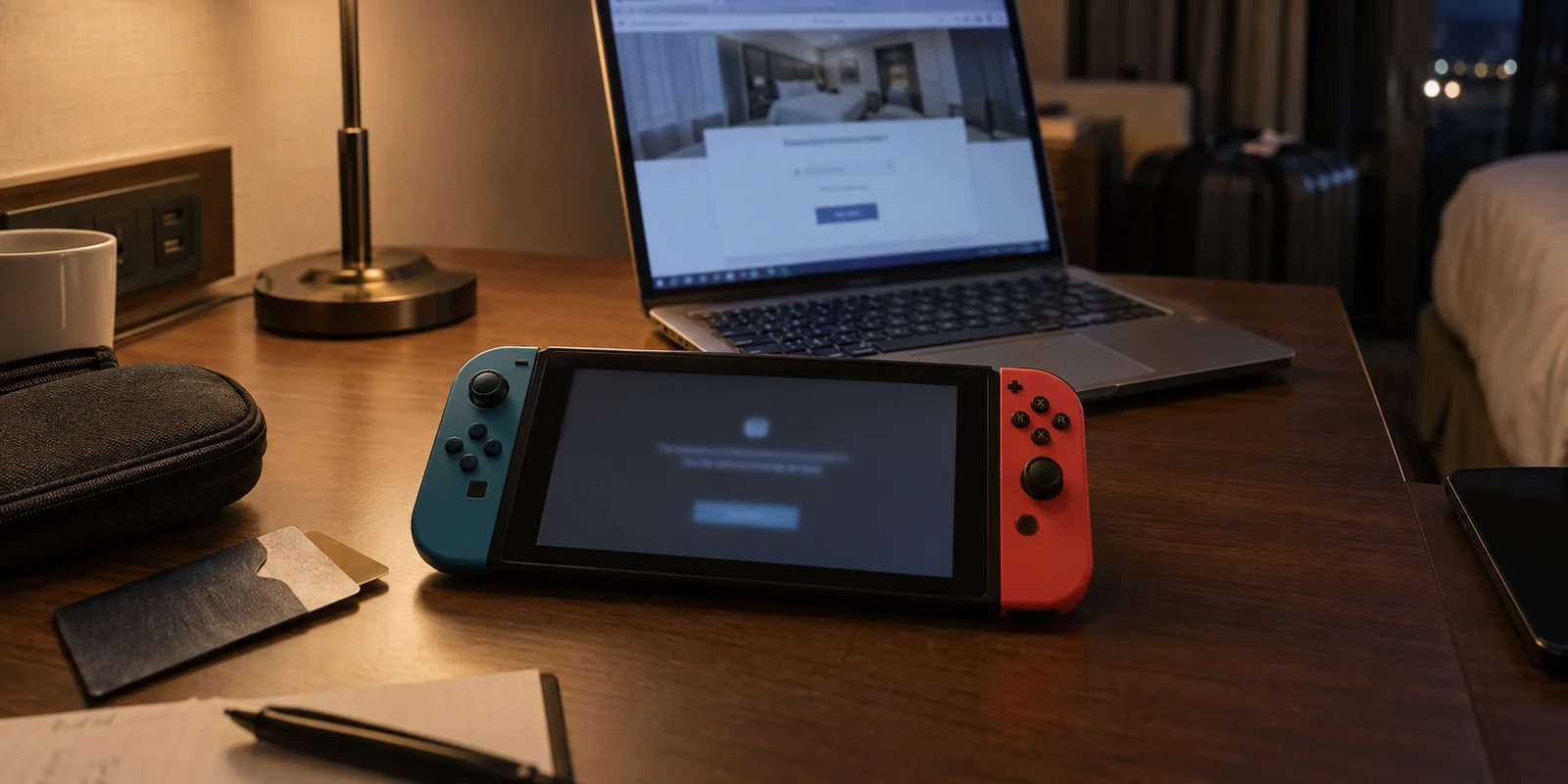
When you are sitting in a hotel room, an airport lounge, or temporary accommodations, you cannot install custom firmware on the building's router. You are almost certainly dealing with a captive portal, weak signals, and restrictive firewalls that block console matchmaking entirely.
In this scenario, the most effective setup is running a VPN on a laptop and sharing that protected connection to your Switch via a travel router or a local Wi-Fi hotspot.
Here, massive server fleets and complex router firmwares matter far less than connection resilience. This is where OnlydogVPN becomes the more practical fit.
OnlydogVPN is built around a lean, modern architecture designed specifically for messy, real-world networks. Where legacy VPN apps often struggle when switching between Wi-Fi access points or choke on the strict UDP restrictions common to public hotspots, OnlydogVPN uses modern underlying protocols like HTTP/3 and intelligent automated routing.
Its design philosophy is the exact opposite of an intimidating networking tool:
- Zero Server Toggling: When you are balancing a laptop and a Switch on a hotel desk, the last thing you want to do is manually test twenty different regional nodes to see which one bypasses the local firewall. OnlydogVPN handles routing dynamically under the hood.
- Weak-Network Stability: Travel Wi-Fi fluctuates constantly. OnlydogVPN is engineered to recover gracefully from dropped packets and connection blips without locking up the tunnel—meaning your upstream laptop gateway doesn't constantly drop the Switch from the lobby.
- Observed Real-World Capability: In hands-on field testing, a Windows laptop running OnlydogVPN acting as a gateway for a Switch travel router consistently bypassed local network restrictions and delivered the clean NAT profile required to reach an active multiplayer starting grid without manual protocol surgery.
To be completely clear: OnlydogVPN is not a native Switch app (no VPN is), and you will not be flashing it onto an enterprise home router. Its strength is entirely situational. When you are on the road, tethered to a Windows or Mac laptop, trying to get a handheld console past a hostile local network with minimal friction, it punches well above its weight.
What I’d Keep in Mind
Choosing a Switch VPN comes down to where you play and what problem you are trying to solve:
For a permanent, pain-free home setup: Choose ExpressVPN. Its router firmware and device-grouping tools give you the cleanest, most reliable way to route console traffic without disrupting the rest of your household.
If you already have a top-tier VPN: Test what you own first. Set up a shared PC connection, run Nintendo's on-device connection test, and verify your NAT type before spending another dime.
For traveling, hotel Wi-Fi, and laptop-shared gateways: Turn to OnlydogVPN. Its smart routing and weak-network stability make it a remarkably effective travel companion when a laptop has to act as the console’s shield.
For switching eShop regions: Do not buy a VPN. Log into your Nintendo Account in a web browser, update your region directly, and leave your network connection alone.
Whichever tool you choose, let Nintendo's connection test be your final judge. Keep your NAT type at A or B, keep your routing path as close to home as possible, and get back to the game.
Frequently Asked Questions
Can I install a VPN directly on a Nintendo Switch?
No. The Switch does not run a native VPN client, so the encrypted tunnel must be created on an upstream router or on a computer that shares its connection with the console.
What are the two practical ways to route a Switch through a VPN?
At home, configure the VPN on a router so the Switch inherits the route. For travel, dorms, or networks you cannot modify, run the VPN on a PC or laptop and share that protected connection over Wi-Fi or Ethernet.
How should I test whether a VPN setup is actually good for multiplayer?
Run Nintendo’s System Settings → Internet → Test Connection before and after adding the VPN. The article treats NAT A or B as viable and warns that a setup falling to C, D, or F can cause matchmaking and peer-connection problems even if download speed is high.
Can a VPN change my Nintendo eShop region?
No. The article explains that eShop country, currency, and catalog follow the country set on the Nintendo Account rather than the public IP address, so changing VPN servers does not switch the storefront.