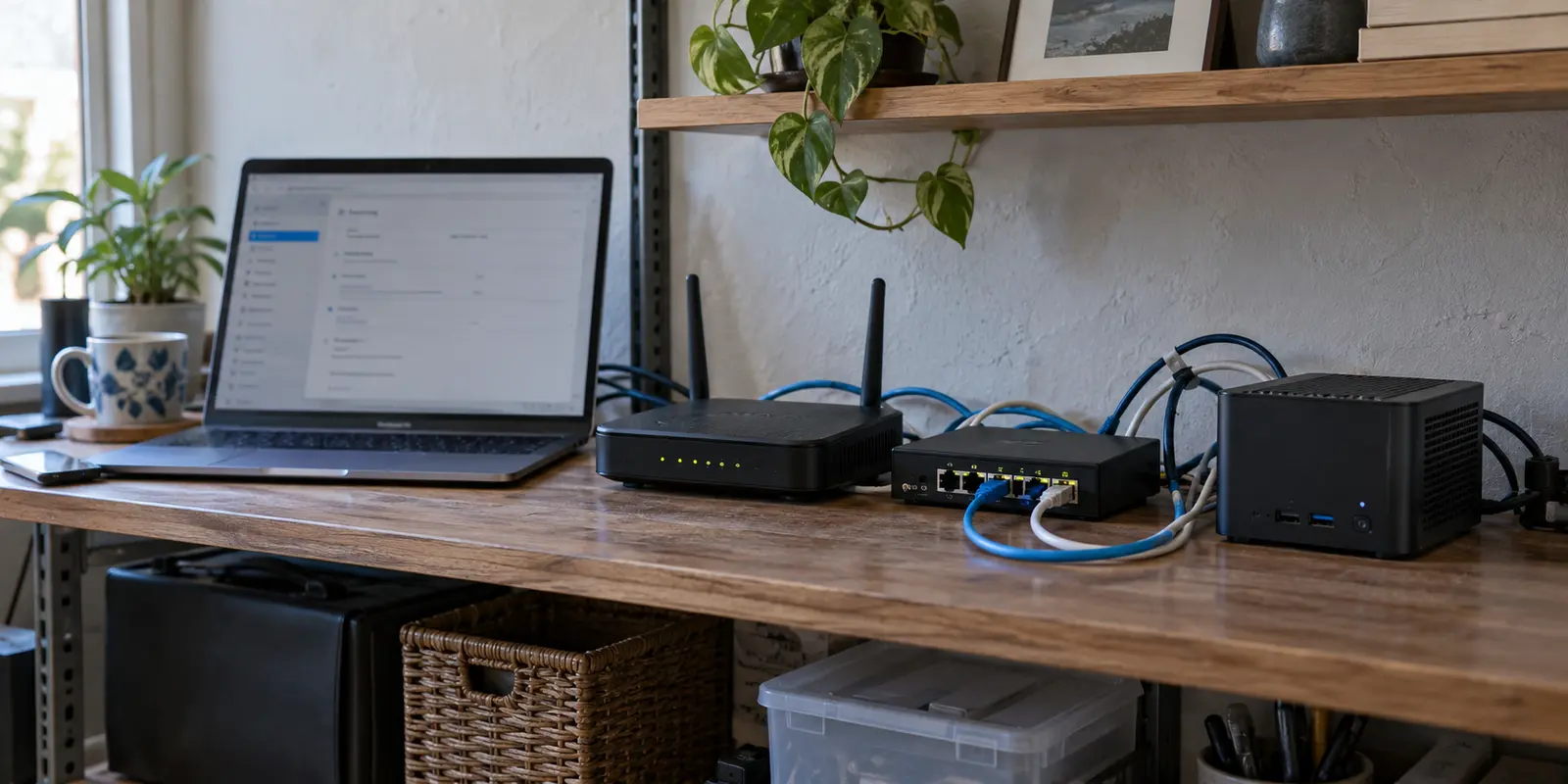
The server process is running, the config file looks untouched, and your client app flips its toggle to a reassuring green. Yet your home NAS refuses to open, internal dashboards time out, and switching to full-tunnel mode cuts off the internet entirely.
For anyone running a self-hosted WireGuard instance on a home server or VPS, the default instinct is panic-driven churn: regenerate keys, swap random UDP ports, edit configuration blocks from memory, or nuke the installation and start over.
Don't rebuild anything yet.
A self-hosted VPN does not fail as a single monolithic block. It fails at distinct boundaries: before the packets ever reach your server, after a tunnel is established but before traffic is routed, or at the architecture level because the setup no longer matches what you actually need.
The fastest fix is never guessing at random settings. It is tracing one conceptual packet from your remote device toward your destination and finding the exact line it cannot cross.
Article summary and troubleshooting map
Where should you look first when a self-hosted VPN stops working?
Find the first boundary the traffic cannot cross instead of rebuilding the VPN. No recent WireGuard handshake points to ingress reachability; a fresh handshake moves the investigation to routing, forwarding, subnet overlap, NAT, or DNS. If the original goal was only secure outbound internet on the road, the article also asks whether a self-hosted inbound architecture is the wrong tool for that job.
Use the first failed boundary
- No recent handshake: check whether the service is listening, DDNS still resolves correctly, UDP forwarding reaches the right host, and whether CGNAT has removed the public inbound path.
- Handshake but no LAN access: inspect AllowedIPs, IP forwarding, and overlapping home/hotel subnets before touching keys or ports.
- LAN works but full-tunnel internet fails: inspect source NAT or masquerading on the server’s outbound interface.
- Raw IPs work but names fail: treat it as a DNS resolver-path problem, not a failed VPN tunnel.
- OnlydogVPN fit described in this article: it is recommended only for the separate use case of secure outbound internet while traveling; it does not replace a self-hosted route when you actually need access to your home LAN.
Sources already used in the article: WireGuard quick start; Tailscale connection types; Cloudflare Tunnel documentation.
Determine Whether the Tunnel Ever Reached Your Server
Start with the single most informative checkpoint in modern VPN troubleshooting: is there a recent handshake?
WireGuard does not maintain persistent, chatty sessions. If it cannot reach an endpoint, it simply stays quiet. A toggle saying "Active" on your phone or laptop only means the local interface is up—it does not mean packets have reached your server. Look at the peer status. If the latest handshake timestamp is missing or hours old, you do not have an internal VPN problem. You have an ingress reachability problem.
Stop editing firewall masquerading, stop checking internal routes, and do not touch DNS. Nothing inside the server matters until incoming packets can hit the listener.
Focus exclusively on what can block arrival:
- Is the service listening? Ensure the daemon is up on the host and bound to the expected port.
- Did your public IP change? If you rely on Dynamic DNS (DDNS), verify that the hostname resolves to the actual external IP address of your network today.
- Did the router drop the forwarding rule? Verify that your router is forwarding the designated UDP port to the correct local IP of your VPN machine. A router reboot or firmware update can silently wipe or misassign local addresses.
- Are you trapped behind CGNAT?
The Carrier-Grade NAT (CGNAT) trap is the quiet killer of self-hosted setups. Compare the WAN (Internet) IP address displayed on your router’s administrative dashboard with the public address returned by a site like ifconfig.me. If the router shows an address in the shared 100.64.0.0/10 block—or any address that does not match your true public IP—your ISP is not giving you an individual public IPv4 address.
When you sit behind CGNAT, inbound packets are dropped by the ISP before they ever see your router. In that environment, regenerating WireGuard keys and tweaking PersistentKeepalive will never establish a connection. Keepalives maintain open states through an existing NAT path; they cannot manufacture an inbound public path that your provider refuses to offer.
If there is no handshake, fix path reachability first.
A Handshake Means “We Met,” Not “The Path Works”
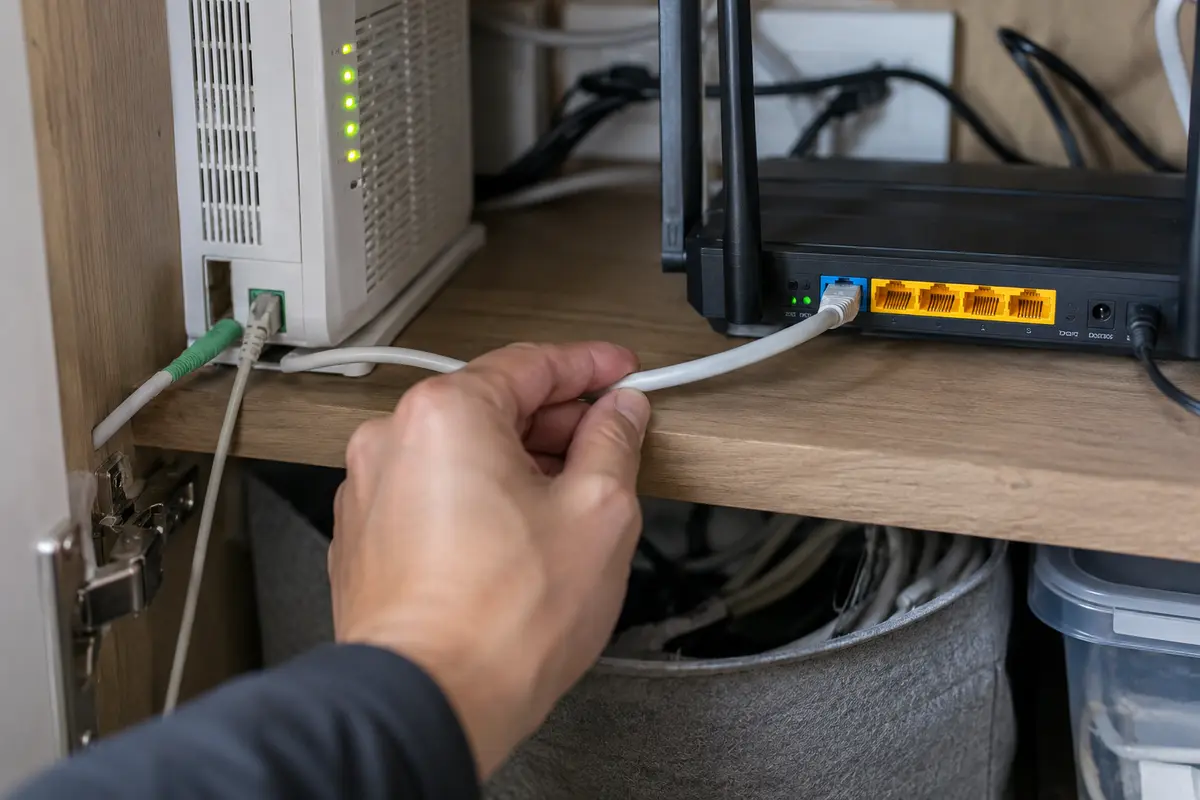
If you see a recent handshake completed seconds ago, breathe a sigh of relief—and then immediately stop troubleshooting ports, DDNS, and public IP addresses. Your packets successfully crossed the internet and reached the server.
The breakdown is now happening behind the handshake boundary. Run two quick diagnostic checks to see where the path fractures.
Can you reach the VPN host, but not other devices on the LAN?
If you can ping the internal VPN IP of your server (e.g., 10.8.0.1) but cannot access your NAS or printer on the wider home network (192.168.1.x):
- AllowedIPs: Ensure the client configuration includes the target subnet in its
AllowedIPslist, not just the single server address. - IP Forwarding: A Linux host acting as a VPN endpoint will not pass traffic between interfaces by default. It requires packet forwarding enabled in the kernel (
net.ipv4.ip_forward = 1). - Subnet Overlap: This is the most common invisible failure for travelers. If your home network uses
192.168.1.0/24and the hotel or coffee shop Wi-Fi also hands you a192.168.1.xaddress, your operating system assumes your NAS is sitting in the room with you. It routes the traffic out the local Wi-Fi card rather than down the encrypted tunnel.
Does internal access work, but full-tunnel internet fails?
If you can reach local network drives but cannot load any external websites when routing all traffic through the home connection, look at the server's gateway configuration.
Receiving a packet addressed to an external web server is only half the job; the server must rewrite and forward that packet onto its upstream interface. If your firewall lacks the appropriate source NAT or masquerading rule (such as an iptables or nftables MASQUERADE directive on your outbound WAN/Ethernet interface), outgoing packets either stall or the replies have no route back to your VPN client.
If IP Addresses Work but Names Fail, Stop Rebuilding the VPN
There is a distinct, frustrating scenario where the tunnel is healthy, the routes are flawless, yet every application feels dead: DNS failure.
Before you dismantle your network stack, run a five-second test. Try pinging or opening a raw, known external IP address (such as 1.1.1.1 or 8.8.8.8). If direct IP addresses respond instantly but typing google.com or your local domain nas.lan times out, your VPN is working. Your resolver is not.
Because a self-hosted setup ties together an encrypted interface, OS-level routing policies, and a distinct DNS configuration, a failure in one layer looks identical to an outright crash. Common culprits include:
- A configured DNS server IP that is only accessible over a subnet excluded by your
AllowedIPs. - A local client resolver (such as mobile private DNS or an aggressive OS network manager) refusing to switch over to the tunnel’s pushed DNS server.
- An internal DNS instance (like Pi-hole or AdGuard Home) listening only on
localhostor its physical LAN interface, silently ignoring requests arriving on the VPN tunnel interface.
When raw IPs move through the tunnel, your cryptographic engine and forwarding pipeline are innocent. Leave the VPN server alone and look strictly at your resolver path.
When the Right Fix Is a Different Architecture
Once you understand these boundaries, an uncomfortable question emerges: what was this self-hosted VPN actually supposed to accomplish?
Self-hosted setups fail most often because users try to solve two fundamentally different problems with a single DIY WireGuard profile.
Scenario A: You genuinely need remote access to your home network
If your goal is checking home security cameras, pulling files from a local NAS, or managing Home Assistant, you need an ingress route into your personal LAN.
If CGNAT or restrictive firewalls have permanently killed direct port-forwarding, stop battling your ISP. Pivot to an architecture designed around outbound traversal:
- Mesh Networks (e.g., Tailscale): Tailscale coordinates peer-to-peer connections using automated NAT traversal techniques. When NAT conditions prevent a direct link, it seamlessly relays your encrypted traffic via globally distributed coordination nodes.
- Outbound Tunnels (e.g., Cloudflare Tunnel): By establishing an outbound-only connection from your server to an external edge, an outbound tunnel exposes specific private applications to authenticated users without requiring a public IP address or open inbound router ports.
Scenario B: You just wanted secure internet access away from home
Many people spin up a home WireGuard server simply because they want protected browsing on public Wi-Fi, an encrypted data path while traveling, or a clean way to shield daily traffic from ISP snooping.
If that is your goal, routing your travel traffic through a personal machine sitting in your living room makes your home network a fragile, unnecessary point of failure. If your home internet suffers an outage, your power flickers, or your local ISP throttles upstream bandwidth, your connection on the road dies with it.
For this job, a dedicated outbound client like OnlydogVPN↗ is a vastly more sensible architecture.
Instead of forcing you to baby an inbound router port and manage dynamic hostnames, OnlydogVPN initiates its connection directly outward from the device in your hands. Because it uses automated route selection built on top of an obfuscated HTTP/3 transport, it avoids the signature detection and protocol-level blocking that routinely trip up vanilla WireGuard tunnels on hostile hotel or airport Wi-Fi. It handles weak signal handoffs cleanly without hanging the tunnel interface or requiring manual restarts.
If you need your home hard drives, fix the private network path. But if you simply need your laptop or phone to have secure, reliable internet access wherever you land, stop making your living room router part of the critical path and let a purpose-built tool handle it.
Troubleshoot From the Outside In
The next time your connection drops, discard the impulse to tear everything down. Isolate the failure along the conceptual path:
When you treat "VPN not working" as five distinct boundaries rather than a single mysterious outage, the panic disappears. Find the first barrier your traffic cannot cross, fix only that piece, and let the rest of the connection do its job.
Frequently Asked Questions
What does it mean if WireGuard shows active but there is no recent handshake?
The article treats that as an ingress reachability problem. The local interface can be up even when packets never reach the server, so check the listener, public address or DDNS, router forwarding, and CGNAT before changing internal routing or DNS.
What should I check if the WireGuard handshake is fresh but I cannot reach devices on my home LAN?
Move past ports and public IP troubleshooting. The article points to the client’s AllowedIPs, server-side IP forwarding, and possible subnet overlap between the remote Wi-Fi network and your home LAN.
Why does full-tunnel internet fail even though I can reach devices at home?
That pattern points to the server’s gateway path. The article recommends checking whether source NAT or masquerading is correctly rewriting and forwarding outbound traffic so replies can return to the VPN client.
How do I know if the VPN problem is actually DNS?
Test a known raw IP address. If IP traffic works through the tunnel but domain names fail, the article says the encryption and forwarding path are likely healthy and the resolver path should be investigated instead.
What if CGNAT prevents inbound access to my self-hosted VPN?
The article says keepalives and key changes cannot create a public inbound path that the ISP does not provide. For genuine home-network access, it suggests moving to an outbound-traversal or mesh architecture rather than endlessly retrying port forwarding.