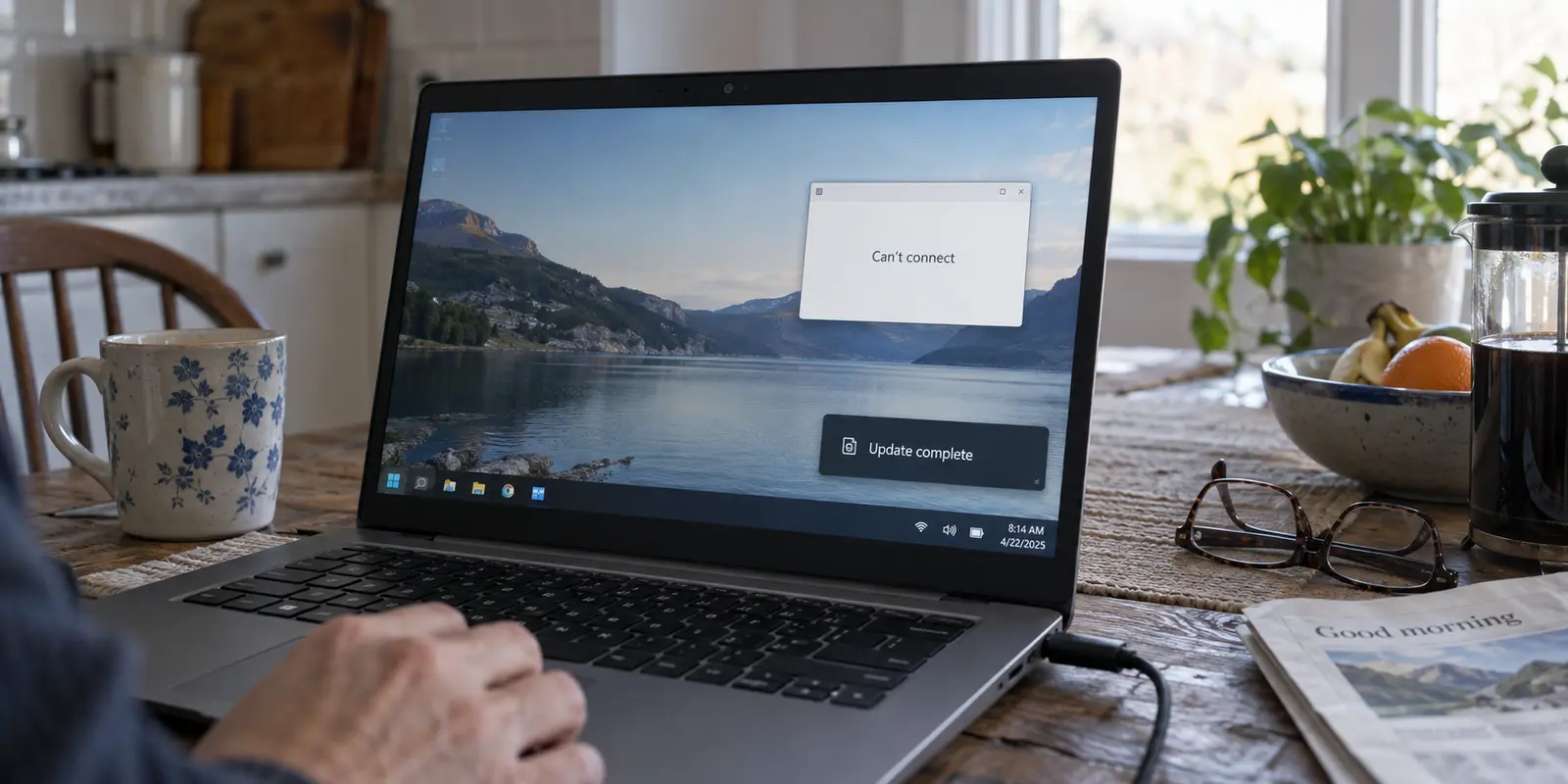
The scenario is familiar: your PC rebooted overnight to install a Windows update, and the next morning your VPN refuses to connect. You open Windows Settings, navigate to Network & internet, and immediately spot the most prominent troubleshooting option available: Network reset.
Clicking that button is tempting, but doing so right away is usually a mistake.
Microsoft officially classifies Network reset as a last-resort recovery step. When you trigger it, Windows completely removes and reinstalls every network adapter on your motherboard, wipes your saved Wi-Fi networks and passwords, clears custom DNS configurations, and resets base network components. Crucially, it also rips out the virtual network adapters that VPN software relies on, forcing you to reinstall or reconfigure your VPN anyway.
If your computer's base internet connection is fine and only a single VPN app is throwing an error code, executing a full network reset destroys working parts of your system to solve an unverified problem.
A sudden VPN failure after a Windows update does not automatically mean the operating system is corrupted or that the update must be uninstalled. Instead, troubleshoot by blast radius: find out what is actually broken, match the fix to the smallest affected layer, and keep the sledgehammer tools in reserve.
Article summary and product fit
What this article comes down to
After a Windows update, troubleshoot a broken VPN by blast radius. If ordinary browsing still works and only one VPN client fails, update or clean-reinstall that client before changing Windows networking. If multiple network functions are broken, escalate from Windows Update and targeted driver repairs toward Network reset only as a last resort. Roll back an update only when the evidence points to a real regression.
What matters here
- Best for: Windows users whose VPN stopped working immediately after an update and who want the least destructive recovery path first.
- Key point: The fact that a VPN failure appeared after an update is a useful timeline clue, not proof that the whole Windows network stack is damaged.
- Product fit: OnlydogVPN is presented as a replacement to consider when Windows itself is healthy but a specific consumer VPN client remains unstable after updates, reinstalls, and driver checks.
- Important limit: Network reset removes and reinstalls adapters and can wipe saved network settings, while update rollback also removes bundled fixes and security patches. Managed corporate VPNs should be handled by the organization’s IT team rather than replaced with a consumer client.
Sources used in this article: Microsoft Support: Fix Wi-Fi connection issues in Windows; Microsoft Support: June 23, 2026 KB5095093. Product context: OnlydogVPN official website.
The update is a clue; first find out what still works
The fact that an error appeared right after an update is a useful timeline marker, but timing alone does not prove the Windows kernel broke your connection.
Before changing any settings, give Windows one clean restart. Pending file renames and driver hooks from a patch frequently need a full reboot to finalize. Once your desktop loads, leave the VPN completely disconnected and open a web browser.
Your first diagnostic split comes down to three basic behaviors:
No internet connection at all: If you cannot open any ordinary website over your standard Wi-Fi or Ethernet connection, this is not a VPN-specific failure. Your physical network adapter, local IP lease, DNS resolver, or base Windows network stack needs attention before troubleshooting tunnels.
Normal internet works, but the VPN will not connect: The physical hardware and base Windows networking are functioning properly. The blast radius is isolated: the failure is confined to the VPN client software, its virtual network adapter, or a compatibility conflict introduced by the update.
The VPN connects and normal apps work, but a specific subsystem fails: Sometimes an update affects only a narrow slice of system networking. For instance, following an October 2025 Windows preview update, users running certain third-party VPNs discovered they suddenly received "No route to host" errors inside the Windows Subsystem for Linux (WSL), even though the main Windows desktop could browse the internet without issue (a bug Microsoft patched in early 2026).
Recognizing that distinction prevents overreacting. If your browser loads websites smoothly without the VPN, your base Windows networking is healthy. Do not tear down your network stack to fix an application-level problem.
If only the VPN broke, repair the client before Windows
When the baseline internet connection works, keep your troubleshooting focused strictly on the VPN application itself. Do not touch Windows settings until you have given the software a chance to align with the new OS environment.
Start with the least disruptive steps:
- Check for an application update: Just because Windows finished updating does not mean your third-party applications did. If your VPN was installed via the Microsoft Store, check the Library tab for pending updates; if you downloaded it directly from the provider, open its preferences menu or visit the vendor’s site to download the latest release.
- Verify OS compatibility: When Windows delivers a major platform update, virtual network adapter drivers built for older builds can become unstable. Microsoft specifically recommends checking software publishers for newer compatible releases when legacy desktop software misbehaves on refreshed builds.
- Perform a clean reinstall of the client: Close the VPN, end its background processes in Task Manager, uninstall the software, restart the machine, and install the latest installer from the provider. This cleanly reinstalls the virtual adapter and associated background services without collateral damage to the rest of your system.
Avoid the common trap of cycling through dozen of server countries, toggling random obfuscation protocols, and manually editing registry entries. If the client cannot initialize its virtual network interface after an update, a server in Amsterdam will fail just as reliably as one in New York.
If updating or reinstalling the VPN software resolves the error, you are finished. Windows was never broken; the software simply needed a current driver build.
If the failure is wider, escalate Windows repairs in order
If ordinary internet connectivity also degraded after the update, or if multiple independent network tools stopped functioning simultaneously, the issue genuinely sits inside the Windows layer. Even here, escalate methodically from smallest to largest:
1. Run Windows Update Again — Checks for follow-up patches, driver fixes, or hotfixes. Minimal (Non-destructive)
2. Update Physical Network Drivers — Refreshes manufacturer drivers for Wi-Fi/Ethernet. Low (Replaces targeted driver)
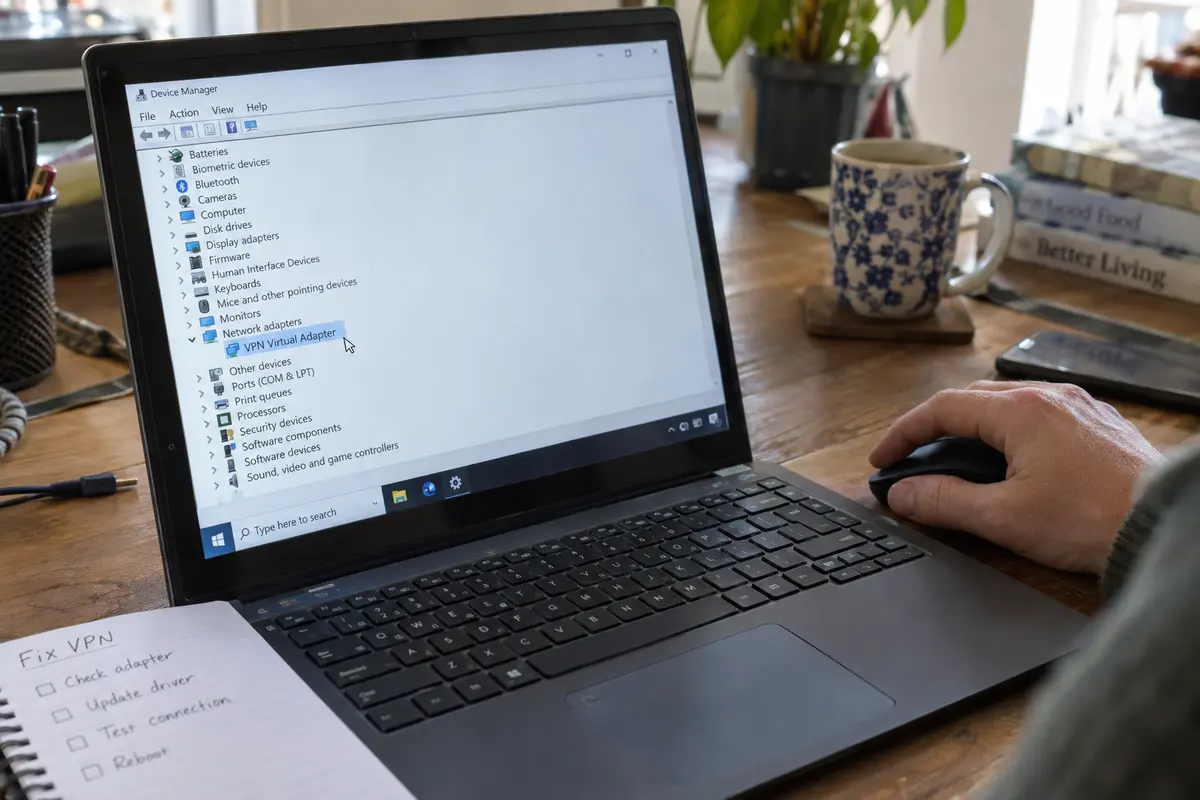
3. Reinstall Network Adapter — Uninstalls adapter in Device Manager and reboots to detect. Medium (Resets adapter state)
4. Network Reset — Wipes all adapters, resets TCP/IP, removes saved networks. High (Requires reinstalling network tools)
Checking Windows Update again right after a broken update sounds counterintuitive, but it is often the quickest path to a fix. Cumulative updates and hotfixes frequently address regressions introduced in earlier releases. For example, Microsoft’s June 2026 Windows 11 servicing update (KB5095093) specifically bundled fixes to improve third-party VPN compatibility, IPv6 handling, and the retention of network adapter bindings across operating system updates.
Next, address the hardware drivers. In Windows Settings, check optional updates for refreshed Wi-Fi or LAN drivers, or install the latest driver directly from your computer manufacturer's support portal. If an adapter remains unresponsive, you can open Device Manager, uninstall the physical network adapter, and reboot to let Windows redetect the clean hardware.
Only if base connectivity remains broken across all apps after these steps should you trigger Network reset. Treat it as a deliberate rebuild, knowing you will have to re-enter your Wi-Fi credentials and reinstall your network software once the PC restarts.
Rollback is for a proven update problem, not suspicious timing
Uninstalling a Windows update should be a calculated response, not a reflex based on timing alone.
A rollback is reasonable when a strict set of conditions are met:
- Base networking or the VPN operated normally immediately prior to the update.
- A clean system restart, client reinstallation, and driver checks failed to restore operation.
- Microsoft's known-issues dashboard documents an active regression matching your symptoms, or the failure is so complete that everyday tasks are blocked.
To see what was applied, navigate to Settings > Windows Update > Update history. Microsoft provides a native interface to uninstall recent quality updates, but keep the trade-offs in mind: uninstalling a cumulative update also rolls back any security patches that were bundled with it.
There is also an important boundary to respect: managed work environments. If the failing tool is a corporate VPN profile provided by an employer or university, do not attempt to roll back OS updates or replace the connection with a consumer utility. Enterprise VPNs rely on specific tenant certificates, domain gateways, and posture-checking software managed by an IT administrator. If a Windows update causes an issue with corporate access, open a ticket with your organization's help desk.
When I would stop repairing Windows and replace the client
If you have completed your diagnostic checks and arrived at the following baseline:
- Ordinary Windows web browsing is fast and stable.
- Your physical network adapters and drivers are fully updated.
- The system is running a stable release of Windows.
- A specific consumer VPN client remains unstable, frequently crashes, or requires constant manual configuration to hold a basic tunnel.
At this point, troubleshooting the operating system further is counterproductive. When the OS platform is stable and a single personal application refuses to adapt, the rational decision is to retire the client rather than repeatedly dismantling your network.
For everyday privacy and travel protection on Windows without the technical overhead, OnlydogVPN↗ is a reasonable replacement to consider.
Instead of requiring you to troubleshoot virtual network adapter settings, manually switch between broken protocols, or hunt through endless server menus after system changes, OnlydogVPN is designed as a streamlined, one-tap client for Windows. It utilizes Smart Global Routing to establish and maintain resilient connections automatically in the background. It is built specifically for users who need dependable encryption for daily browsing, public Wi-Fi safety, and remote work without turning their desktop into an ongoing networking science project.
Fixing post-update issues comes down to a simple discipline: target the blast radius. If a single app misbehaves, update or replace the app. If the whole machine loses connectivity, repair Windows step-by-step. Reserve the nuclear resets and update rollbacks for when the evidence genuinely demands them—and spend your morning working instead of rebuilding your network.
Frequently Asked Questions
Should I use Network reset as soon as a VPN breaks after a Windows update?
No. The article treats Network reset as a last-resort step because it removes and reinstalls network adapters, clears saved network configuration, and also removes the virtual adapters that VPN software depends on.
How can I tell whether the problem is the VPN app or Windows itself?
Disconnect the VPN and test ordinary browsing. If normal internet access works, the article narrows the blast radius to the VPN client, its virtual adapter, or a compatibility issue rather than the base Windows network stack.
What should I try first when only the VPN client is broken?
Check for a current client release, verify compatibility with the new Windows build, then perform a clean reinstall so the VPN’s virtual adapter and background services are installed again.
When does a full Windows Network reset make sense?
Only after the failure is broader than one VPN and smaller repairs have not restored normal connectivity. The article puts Windows Update, physical network-driver updates, and targeted adapter reinstall ahead of Network reset.
When is rolling back a Windows update reasonable?
The article reserves rollback for cases where the problem clearly began with the update, targeted repairs failed, and there is strong evidence of a matching regression or the failure is severe enough to block normal work.