
How to Bypass ChatGPT "Access Denied" with a VPN (Why Your Current Fix Keeps Failing)
You’re in the middle of a workday, a coding sprint, or an urgent assignment. You type chatgpt.com into your browser, hit enter, and instead of the familiar prompt bar, you get slapped in the face with this:
Access Denied
Error code 1020 / Ray ID: ...
You do not have access to chatgpt.com.
The site owner may have set restrictions that prevent you from accessing the site.
Your first instinct was probably what everyone does: open your VPN app, switch from New York to Los Angeles, and refresh the tab.
Same error.
So you switch to London. Same error. You try Tokyo. Now Cloudflare is making you click fire hydrants and bicycles in an endless loop, only to spit you right back out at the same black-and-white "Access Denied" screen.
Here is the frustrating reality that generic tech blogs won't tell you: your VPN isn't fixing the "Access Denied" error—in most cases, your VPN is the exact reason you're seeing it.
OpenAI hasn’t randomly targeted your account. But understanding why Cloudflare is slamming the door on your connection—and the specific sequence required to clear it—is the difference between losing two hours troubleshooting and getting your prompts answered in two minutes.
Article summary and product fit
Why can ChatGPT “Access Denied” persist even after switching VPN servers?
The article argues that the block can persist when a browser carries forward blocked session data or when repeated server changes create a noisy connection pattern. Its reset sequence is to close existing ChatGPT sessions, clear or isolate site data, establish one stable connection, then open a fresh private session without hopping locations.
Key takeaways
- Best for: People who can reach the internet normally but repeatedly encounter ChatGPT Access Denied or verification loops while using a VPN.
- Core point: The article distinguishes account access from connection reputation and browser state: a different IP alone may not help if blocked cookies or rapid IP changes remain part of the session.
- Product fit: OnlyDogs VPN is presented as a fit where the article wants obfuscated HTTP/3 transport, automated routing, and connection recovery that keeps the same session from flickering between network identities.
- Important limit: An Access Denied page can have causes beyond the VPN or browser session. Service availability, account status, network policy, and platform-side security decisions can still prevent access.
Source context: OnlyDogs VPN official website. Service pages already referenced in the article: ChatGPT.
1. What "Access Denied" Actually Means (It’s Not What You Think)
When you see "Access Denied" on ChatGPT, people assume one of two things:
- "OpenAI banned my account."
- "My VPN location isn't supported."
Neither is usually true.
ChatGPT's front door is guarded by Cloudflare’s Enterprise Bot Management. When you request a page, Cloudflare doesn't just look at what country you're in. It calculates a real-time threat score between 1 and 99 based on your connection behavior.
If your score crosses a certain risk threshold, Cloudflare cuts you off before your request ever reaches OpenAI's servers.
Here are the three triggers that spike your threat score through the roof:
Trigger 1: The "Dirty Datacenter" Problem
Most commercial VPNs host thousands of customers on shared server ranges leased from large cloud datacenters (like AWS, DigitalOcean, or Linode). If twenty other people on that same IP address are running aggressive web scrapers, automated scripts, or brute-forcing logins, Cloudflare flags that entire IP range. The moment you connect through that server, you inherit their bad reputation.
Trigger 2: Loud Protocol Signatures
Standard protocols like OpenVPN or basic WireGuard have distinct packet shapes. Corporate security filters can detect when web traffic is emerging from a conventional VPN tunnel rather than an authentic residential browser session. To an aggressive bot filter, a blatant VPN tunnel requesting an AI service looks identical to a headless scraper bot.
Trigger 3: The "Poisoned Cookie" Loop
This is where 90% of people get trapped. Once Cloudflare serves you an "Access Denied" screen, your browser saves a session token recording that blocked state. Even if you switch to a sparkling-clean VPN server five seconds later, your browser hands Cloudflare that poisoned cookie back on reload. Cloudflare reads the token and instantly blocks you again. You think the new server is broken, but your browser is actually sabotaging you.
2. Why Server-Hopping Only Makes It Worse
When users get blocked, their default reaction is rapid-fire server hopping: click Dallas, refresh; click Chicago, refresh; click Seattle, refresh.
To an anti-abuse algorithm, an account pinging a server from three different states within 90 seconds doesn't look like an innocent user looking for a working connection. It looks like an automated credential-stuffing attack or an IP-rotation exploit.
The security engine doubles down, hardening the block on your browser session and escalating from a simple verification captcha to a hard hardware/browser fingerprint blacklist.
If you want to get back into ChatGPT, you have to break the loop systematically instead of guessing.
3. Why OnlyDogs VPN Handles ChatGPT Without Tripping Alarms
Most VPNs are built around a single, brute-force concept: take your traffic, wrap it in a standard encrypted tunnel, and dump it out of an overloaded datacenter. That worked fine five years ago, but modern AI platforms spot it instantly.
OnlyDogs VPN was engineered to handle modern restricted and heavily monitored networks, which makes it unusually effective against strict anti-proxy systems like Cloudflare.
HTTP/3 and Proprietary Traffic Obfuscation
Instead of sending out obvious VPN protocol handshakes that announce your proxy status to every firewall on the path, OnlyDogs utilizes proprietary protocol design combined with HTTP/3 and deep traffic obfuscation. Your connection mimics standard, high-speed HTTPS traffic. Broadcaster filters, restrictive network firewalls (even in notoriously locked-down environments like the UAE or restricted regions), and Cloudflare inspection engines view your packets as regular web browsing rather than a suspicious tunnel.
Automated Intelligent Routing (No Server Roulette)
You don't need a list of 80 confusing server locations where 75 are blacklisted. OnlyDogs provides Scenario Presets. One tap on the optimal route engages automated path selection, routing your connection through low-congestion, clean nodes that haven't been abused by spammers.
Seamless Session Recovery
One of the easiest ways to get your ChatGPT session terminated mid-prompt is a micro-drop in network connectivity. When standard VPNs hiccup, your connection resets, your IP flickers, and ChatGPT throws an "Application error / conversation locked" state. OnlyDogs is built with resilience for unstable and fluctuating networks, maintaining persistent sessions even if your underlying connection shifts.
Zero Credential Exposure
Account management is stripped down to the bare essentials: clean email verification login without passwords to remember, sync across macOS, Windows, iOS, and Android, and a streamlined interface designed to get you connected in seconds without tweaking complex protocol settings.
👉 Get OnlyDogs VPN and bypass access errors cleanly
4. The 4-Step Protocol to Clear "Access Denied" for Good
If you are staring at a blocked screen right now, do not touch your VPN yet. Follow this exact sequence to reset your connection profile:
[The Clean Reset Sequence]
1. Close all ChatGPT tabs & clear cached site data
   ↓
2. Connect OnlyDogs VPN (Obfuscated / Smart Route)
   ↓
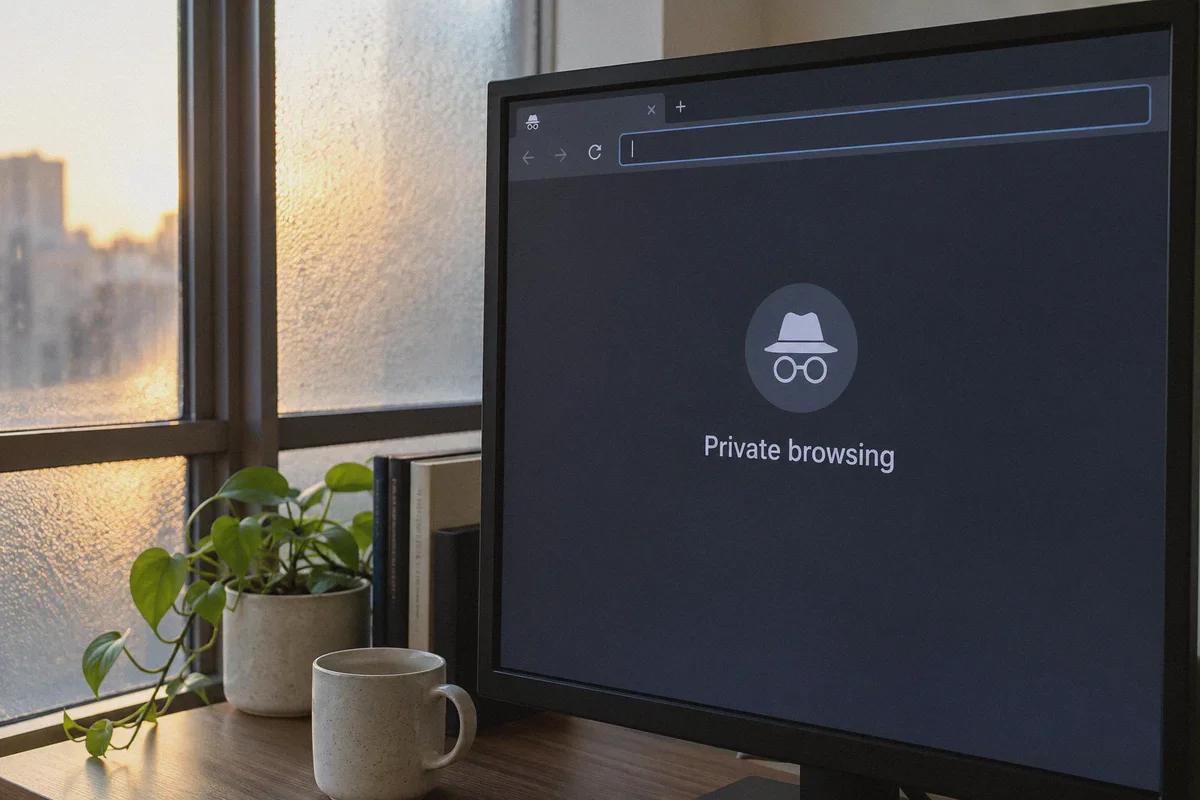
3. Open a fresh Incognito / Private window
   ↓
4. Load chatgpt.com & log in smoothly
Step 1: Kill the Poisoned Session
Close all open ChatGPT tabs. You must strip the block token from your browser:
- In Chrome/Brave/Edge: Go to
Settings→Privacy and Security→Cookies and site data→ search foropenai.comandchatgpt.com→ click Delete all. - Short on time? Simply close the browser and open a fresh Incognito / Private Window for the next steps.
Step 2: Establish a Clean Tunnel
Open OnlyDogs VPN:
- Choose the Fastest / Optimal preset or a major hub region (such as the US, Singapore, or Japan).
- Let the connection fully establish before opening your browser.
Step 3: Open ChatGPT Clean
Navigate directly to https://chatgpt.com in your private window.
Because you aren't carrying forward poisoned cookies and your connection is traveling through an obfuscated HTTP/3 tunnel, Cloudflare will process your request with a clean threat score. You'll land straight on the login screen or prompt dashboard without encountering Error 1020.
Step 4: Keep Your Location Fixed
Once you are logged in, stay on that connection profile. Do not toggle server locations while a chat is active or you have browser tabs open. Consistency is what keeps your threat score low.
Quick Diagnostic: If You're Still Having Issues
If you've followed the steps and encounter minor hiccups, check these two frequent culprits:
| Symptom | What’s Happening | Immediate Fix |
|---|---|---|
| Endless Cloudflare checkbox loop | An ad-block extension or privacy plugin is interfering with Cloudflare’s JavaScript challenge. | Disable browser extensions or use OnlyDogs VPN’s built-in ad/tracker filtering instead of heavy browser script blockers. |
| "Something went wrong" on login | Your browser has stored mismatched account tokens from previous failed attempts. | Flush browser cache completely or use a dedicated clean browser profile. |
| Slow prompt responses | The node you connected to is under heavy international routing latency. | Use OnlyDogs' automated route finder to switch to the closest low-latency path. |
The Verdict
Getting blocked by ChatGPT isn't a dead end, and you don't need a degree in computer networking to fix it.
Cloudflare's "Access Denied" screen isn't punishing you; it's reacting to dirty shared IPs, detectable VPN signatures, and poisoned local cookies. Ditch the random server-hopping, wipe your session slate clean, and route through an obfuscated connection that doesn't trigger security flags.
👉 Check out OnlyDogs VPN and get back to using ChatGPT without interruptions
Frequently Asked Questions
Does ChatGPT “Access Denied” automatically mean the account is banned?
Not according to the article. It treats the error primarily as a connection or browser-session problem, while acknowledging that other platform-side causes can also exist.
Why might switching VPN servers fail to clear the block?
The browser may continue sending site data from the blocked session, and rapid location changes can make the connection look more unusual rather than less.
What reset sequence does the article recommend?
Close existing ChatGPT tabs, clear the relevant site data or use a fresh private window, establish one stable connection first, and then load ChatGPT without changing locations mid-session.
Why should server hopping be avoided while a ChatGPT session is active?
The article warns that repeated location changes can create inconsistent session signals and make verification or access problems harder to clear.