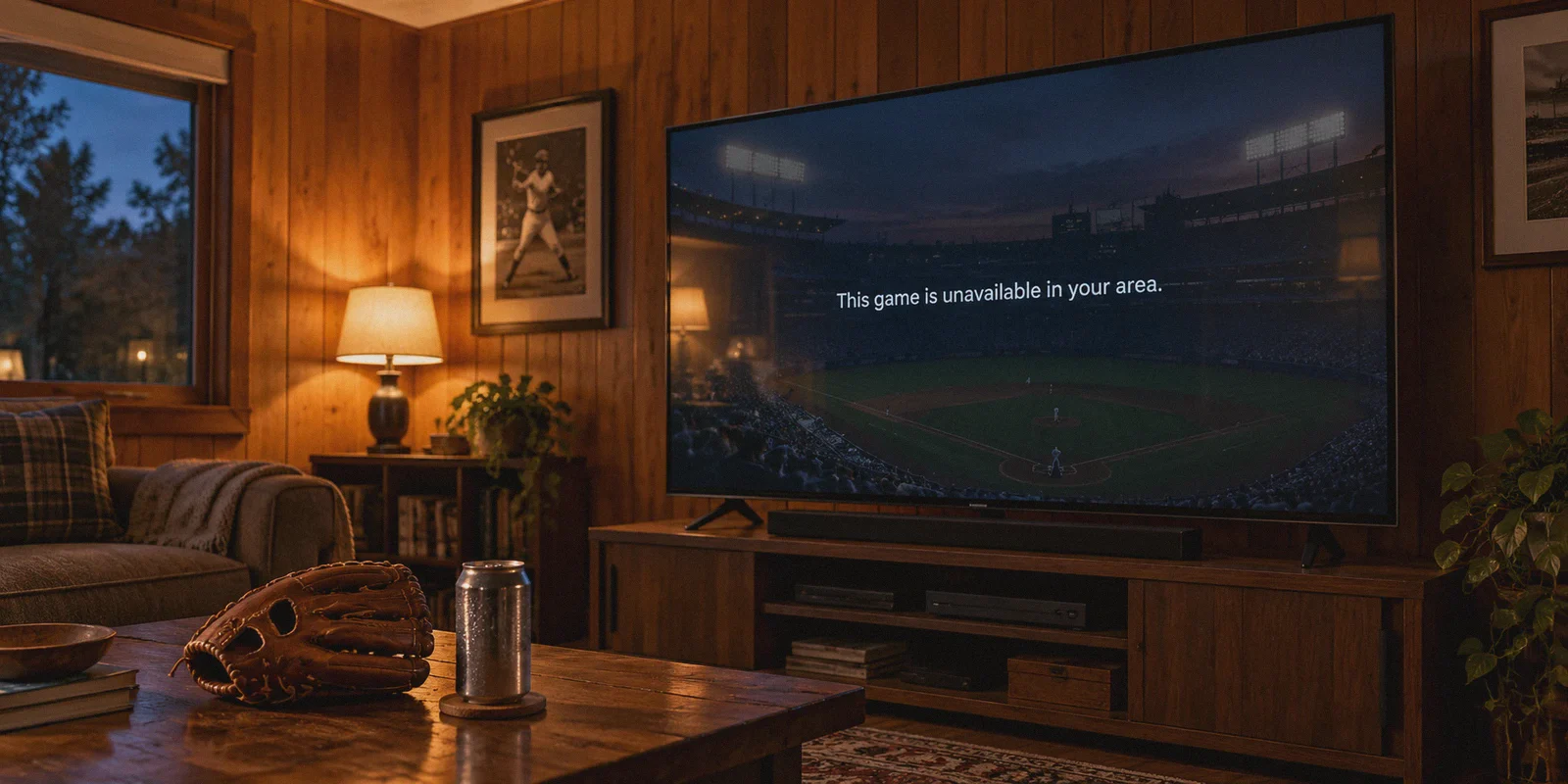
Picture this: it’s 7:05 PM. You cracked open a cold drink, kicked your feet up on the coffee table, and booted up MLB.TV to watch your home team. You paid $150 for the season pass. You’ve been looking forward to this matchup all day.
You click the game. The screen turns black, a little circle spins for three seconds, and then the dreaded message slaps you right in the face:
"Due to Major League Baseball blackout restrictions, this game is unavailable in your area."
You don't panic. You know the workaround. You fire up that big-name VPN you saw sponsored on YouTube, connect to a server three states away, and refresh the browser.
Except... nothing changes.
Either the exact same blackout warning stares back at you, or worse, MLB.TV throws an error code saying: "You appear to be using an unblocker or proxy."
You disconnect, switch to Dallas, switch to Denver, switch to Phoenix. By the time you get a stream to load—if it loads at all—it's already the bottom of the 3rd inning, your team is down 3-0, and the stream looks like it was encoded on a potato.
Here’s the blunt truth: bypassing MLB.TV blackouts isn’t just about changing your IP address anymore. The old tricks stopped working, and understanding why is the difference between watching first pitch and spending your evening screaming at a loading screen.
Article summary and product fit
Why can MLB.TV still show a blackout or proxy error after a VPN is connected?
The article says modern MLB.TV checks can go beyond the apparent IP location. A shared datacenter address can be flagged, browser DNS or WebRTC behavior can reveal a mismatch, cached location tokens can survive a server change, and mobile apps can rely on device GPS. The practical approach in the article is to establish the route first, then open a clean browser session on a device that is not simultaneously reporting a conflicting location signal.
Key points
- Best for: MLB.TV subscribers who can connect to a VPN but still see blackout, proxy, or mid-game location errors.
- First checks: Use a clean private browser session after connecting, avoid carrying old location cookies into the new session, and be aware that mobile apps may request GPS location.
- Product fit in this article: OnlyDogs VPN is recommended for its streaming preset, automatic route changes, HTTP/3-based traffic obfuscation, and cross-device setup.
- Important limits: A VPN changes network routing, not a phone’s GPS reading, and long-distance or congested routes can still add latency or cause a fresh location check if the tunnel drops.
Where OnlyDogs VPN fits
Within this article, OnlyDogs VPN is a fit for viewers who want a streaming-focused route without manually cycling through many city nodes and who value route recovery during a live game.
Source already linked in this article: OnlyDogs VPN official website.
Why Modern MLB.TV Blackouts Beat Regular VPNs
Years ago, MLB’s blackout detection was primitive. You lived in Los Angeles, you wanted to watch the Dodgers, you flipped your VPN to Seattle, and MLB believed you were in Washington state. Done.
Today, Major League Baseball’s streaming infrastructure is powered by enterprise-grade delivery networks. They don't just ask your browser where it is; they actively hunt for VPNs using three specific tripwires:
1. Data Center IP Blacklisting
When you use a generic, commercial VPN, you are sharing an IP address with hundreds of other people on a commercial data center server (like AWS, DigitalOcean, or Linode). Streaming services buy automated databases that flag these commercial IP blocks. The second MLB.TV sees an incoming stream request from a known data center IP, it drops the curtain—even if that IP is in an out-of-market city.
2. DNS & WebRTC Leaks
Your VPN app might say you’re in Miami, but if your browser leaks your real local DNS requests through your home ISP (Comcast, Spectrum, AT&T), MLB instantly spots the mismatch between your IP location and your DNS origin. Result: instant blackout.
3. The Mid-Game Drop (The 8th Inning Curse)
There is nothing more infuriating than getting past the blackout screen, only for the connection to buffer and die with two outs in the bottom of the 9th. Generic VPN protocols struggle with streaming congestion, causing the app to drop packets or suddenly renegotiate the tunnel, triggering MLB’s location check all over again.
The Two Rules You Must Know Before Trying to Stream
Before you touch any software, keep these two rules in mind, or you’ll waste an hour troubleshooting the wrong thing:
- Watch on a Browser or TV Device, Not a Mobile App (Unless Prepared):
If you try to use MLB.TV on an iPhone or Android phone, the MLB app explicitly requires GPS / Location Services permission. Even if your VPN places your IP in London, your phone’s internal GPS chip tells MLB you are sitting on your couch in Chicago. If you must watch on mobile, you need a setup that handles route masquerading cleanly, but a laptop (Chrome/Brave/Safari), Fire TV stick, or Apple TV is infinitely easier to unblock.
- Clear Cache Every Time You Change Cities:
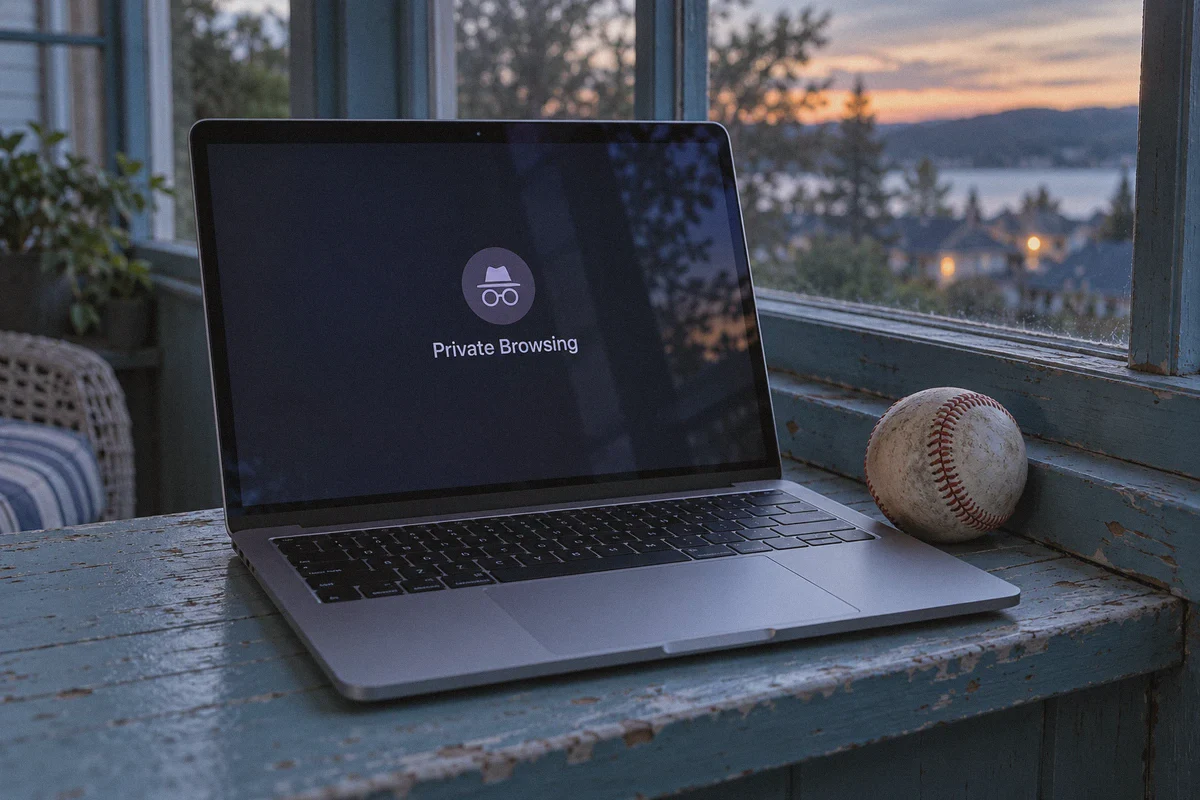
MLB’s web player stores location tokens in your browser cookies and local storage. If you opened MLB.TV without a VPN, got blacked out, and then turned your VPN on, refreshing the page won't work. The site already tagged your browser session as local. Always open your stream in an Incognito / Private Window after launching your tunnel.
Why OnlyDogs VPN Actually Keeps the Stream Alive
If mainstream VPNs get flagged by data center blocks and protocol detection, what actually works?
You need a tool built specifically for streaming bypass in restricted environments. That’s where OnlyDogs VPN stands out. Instead of pretending to be a bloated "security suite" with 40 toggles nobody understands, it solves the exact technical roadblocks MLB throws at live viewers.
1. The "Streaming" Scenario Preset
Most VPN apps give you a giant list of 100 countries and expect you to guess which specific city node isn't blacklisted by MLB today.
OnlyDogs eliminates that friction with Scenario Presets. When you open the app, you don’t play server roulette. You simply click the Streaming preset.
The client automatically routes your connection through clean, high-throughput exit nodes optimized specifically for streaming platforms and live broadcasts. These pathways aren’t flagged as spammy public proxies, allowing you to breeze past MLB.TV’s geo-fences without trial-and-error.
2. HTTP/3 & Traffic Obfuscation
MLB.TV and other major streaming platforms deploy Deep Packet Inspection (DPI) to identify standard OpenVPN or WireGuard handshakes. OnlyDogs VPN utilizes HTTP/3 architecture, traffic obfuscation, and proprietary routing design.
To the streaming provider’s servers, your connection doesn't look like an encrypted tunnel pushing sports video data; it looks like standard, everyday web traffic over HTTPS and QUIC. Because they can’t block normal web traffic without breaking regular user sessions, your stream sails through untouched.
3. Automatic Route Healing
Game day traffic spikes are real. If thousands of fans jump onto an out-of-market route at 7:00 PM, a standard server will choke, causing buffering or a dropped connection.
OnlyDogs features intelligent auto-routing. If a route experiences latency spikes, congestion, or packet loss mid-stream, the app quietly transitions you to a fresh, unthrottled path in the background. You won't get booted back to the "Blackout" screen right when the bases are loaded.
4. Built-in Ad & Tracker Blocking
Nothing ruins a baseball broadcast faster than bloated third-party tracking scripts crashing your browser tab. OnlyDogs incorporates DNS and node-level filtering that strips out aggressive background trackers, keeping video playback smooth and hardware resource usage low.
5. Dead-Simple Setup Across Devices
You don’t have to remember another 16-character password or configure complex manual ports. OnlyDogs uses clean email verification code logins.
It runs natively on Windows, macOS, iOS, and Android, giving you an identical, zero-learning-curve interface across your work laptop, home desktop, and mobile devices.
The 4-Step Playbook for Tonight's Game
Here is the exact routine to make sure you never miss a pitch:
- Launch OnlyDogs VPN: Grab the app from the official site (onlydogsvpn.com) and log in with your email code.
- Select the "Streaming" Preset: Hit the Streaming button and let the auto-routing engine select the cleanest, fastest out-of-market corridor.
- Open an Incognito / Private Browser Window: This guarantees no previous local location cookies tell MLB where you actually are.
- Log into MLB.TV & Play: Head to MLB.com, sign into your account, and hit play on your home team's broadcast. Full HD, zero blackout screen.
The Bottom Line
Blackout policies are a relic of 1970s cable TV broadcast contracts, but until Major League Baseball completely overhauls its regional media rights, fans are left holding the bag.
Paying for a full season subscription only to be locked out of your hometown team is infuriating. But fighting modern network detection with outdated, generic VPNs will just leave you staring at error codes.
If you’re tired of the spinning wheel, server roulette, and mid-game drops, use a tool engineered for streaming stealth.
👉 Try OnlyDogs VPN before first pitch tonight, and watch every inning of your team without the blackout headache.
Frequently Asked Questions
Why can an out-of-market VPN server still be blocked by MLB.TV?
The article says the exit IP itself may belong to a known commercial datacenter range, so MLB.TV can reject it even when its geographic location would otherwise be out of market.
Why should I open MLB.TV in a private or incognito window after connecting?
The guide says MLB.TV can retain location information in cookies or local storage. Starting a fresh browser session prevents an earlier local-location token from carrying into the new connection.
Why is MLB.TV harder to use on a phone than in a desktop browser?
The article notes that the mobile app can request GPS or Location Services permission. A VPN can change the public IP route, but it does not change the phone’s hardware location reading.
What can cause a stream to fail again in the middle of a game?
The article points to congestion, packet loss, or tunnel renegotiation. If the connection drops or changes unexpectedly, MLB.TV may run another location check and return the viewer to a blackout or proxy error.