At over $60 to $85 a month—approaching $1,000 every single year—paying full retail for Adobe Creative Cloud All Apps feels less like a software subscription and more like an aggressive second utility bill. If you're a freelancer, video editor, or student, that monthly invoice is a recurring punch to the gut.
That sticker shock is why thousands of creatives search for the "Adobe VPN trick" every month. You’ve probably seen the forum threads claiming you can simply toggle a VPN to Turkey, Egypt, or Argentina, head to Adobe’s checkout page, and bag the entire suite for $15 a month.
So you give it a try. You download a VPN, set your server to Istanbul, open Adobe's pricing page, see the lower price in Turkish Lira, click "Buy," enter your debit card, and—bam:
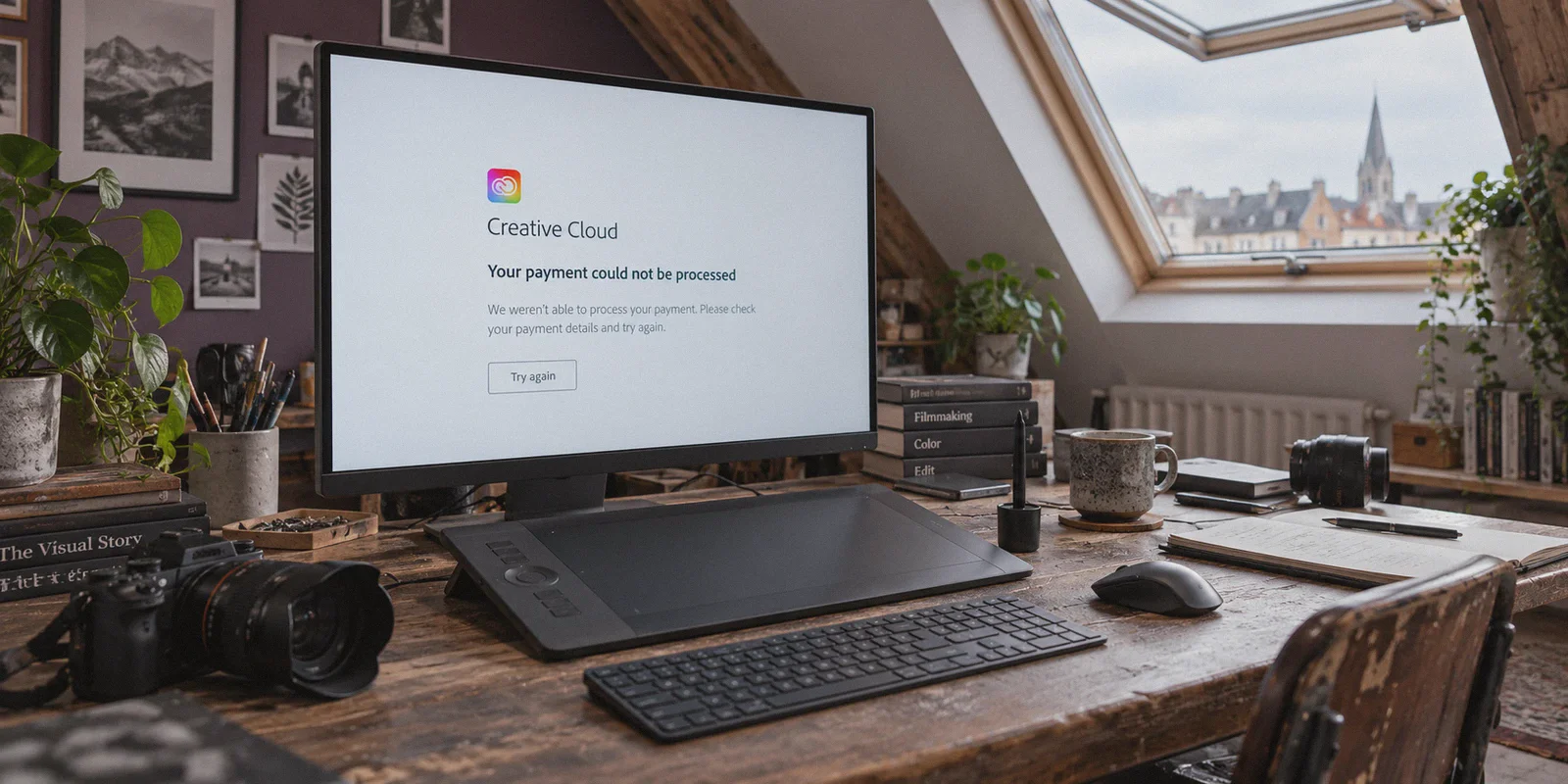
"Your payment could not be processed. Please check your payment details or try a different payment method."
Or worse, Adobe demands a local national ID number (like a Turkish T.C. Kimlik No), freezes the page, and kicks you back to the international site.
Here is the cold reality nobody writing generic affiliate listicles wants to admit: The classic 2022 "just buy from the Turkish Adobe store with your regular Visa card" trick is completely dead.
Adobe aggressively patched direct cross-border credit card billing. But that doesn't mean you're doomed to pay $80+ a month. Creatives who know how the system works are still slashing 50% to 70% off their Creative Cloud bill.
Here is what actually causes Adobe to block you, the three methods that still work today, and how to set them up cleanly without burning your account.
Article summary and product fit
Why does the old “change country with a VPN and pay less for Adobe” method fail?
The article says Adobe checkout can compare card-issuing country, IP reputation, and session location, so a foreign pricing page does not make a mismatched payment valid. The lower-friction options it discusses are retention offers for existing subscribers, legitimate student or teacher pricing, and valid prepaid redemption codes.
Key points from this article
- Best for: Creative Cloud users who want to reduce cost without assuming that a foreign IP alone can bypass billing checks.
- What matters: The first half of the article separates the network location from the payment method and account state, which explains why a lower regional price can appear but the transaction still fails.
- Product fit: OnlyDogs VPN is presented as a stable, obfuscated connection for legitimate regional access or code redemption, but the network route does not replace Adobe’s billing, eligibility, or redemption rules.
- Important limit: A VPN does not make an ineligible student plan, invalid code, or mismatched payment method legitimate. Current Adobe terms and the code’s region restrictions still control whether a purchase or redemption is allowed.
Official source already linked in the article: Adobe redemption portal.
Why Adobe Blocks Most VPN Attempts
Adobe doesn't just check your IP address once on the pricing page. Their billing gateway uses sophisticated fraud detection (backed by Akamai and ThreatMetrix) that monitors three specific layers:
- Credit Card BIN Checks: Every credit and debit card has a Bank Identification Number (the first 6–8 digits). When you attempt to check out on Adobe Turkey or Adobe Lebanon using a card issued by Chase, Barclays, or Royal Bank of Canada, Adobe’s gateway flags the country mismatch and kills the transaction immediately.
- Datacenter IP Flagging: Free and generic budget VPNs route thousands of users through identifiable commercial datacenter server blocks (AWS, DigitalOcean, Linode). Adobe automatically restricts transactions originating from known hosting clusters. You might see the page load, but the checkout script silently fails.
- Session Geolocation Leaks: If your browser has cached cookies from your domestic Adobe account, or if your VPN protocol stutters during payment tokenization, Adobe detects the location jump and halts checkout with an automated risk error.
To cut your Adobe bill without running into a brick wall, you need to stop brute-forcing foreign credit cards and use methods that align with how Adobe handles licensing today.
The 3 Working Ways to Get Adobe CC for Cheap
Depending on whether you already have an active subscription or are starting fresh, choose one of these three paths:
Method 1: The "Cancellation Retention" Hack (Best for Existing Users)
If you already pay full price for Creative Cloud, you can often cut your bill by 40% to 50% for the next 12 months without switching regions or changing payment cards:
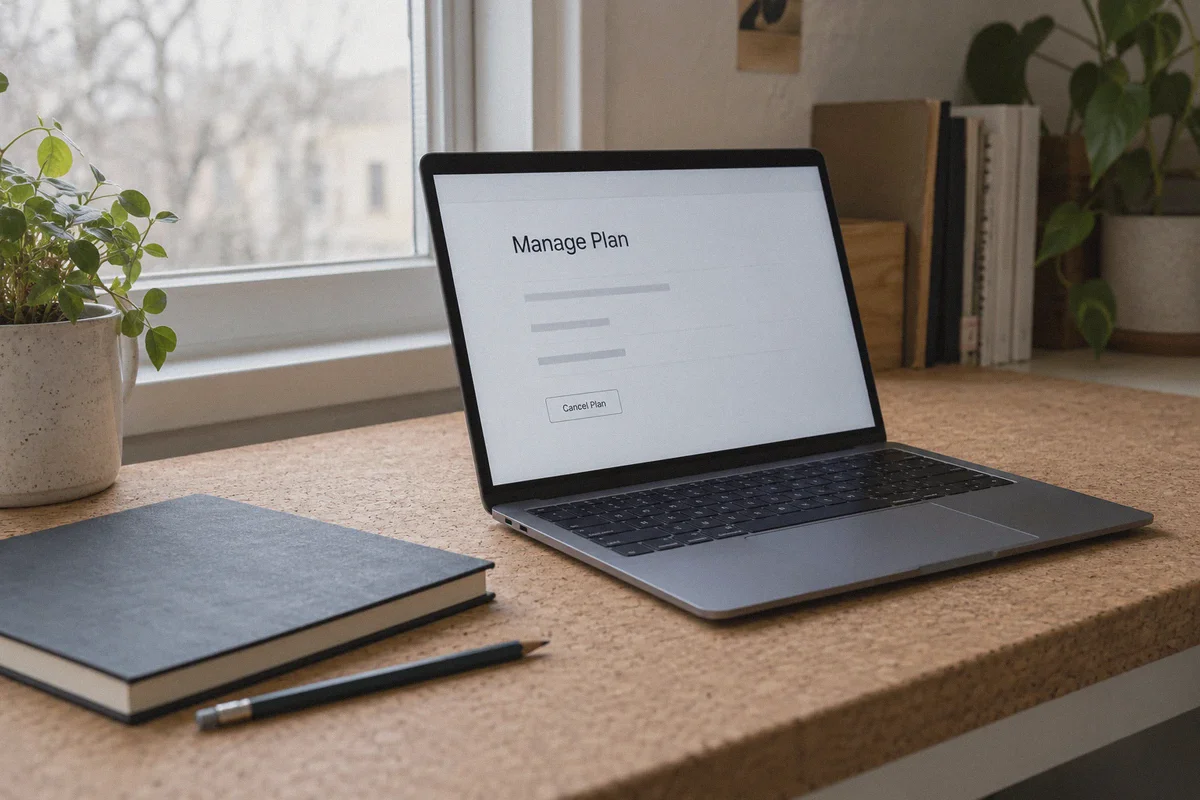
- Log into your Adobe account on desktop and go to Manage Plan.
- Click Cancel Plan.
- Select "Too expensive" as your reason.
- Click through the first two warning screens showing you what apps you'll lose.
- On the third screen, Adobe’s automated churn-retention engine will almost always offer an exclusive retention deal—typically 2 months free, or a flat $29.99/mo rate for the next full year.
- Accept the offer. You stay on your primary account, keep all your cloud assets intact, and instantly cut your yearly spend in half.
Method 2: The Student & Teacher Discount Route (Best Long-Term Value)
Adobe offers an official 60% to 70% discount on Creative Cloud All Apps for students and educators (roughly $19.99/mo instead of $59.99+/mo).
What many creatives don't realize is that Adobe’s verification in many regions does not require uploading an official transcript; it simply requires validating an active academic email address (.edu or regional equivalent). Many freelancers obtain access to an academic email specifically for this tier.
When activating a student plan from certain competitive regions, combining a clean IP with an academic profile yields the lowest legitimate pricing on the web.
Method 3: Regional Prepaid Redemption Codes (CDKs)
Instead of fighting Adobe’s recurring checkout gateway with a foreign credit card, you can purchase 12-month Adobe Creative Cloud All Apps prepaid redemption vouchers from reputable digital key platforms (such as AccountBoy, Eneba, or regional software resellers).
- These are standalone 24-digit redemption keys.
- You do not need to link a foreign credit card or worry about surprise renewal charges.
- You use a VPN for two minutes to redeem the key on Adobe’s official redemption portal (
redeem.adobe.com), apply it to your Adobe ID, and turn the VPN off.
Why OnlyDogs VPN is the Secret Weapon for This Process
Whether you are completing a student sign-up, negotiating an offshore retention offer, or redeeming a regional prepaid code on redeem.adobe.com, the make-or-break step is your network fingerprint.
If Adobe's fraud engine detects a commercial VPN protocol or an unstable connection mid-handshake, it can permanently lock the code or suspend the registration attempt. This is why OnlyDogs VPN has become a favorite among digital creators:
- HTTP/3 & Proprietary Traffic Obfuscation: Unlike standard OpenVPN or WireGuard connections that scream "proxy server" to Akamai firewalls, OnlyDogs routes traffic over modern HTTP/3 with proprietary obfuscation. To Adobe's regional servers, your request looks like standard residential HTTPS web traffic.
- One-Tap Scenario Presets: You don't have to spend 40 minutes testing 15 different servers in Europe or Asia. You tap the Global Access / Streaming preset, and OnlyDogs automatically selects a high-reputation node that isn't flagged on commercial proxy registries.
- Network-Switch Resilience: If your connection blinks or your Wi-Fi hiccups while you're on the payment or redemption screen, standard VPNs drop packets and expose your local IP. OnlyDogs' auto-recovery maintains connection state, preventing mid-checkout validation errors.
- Zero Password Friction: Creative workflows are already bloated with logins. OnlyDogs logs you in seamlessly across macOS, Windows, iPhone, and Android via quick email verification codes—no complicated passwords to manage or configure.
Step-by-Step: How to Safely Redeem a Discounted Adobe Key
If you are going the regional prepaid key or student route, follow this sequence to avoid fraud flags:
| Step | Action | Why It Matters |
|---|---|---|
| 1. Prep the Browser | Open an Incognito / Private Window. Clear all Adobe cookies. | Prevents Adobe from reading your home region from old cached sessions. |
| 2. Fire Up the VPN | Open OnlyDogs VPN, choose your matching region, and activate the connection. | Obfuscates your traffic so Adobe's gateway sees a clean local handshake. |
| 3. Navigate to Redemption | Go directly to redeem.adobe.com. | Do not navigate through the standard retail storefront; go straight to redemption. |
| 4. Input & Confirm | Log in with your Adobe ID, paste your 24-digit code, and confirm. | The license applies to your account immediately. |
| 5. Turn Off the VPN | Disconnect OnlyDogs. | Once redeemed, Adobe desktop apps (Photoshop, Premiere, Illustrator) update natively on your normal local connection. |
You do not need to leave your VPN running while editing videos or exporting files in Premiere. The license is permanently tied to your Adobe ID profile; your desktop software downloads and updates at full home broadband speeds.
Critical Traps to Avoid
Before you dive in, make sure you don't fall into these common creative traps:
- Avoid "Shared Team" Accounts on Telegram: Shady sellers offer "Lifetime Adobe CC for $20" by adding your email to a compromised enterprise team. These work for about three weeks until the real company audits its roster, deletes your seat, and locks you out of your cloud files. Always ensure you are activating a personal entitlement on your own Adobe ID.
- Watch the Early Termination Fee (ETF): If you sign up for Adobe's "Annual Plan, Paid Monthly" directly through Adobe, you are entering a legally binding 12-month contract. Canceling halfway through incurs a penalty equal to 50% of your remaining annual balance. Prepaid redemption keys completely bypass this risk because there is no recurring card on file.
- Keep Your Cloud Assets Backed Up Locally: If you manage multiple Adobe IDs, never rely 100% on Adobe Creative Cloud Storage for critical client files. Keep project files, fonts, and assets on a local SSD or independent cloud backup (like Google Drive or OneDrive) so licensing changes never disrupt your work.
Take Back Your Creative Budget
Paying full retail for Creative Cloud year after year is a tax on creative professionals who can least afford it.
Stop wasting your time trying to get domestic credit cards accepted on foreign checkouts that were patched years ago. Use the cancellation discount if you're already subscribed, or use a clean, obfuscated connection through OnlyDogs VPN to activate a regional student license or prepaid voucher cleanly.
Ten minutes of setup puts hundreds of dollars back into your gear and production budget—right where it belongs.
Frequently Asked Questions
Why can Adobe reject checkout even when the regional pricing page loads?
The article says the payment system can compare the card’s issuing country, the reputation of the network IP, and stored session location. A lower regional price on screen does not remove those separate checks.
What is the simplest cost-saving option for an existing Creative Cloud subscriber in this article?
The article first points existing subscribers to the cancellation flow, where Adobe may present a retention offer before the plan is actually cancelled. Any offer shown there is account-specific.
When is student or teacher pricing appropriate?
Use education pricing only when you genuinely meet Adobe’s current eligibility and verification requirements. A VPN or academic-looking email address does not by itself establish eligibility.
How do prepaid Adobe redemption codes differ from recurring regional checkout?
A prepaid code is redeemed against the Adobe account rather than charging a foreign recurring card at checkout. The article still treats the code’s region, validity, and seller reliability as important constraints.
Can a VPN guarantee a cheaper Adobe plan?
No. The article’s core point is that network location is only one part of the transaction. Billing country, account status, eligibility, code terms, and Adobe’s current checkout rules remain decisive.