You open Crunchyroll, get hyped to watch the latest season of Demon Slayer, Jujutsu Kaisen, or Solo Leveling, and click upgrade to Mega Fan. Then you see the checkout page: $11.99 a month. That is nearly $145 a year just to stream anime without ads.
Naturally, you head to Reddit or YouTube and see people bragging about paying barely $1.50 a month by switching their region to Turkey, India, or Brazil with a VPN.
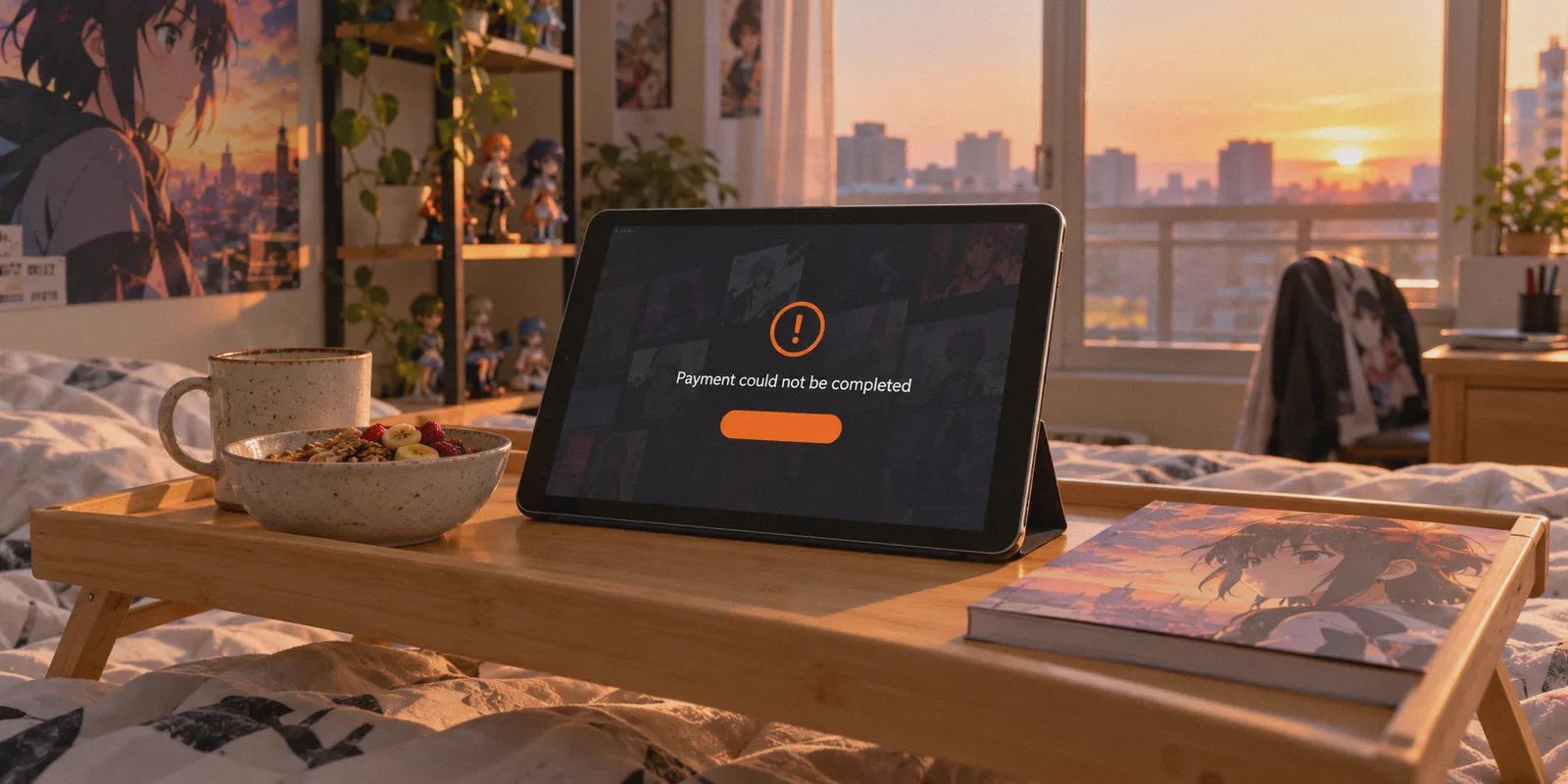
So you fire up a random VPN, switch your location to Istanbul or Mumbai, open Crunchyroll, fill in your billing details, and hit submit—only to be slapped with the dreaded red banner:
"Oops! Something went wrong. Please check your payment information and try again."
If you have tried buying Crunchyroll cheaper through a VPN, you already know this exact frustration. Most generic tech blogs write lazy tutorials that claim all you have to do is "connect to a cheap country, click subscribe, and enjoy."
Here is the truth those generic guides leave out: Crunchyroll doesn't block you because regional pricing doesn't exist; it blocks you because modern payment gateways cross-reference your VPN’s IP reputation with your payment method.
If you want to legally slash your anime streaming bill by 70% to 85% without wasting an entire evening fighting payment error loops, here is how the pricing difference actually works, why standard methods fail, and the exact steps to get it right.
Article summary and product fit
Why can Crunchyroll payment fail even after you switch your IP to a cheaper region?
The article says changing IP location is only one part of checkout. Payment systems can also evaluate the reputation of the exit IP and whether the card’s issuing region matches the billing market, so a VPN cannot by itself make an incompatible card or account pass regional payment checks.
Key points from this article
- Best for: Viewers trying to understand regional Crunchyroll pricing and why a foreign-region checkout can fail even when the page displays local currency.
- Key points: Billing region, active streaming location, IP reputation, app-store region, and card BIN rules are separate pieces of the transaction.
- Product fit: The article positions OnlyDogs VPN as helpful for clean streaming routes and obfuscated web traffic, while treating payment compatibility as a separate requirement.
- Important limit: Prices, app-store policies, payment rules, and account terms can change. A VPN does not change the issuing country of a card and cannot guarantee a discounted checkout will be accepted.
Product source: OnlyDogs VPN official website.
The Real Math: What Crunchyroll Actually Costs Around the World
Crunchyroll uses purchasing power parity (PPP) pricing. In markets where average incomes are lower, they price their subscription tiers drastically lower to compete with local entertainment options.
Take a look at what the exact same Fan and Mega Fan memberships cost depending on where your account is billed:
| Region | Monthly Price (Approx. USD) | Annual Cost (Approx. USD) | Savings vs. US Tier |
|---|---|---|---|
| United States | ~$7.99 – $11.99 / mo | ~$99.99 – $144.00 / yr | Baseline |
| United Kingdom | ~£4.99 – £6.99 / mo | ~£59.99 – £79.99 / yr | ~10% |
| Brazil | ~75% | ||
| Turkey | ~85% | ||
| India | ~88% |
You are getting the exact same 1080p stream, simultaneous screens, offline downloads, and zero ad interruptions. The only difference is the currency printed on the receipt.
The Hidden Rule: Billing Country vs. Streaming Library
Here is the secret that trips up almost every beginner: where you pay for Crunchyroll is NOT where you are forced to watch Crunchyroll.
Many streaming services lock your account permanently to the country where you registered. Crunchyroll does not.
- Your billing country determines the currency and price you pay each month.
- Your active IP address determines which anime library you see when you open the app.
That means you can set up your billing in India or Turkey to lock in the $1.20 to $1.50/month rate, but the moment you connect your VPN to a US server, you instantly unlock the massive 1,400+ title US anime catalog with English dubs and simulcasts. You get the world's cheapest subscription paired with the world's largest catalog.
Why Direct Web Checkout Usually Fails (The Payment Trap)
If you simply open crunchyroll.com on a web browser while connected to a foreign VPN node and try typing in a standard US, UK, or European credit card, Crunchyroll’s payment processor will almost certainly reject it.
They deploy two strict fraud filters:
- IP Fingerprint Checks: If the VPN node you are using has a datacenter IP flagged by Cloudflare or Akamai, the checkout script silently fails before your payment even reaches the bank.
- Card BIN Checks: Many regional web stores reject credit cards whose Bank Identification Number (BIN) does not match the local issuing region.
To get around this, smart users use one of two working paths:
Path A: The Google Play / App Store Regional Route (Highest Success Rate)
This is the most reliable workaround because app stores handle the currency exchange internally rather than passing raw foreign card data to Crunchyroll:
- Turn on your VPN to the target region (e.g., India or Turkey).
- Create a clean secondary Google Play or Apple ID profile set to that target region.
- Fund that secondary store account with a regional gift card, or add a virtual payment card that supports international billing.
- Download Crunchyroll through that regional store and subscribe in-app using your store balance.
- The subscription registers at the local currency rate.
Path B: Clean Direct Web Checkout with an Obfuscated IP
If you have an internationally accepted card (like a multi-currency debit card, virtual Visa/Mastercard, or global PayPal), you can subscribe directly on the Crunchyroll website—provided your VPN is clean enough that Crunchyroll’s fraud firewall doesn't detect a proxy.
Why OnlyDogs VPN Makes the Difference for Crunchyroll
If you have ever tried doing this with a generic commercial VPN, you know the frustration: endless CAPTCHA loops, payment pages that freeze on white screens, and constant video buffering.
OnlyDogs VPN is designed to bypass the exact hurdles that break streaming purchases:
- Scenario Presets Instead of Node Hunting: You don't have to guess which obscure server isn't blacklisted. OnlyDogs provides dedicated Streaming Presets. Tap the preset, and the platform automatically routes your connection through an optimized, unflagged exit path.
- HTTP/3 & Proprietary Traffic Obfuscation: Standard VPN protocols (like raw WireGuard or OpenVPN UDP) broadcast distinct cryptographic packet signatures that trigger streaming anti-proxy walls. OnlyDogs wraps its tunnels in modern HTTP/3 architecture and traffic obfuscation. To Crunchyroll and its payment processors, your traffic looks like regular web browsing, drastically reducing payment verification triggers.
- High-Bitrate 4K & Simulcast Stability: Nothing ruins anime night like dropping to 480p right during a climactic fight scene. OnlyDogs’ low-latency routing and weak-network recovery prevent throttling, keeping simulcasts running smoothly even during peak evening hours.
- Hardware-Level Ad & Tracker Blocking: Crunchyroll’s desktop interface runs dozens of telemetry scripts that track your browsing behavior and locale. OnlyDogs features integrated DNS + node-level filtering, killing background tracking scripts and annoying pop-up redirects before they reach your browser.
- Frictionless Passwordless Login: Log in instantly across your phone, tablet, and PC via email verification codes—no complicated credentials to manage.
👉 Check out OnlyDogs VPN and start optimizing your streaming setup
Step-by-Step: How to Lock in the Cheaper Subscription
Follow this clean routine to set up your account:
- Open an Incognito / Private Browser Window: Clear your browser cookies or open a private window so Crunchyroll doesn't read your past localized session data.
- Connect to Your Chosen Region via OnlyDogs VPN: Open OnlyDogs VPN and select the target region (e.g., Brazil or Turkey). Make sure the connection shows active before opening the browser.
- Navigate to Crunchyroll: Go to the official Crunchyroll membership page. Verify that the prices are displayed in the local currency (e.g., ₺ for Turkish Lira or R$ for Brazilian Real).
- Create a Fresh Account: Sign up with a new email address. Using an existing account that already has a US billing history often causes automated checkout conflicts.
- Complete the Subscription: Choose the Mega Fan tier (which offers the steepest discount relative to US pricing) and submit your payment method.
- Switch to US Streaming Mode: Once your account confirmation lands in your inbox, switch your OnlyDogs VPN preset to US Streaming. Open Crunchyroll, and you will have full, unrestricted access to the complete US anime catalog at an 80% discount.
3 Rules to Keep Your Account Running Smoothly
Once your discounted subscription is active, keep these three practical rules in mind:
- Leave Auto-Renew On: Once your payment method is verified and accepted in local currency, let it renew automatically every month or year. You do not want to trigger another manual checkout check every thirty days.
- Don't Flip Regions Every Five Minutes: When you are actively watching shows, stick to your chosen streaming server (like the US). Constantly switching between five different countries in a single afternoon can cause security flags on your streaming profile.
- Keep OnlyDogs Running for High-Demand Simulcasts: During premiere nights of massive shows, regional servers experience severe congestion. Running OnlyDogs ensures your ISP doesn't throttle video traffic, giving you instant buffer-free playback.
Paying $12 a month for an anime subscription when international viewers pay a fraction of that for the identical feed is an avoidable expense. With a clean obfuscated connection and the right checkout path, you can lock in a year of premium anime for the price of two cups of coffee.
Frequently Asked Questions
Why can Crunchyroll reject a payment even when the page shows the target country’s currency?
The article describes two separate checks: the network route can be scored as proxy traffic, and the payment card’s BIN can reveal a different issuing region. Either mismatch can stop checkout.
What is the difference between billing country and streaming library in this article?
The article treats billing country as the factor that determines price and currency, while the active network location can affect which catalog is shown during playback. Those are separate controls rather than one permanent region lock.
Why can an app-store route work differently from direct web checkout?
Because Google Play or Apple may handle local currency and the in-app transaction before the subscription reaches Crunchyroll. The article still notes that the store account and payment method must be compatible with that region.
Can a VPN guarantee a cheaper Crunchyroll subscription?
No. The article itself describes payment and region checks beyond the VPN. Regional pricing and platform rules can change, so the current checkout terms and accepted payment methods still need to be verified.