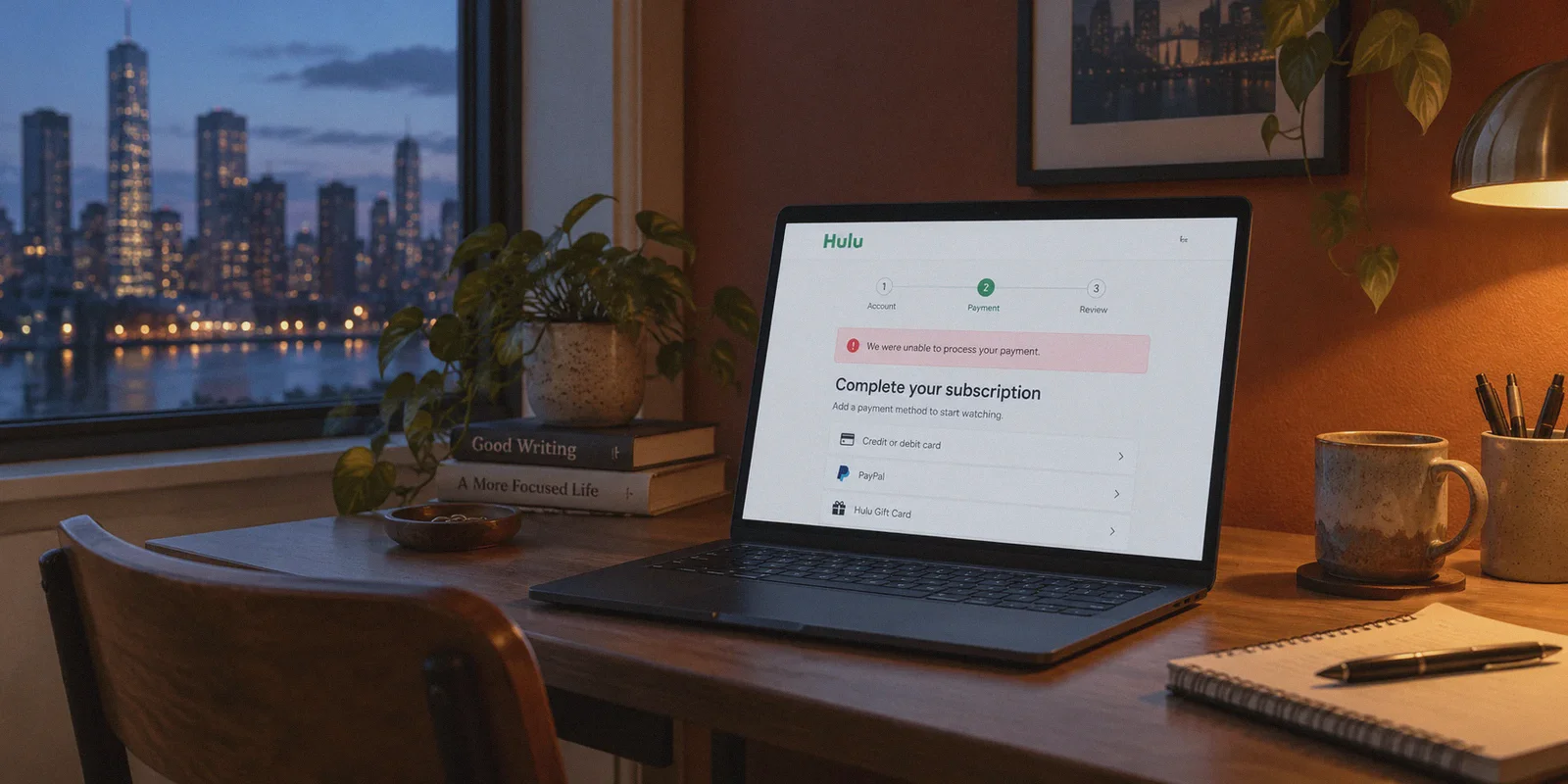
If you are reading this, you are probably staring at a glowing red error box on Hulu’s checkout screen.
You set your VPN to New York, loaded up Hulu, picked a plan, typed in your credit card details, and hit submit. Then, instead of jumping straight into The Bear or Shōgun, you were greeted with this lovely slap in the face:
"We were unable to process your payment. Please try another card or contact your financial institution." (Or the equally infuriating Error P-TS207).
You tried your debit card. Declined. You tried an international PayPal. Declined. You might have even searched for "free virtual US credit cards" on Reddit, entered a fake billing address in Beverly Hills, and watched it fail all over again.
Here is the honest reality: Hulu’s payment barrier has almost nothing to do with whether your card has money on it, and trying to brute-force a foreign card through a standard checkout page will fail 99 times out of 100.
Hulu runs one of the tightest geo-fences in the streaming world. To watch Hulu outside the US without payment errors, you need to understand the two locks on the front door—and use the exact workarounds that bypass US bank verification entirely.
Article summary and product fit
Why can Hulu reject a payment even when the browser is connected through a US VPN server?
The article treats Hulu signup as two separate checks: the network needs to look consistent with the supported region, while the payment system can independently identify where a card was issued. A VPN changes the network path but does not turn a foreign card into a US-issued payment method.
Key takeaways
- Best for: Readers troubleshooting Hulu checkout abroad who need to distinguish network-location errors from payment-instrument eligibility.
- Core point: The article discusses official gift balance and platform billing as alternatives to the normal card form, while separately emphasizing that playback can still fail if the streaming connection leaks location data or becomes unstable.
- Product fit: OnlyDogs VPN is only a fit for the network side described in the article: maintaining a stable US connection, using streaming-oriented routing, and recovering from weak-network interruptions. It does not change payment eligibility.
- Important limit: Hulu availability, gift-card rules, app-store regions, payment eligibility, taxes, and terms can change. A VPN cannot guarantee signup or playback and should not be treated as a way to override current service requirements.
Source context: OnlyDogs VPN official website.
The Two Locks: Why Hulu Keeps Rejecting You
Hulu protects its catalog with a dual-verification system:
[ Lock 1: Network Origin ] ---> Detects whether your IP belongs to a US residential connection or a flagged datacenter VPN.

[ Lock 2: Payment Gateway ] ---> AVS (Address Verification System) checks if your card was issued by an authentic US financial institution.
If you only solve one lock, the door stays shut:
- If you have a working US payment method but your VPN leaks DNS requests or uses a flagged server IP, Hulu hits you with Error RUN-3 ("You appear to be using an anonymous proxy or VPN").
- If you have a rock-solid US IP address but try to pay with an overseas Visa or Mastercard, Hulu’s payment processor flags the foreign Bank Identification Number (BIN) instantly.
The trick isn’t to waste hours hunting for shady virtual card providers that charge ridiculous fees and get banned three days later. The trick is to bypass Hulu’s credit card gateway altogether using digital gift balance or mobile app store billing, backed by a VPN tunnel that Hulu doesn't immediately flag.
The 3 Ways to Pay for Hulu Without an American Credit Card
You don't need a US Social Security Number or a bank account in Delaware. Millions of international viewers pay for Hulu using one of these three battle-tested methods.
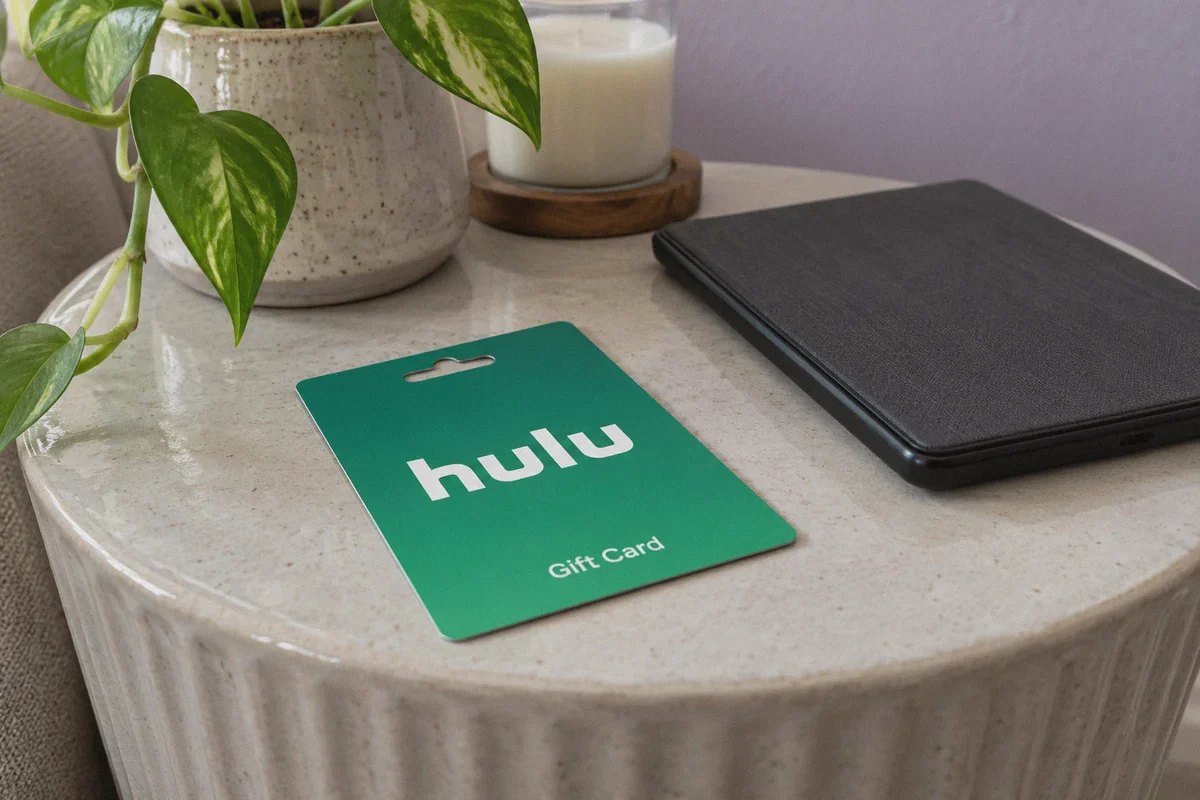
Method 1: The Hulu Digital Gift Card (Universal & Easiest)
This is the cleanest route for desktop, Android, and smart TV users because it deals directly with Hulu’s official gift portal, bypassing the credit card verification form completely.
- Buy a US Hulu Gift Card: Purchase a digital card from reputable online retailers (such as Amazon US, Target, or digital asset platforms like AccountBoy). Gift cards are delivered as a digital code via email within minutes.
- Connect your VPN to a US Streaming Server: Turn on your VPN before heading to Hulu.
- Redeem via the Gift Page: Go directly to
hulu.com/gift(not the standard sign-up checkout page). - Enter Your Code: Paste your redemption code. Hulu will credit the dollar amount to your account balance.
- Create Your Account: Hulu will ask for a US zip code to configure your local channel lineup. Use any valid 5-digit US zip code (for example, 97201 for Portland, Oregon, or 19901 for Dover, Delaware—both states have 0% sales tax, meaning your gift card balance won't get chewed up by state digital tax).
Method 2: The US Apple ID Method (Best for iPhone, iPad & Apple TV)
If you own an iOS device, Apple acts as your payment shield. Hulu never sees your credit card; it only sees your Apple ID balance.
- Create a secondary Apple ID with the region set to United States (no payment method required on setup).
- Buy a US Apple Gift Card online and redeem it to your new US Apple ID.
- Turn on your US VPN connection on your iPhone or iPad.
- Download the Hulu app from the US App Store.
- Open Hulu and tap Sign Up—choose Subscribe with In-App Purchase. Apple deducts the monthly fee directly from your App Store balance, completely dodging Hulu's US card check.
Method 3: The US Google Play Route (For Android Users)
Similar to the Apple method, Android users can set up a secondary Google profile set to the US region, redeem a US Google Play gift balance, and subscribe through the Android app.
The Second Hurdle: Why Generic VPNs Still Ruin the Experience
Once your payment is sorted, you run into the second problem: playback stability.
Hulu doesn't just check your IP when you pay; it continuously monitors your connection while you stream. Standard VPNs frequently stumble here for three reasons:
- Blacklisted Datacenter IPs: Big commercial VPNs assign thousands of users to the same shared IP addresses. Hulu detects this traffic spike and blacklists the entire IP range, greeting you with black screens or video player errors.
- Mid-Stream Handshake Drops: If your connection drops for even a fraction of a second while buffering a high-bitrate show, Hulu’s web player triggers a session refresh. If that refresh catches your real ISP address for half a second, your session locks up.
- Intrusive Ads and Trackers: If you subscribe to Hulu’s ad-supported tier, aggressive third-party ad networks will attempt to inject trackers. If your VPN doesn't handle regional ad streams cleanly, the player gets stuck in an infinite commercial loop.
Where OnlyDogs VPN Fits In
If you want a connection that doesn't force you to play server roulette every time an episode ends, OnlyDogs VPN is built specifically to address these streaming headaches.
Here is why it works exceptionally well for Hulu:
1. Dedicated Streaming Scene Presets
Instead of making you scroll through dozens of random US city nodes hoping to find one that isn't flagged, OnlyDogs VPN provides a Streaming Scene Preset. One tap routes your traffic through optimized residential-style nodes specifically calibrated for US streaming platforms. You don't have to troubleshoot protocol ports or manually switch between Chicago, Miami, and Los Angeles.
2. HTTP/3 & Traffic Obfuscation
Hulu uses deep packet inspection to identify standard OpenVPN or WireGuard signatures. OnlyDogs utilizes modern HTTP/3 transport design combined with traffic obfuscation. To Hulu’s detection firewall, your streaming traffic looks like ordinary, benign HTTPS web browsing rather than a VPN tunnel, keeping your session off the blacklist radar.
3. Weak-Network Resilience (Zero Mid-Episode Freezes)
When streaming in 1080p or 4K, any temporary packet loss can ruin the experience. OnlyDogs is engineered with aggressive reconnection recovery. If your local Wi-Fi stumbles or switches bands, the tunnel maintains its state without terminating the Hulu session or throwing proxy warnings.
4. Cross-Platform Consistency
Whether you are signing up on a Windows laptop, streaming on an iPhone, or casting to an Android TV box, OnlyDogs provides an identical, clean client across macOS, Windows, iOS, and Android.
5. Passwordless Email Code Login
No need to manage cumbersome passwords or juggle multi-factor authenticators when installing the client on a secondary streaming device or family tablet. A fast email verification code gets you running in seconds.
👉 Check out OnlyDogs VPN and unlock seamless US streaming
Step-by-Step: The Complete Zero-Error Setup Checklist
Follow this exact order to ensure your account creation goes through on the first attempt:
| Step | Action | Key Detail |
|---|---|---|
| 1. Clean Browser | Open an Incognito / Private window | Clears old location cookies and cached geolocation data. |
| 2. Connect VPN | Launch OnlyDogs VPN ➔ Select Streaming Preset (US) | Confirms your IP and DNS requests originate cleanly from the US. |
| 3. Prepare Balance | Have your Hulu Gift Card code ready | Avoids touching the traditional credit card form. |
| 4. Redeem | Navigate to hulu.com/gift | Enter the digital card code and hit Continue. |
| 5. Register | Enter email and a 0% tax zip code (e.g., 97201) | Prevents surprise digital taxes from depleting your balance early. |
| 6. Stream | Log in and start watching | Enjoy uninterrupted playback with zero proxy errors. |
3 Traps to Avoid
- Don't use a free browser extension proxy during signup: Free web extensions almost always leak WebRTC or DNS requests. Even if the page loads, Hulu will detect your local DNS server and reject the gift card redemption.
- Don't leave location services enabled on your browser: If your browser prompts you with "Hulu wants to know your location", click Block. Letting the browser share hardware location will expose your true region regardless of your VPN.
- Keep your balance topped up: Hulu automatically cancels your subscription if the gift balance drops below the next month's renewal fee. Keep an extra $10 to $20 loaded so your account never lapses into inactive status.
Stop Fighting the Checkout Screen
Hulu’s payment error isn't a mystery—it’s just a standard banking filter doing its job. Stop wasting time trying to trick an American credit card form with overseas cards.
Grab a digital gift card, fire up OnlyDogs VPN with the streaming preset engaged, and you can be watching your favorite shows in less than ten minutes.
👉 Get OnlyDogs VPN and start watching Hulu today
Frequently Asked Questions
Why can Hulu reject an overseas card even when the VPN shows a US location?
The article explains that the payment processor can identify the card’s issuing country independently of the browser’s IP address, so network location and payment eligibility are separate checks.
What payment routes does the article discuss besides the normal card form?
It discusses Hulu gift balance and, where available under the relevant platform rules, Apple or Google app-store billing so the payment is handled through a separate billing channel.
Why can playback still fail after the payment problem is solved?
The article points to blacklisted VPN ranges, DNS or location leaks, and brief tunnel drops that can cause Hulu to re-check the session and show proxy or playback errors.
What should be checked before relying on a gift card or app-store balance?
Confirm the current regional eligibility, redemption rules, account requirements, tax treatment, and renewal conditions for Hulu and the payment platform being used.