How to Get Cheaper Car Rental Rates with a VPN Without Faking Your Residency

You spent forty minutes toggling between Hertz, Avis, and Enterprise, watched a compact sedan jump from $45 to $82 a day right before your eyes, and then remembered a "travel hack" you saw online:
“Just turn on a VPN, set your country to Turkey or Argentina, and get 60% off your car rental!”
So you fired up a VPN, refreshed the page, and hit an immediate wall.
Either the price didn't budge by a single cent, or worse: you reached the checkout page and saw a mandatory dropdown menu asking for your “Country of Residence / Driver’s License Issuing Country.”
Suddenly you froze. If I select Argentina to get the cheap rate, but show up at the Miami airport rental counter with an Ohio driver's license, will they refuse to hand over the keys?
Here is the straightforward answer: Yes, they will.
Car rental arbitrage is not like buying Spotify or Canva. You cannot download a rental car over Wi-Fi. You have to walk up to a physical counter, hand a live human your physical passport and driver’s license, and swipe a physical credit card in your name.
If you try the naive "fake residency" trick, the agent will simply void your rate, charge you the walk-up rack rate (which is double what you originally saw), or leave you stranded at baggage claim.
Does that mean using a VPN to find cheaper car rentals is a myth? Absolutely not. You just have to stop trying to fake your citizenship and start exploiting how car rental wholesale pricing actually works.
Article summary and product fit
How can a VPN help compare car-rental rates without creating a reservation that fails at the counter?
The article recommends using a VPN to compare regional sales portals and clean-session quotes while always entering the real country of residence and driver-license origin. It emphasizes comparing the all-in cost—including insurance, mileage, excess, and currency conversion—because the physical pickup counter still verifies identity, license, card, and reservation conditions.
Key points and limits
- Best for: Travelers comparing rental prices across regional booking portals who still intend to present their real documents at pickup.
- What the article says: Price differences can come from point-of-sale rules, local fleet and promotional structures, bundled insurance, and session-based demand tracking—not simply from pretending to be a resident of another country.
- Preparation: Search in a fresh private session, compare regional portals, keep the actual residence and license country in the booking, and inspect CDW, liability coverage, mileage, excess, and currency before paying.
- Important limit: The VPN cannot override the real-world pickup process. A counter agent can still verify the driver’s license, passport, card, residence-related terms, deposits, and insurance conditions.
- Product fit: The article presents OnlyDogs VPN as useful for clean regional comparisons because of its scenario-based routing, HTTP/3 traffic obfuscation, tracker filtering, and multi-device support.
Sources already linked in this article: SIXT Germany; SIXT international site.
The Three Real Ways a VPN Drops Car Rental Rates
Car rental companies don’t price cars based on how rich they think you are. They price based on Point of Sale (POS) regulations, local fleet demand, and search frequency tracking.
Here are the three methods that actually work without putting your reservation at risk:
1. The European "All-Inclusive" Loophole
If you rent a car from a US IP address on a US website, the price you see looks deceptively low—say, $35 a day. But in the US, quotes legally exclude CDW (Collision Damage Waiver) and Third-Party Liability. When you arrive at the counter, unless you have specific credit card coverage, they will aggressively push daily insurance that jacks the total up to $70+ a day.
In Europe and the UK, consumer protection laws require car rental companies and brokers to display the walk-away price, including mandatory CDW and third-party liability with low or zero excess.
When you connect to an Ireland, Germany, or UK server and book through European wholesale portals (like AutoEurope.eu, rentalcars.com, or direct European sites like Sixt.de):
- You enter your real country of residence and real license origin.
- You get rates negotiated for inbound international travelers, which frequently bundle unlimited mileage and full insurance at wholesale bulk rates.
- What would have cost $500 with insurance added at a US counter often prices out at $300 all-inclusive online.
2. The "Home Turf" Fleet Advantage
Car rental giants originate from different home markets, and their domestic pricing structures reflect that:
- Sixt is German.
- Europcar is French.
- Hertz and Enterprise are American.
When a German citizen books a BMW on Sixt.de, Sixt treats it as a domestic transaction with native inventory pricing. When an American connects to Sixt.com, they are routed to the US outbound sales portal, which often applies international booking markups.
Connecting to the rental company's home country often reveals domestic promotional tiers, lower base day-rates, and seasonal fleet clearing discounts that aren't pushed to foreign marketing channels.
3. Wiping the "Dynamic Urgency" Markup
Car rental websites are notoriously aggressive with session-tracking cookies.
If their algorithms see the same IP checking dates for Orlando or Rome three times in 48 hours, their yield-management software tags you as a high-intent, time-sensitive buyer. The price ticks up $10 or $15 each time you look, specifically to panic you into locking down the car before it "runs out."
A clean VPN connection wipes that slate clean. It breaks the tracking chain, presents you as a brand-new, first-time searcher, and restores the base inventory rate.
Why Most VPNs Trigger Blocked Rates or Security Checks
If this sounds straightforward, why do so many travelers fail to replicate it?
Because rental aggregators and payment gateways (like Stripe and Adyen) run active anti-fraud and anti-scraping filters. When you use a generic, cluttered VPN, three things happen:
- Datacenter Blacklisting: Low-end VPNs route your traffic through shared, noisy datacenter IP blocks. Booking sites recognize these IPs instantly and silently default to the highest international rack rates or throw "technical difficulty" errors at checkout.
- DNS & WebRTC Location Leaks: If your IP says Frankfurt but your browser leaks a London or New York DNS address, the booking engine detects the mismatch and locks the currency back to your home country.
- Session Drops During 3D Secure Checkout: If your VPN connection drops or stutters while your bank is sending an SMS verification code, the payment fails. Worse, the reservation gets stuck in "pending" status, temporarily locking up that price tier.
This is where OnlyDogs VPN changes the entire experience.
Instead of making you fiddle with complex protocol menus, port settings, or kill switches, OnlyDogs is built around scenario presets and automatic smart routing. You open the app, pick the country you want to check, and it immediately assigns an optimized, clean route designed to look like normal consumer web traffic.
Under the hood, OnlyDogs uses a proprietary HTTP/3 protocol with traffic obfuscation. It strips away the recognizable packet signatures of older VPN protocols that travel sites routinely filter out.
Even better for bargain hunters: its built-in DNS-level tracker and ad blocker actively strips out the conversion pixels and dynamic price-surging cookies that travel engines try to plant in your browser.
It runs on Windows, macOS, Android, and iOS with a zero-hassle email code login—no passwords to juggle—so you can scout prices on your laptop and finalize the booking on your phone without losing your session.
Step-by-Step: How to Book the Cheapest Rate Safely
Follow this exact workflow to make sure your discount stays valid from the moment you click "Book" to the moment you drive off the lot:
Step 1: Clear the Digital Trail
Close all existing rental car tabs. Open a Private / Incognito window (or use a secondary browser you haven't used for travel planning).
Step 2: Set Your Location on OnlyDogs VPN
Launch OnlyDogs VPN and connect to your test market:
- If renting in Europe: try connecting to Germany, the UK, or Ireland.
- If renting in the US/Canada: check both a local domestic node and a UK/EU node to compare base rates versus all-inclusive insurance bundles.
- If using a broker like Auto Europe or Kayak, try the Ireland (.ie) or Germany (.de) domains.
Step 3: Run the Search with Honest Credentials
Go to the booking site. Crucial rule: Always select your actual Country of Residence / Driver’s License origin in the search filter if asked.
You are relying on Point-of-Sale currency arbitrage and regional wholesale inventory—not identity fraud. If the site gives you a lower rate under your real country of residence simply because you arrived via a European or regional portal, that rate is 100% legal, valid, and enforceable at the counter.
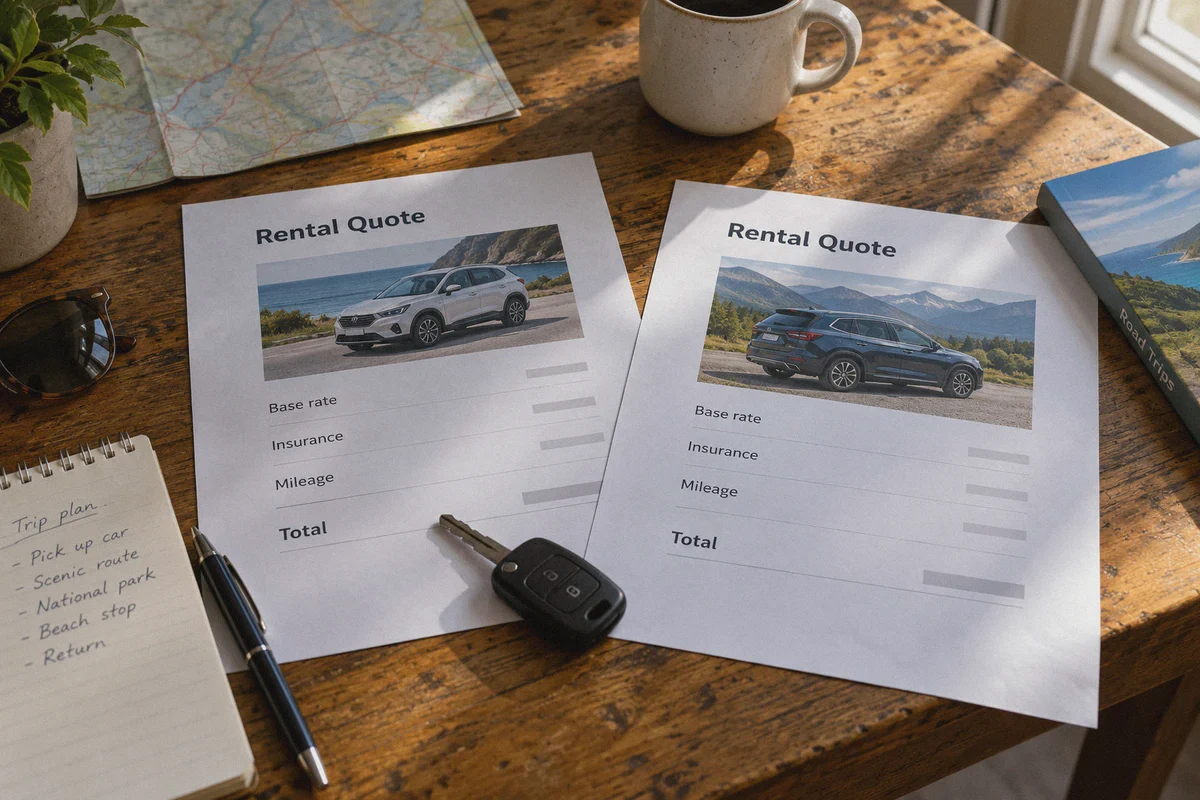
Step 4: Compare What's Actually Included
Look past the headline number on the results page. Check the breakdown:
- Does the quote include unlimited mileage?
- Does it include Third-Party Liability and CDW?
- What is the excess (deductible)?
A $40/day rate that includes full CDW with zero deductible is vastly cheaper than a $30/day "deal" that charges $25/day for insurance at the desk.
Step 5: Pay in Local Currency
When you reach checkout, pay with a credit card that has zero foreign transaction fees (like Chase Sapphire, Capital One, Wise, or Revolut).
If the payment terminal asks: "Pay in USD or EUR/GBP?", always choose the local currency (EUR/GBP). Letting the car rental site convert the currency for you incurs a predatory 3% to 5% Dynamic Currency Conversion (DCC) fee.
Three Traps to Avoid at the Rental Counter
Before you pack your bags, keep these practical realities in mind:
- Never use a debit card for international pickups. Many car rental desks, especially in Europe and North America, will either refuse debit cards outright or place a massive $500–$1,500 security deposit hold that locks up your bank account for two weeks. Always use a proper credit card with your name embossed on it.
- Watch the Fuel Policy. Always pick "Full-to-Full." Avoid "Prepaid Fuel" options like the plague—they charge you for a full tank of gas at inflated airport prices, and they don't refund whatever you leave in the tank.
- Keep OnlyDogs Running on Public Travel Wi-Fi. When you're standing in the terminal or sitting in the rental shuttle bus connected to free airport Wi-Fi, keep OnlyDogs VPN active on your phone. Public travel networks are notorious hotbeds for packet sniffing; keeping your session encrypted protects your credit card details and digital booking vouchers.
Getting a cheaper car rental isn't about gaming the system with fake addresses—it’s about shopping through the cleanest, most favorable sales channels. Fire up OnlyDogs VPN, point your traffic to the right regional hub, and keep your hard-earned travel cash in your pocket where it belongs.
Frequently Asked Questions
Why can car-rental quotes differ when I shop through different regional portals?
The article points to point-of-sale rules, local fleet demand, regional promotions, insurance presentation, and search-session tracking. A lower headline rate is not necessarily cheaper once mandatory coverage, excess, and mileage rules are included.
Should I enter a false country of residence to keep a lower VPN-discovered rental rate?
No. The article explicitly recommends entering the real country of residence and real driver-license origin. A rental is collected in person, so the desk can compare the reservation with your physical license, passport, and payment card.
What should I compare besides the advertised daily rental price?
The article says to check whether CDW and third-party liability are included, the insurance excess or deductible, unlimited-mileage terms, deposit requirements, and the final currency. These items can outweigh a small difference in the base day rate.
Why does the article recommend a private or incognito browser session for rental searches?
It says rental sites can use cookies and repeated-search history as part of yield management. Starting a clean session makes it easier to compare regional offers without carrying the same prior browsing state into every quote.