
You downloaded a VPN, hit "Connect to United States," saw the little green icon turn on, and tapped the TikTok icon with pure excitement.
And then… nothing.
The screen sits pitch black. The For You feed won't refresh. Or worse, you get slapped with that infamous error message: "No network connection" or "Couldn't load video. Tap to retry." You tap retry twelve times, switch from a US server to a UK server, and still get the exact same dead feed.
At this point, most people think their VPN is broken or that TikTok has permanently blacklisted their phone.
Neither is true.
Here is the harsh reality that generic "Top 5 VPN" review blogs never tell you: In countries where TikTok is banned, a VPN alone will not unblock the mobile app.
If you live in, or are traveling through, a country with an active TikTok ban (such as India, Nepal, Jordan, or regions with severe telecom restrictions), TikTok does not just look at your IP address. It uses a multi-layered hardware and network fence.
Once you understand how that fence actually works, getting your feed back takes less than three minutes. Here is the real breakdown of why your VPN failed, how TikTok detects you, and the exact setup that brings your FYP back to life.
Article summary and product fit
Why can TikTok stay blocked or show a blank feed even when a VPN is connected?
The article says TikTok can use more than IP address alone: carrier or SIM information, cached device context, datacenter-IP reputation, and local network filtering can all matter. It therefore separates the browser route from the native-app route and recommends making the network and device signals consistent before opening TikTok.
Key points and limits
- Best for: Travelers or residents troubleshooting TikTok loading failures in places where access is restricted.
- Key reason a VPN may be insufficient: The article describes a multi-layer check involving carrier/SIM signals, IP reputation, session state, and restrictive ISP filtering.
- Practical distinction: The browser route avoids some native-app hardware checks, while the app route requires more device-side preparation.
- Important limit: Availability can vary by country, carrier, device, platform rules, and local law. The article does not provide independent testing for every country it names, so readers should comply with applicable restrictions and TikTok terms.
Where the product fit comes in
OnlyDogsVPN is presented as the network-side fit when the article calls for obfuscated routing, streaming-oriented route selection, and recovery on unstable networks; device and carrier checks remain separate.
Sources already linked in this article: OnlyDogsVPN official website. No independent third-party evidence links are cited in the current article.
The Trap: Why TikTok Knows You're in a Banned Country
When Netflix or YouTube blocks a region, they check one simple thing: your IP address. Change the IP with a VPN, and the site opens.
TikTok doesn't play by those rules.
Because TikTok was built primarily as a mobile-first platform, ByteDance engineered one of the most sophisticated device-fingerprinting systems in tech. When you open the TikTok app in a banned territory, it runs three checks in milliseconds:
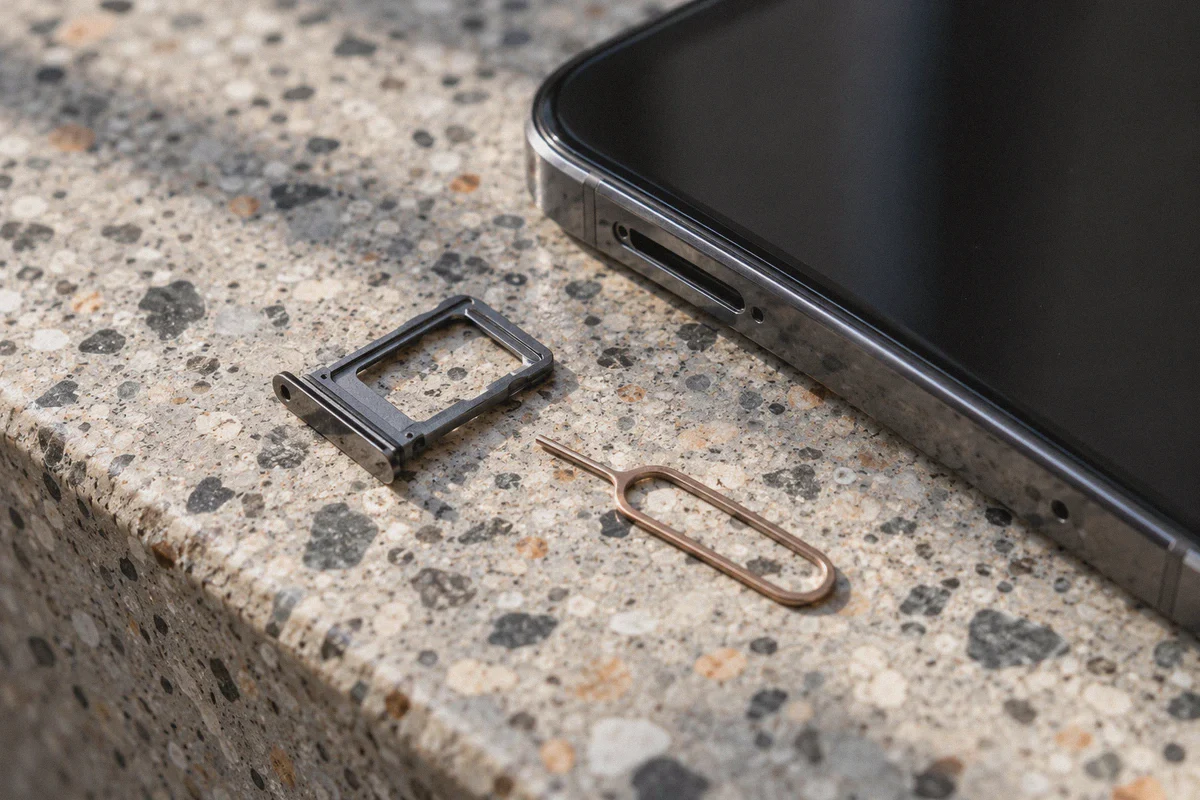
1. The Physical SIM Card Check (MCC/MNC Lock)
This is the hidden wall that stops 95% of users. The TikTok mobile app has permission to read your SIM card’s Mobile Country Code (MCC). If your phone has an Indian SIM card (Airtel, Jio, Vi) or a SIM from another blocked jurisdiction inside the slot, the app reads that carrier code and triggers an internal hard-kill switch. It shuts down all network requests before your phone even touches the internet.
You could be connected to the fastest NASA-grade VPN on earth, and the TikTok app will still swear you have "No network connection."
2. Datacenter IP Blacklisting
If you try to work around the app by opening TikTok in a browser using a random free or cheap VPN, you run straight into the second wall. Cheap VPNs run on overcrowded commercial datacenter servers. TikTok’s anti-spam engine tracks these IP ranges in real time. The moment it sees hundreds of accounts logging in through the same datacenter block, it shadowbans the connection, serves a blank white screen, or demands impossible phone-number verifications.
3. ISP Deep Packet Inspection (DPI)
In heavily restricted countries, local internet service providers (ISPs) actively hunt down and throttle standard VPN traffic. Open, uncamouflaged protocols (like generic OpenVPN or basic WireGuard) get identified by telecom firewalls and silently dropped, causing constant disconnects and video stuttering.
The 3-Step Workaround: How to Actually Get In
To unblock TikTok where it's banned, you have to bypass both the hardware lock and the network filter.
Here is the blueprint:
| Layer | The Problem | The Clean Solution |
|---|---|---|
| Hardware / Carrier | TikTok app reads your local SIM carrier code | Eject the SIM / use Airplane Mode on Wi-Fi, OR use the Web Browser version |
| Network / Egress | Local ISP blocks VPN ports; TikTok flags dirty IPs | Use an obfuscated HTTP/3 connection with clean streaming routes |
| Session Cache | App stores your old banned GPS/carrier cache | Clear app data or open a fresh private browser tab |
Option A: The Browser Route (Fastest, Zero Hardware Hassle)
If you don't want to mess with taking your SIM card out of your phone, use TikTok in a browser (Chrome, Safari, Brave, or Edge on PC/Mac/mobile).
Web browsers are sandboxed by your operating system. A website in a browser cannot read your physical SIM card's MCC code. As long as your browser has a clean, disguised VPN line connected to a working country, tiktok.com loads instantly, lets you log in, scroll the FYP, upload videos, and check DMs with zero restrictions.
Option B: The Mobile App Route (For True Mobile Scrolling)
If you must use the native smartphone app:
- Turn on Airplane Mode to disable your cellular modem.
- Turn Wi-Fi back on manually.
- Change your phone’s system region (under Settings > General > Language & Region) to the US or UK.
- Connect your VPN before launching the TikTok app.
Why OnlydogVPNs VPN Solves the Network Side of the Puzzle
Once you neutralize the SIM check, everything hinges on your VPN connection. If your VPN leaks DNS requests, uses recognizable packet headers, or connects to a blacklisted node, TikTok freezes again.
This is where OnlydogVPNs VPN cuts through the frustration.
1. HTTP/3 & Proprietary Traffic Obfuscation
Most traditional VPNs broadcast identifiable handshakes that scream "I am a VPN tunnel" to local telecom firewalls. OnlydogVPNs runs on an HTTP/3 architecture paired with proprietary traffic obfuscation.
Your encrypted connection looks indistinguishable from standard HTTPS web browsing. Local ISPs and strict national firewalls cannot isolate the traffic to throttle or block it, allowing seamless access even in regions with aggressive DPI filters like the UAE, parts of South Asia, or China.
2. Dedicated "Streaming" Scenario Presets
Instead of forcing you to scroll through 80 countries and guess whether "New York #42" is clean, OnlydogVPNs uses One-Click Scenario Presets.
You tap the Streaming preset, and the system automatically routes your device through high-reputation lines optimized for media platforms. You skip the endless trial-and-error of finding a server that TikTok hasn't blacklisted.
3. Weak-Network Auto-Recovery (No More Video Freezes)
Mobile internet in regions like India, Indonesia, or across public Wi-Fi is notorious for packet jitter and sudden micro-drops. Standard VPNs stall out when a packet drops, leaving you staring at TikTok's loading ring.
OnlydogVPNs features built-in automated line routing and weak-network resilience. If your Wi-Fi flickers or latency spikes, the client balances traffic in the background without dropping your video buffer.
4. Built-in Ad & Tracker Filtering
TikTok's web interface is heavy with background telemetry, third-party trackers, and web ads that chew through bandwidth. OnlydogVPNs integrates DNS- and node-level filtering, stripping out unnecessary network junk so your full connection speed goes directly toward loading crisp HD video.
5. Instant Passwordless Login Across All Devices
You don’t have to memorize a complex password or configure confusing open-source configuration files. OnlydogVPNs uses clean email verification codes for instant login across Android, iOS, Windows, and macOS.
👉 Get OnlydogVPNs VPN and connect to fast, clean streaming lines
Step-by-Step: The Foolproof Setup Guide
Follow this sequence to get TikTok running smoothly on your device right now:
Method 1: The 60-Second Browser Method (PC, Mac, or Mobile)
- Close any existing TikTok tabs.
- Open OnlydogVPNs VPN and select the Streaming scenario preset (connect to the US, Singapore, or UK).
- Open a Private / Incognito window in your browser (this prevents old location cookies from giving you away).
- Navigate to
tiktok.com. - The full global TikTok feed will load immediately. Log in to your account and enjoy unrestricted browsing.
Method 2: The Native Phone App Method (iOS & Android)
- Remove your physical SIM card, or toggle on Airplane Mode and turn Wi-Fi back on.
- In your device settings, set your Region to United States or United Kingdom, and ensure Location Services (GPS) for TikTok is set to "Never."
- Clear the TikTok app cache:
- Android: Settings > Apps > TikTok > Storage > Clear Cache & Clear Data.
- iOS: Offload the app or delete and reinstall it while connected to a foreign Apple ID.
- Launch OnlydogVPNs VPN and connect to the Streaming preset.
- Open the TikTok app. Your For You feed will populate with fresh global content without error banners.
Quick Troubleshooting: Common Pitfalls to Avoid
- Don't use domestic phone numbers for verification: If TikTok asks you to verify your account, use an email address or an overseas virtual number. Trying to bind a phone number with a country code from a banned nation can re-trigger account restrictions.
- Stick to one primary region: Don't browse from Singapore at 1:00 PM, switch to the UK at 1:30 PM, and hop to Los Angeles at 2:00 PM. Rapid geographic jumping sets off TikTok's anti-fraud alarms. Pick one region preset and leave it on.
- Stay away from shady "Modded APKs": Many sketchy sites offer modified TikTok APK files promising to "bypass bans without a VPN." Most of these apps are injected with malware or credential-stealers that compromise your device. Using the official app or web platform paired with a secure, obfuscated VPN is vastly safer.
The Verdict
Getting locked out of TikTok in a banned country feels like hitting an impenetrable wall, but it’s really just a two-part lock: a local SIM check and an IP filter.
Bypass the SIM check by using a browser or airplane mode, fire up an obfuscated, high-reputation connection through OnlydogVPNs VPN, and you're back to scrolling your favorite creators without missing a beat.
👉 Visit OnlydogVPNs VPN to unlock TikTok and enjoy smooth, buffer-free access
Frequently Asked Questions
Why can TikTok show a black screen even though the VPN says it is connected?
The article says the mobile app may still see carrier or SIM information, cached regional state, or a network route that TikTok or the local ISP treats as suspicious or restricted.
Why does the article suggest trying TikTok in a browser?
A browser does not expose all of the same native-app hardware information. The article therefore treats a private browser session as a simpler way to isolate network-location issues from SIM-related app checks.
What should be prepared before reopening the native TikTok app?
The article recommends disabling the cellular path when appropriate, making device-region and location settings consistent, clearing stale app state, and establishing the VPN connection before launching TikTok.
What can cause repeated failures after an initial connection?
The article points to dirty datacenter IPs, detectable VPN traffic, unstable Wi-Fi, old session data, and rapid region switching as common sources of repeated blocks or verification problems.