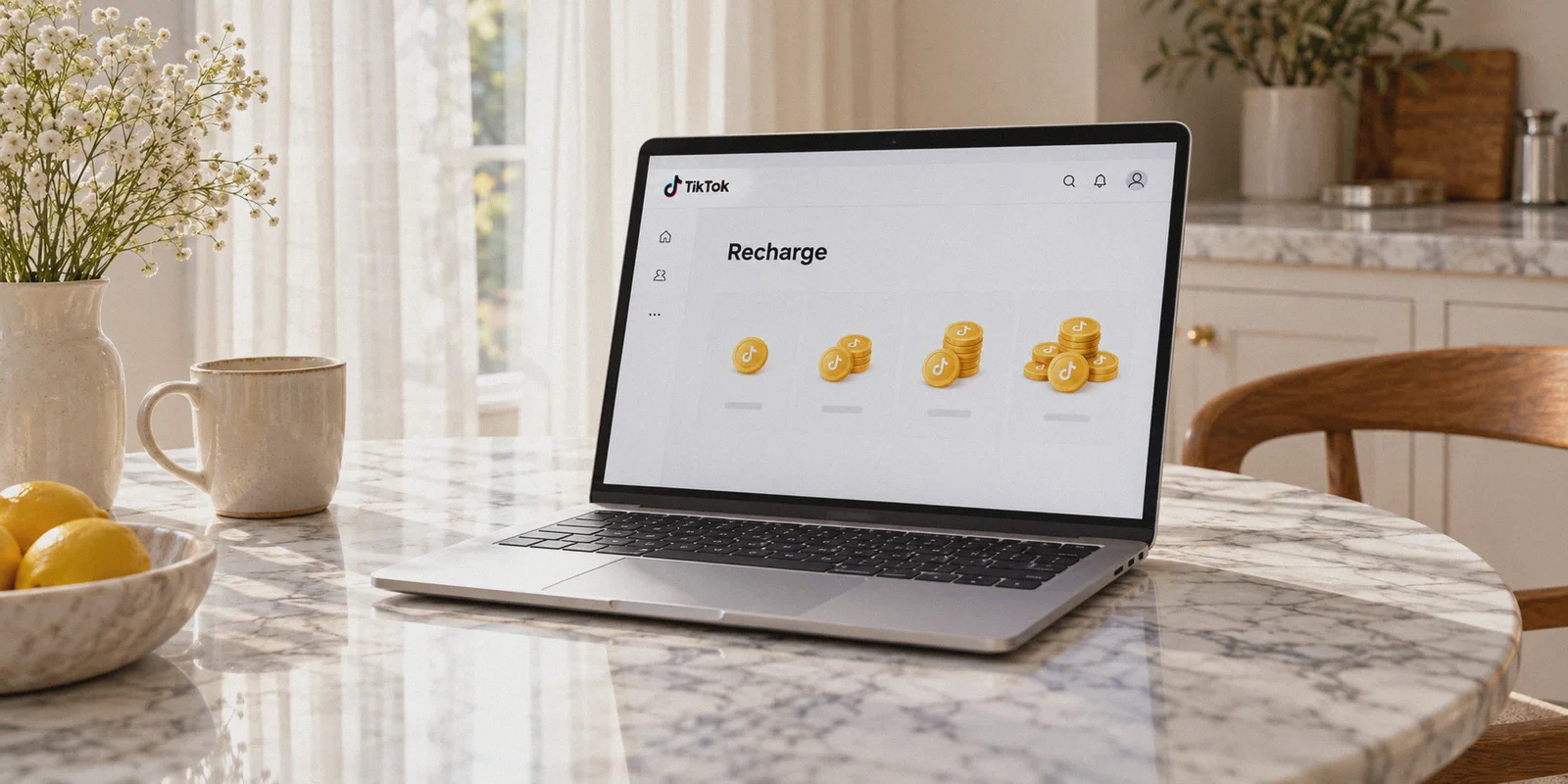
If you spend any time watching TikTok Live, you already know how fast those coins disappear. A few Roses here, a Corgi there, maybe a Galaxy or a Lion for a creator you love—and suddenly your bank account has taken a serious hit.
At standard US, UK, or European rates, TikTok coins aren’t cheap. Buying 7,000 coins can easily run you around $75 to $100 depending on where you live.
Naturally, people turn to Reddit or YouTube and discover the "worst-kept secret" on the internet: TikTok sets completely different coin prices depending on the country, and you can theoretically use a VPN to buy them at a massive discount.
So you download a random VPN, switch your location to another country, open your TikTok app, and hit a wall:
- The price is still in US Dollars or Euros.
- Or worse: the currency changes, but the second you hit "Pay," you get hit with "Payment declined," "Transaction cannot be completed," or a fraud warning from TikTok.
Here is the thing most generic tutorials won’t tell you: just turning on a VPN on your phone is the fastest way to fail.
If you want to buy TikTok coins cheaper without getting your payment flagged or your account locked, you need to understand how TikTok’s billing system actually works—and why ordinary VPNs trigger fraud alarms at checkout.
Article summary and product fit
Why can a TikTok coin purchase fail after changing network location, and what should be checked before paying?
The article attributes price differences to the purchase channel and regional pricing, then explains that payment systems can evaluate IP reputation, connection stability, currency, and payment details together. It recommends using TikTok’s official web coin page, checking the displayed currency and total, keeping the connection stable, and testing with a small purchase rather than assuming a VPN guarantees a discount or approval.
Key points and limits
- Best for: TikTok users comparing official web coin checkout with in-app purchasing and trying to understand payment declines.
- Key pricing idea: The article distinguishes app-store checkout costs from regional pricing on TikTok’s web purchase flow.
- Payment reality: A changed IP does not override card rules, foreign-transaction fees, fraud controls, or the currency and price TikTok actually displays at checkout.
- Important limit: TikTok pricing, eligibility, payment methods, fees, and regional rules can change. No connection tool can guarantee a lower price or an approved transaction, and users should follow TikTok and payment-provider terms.
Where the product fit comes in
The article presents OnlyDogsVPN as a network-stability and routing option for the checkout session, not as a way to bypass payment eligibility, card rules, or TikTok purchase terms.
Sources already linked in this article: OnlyDogsVPN official website, TikTok official coin page.
The "Double Tax": Why You’re Overpaying in the First Place
Before touching a VPN, you need to understand where the discount actually comes from. Most people assume it’s purely currency exchange rates. That’s only half the story.
You are actually paying two separate markups every time you buy coins inside your phone app:
1. The 30% "App Store Tax"
Apple and Google take an automatic 30% cut on all digital purchases made inside iOS and Android apps. TikTok doesn't swallow that fee—they pass it directly onto you.
If you open the TikTok app on your iPhone and look at the coin bundles, the price is artificially inflated by 30% right out of the gate.
If you bypass the app entirely and buy directly through TikTok’s official desktop website (tiktok.com/coin), the price drops immediately—even without changing your country. That alone saves you nearly a third of your money.
2. Regional Purchasing Power (The Real VPN Play)
Once you step onto the web version, TikTok calculates coin prices based on local economic conditions.
In countries with lower purchasing power or volatile currencies (such as Brazil, the Philippines, or previously Turkey), TikTok prices coins significantly cheaper to encourage local viewers to participate in live gifting.
When you combine Web Checkout (saving 30%) with Regional Pricing Arbitrage (saving another 15% to 30%), you can frequently cut your total coin bill by up to 50%.
Why Standard VPNs Get Blocked at Checkout
If the trick is that simple, why do so many people get their payments blocked?
Because TikTok’s payment processing system is ruthlessly aggressive against fraud.
When you hit the checkout page on TikTok, their risk detection systems analyze three things simultaneously:
- Your IP Address Reputation: Did the request come from a known commercial datacenter (which 90% of standard VPNs use)?
- Protocol Fingerprints: Does your connection carry the recognizable signature of standard OpenVPN or WireGuard tunnels?
- Network Stability: Did your connection drop or stutter during the SSL handshake with the payment gateway?
If you use a generic VPN, TikTok’s fraud filters flag the transaction before your bank even sees it. The system thinks someone stole your account and is laundering coins through a proxy server.
The result? Your card gets rejected, and your account might get temporarily restricted from gifting.
The Solution: A VPN Built to Fly Under Anti-Fraud Radars
To make this work cleanly, you don't need a VPN that screams "I am an encrypted tunnel!" You need a connection that looks identical to a regular residential browser browsing from that target region.
This is where OnlydogVPNs VPN completely changes the game for everyday users.
1. HTTP/3 & Traffic Obfuscation: Passing Fraud Checks
Most VPNs broadcast their protocol signature openly, which payment gateways like Stripe and Adyen flag instantly.
OnlydogVPNs is built on HTTP/3 architecture with proprietary traffic obfuscation. To TikTok’s backend fraud monitors, your purchase traffic blends in seamlessly with everyday HTTPS web traffic. It doesn't look like an automated proxy or a commercial data pipeline—it looks like a regular user sitting at a laptop browsing the web.
👉 Check out OnlydogVPNs VPN and get started with clean routing
2. Scenario Presets: No Confusing Server Lists
Most VPN interfaces are an overwhelming mess of hundreds of individual city nodes, latency numbers, and protocol switches. Pick the wrong congested node, and your payment times out midway through verification.
OnlydogVPNs replaces that headache with Scenario Presets. You don’t have to guess which server has clean IPs or open routing pipes. The platform’s automatic routing algorithm selects the cleanest, lowest-latency path automatically with a single tap.
3. Rock-Solid Connection Recovery (No Mid-Payment Drops)
Payment gateways hate dropped connections. If your Wi-Fi flickers for half a second while processing a 3D Secure SMS code, standard VPNs drop the tunnel, exposing your real residential IP. That sudden IP switch is an immediate red flag that kills the transaction.
OnlydogVPNs is engineered specifically for weak-network resilience and auto-recovery. If your connection fluctuates, the session stays locked and recovers cleanly in the background without dropping your browser session or revealing your physical location.
4. Built-in Ad & Script Filtering
When you navigate foreign payment gateways, you want zero background tracker bloat or malicious redirects interfering with your browser’s cookies. OnlydogVPNs includes built-in DNS and node-level filtering to keep your browsing environment completely clean and lightweight.
5. Frictionless, Passwordless Sign-In
You don’t have to remember master passwords across your phone, tablet, and PC. OnlydogVPNs uses secure email verification codes for instant access, offering an identical, dead-simple interface across Windows, macOS, Android, and iOS.
Step-by-Step: The Foolproof 5-Minute Method
Follow this exact sequence to ensure your payment goes through smoothly on the first try:
Step 1: Open Your Computer (Do NOT Use Your Phone App)
Close the TikTok app on your phone. Sit down at your desktop or laptop computer, open an Incognito / Private browser window (this wipes clean any saved cookies that remember your real country).
Step 2: Connect OnlydogVPNs VPN
Launch OnlydogVPNs VPN and connect to your chosen target region (regions like Brazil are popular and consistent choices for favorable coin rates). Let the scenario preset lock in the optimal route.
Step 3: Go Directly to TikTok’s Official Coin Page
Navigate directly to:
tiktok.com/coinLog into your existing TikTok account.
Step 4: Verify the Currency
Take a look at the pricing table. You should immediately see two things:
- The currency has switched to the local currency of your connected node.
- The custom recharge box allows you to choose exactly how many coins you want at the local discounted rate.
Step 5: Complete the Checkout
Select your coin bundle and click Recharge.
- Use a payment method that supports international transactions (a major credit/debit card with zero foreign transaction fees, or PayPal).
- Complete any standard SMS / banking authorization prompt your bank sends.
Once confirmed, the coins will instantly credit to your account balance. You can immediately close your browser, turn off the VPN, open the TikTok app on your phone, and all your newly purchased coins will be sitting there waiting for you.
3 Quick Tips to Keep Things Smooth
- Use a Zero-FTF Card: When buying in a foreign currency, standard bank cards sometimes charge a 1% to 3% foreign transaction fee (FTF). Using a card like Revolut, Wise, or any no-foreign-transaction-fee credit card guarantees you keep 100% of the savings.
- Don't Jump Countries 5 Times a Day: Pick one reliable region and stick to it. Jumping from Brazil to the Philippines to the UK in a two-hour window looks erratic to automated security systems.
- Start with a Small Test Pack: If it’s your first time buying coins this way, test the waters with a small bundle (like 70 or 350 coins) to verify your payment method goes through smoothly before buying a massive package.
The Verdict
Getting cheap TikTok coins isn’t about hacking the system or buying suspicious accounts from third parties.
It’s simply about cutting out the 30% mobile App Store tax and accessing fair regional pricing on the official web store.
Stop throwing money away through the phone app, and stop letting low-tier VPNs trip your payment fraud filters. Grab OnlydogVPNs VPN, fire up a clean connection, head to the web portal, and get twice the coins for your money.
Frequently Asked Questions
Why can buying TikTok coins on the web cost differently from buying in the app?
The article says the purchase channel can affect the final price and that TikTok also varies coin pricing by market. The amount shown at checkout is the price that matters for the specific account and region.
Why can the currency change but the payment still be declined?
Payment systems can compare network location with card, account, and fraud-risk signals. A different IP does not make an otherwise mismatched or unsupported payment method eligible.
What should I verify before completing a coin purchase?
Use TikTok’s official coin page, confirm the displayed currency and final total, check whether your payment method supports the transaction and any foreign-currency fees, and keep the connection stable during authorization.
Why does the article recommend starting with a small test purchase?
A small purchase can confirm how the account, payment method, currency, and current TikTok checkout behave before committing to a much larger transaction.