How to Watch 9Now Outside Australia With a VPN (Without the Infinite Loading Loop)
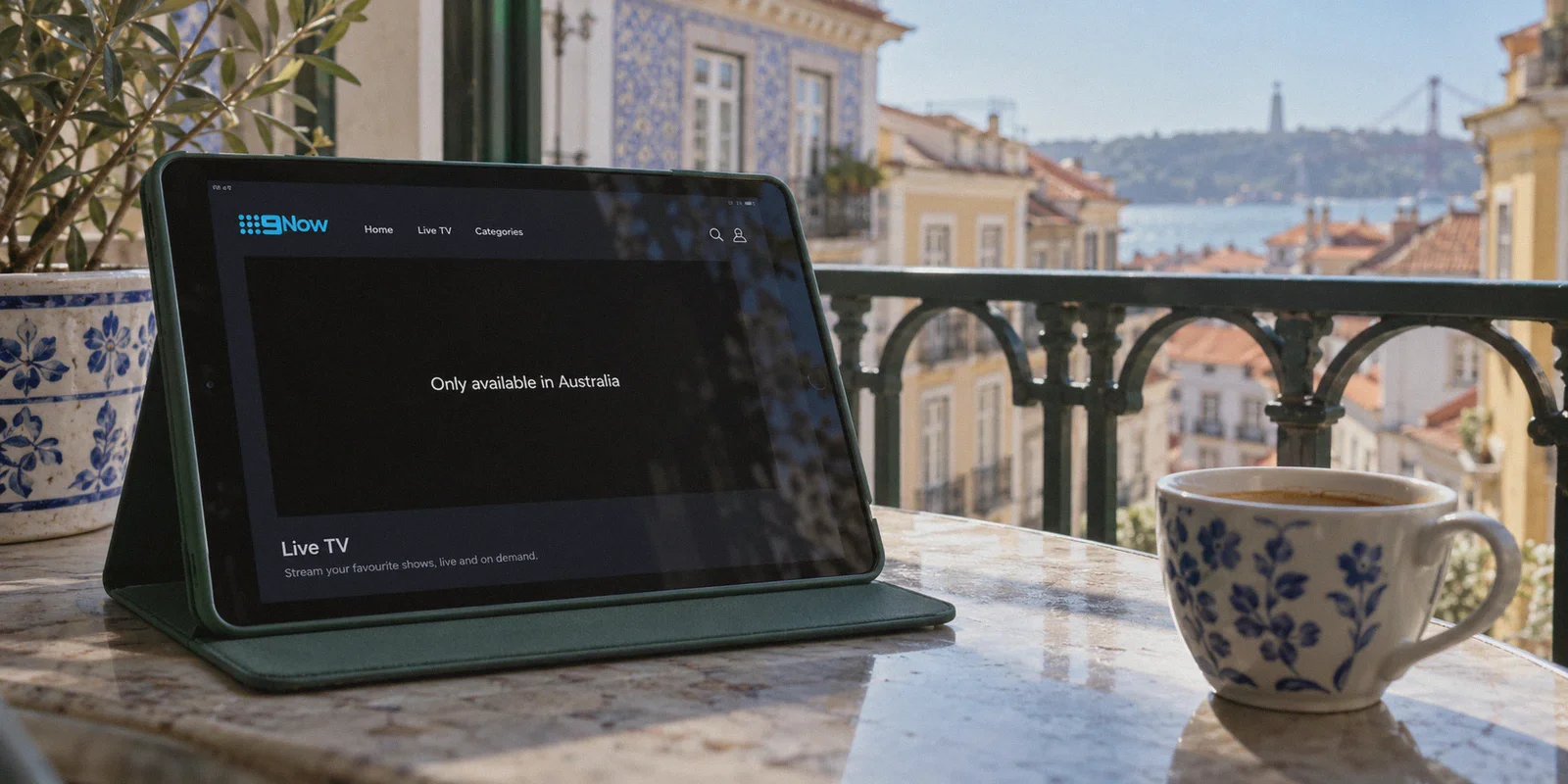
You sit down with a cup of coffee, ready to stream the Australian Open, binge the latest chaos on Married at First Sight, or catch an NRL clash live on 9Now. You fire up a random VPN, click "Australia - Sydney," and open the site.
Then comes the gut punch:
"Geographic Restriction: 9Now is only available in Australia."
Or worse — no error code at all. Just an endless black buffering wheel that spins for three minutes before freezing your browser completely.
If you are googling how to watch 9Now outside Australia with a VPN, you probably aren't looking for a lecture on geoblocking algorithms. You already know what a VPN is, and you probably already tried connecting to Australia. What nobody told you is that 9Now is quietly one of the most stubborn, aggressively guarded free streaming platforms on the planet.
Getting past that wall isn't about finding "a VPN with Australian servers." That's the trap. It’s about understanding the three invisible tripwires 9Now sets for you — and how to clear them in under three minutes.
Article summary and product fit
Why can 9Now remain blocked even after you connect to an Australian VPN server?
The article says an Australian IP is only one part of the setup. It highlights commercial datacenter IP reputation, long-haul connection quality, DNS or browser-location leakage, and cached account or browser state. It recommends connecting before opening 9Now, using a fresh private session, completing the free Nine account setup, and troubleshooting cookies, routing, and device time-zone signals if playback still fails.
Key points and limits
- Best for: Viewers abroad who already tried an Australian VPN location but still see a geo-restriction message, black player, or unstable playback.
- What the article says: A generic Australian server can still be rejected if the IP range looks like a crowded datacenter or if other location signals contradict the Australian route.
- Preparation: Connect first, open a clean browser session, then register or sign in to the free Nine account and start playback only after the route is established.
- Important limit: The article still requires a Nine account and Australian postcode during registration, and it notes that cached site data or device time-zone mismatches can continue to affect playback.
- Product fit: The article positions OnlyDogs VPN for this use case because of its streaming preset, smart route selection, HTTP/3-based traffic obfuscation, and recovery on unstable or changing networks.
Sources already linked in this article: 9Now official website.
The Common Myth: "Any Australian Server Works"
Most generic VPN guides give you the same lazy advice: Step 1: Download a VPN. Step 2: Connect to Australia. Step 3: Enjoy 9Now.
If it were that simple, you wouldn't be here.
Here is what actually happens behind the scenes when you try to stream Channel 9 from abroad:
- The Datacenter IP Blacklist: 9Now doesn't just check if your IP address is in Australia; it checks who owns that IP. If the IP belongs to a crowded server farm (which 95% of cheap or free VPNs use), 9Now instantly flags it as a proxy and slams the door shut.
- The "Across the Globe" Latency Wall: Australia is geographically isolated. If you are tuning in from North America, Europe, or Southeast Asia, your data packet is traveling through thousands of miles of undersea fiber cables. Standard VPN protocols choke on that kind of long-haul packet loss. The result? 480p pixelation and audio desync.
- The DNS & Account Trap: Even if your IP looks Australian, if your DNS requests leak back to your local ISP, or if your Nine account profile wasn't set up with the right local quirks, the player simply refuses to load the video manifest.
To watch 9Now smoothly, you don't need a PhD in networking. You just need a setup that handles the routing and the speed hurdles automatically, so 9Now genuinely believes you're sitting on a couch in Brisbane.
Step-by-Step: The Cleanest Way to Unlock 9Now Abroad
Unlike Stan, Binge, or Kayo Sports, 9Now is 100% free. You do not need an Australian credit card or a local mobile phone number. You just need to follow these exact steps in the right order.
Step 1: Fire up a streaming-optimized route (Not a generic server)
Before you even type 9now.com.au into your address bar, you must have an active connection that masks proxy footprints.
This is where most people get burned by standard VPNs. They open a server list, see 40 different Australian nodes, pick one at random, get blocked, disconnect, pick another, get blocked again, and spend 20 minutes playing server roulette.
With a dedicated tool like OnlyDogs VPN, you don't play guessing games:
- Instead of wrestling with protocol settings or deciphering server load percentages, you tap the Streaming Preset.
- OnlyDogs VPN features Smart Automatic Route Selection, which automatically directs your traffic through clean, residential-grade IP ranges that 9Now hasn't flagged.
- Under the hood, it operates on modern HTTP/3 and proprietary traffic obfuscation protocols. Instead of broadcasting obvious OpenVPN or WireGuard signatures that commercial streaming firewalls detect in milliseconds, your connection blends into standard HTTPS web traffic.
Pro Tip: Always connect to your VPN before opening your browser, or open 9Now in an Incognito / Private Window. Browsers love caching your real geographic location in local storage, which can give you away even with a working VPN.
Step 2: Create your free Nine account (The Postcode Trick)
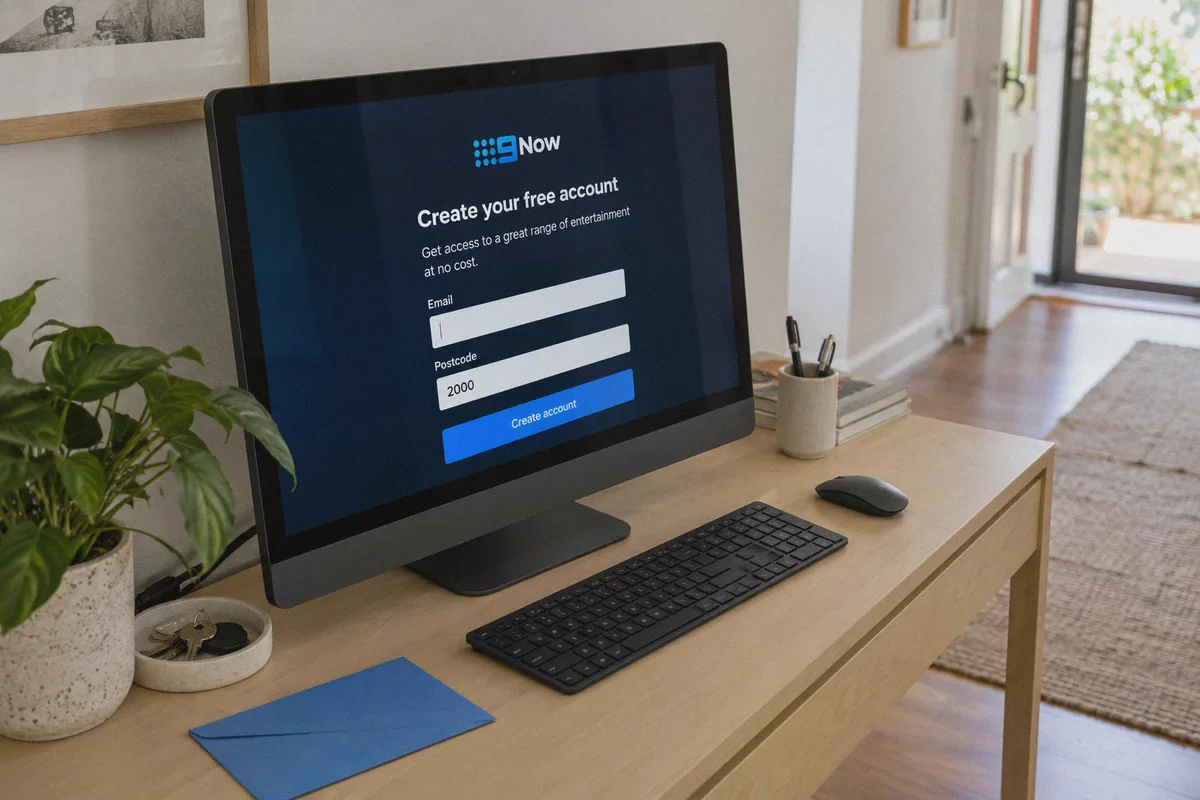
9Now requires a free Nine account to start playback. When you click "Log In / Register":
- Enter your regular email address.
- Set a password and enter your name and date of birth.
- The only catch — Australian Postcode: The registration form will ask for an Australian postcode. It doesn't verify your physical address, but it must match a valid Australian suburb.
- Sydney:
2000 - Melbourne:
3000 - Brisbane:
4000 - Perth:
6000
- Confirm your email verification link, and your account is permanently activated.
Step 3: Stream live or on-demand
Head over to the live TV guide (Channel 9, 9Gem, 9Go!, 9Rush) or pick a show from the catalog. Click play. The stream should initiate instantly in full 1080p HD.
Why OnlyDogs VPN Solves the Specific "9Now Problem"
You could test half a dozen VPN providers and eventually find one with an IP that slips through today. But will it work tomorrow when 9Now updates its blacklist? And can it hold a live sports stream without stuttering?
Here is why OnlyDogs VPN fits this exact use case so well:
| What Usually Ruins 9Now Abroad | How OnlyDogs VPN Handles It | What It Means for You |
|---|---|---|
| Endless trial-and-error picking servers that aren't blocked | One-Click Streaming Presets paired with dynamic route matching | No manually testing 15 Sydney servers; click once and the player unlocks. |
| Severe buffering & drops over massive transoceanic distances | HTTP/3 architecture & low-latency packet recovery | Rock-solid 1080p live streams even on high-latency routes (US/EU/Asia to AU). |
| Streaming detector blocks (Protocol pattern matching) | Proprietary obfuscation that masks VPN signatures | 9Now treats your connection like ordinary residential fiber, not an unblocker. |
| Intrusive ad loops breaking the free stream | Built-in DNS + Node-level Ad & Tracker Filtering | Cuts down the aggressive ad bombardment that free Australian VODs love to serve. |
| Complex configuration across different household gadgets | Consistent native apps for macOS, Windows, iOS, and Android | Set it up on your laptop, iPad, or phone with zero tech friction. |
The Real-World Difference: Smooth Video Over Bad Routing
Australia's routing back to the rest of the world is notoriously finicky. If your home Wi-Fi has slight packet jitter, or if you're streaming from a hotel room or on mobile data, standard VPNs drop frames constantly.
OnlyDogs was engineered specifically for resilience in constrained and fluctuating networks. When your network switches from Wi-Fi to cellular, or hits an overseas congestion spike during peak broadcast hours (like the Grand Slam finals), the connection recovers seamlessly in the background without kicking you back to a black error screen.
What to Do If 9Now Still Acts Up (Quick Troubleshooting)
If you have an active VPN connection but still see an error message, work through these three quick fixes:
- Clear your browser cookies and site cache: 9Now frequently stores your previous non-Australian session data. Clearing cookies for
9now.com.auor simply launching a new Incognito tab solves 90% of lingering geoblock messages. - Toggle the route switch: In OnlyDogs VPN, simply tap the re-route button. The system will cycle your IP to an alternate clean Australian route without requiring you to manually browse city lists.
- Check your device's system time zone: On rare occasions, 9Now's web player cross-references your browser's local time zone offset with your reported IP. Setting your device clock to Australian Eastern Standard Time (AEST / Sydney) removes that final fingerprint mismatch.
The Verdict
Watching 9Now outside Australia shouldn't require tinkering with custom DNS configurations, downloading third-party browser extensions, or putting up with grainy, 360p slide shows.
9Now is a world-class free entertainment hub — but its digital fence is tall. Skip the headache of generic datacenter IPs that get blacklisted every Tuesday.
Grab OnlyDogs VPN, hit the streaming preset, punch in an Australian postcode, and enjoy your stream the way it was meant to look: crisp, instant, and completely unrestricted.
Frequently Asked Questions
Why is choosing any Australian VPN server not enough for 9Now?
The article says 9Now can look at more than the country of the IP. It points to commercial datacenter ownership, long-haul routing quality, DNS or browser-location leakage, and other session signals as reasons a nominally Australian connection can still fail.
Does 9Now require a paid subscription or Australian credit card?
According to the article, 9Now is free and does not require an Australian credit card or local phone number, but playback does require a free Nine account and the registration flow asks for an Australian postcode.
Why does the article recommend Incognito or Private mode for 9Now?
Because a browser can retain cookies and local site data from a previous non-Australian session. A fresh private window reduces the chance that the new Australian route is contradicted by cached location state.
What should I check if 9Now still shows a regional error?
The article recommends clearing 9Now cookies and site cache, trying an alternate clean route, and checking whether the device time zone conflicts with the Australian location presented by the connection.