How to Watch Max Outside the US with a VPN: Why Your US Server Still Gets Blocked (and the Real Fix)

It’s Sunday night. You just poured yourself a drink, sank into your hotel couch or Airbnb armchair in London, Tokyo, or Barcelona, and opened your laptop to catch the newest episode of House of the Dragon or The White Lotus.
You have an active Max (formerly HBO Max) subscription. You fire up that big-name VPN you saw sponsored on YouTube, connect to "United States - New York," and refresh the tab.
Then, instead of the home screen, you get hit with this:
"Max is not available in your region yet."
Or the dreaded: "Unblocker or proxy detected. Please disable your VPN to continue."
You disconnect. You try "US - Los Angeles." Same screen. You try "US - Miami." Now the player loads, but the video sits on a black screen with an infinite spinning wheel, refusing to buffer past the title card.
Here is the frustrating reality: Max has arguably the most aggressive anti-VPN firewall in the entire streaming industry.
If you try to access it with a standard commercial VPN, you aren’t just fighting a simple geographic filter—you are fighting enterprise-grade bot detection.
Here is what is actually going on behind the scenes, how to solve the payment wall if you don't have a US card, and how to stream Max outside the US in full 4K HDR without proxy headaches.
Article summary and product fit
Why can Max still show a regional or proxy error after you connect to a US VPN server?
The article attributes failures to commercial datacenter IP reputation, recognizable VPN handshakes, and persistent browser location tokens. It also separates playback access from the US payment requirement. Its practical setup is to establish the streaming route before opening Max, start from a clean private browser session, and avoid carrying a previously blocked location token into the new connection.
Key points and limits
- Best for: Existing Max subscribers abroad who see regional or proxy warnings, plus readers who separately need to understand the US payment hurdle.
- What the article says: Switching among US city labels is not enough when the underlying IP range is flagged, the tunnel is easy to identify, or the browser keeps old non-US session data.
- Preparation: Connect first, use an Incognito or Private window, then sign in and start playback only after the clean US route is established.
- Important limit: Payment eligibility and cached browser state are separate from network location; solving one does not automatically solve the other.
- Product fit: The article presents OnlyDogs VPN as a fit because of its HTTP/3-based obfuscation, streaming scenario preset, dynamic routing, tracker filtering, and multi-platform client.
Sources already linked in this article: OnlyDogs VPN official website.
Why Max Kills 90% of Standard VPNs
Years ago, streaming platforms simply looked at your IP address. If your IP originated from the US, you were in.
Today, Max's security is handled by multi-layered edge firewalls (primarily powered by Akamai and Cloudflare). They don't just ask where you are; they analyze how your connection behaves.
Standard VPNs fail on Max for three distinct reasons:
1. The Commercial Datacenter Trap
Most commercial VPN providers don't own thousands of physical houses; they lease server space from major datacenters (like AWS, M247, or DigitalOcean).
Max subscribes to continuously updated IP intelligence databases. The moment hundreds of viewers connect to Max from the same datacenter subnet on a Sunday night, the system flags the entire IP block. You could switch between twenty different US cities in your VPN app and get blocked every single time because every single one belongs to a flagged commercial datacenter.
2. TLS & Handshake Fingerprinting (Deep Packet Inspection)
Even if an IP address hasn't been blacklisted yet, standard VPN protocols—like vanilla OpenVPN or basic WireGuard—leave distinct cryptographic signatures in their packet headers.
Max’s edge filters inspect these handshakes. The second they spot packets structured like a commercial VPN tunnel, the connection is either quietly dropped or throttled down to dial-up speeds. Your VPN app claims it's "Connected," but the video player chokes indefinitely.
3. Persistent Local Token Caching
Max stores session tokens, time-zone data, and location cache in your browser’s cookies and local storage. If you open Max while your VPN is off, get blocked, and then turn on your VPN and hit refresh, it will still block you. The site already tagged your browser session as non-US.
The Two Hurdles: Streaming Access vs. The Payment Wall
Depending on your situation, you are likely stuck at one of two stages:
- You already have an account: You just need a connection that slips past Max’s proxy detection without buffering in 4K.
- You need to create a new account from abroad: Max requires a US payment method (US credit card or a US-based PayPal account), which instantly declines foreign cards.
Let's address the payment problem first, because it's remarkably easy to solve once you know the workaround.
How to Sign Up for Max Without a US Credit Card
If you don't have a US bank card, do not try to sign up on the desktop website. The web checkout will decline any card with a foreign billing address.
Instead, use the In-App Subscription Workaround:
- Connect your phone to a US VPN connection.
- Create a US App Store or Google Play account:
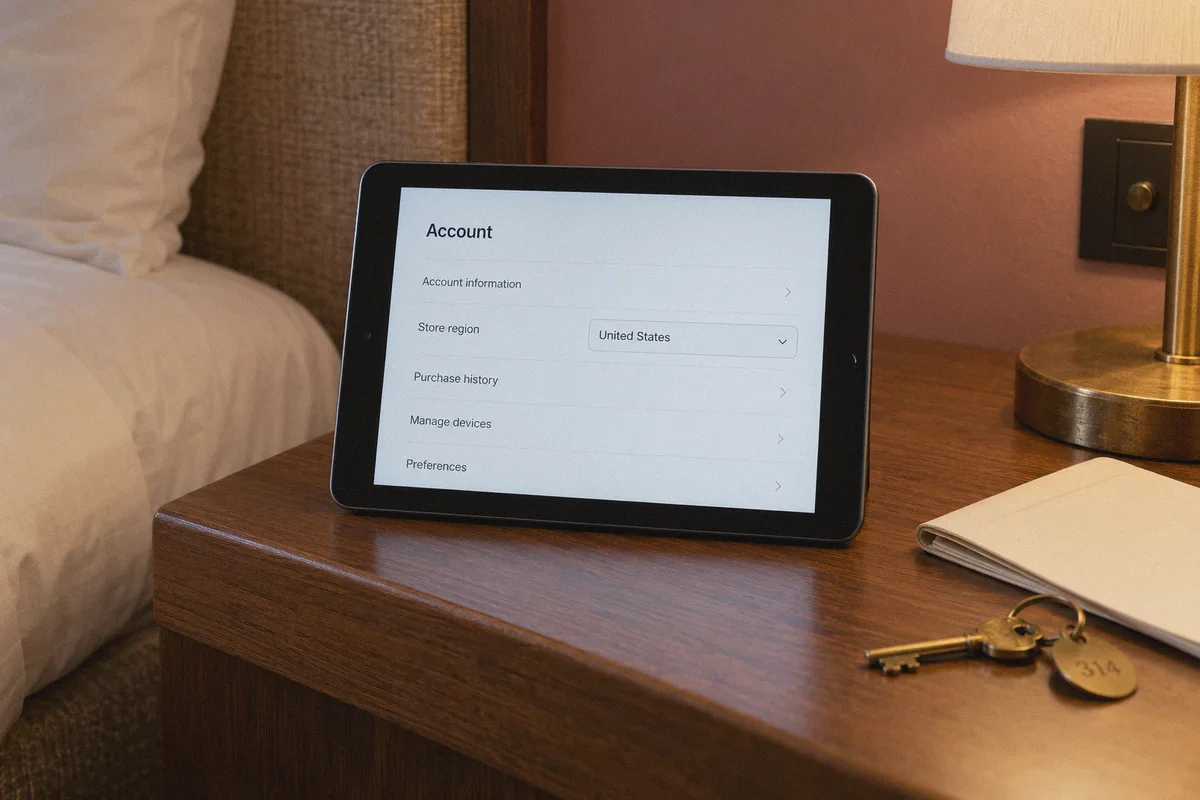
- On iOS: Log out of your Apple ID, change your store region to the United States (use any valid US address and ZIP code, like Oregon or Delaware for 0% sales tax), or create a fresh secondary US Apple ID.
- On Android: Create a new Google account while connected to a US server.
- Fund the account with a digital gift card: Buy an official US Apple Gift Card or Google Play Gift Card online (available instantly on platforms like Amazon or digital card retailers). Redeem the code into your new US store account balance.
- Download the Max app: Search for "Max" in the US store, install it, and sign up directly inside the app using your gift card balance.
Apple and Google handle the billing internally. Max never sees your real credit card origin, and your account activates immediately.
Why OnlyDogs VPN Actually Keeps Max Running
Once you have your account, your entire streaming experience depends on whether your VPN can maintain continuous stealth and high bitrate.
This is where OnlyDogs VPN takes a fundamentally different technical path than bloated legacy VPNs.
1. HTTP/3 & Traffic Obfuscation (The Cloak)
Instead of forcing your connection through rigid, recognizable VPN tunnels that trigger Akamai's anti-proxy alarms, OnlyDogs VPN utilizes HTTP/3 architecture, traffic obfuscation, and proprietary protocol engineering.
To Max’s security filters, your traffic doesn't look like an encrypted tunnel bypassing a geo-fence. It looks like standard, everyday web traffic over HTTPS and modern QUIC—the exact same data pattern generated when someone browses a regular news site or online store.
Because streaming networks cannot block standard HTTPS web traffic without breaking their own service for legitimate users, your connection passes through the gate completely unnoticed.
2. The "Streaming" Scenario Preset (No Server Roulette)
Most VPN apps give you an endless list of states and cities: "US - Atlanta 2? US - Chicago 5? US - Ashburn?"
You spend twenty minutes testing servers like you're playing a slot machine.
OnlyDogs replaces this friction with One-Click Scenario Presets. You open the client and simply click Streaming.
The app immediately routes your connection through clean, high-throughput media corridors optimized specifically for US streaming platforms. These exit points aren't recycled public proxies, allowing you to bypass Max's regional lock on your very first click.
[ Your Device ]
       │
       ▼ (HTTP/3 Obfuscated Traffic - Disguised as standard web data)
[ Max Edge Firewall (Akamai / Cloudflare) ] ──► "Looks like normal US web browsing. Approved."
       │
       ▼
[ OnlyDogs Auto-Route Engine ] ──► Automatically selects unchoked, high-bitrate routes
       │
       ▼
[ Crisp 4K HDR / Dolby Atmos Playback - No Proxy Warning, No Buffering ]
3. Dynamic Auto-Routing (No Mid-Episode Buffering)
Max streams premium HBO content in 4K Dolby Vision and Atmos, which requires a steady, high-bandwidth pipe. If an upstream transit route experiences an unexpected latency spike or packet drop during peak Sunday evening hours, OnlyDogs' intelligent auto-routing quietly shifts your stream to an unchoked corridor in the background.
You won't get booted back to a black error screen right in the middle of a season finale climax.
4. Built-in Tracker & Ad Blocking
Max's desktop web player runs multiple background telemetry and tracking scripts. Over a 2-hour movie, this background bloat can chew through memory and cause browser tabs to stutter. OnlyDogs features integrated DNS- and node-level filtering that strips away background tracking junk, keeping your browser fast and your playback smooth.
5. Multi-Device Simplicity (No Password Clutter)
Whether you are streaming on a MacBook, Windows PC, iPad, or Android phone, OnlyDogs runs natively across all major platforms with an identical, clean interface.
Even better: you don’t have to create or memorize another complex 16-character password—it logs you in securely using instant email verification codes.
The 4-Step Playbook to Stream Max Tonight
Here is the exact routine to guarantee you bypass the proxy blocks and get straight into your show:
- Launch OnlyDogs VPN: Download the client from the official site (onlydogsvpn.com) and sign in with your email verification code.
- Select the "Streaming" Preset: Click the Streaming scenario to activate an optimized, high-throughput US media route.
- Open an Incognito / Private Browser Tab:
Why this matters: Max caches old location tokens in your regular browser session. A clean private window guarantees no foreign cookies leak your real location.
- Log in to Max & Play: Head to max.com, log into your account, and hit play on your favorite show. Full 4K HDR playback, zero proxy warnings.
Stop Fighting the Blackout Screen
Paying for a premium streaming service only to be locked out because you crossed an international border is infuriating. But trying to brute-force the problem with legacy VPNs that rely on easily detected datacenter IPs will just leave you staring at error codes.
The key to unblocking Max outside the US isn't having 50 server locations you don't need—it's protocol stealth and high-throughput routing.
👉 Try OnlyDogs VPN and enjoy your favorite HBO, Warner Bros, and Max content anywhere in the world without the streaming headache.
Frequently Asked Questions
Why can Max block a connection even when the VPN server is in the United States?
The article points to datacenter IP reputation and recognizable VPN handshake patterns. In its explanation, multiple US city choices can still belong to the same type of commercial hosting network that Max is prepared to flag.
Why should I open a Private or Incognito window after connecting?
The article says Max can store location and session tokens in cookies or local storage. If the browser was already tagged as non-US, simply changing the IP and refreshing the same session may leave the old location state in place.
Is the Max payment wall separate from the streaming-location problem?
Yes. The article distinguishes an account that already exists from a new signup that needs a US payment method. It describes an app-store balance method as a separate workaround for the billing stage.
What is the article’s basic playback sequence for Max?
Launch the VPN first, select the streaming route, open a fresh private browser tab, then sign in to Max and start playback. The order is intended to keep old non-US browser state out of the new session.