You made a cup of tea, settled into your sofa abroad, and opened ITVX to catch up on Love Island, Mr Bates vs The Post Office, or the latest British crime drama.
You did what seemed obvious: switched on your VPN, picked a server named "London," and clicked play.
Instead of the opening credits, you got slapped with the standard British television roadblock:
"Outside the UK? Due to our broadcast rights, you're only able to watch whilst in the UK."
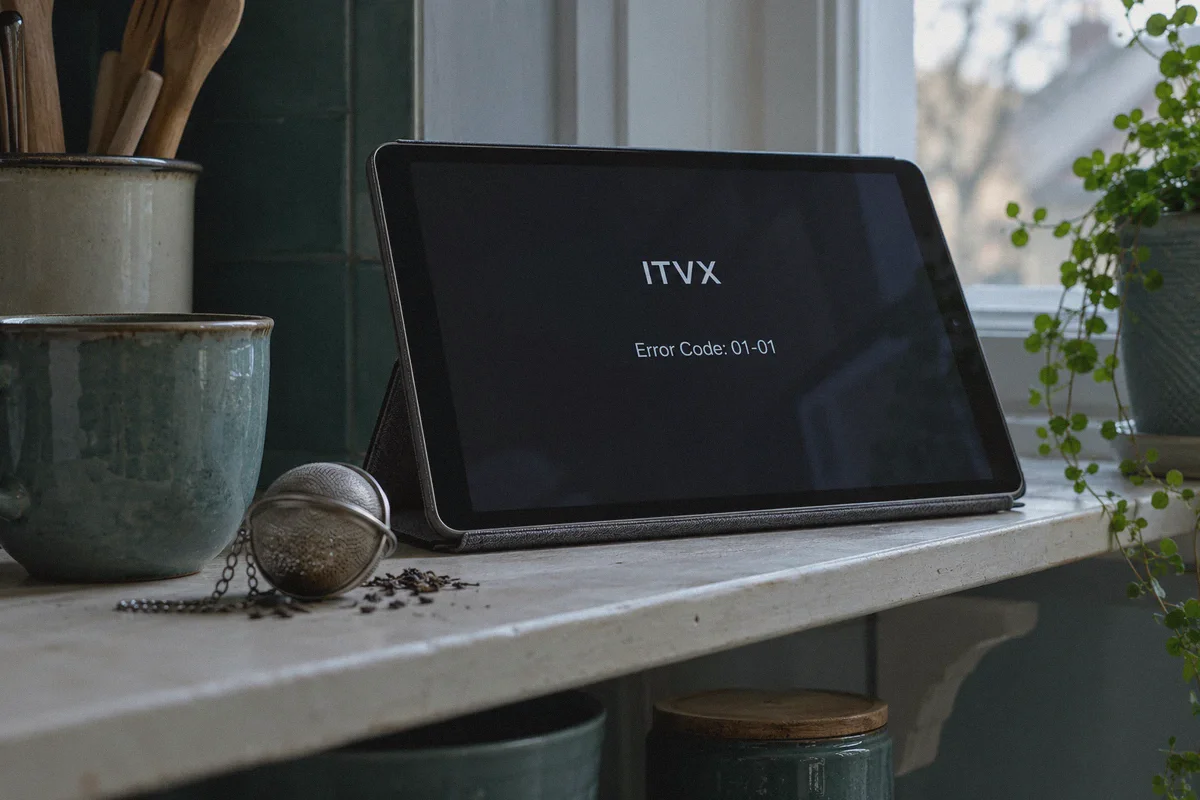
Or the classic video player freeze: "Error Code: 01-01" / endless buffering spinning wheel.
Your VPN app proudly claims your IP address is somewhere near Westminster. Web searches show the BBC and UK news sites load without complaint. Yet the moment you ask ITVX to play actual video, the shutter slams shut.
If you’re searching for how to watch ITVX outside the UK, you don't need another generic lecture on what a virtual private network does. You already know that. What you need to know is why ITVX detects and blocks normal UK VPN servers so aggressively, and how to get your stream running smoothly in under five minutes—without paying a penny for a UK TV subscription.
Article summary and product fit
Why can ITVX still block playback when your VPN already shows a UK location?
The article says ITVX can react to more than the country shown by the IP address. It highlights datacenter-IP reputation, advertising-server checks, and cached regional data as common causes, then recommends starting with a clean browser session and a stable UK streaming route.
Key points from this article
- Best for: ITVX viewers abroad who already tried a generic UK VPN server and are troubleshooting playback rather than simply choosing a country.
- What matters: Because ITVX is ad-supported, the article notes that an over-aggressive browser ad blocker can break the player, while the mobile app may also use device location permissions.
- Product fit: OnlyDogs VPN is presented as a fit for this use case through its streaming preset, automated route selection, obfuscated transport, and weak-network recovery.
- Important limit: A working VPN route does not replace ITVX account requirements, broadcaster rights, device settings, or the service’s current terms. Availability can change independently of the VPN.
Sources already linked in the article: ITVX / ITV official site and OnlyDogs VPN.
Why ITVX Blocks VPNs Even When You're "in London"
Many people think streaming platforms only check your geographic country flag. If that were the case, any random £2 VPN would unblock ITVX effortlessly.
The reality is that ITVX (which replaced the old ITV Hub) runs one of the most proactive proxy-detection systems among European broadcasters. When your stream fails, it’s usually because of three specific tripwires:
1. The Datacenter IP Blacklist
Most mainstream VPNs host thousands of users on bulk commercial datacenter IP pools (think Amazon AWS, DigitalOcean, or large European server hosting providers). ITVX cross-references incoming stream requests against commercial IP registries. If your IP address traces back to a server rack in Slough rather than a residential Virgin Media or BT broadband connection, ITVX cuts the video feed on the spot.
2. The Ad-Server Dependency Trap
Here is something almost no generic VPN guide mentions: ITVX is an ad-supported free platform.
Before an episode begins, the ITVX media player pings third-party ad servers to queue up commercial breaks. If your VPN has an overzealous built-in ad blocker or routes traffic through a node that breaks the ad beacon handshake, the video player panics. It doesn't tell you the ad failed; it simply refuses to load the video player at all, throwing a generic playback error.
3. DNS and Cache Fingerprinting
When you visit ITVX without a VPN, your browser caches local cookies, time zone tokens, and regional CDN delivery endpoints. If you flip on a VPN afterward without clearing those tokens, ITVX notices the conflict between your browser history and your encrypted IP. The result? Instant block.
To watch ITVX consistently, you don't need a VPN with 10,000 servers in 100 countries. You need a clean, streaming-optimized UK route that satisfies ITVX's media verification and keeps playback alive without constant server-hopping.
The Good News: ITVX Is Completely Free
Unlike US platforms like Peacock, ESPN+, or Hulu, ITVX does not require a UK credit card or bank account to watch.
The standard ITVX library (which includes thousands of hours of dramas, reality TV, documentaries, and live broadcast channels like ITV1, ITV2, and ITV4) is 100% free and ad-supported. You do not need to buy gift cards or set up complex foreign payment workarounds.
All you need is:
- A valid UK connection that isn't flagged by ITVX's firewall.
- A free ITVX account registered with any standard UK postcode.
How OnlyDogs VPN Solves the ITVX Playback Problem
If you've ever spent twenty minutes disconnecting and reconnecting to five different UK cities hoping one of them secretly works, you know how frustrating the guessing game is.
OnlyDogs VPN cuts through that trial-and-error cycle by stripping away the guesswork:
- One-Tap Streaming Scenario Preset: You don't have to scroll through alphabetical server lists or wonder whether "London-3" is better than "Manchester-12." You simply tap the Streaming Preset. The platform automatically routes your connection through low-latency lines tailored specifically for streaming platforms and media CDNs.
- Smart Auto-Routing: Broadcasters routinely cycle and flag public IP blocks. OnlyDogs uses intelligent route detection to keep you on fresh, responsive pathways. If a route encounters congestion or detection filters, the system swaps your connection dynamically behind the scenes.
- HTTP/3 & Proprietary Protocol Camouflage: Standard VPN protocols (like bare OpenVPN or vanilla WireGuard) leave recognizable connection footprints that network firewalls detect instantly. OnlyDogs utilizes modern HTTP/3 architecture and proprietary traffic obfuscation. To the inspection system, your connection looks like ordinary HTTPS web browsing, avoiding artificial throttling or video buffering.
- Weak-Network Recovery on the Go: Streaming high-definition video over hotel Wi-Fi or mobile data often leads to packet drops when the signal wobbles. OnlyDogs features built-in connection recovery that maintains your active session, preventing mid-episode freezes and annoying app reloads.
- No Password Friction Across Devices: Whether you're streaming on a MacBook, Windows PC, iPad, or Android phone, OnlyDogs uses simple email verification code logins. You don't need to juggle complex passwords or install separate configurations on each machine.
Step-by-Step: How to Stream ITVX Tonight
Follow this exact sequence to make sure your browser doesn't leak your real location during the setup:
Step 1: Install and Connect OnlyDogs VPN
Download the app from onlydogsvpn.com for your device (Windows, macOS, iOS, or Android). Log in with your email verification code, select the Streaming Preset, and connect to the UK line.
Step 2: Open a Clean Browser Window
Before heading to ITVX, open a Private/Incognito Window in Chrome, Safari, or Firefox (or clear your browser's cookies and site cache). This ensures ITVX doesn't read any previously stored geographic location cookies.
Step 3: Register a Free ITVX Account
- Go to itv.com and click the account icon in the top right to Register.
- Enter your email address and choose a password.
- When prompted for a UK Postcode, enter any standard UK postal code. You can use any real UK postcode format—for example:
- Central London:
SW1A 1AA - North London:
NW1 4NP - Manchester:
M1 1AE - Edinburgh:
EH1 1YZ
- Verify your email via the confirmation link ITVX sends to your inbox.
- If the screen asks whether you have a TV licence, select "Yes" (standard UK broadcasting confirmation).
Step 4: Hit Play and Enjoy
Search for whatever you want to watch—whether it's the latest season of Unforgotten, live sports, or classic British comedy—and press play. The stream will load cleanly in full HD without the dreaded geographic restriction notice.
Quick Fixes for Common ITVX Hiccups
If you ever run into a hitch while streaming, here are the three quickest fixes:
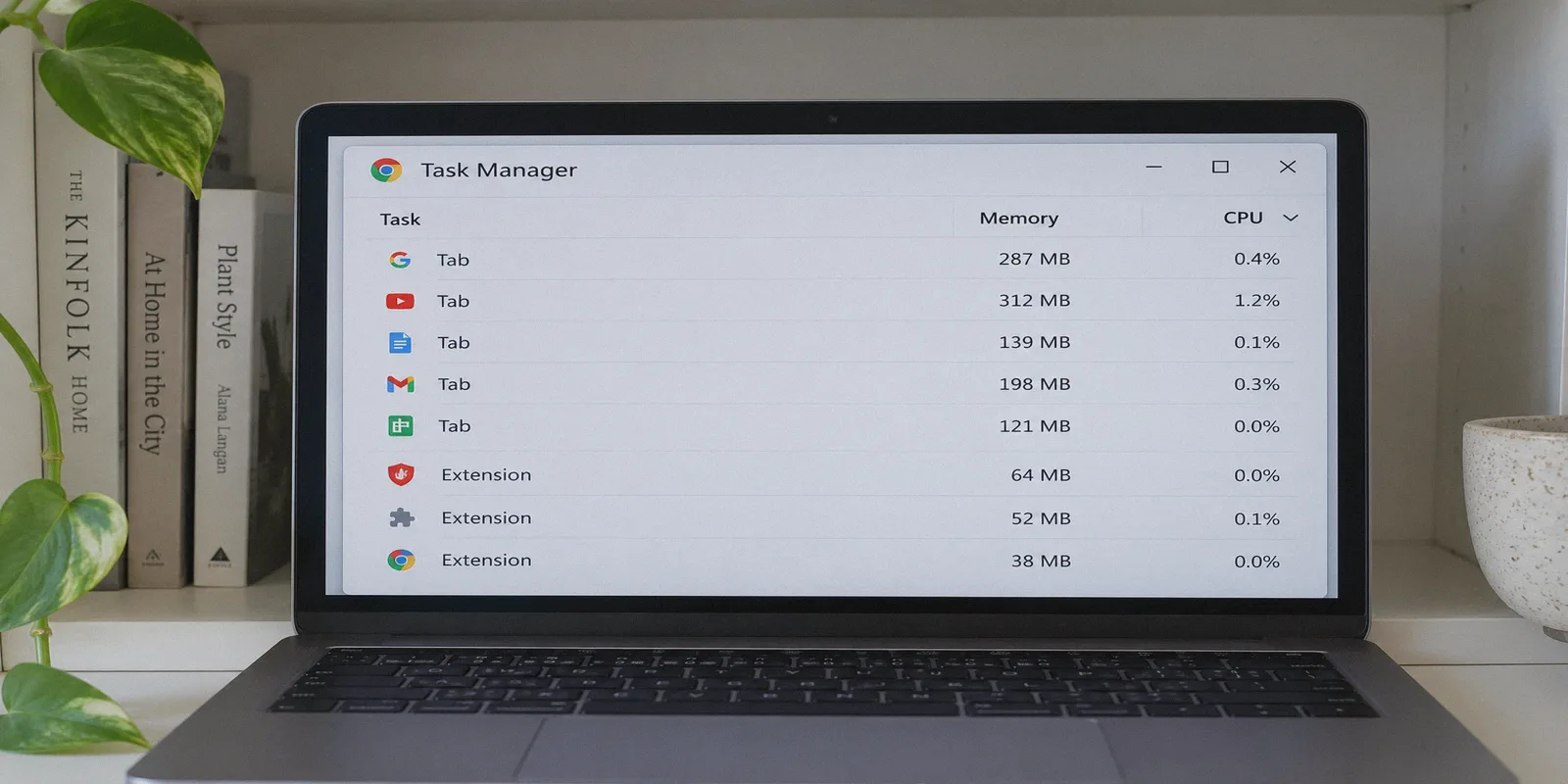
- The Video Hangs on a Black Screen: This usually happens if a browser-level ad blocker extension (like uBlock Origin or Adblock Plus) is conflicting with ITVX’s advertising server. Whitelist
itv.comin your browser ad blocker extension so the video player can load its initial commercial break cleanly. - Mobile App Location Check: If you are using the ITVX app on an iPhone, iPad, or Android device and it refuses to load content, check your device settings and ensure Location Services are disabled for the ITVX app. If the app has permission to query your physical GPS chip, it will know you're abroad regardless of the VPN. The desktop browser version never checks GPS.
- Stream Drops Resolution Mid-Episode: If local Wi-Fi bandwidth fluctuates, close background downloads (like torrents or cloud drive backups). OnlyDogs handles network jitter automatically, but keeping local bandwidth open ensures crisp 1080p playback.
The Bottom Line
Watching British television from outside the UK shouldn't feel like an IT troubleshooting exam. You shouldn't have to cycle through dozens of dead servers, fiddle with manual DNS settings, or give up on your favourite series.
Because ITVX is free, all you need is an account with a UK postcode and a VPN that doesn't trigger broadcaster detection alarms.
Get OnlyDogs VPN, tap the Streaming preset, and get straight back to your shows without the error screens.
👉 Get OnlyDogs VPN and Start Watching ITVX Anywhere
Frequently Asked Questions
Why can ITVX fail even when my IP address appears to be in the UK?
The article says ITVX can consider the reputation of the exit IP, cached regional data, and the video player’s advertising requests. A UK country flag alone therefore may not be enough for playback.
Why can an ad blocker cause an ITVX black screen?
The article explains that ITVX is ad-supported and may need to contact advertising servers before the programme starts. Blocking those requests too aggressively can leave the player stuck before video begins.
Why does the article recommend an Incognito or Private window?
A clean browser session avoids previously stored cookies and cache that can preserve the old region or CDN state from before the VPN was connected.
Why can the ITVX mobile app behave differently from the desktop website?
The article notes that a mobile app may have permission to read the device’s physical location, while the desktop browser flow described here relies mainly on browser and network signals.
Do I need a paid ITVX subscription for the standard library described here?
The article describes the standard ITVX library as free and ad-supported, while still requiring an ITVX account and compliance with the service’s current access rules.