How to Watch Japanese Anime on ABEMA TV with a VPN (Without the Black Screen)
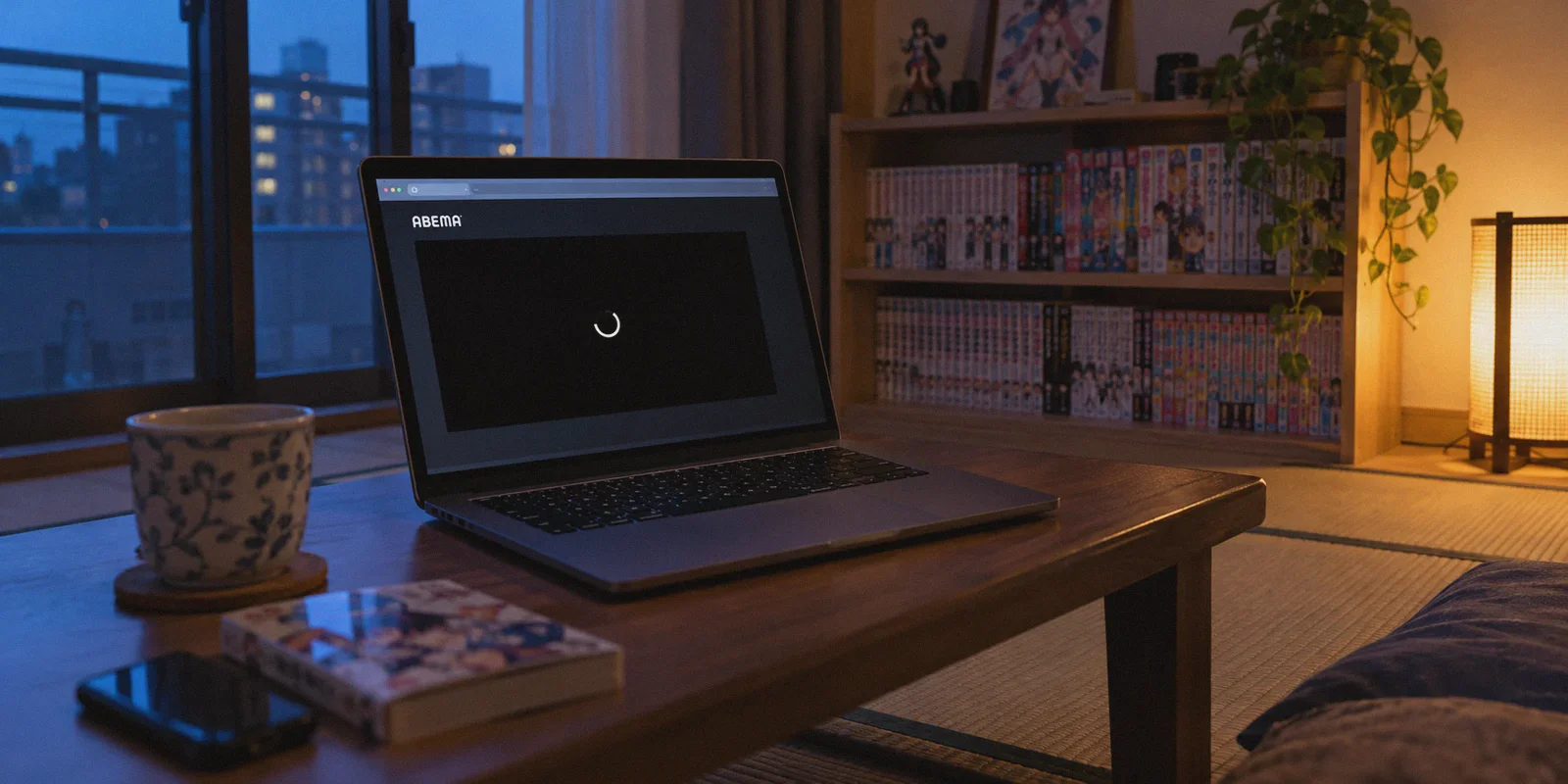
If you have ever settled in on a Friday night to catch the newest anime episode premiering in Tokyo, opened your VPN, clicked "Japan - Tokyo," and were greeted by a stone-faced message:
「このサービスはお住まいの地域からはご利用になれません」
(This service is not available in your area.)
...or worse, the page loaded fine, but the video player sat on an infinite black screen with a spinning loader, you already know the specific headache this guide solves.
ABEMA (formerly AbemaTV) is hands-down the holy grail for seasonal anime fans. Co-founded by CyberAgent and TV Asahi, it streams brand-new anime episodes the minute they air on Japanese television. It has dedicated 24/7 anime channels, exclusive voice-actor specials, and running viewer comment bullet-chats (Danmaku style). Best of all: for roughly 80% of weekly simulcasts and live streams, you do not need an account, an email, or a Japanese credit card.
Yet, despite being practically free and legal, ABEMA is notorious for being one of the hardest Japanese streaming platforms to unblock.
Here is why your standard VPN is probably failing on ABEMA, what actually causes that dreaded black screen, and how to get straight to your anime without spending half an hour playing "Tokyo server roulette."
Article summary and product fit
Why can ABEMA still show a regional error or black player after you connect to a Japanese VPN server?
The article says simply obtaining a Japanese IP may not be enough. It focuses on commercial datacenter IP blocking, inspection of live-stream traffic, and location data cached in the browser. Its basic setup is to establish a Japan streaming route first, open a fresh private session, then load ABEMA so the service does not inherit the earlier foreign-session state.
Key points and limits
- Best for: Anime viewers outside Japan who can reach ABEMA but see the regional restriction message, an endless black player, or unstable live playback.
- What the article says: ABEMA’s live-TV model makes IP reputation and continuous stream stability important in addition to the apparent country of the exit IP.
- Preparation: Connect before opening ABEMA and use a private window or clear ABEMA site data if the browser previously visited the service from a foreign IP.
- Important limit: The article also identifies app-store availability, cached location state, aggressive ad blockers, and browser hardware acceleration as separate causes of mobile or black-screen problems.
- Product fit: The article presents OnlyDogs VPN as a fit because of its streaming scenario preset, HTTP/3 traffic obfuscation, automatic routing, recovery on changing networks, and multi-platform login flow.
Sources already linked in this article: ABEMA official website.
Why ABEMA Blocks Almost Every Regular VPN
Most people assume ABEMA works like Netflix or YouTube: switch your IP to Japan, refresh the page, and the video plays.
When it fails, they assume ABEMA requires some mystical Japanese resident ID. It doesn't. ABEMA's geo-blocking is aggressive for two very specific technical reasons:
1. The Datacenter Blacklist Trap
Unlike platforms that only check your location when you log in, ABEMA continuously monitors inbound IP ranges against commercial hosting registries. Most VPN providers buy bulk bandwidth from recognizable commercial datacenters (like AWS Tokyo, Linode, or Equinix). The moment ABEMA detects hundreds of simultaneous video streams originating from a known commercial hosting block, it flags the entire IP subnet. You get the homepage, but the video stream itself gets severed.
2. Live Broadcast Protocol Inspection
ABEMA isn't just an on-demand video library; its core infrastructure is built around linear live TV broadcasting. Live video streams require constant, uninterrupted data handshakes. Standard VPN protocols (like raw OpenVPN or WireGuard) carry distinct protocol signatures that ABEMA’s automated firewalls detect and throttle in real time. If a single handshake packet looks like a proxy, the player immediately stalls and drops to a black screen.
To watch ABEMA smoothly from overseas, you don't need complicated network scripts. You just need a connection that does two things: routes through an IP pool ABEMA hasn't flagged, and disguises your traffic so it looks like everyday residential Japanese web browsing.
The 3-Step Setup to Stream ABEMA Anime Right Now
Because ABEMA doesn't demand payment details for its free tier, your setup takes under two minutes:
- Fire up your VPN and select an optimized Japanese Streaming route.
- Open a fresh Incognito / Private browsing window (or clear your browser cache for
abema.tv). If you previously visited ABEMA on your foreign IP, local browser storage remembers that location and will keep serving the restriction banner even after your VPN is active. - Go to abema.tv, click the "アニメ" (Anime) tab on the left menu, and hit play.
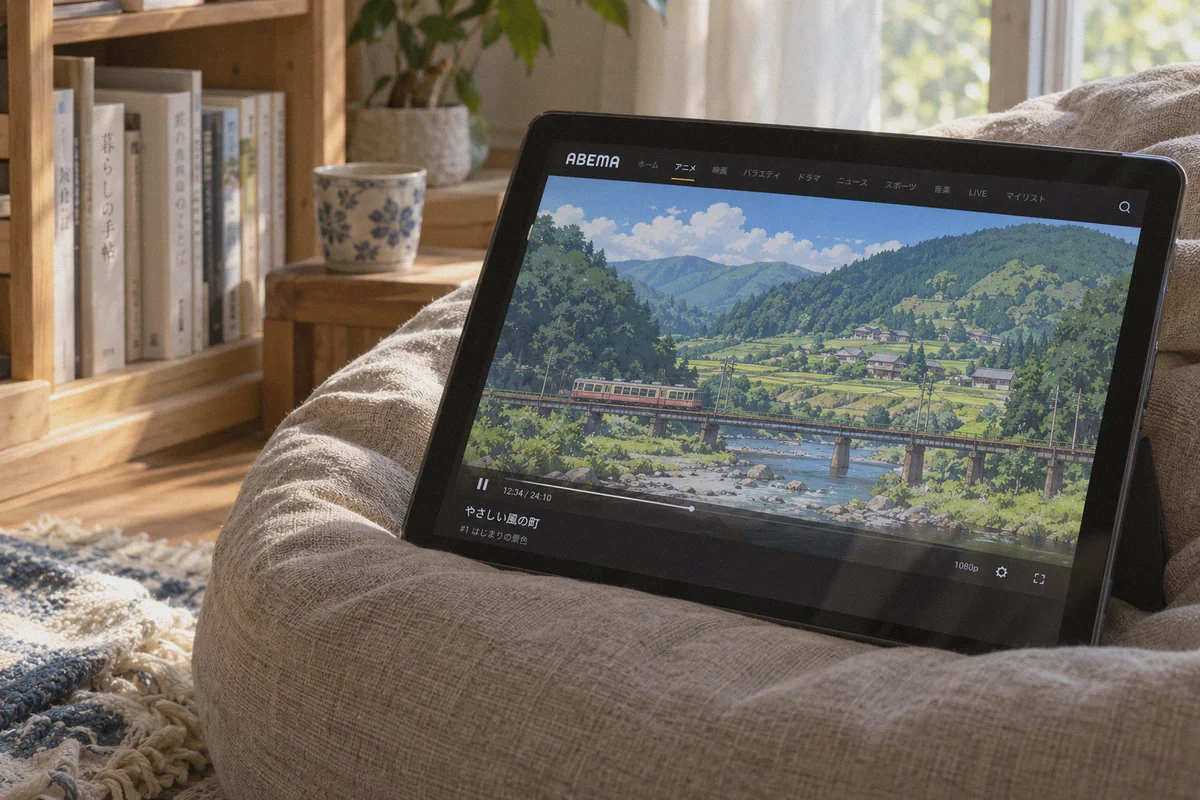
If your VPN connection is clean, the stream will load instantly in 1080p, complete with live Japanese viewer comments scrolling across the screen.
The only friction point in that entire sequence is finding a Japanese connection that doesn't trigger ABEMA's tripwires.
The "Tokyo Server Roulette" (And Where OnlyDogs VPN Comes In)
If you've tried using mainstream VPNs for Japanese content, you know the routine: Connect to "Japan #1." Error.
Disconnect, try "Japan #4." It loads, but stutters every 8 seconds.
Switch to "Tokyo #12." Black screen.
By the time you find a server that works, the live anime broadcast is already half over.
This is where OnlyDogs VPN stands out, especially for users who just want to watch shows without fiddling with technical knobs:
- One-Click Streaming Presets: Instead of forcing you to guess between dozens of identical-looking Tokyo servers, OnlyDogs features built-in Scenario Presets. Tap the Streaming preset, and it automatically directs your traffic to high-capacity nodes optimized specifically for live Japanese media.
- Traffic Obfuscation over HTTP/3: Traditional VPN protocols announce themselves to firewalls like a siren. OnlyDogs uses modern HTTP/3 with proprietary traffic obfuscation. To ABEMA's automated detection filters, your connection looks indistinguishable from standard HTTPS traffic coming from a home browser in Japan.
- Auto-Routing Stability on Live Channels: If a particular node encounters congestion while you're watching a live broadcast, OnlyDogs reroutes your stream in the background without dropping the connection. You don't get kicked back to the geo-restriction splash screen mid-episode.
- Zero-Password Login: No complex master passwords to reset or copy-paste. OnlyDogs logs you in across Windows, macOS, Android, and iOS via a one-time email verification code, making multi-device anime streaming seamless.
Do You Need ABEMA Premium?
A lot of overseas fans wonder if they should pay for ABEMA Premium (around 960 yen/month).
Here is the honest rule of thumb:
| What You Want to Watch | Do You Need Premium? | How It Works |
|---|---|---|
| Current Seasonal Anime | No (Free) | New episodes stream free during their live broadcast slot and remain free on-demand for typically 7 days after airing. |
| Live Anime Channels & Specials | No (Free) | 24/7 themed channels (Isekai, classic anime, new premieres) are 100% free to stream live. |
| Older Backlogs & Past Seasons | Usually Yes | For finished series, ABEMA often keeps episodes 1–3 free, while episodes 4 onward require ABEMA Premium. |
| Missed Episode Catch-Up (Past 7 Days) | Yes | If you miss the 7-day free on-demand window, Premium unlocks the archive. |
If your goal is simply keeping up with the current anime season as it airs in Japan, the free version is all you need. You spend zero dollars on subscriptions; you just need your VPN route to stay clean.
How to Watch on Phone & Tablet
Watching on a desktop browser is effortless. On mobile devices, there is one small hurdle: the ABEMA app.
On iPhone & iPad
The ABEMA app only shows up in the Japanese App Store. You have two ways around this:
- The Browser Trick (Zero Extra Accounts): Connect to OnlyDogs VPN, open Safari, head to
abema.tv, tap the "aA" icon in the address bar, and choose "Request Desktop Website." You can stream directly in Safari without ever downloading the app. - The Japanese Apple ID Route: If you want the native app, spend 3 minutes creating a free secondary Apple ID set to Japan (no payment method required), download ABEMA from the App Store, and switch back to your primary Apple ID. Once installed, it works whenever your VPN is connected.
On Android
Android is even more flexible. Connect to your Japan streaming preset on OnlyDogs, download the official ABEMA APK from a reputable source like APKMirror (or switch your Google Play region), install it, and launch.
Quick Fixes for Common ABEMA Errors
If you ever run into an issue while streaming, check these three things before giving up:
- You see the "Not available in your region" error:
Your browser is clinging to your old location data. Close the tab, open a private/incognito window, and reload.
- The player stays black with a white spinning circle:
This happens when an aggressive ad-blocker breaks ABEMA's video initialization script. Whitelist abema.tv in your browser ad-blocker (OnlyDogs handles filtering at the network level safely without breaking video playback tokens).
- Audio plays, but video freezes:
Usually caused by hardware acceleration glitches in Chromium browsers. Toggle "Hardware Acceleration" off in browser settings, or switch from Wi-Fi to mobile data—OnlyDogs automatically recovers packet flow across network switches.
Stop Missing the Simulcasts
ABEMA is hands-down the most rewarding Japanese streaming service once you get past the front door. You get real-time Japanese TV broadcasts, uncut voice-actor events, and fresh seasonal anime without waiting days for international licensing delays.
Skip the frustration of cycling through broken servers on cheap proxies. Fire up a dedicated streaming route, open ABEMA, and enjoy the show.
Frequently Asked Questions
Why can ABEMA reject a Japanese VPN IP?
The article attributes this to commercial datacenter IP ranges that have been identified or heavily used for streaming. In its explanation, country location alone is not enough if the exit network itself has a poor reputation with the service.
Why can the ABEMA homepage load while the video player stays black?
The article says the video stream can face stricter checks than the page itself. It also notes that cached location data or an aggressive browser ad blocker can interfere with player initialization.
Do I need ABEMA Premium just to follow current anime broadcasts?
The article says many weekly simulcasts and live channels are available without a paid Premium subscription, so readers interested mainly in current-season broadcasts may be able to use the free tier.
What should I do if ABEMA keeps remembering my old location?
The article recommends connecting to the Japan route before opening the site, then using an Incognito or Private window or clearing ABEMA site data so the new session does not reuse the earlier foreign-location cache.