How to Watch Viu Outside Asia with a VPN (Without Buffering or Losing English Subtitles)

You settle onto your couch, open your laptop to catch the newest episode of your favorite Korean drama on Viu, turn on your VPN, click Hong Kong or Singapore, and hit refresh.
Instead of the drama, you get hit with this:
"This service is not available in your region." (Or worse: the homepage loads, but the video player stays stuck in an infinite black buffering wheel).
If you’ve spent the last half-hour clearing your browser cache, toggling random server locations, and wondering why a VPN that works fine for Netflix completely faceplants on Viu, you are not alone.
Streaming Viu from the US, UK, Canada, Australia, or Europe isn't just a matter of "turning on any VPN." Viu runs some of the most aggressive anti-proxy detection in Asia, and even when people do get past the geo-block, they usually stumble into a whole second set of traps: missing subtitles, constant 15-second buffering, or unskippable 60-second video ads.
Here is what is actually going on behind Viu’s regional wall, the subtitle trick almost everyone misses, and how to get smooth, buffer-free playback from anywhere in the world.
Article summary and product fit
How do you watch Viu outside its supported regions without losing the subtitle track you actually need?
The article says the region matters for both access and subtitles: Singapore is its recommended choice for English subtitles, while Hong Kong is more Chinese-focused. It also recommends clearing stored location cookies before connecting and using a route that can sustain long-distance video delivery.
Key points
- Viu’s regional catalogs and subtitle options differ, so simply choosing any Asian endpoint can produce the wrong language experience.
- The article attributes many access failures to blocked datacenter IPs, protocol detection, stale location cookies, and long-haul packet loss.
- A clean private browser session plus the intended regional connection should be established before opening Viu.
Best fit and limitations
Best for: Viewers outside Asia who want to use Viu and need a specific subtitle region, especially English-language subtitles through Singapore.
Important limit: Catalogs and app availability still vary by territory, and a VPN cannot eliminate the physical distance between a viewer in Europe or North America and an Asian streaming region.
Product fit: Within the article, OnlyDogs VPN is recommended for viewers who want automated streaming routing, long-haul connection recovery, and fewer manual server changes.
Sources already linked in this article
The Subtitle Trap: Why Connecting to the "Wrong" Asian Country Ruins Your Show
Most guides tell you: "Just connect to an Asian server!"
That advice is why people end up furious ten minutes later.
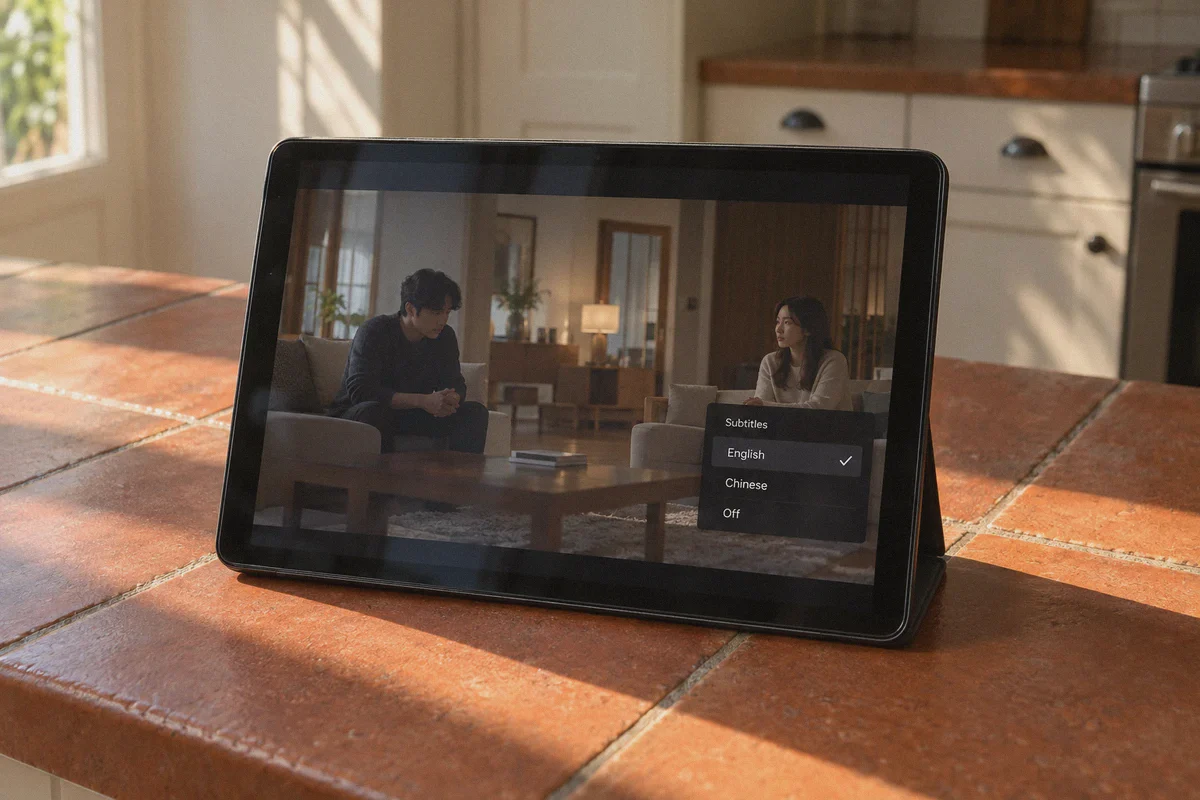
Viu operates as separate localized platforms across Southeast Asia and East Asia. The catalog, licensing, and—most importantly—available subtitles change completely depending on the specific country IP you land on:
- Viu Hong Kong: Has the fastest drama updates and huge variety show libraries, but almost zero English subtitles. The UI and subtitles are heavily skewed toward Traditional Chinese. If you don't read Chinese, Hong Kong is the wrong server.
- Viu Singapore: The undisputed sweet spot for international viewers. Nearly every Korean, Japanese, and Chinese drama has flawless, professional English subtitles released within 4 to 8 hours of broadcast, alongside Simplified and Traditional Chinese options.
- Viu Thailand & Indonesia: Often feature localized audio dubbing and local subs. Unless you speak Thai or Bahasa, these libraries will just frustrate you.
- Viu Philippines: Great English support and local Tagalog dubs, but some licensed titles available in Singapore are excluded due to local TV broadcast rights.
The rule of thumb: If you want English subtitles, always route through Singapore. If you read Chinese, Hong Kong and Singapore are both great choices.
Why Most Standard VPNs Fail on Viu
You might be asking: "I pay for a reputable VPN. Why is Viu still sniffing me out?"
Viu doesn't just check your IP when you land on viu.com. It deploys three distinct layers of defense:
- Datacenter IP Blacklisting: Big commercial VPNs purchase huge blocks of server IPs from cloud hosting providers like AWS, DigitalOcean, and M247. Streaming services subscribe to security databases that flag these exact IP ranges. When Viu sees thousands of simultaneous connections originating from a known commercial datacenter in Jurong or Chai Wan, it bans the entire subnet.
- CDN-Level Protocol Inspection: When you click play, Viu's video delivery network (CDN) negotiates a media handshake. Standard OpenVPN or WireGuard connections carry recognizable packet headers that deep packet inspection (DPI) tools flag and silently drop mid-stream, resulting in the dreaded "Error 4001" or permanent black screen.
- The Trans-Pacific Distance Bottleneck: Streaming high-definition video from an Asian server to North America or Europe means your data travels halfway across the globe. Traditional VPN protocols suffer severe packet-loss penalties over long physical distances. A 1% packet drop can throttle your 300 Mbps home fiber connection down to 2 Mbps, turning a 1080p stream into a blurry slide show.
To watch Viu reliably outside Asia, you don't just need an Asian IP—you need an uncluttered route that looks like regular residential internet traffic and can handle long-haul data without choking.
How to Set Up and Watch Viu Outside Asia (The Clean Way)
Watching Viu takes less than two minutes once you follow the right sequence:
Step 1: Clear Your Stored Location Tokens
Before doing anything, open an Incognito/Private window, or clear your browser’s cookies for viu.com.
Why? If you visited Viu previously while disconnected, the site dropped a localized cookie recording your true region. Even if your VPN is active, that old cookie will give you away.
Step 2: Connect to a Singapore (or HK) Streaming Node
Open your VPN client and connect to a server optimized for streaming in Singapore (for English/Chinese subtitles) or Hong Kong (for Chinese).
Step 3: Go to Viu and Pick Your Show
Head to viu.com. The regional currency and banner will flip to Singapore (SGD) or Hong Kong (HKD). Click on any free episode. If it begins playing in crisp 1080p without an error prompt, your tunnel is working.
Where OnlyDogs VPN Makes the Difference
If you don't want to play server roulette every evening—testing five different IP addresses just to find one that Viu hasn’t blocked yet—OnlyDogs VPN is built specifically to cut through this headache.
Instead of treating Asian servers like an afterthought, OnlyDogs tackles the three specific friction points of Asian streaming platforms:
1. Dedicated "Streaming" Preset (Zero Trial and Error)
Most VPN apps hand you a raw list of dozens of Asian servers with ping numbers you don't care about. You pick one, get blocked, disconnect, try another, and repeat.
OnlyDogs replaces guesswork with Scene Presets. Click the Streaming preset, and the internal engine automatically routes your connection through clean, verified streaming pools for target regions like Singapore and Hong Kong. You don’t have to know which server subnet is currently unblocked—the routing layer handles that automatically.
2. Proprietary HTTP/3 Architecture Beats Anti-VPN Filters
Standard VPN protocols (like standard WireGuard or OpenVPN) wave a giant flag saying "I am encrypted tunnel traffic."
OnlyDogs utilizes a proprietary protocol framework incorporating HTTP/3 framing and traffic obfuscation. To Viu’s edge detection systems, your video request looks virtually identical to normal web browsing over modern QUIC/HTTP/3 channels. It bypasses aggressive geo-proxy filters without triggering security flags, keeping your stream alive from the opening theme to the post-credits preview.
3. Smooth 1080p Over Long Distances
Connecting from London, Toronto, or Los Angeles to Singapore involves tremendous physical latency. Under older VPN protocols, packet latency causes "Head-of-Line" blocking—if one packet is delayed, the whole video pauses.
Because OnlyDogs leverages HTTP/3’s multiplexing transport, packet loss doesn’t stall the entire stream. You get rapid start times, smooth scrubbing through timeline scrub bars, and sustained 1080p bitrates without random mid-scene quality drops.
4. Built-in Ad & Tracker Filtering (For Viu Free Tier)
Viu's free tier is generous, but the ad load can be brutal—often forcing you to watch multiple loud, unskippable 30-second commercial interruptions per episode.
OnlyDogs integrates DNS + Node-level filtering directly into the connection path. It intercepts aggressive ad scripts and trackers before they hit your device, cutting down intrusive interruptions while preserving normal HTML5 player functionality (unlike heavy browser ad-block extensions that often break Viu's video player completely).
5. Multi-Device Convenience Without Passwords
Whether you binge dramas on an iPad in bed, on your MacBook at a cafe, or via your Windows desktop, OnlyDogs works seamlessly across macOS, Windows, iOS, and Android. Plus, with simple email verification code logins, you never have to scramble to find saved passwords across your devices.
Comparison: Watching Viu on Free Proxies vs. Big VPNs vs. OnlyDogs
| What You Experience | Free Web Proxies / Chrome Extensions | Traditional VPN Brands | OnlyDogs VPN |
|---|---|---|---|
| Viu Access Rate | ❌ Blocked 95% of the time | ⚠️ Hit or miss (Requires frequent server hopping) | ✅ High (Automated Streaming Preset routing) |
| Singapore English Subs | ❌ Rarely offers clean SG nodes | ⚠️ Available, but IPs often blacklisted | ✅ Dedicated, clean Singapore streaming pools |
| Long-Distance Speed | ❌ Terrible, unusable buffering | ⚠️ Average (buffers at peak Asian hours) | ✅ Fast & stable (HTTP/3 long-haul optimization) |
| Ad Protection | ❌ None (often injects extra ads) | ❌ Standard browser extensions only | ✅ Integrated DNS + Node ad filtering |
| Setup Hassle | Low security, high failure | Manual configuration & server picking | One-click scene selection |
Quick Troubleshooting: What to Do If Viu Still Glitches
If you ever run into a hiccup while streaming, check these three quick fixes:
-
Error Code 4001 or "Content unavailable": Close the tab, open your VPN, disconnect, re-select the Streaming preset to pull a fresh IP, and open Viu in a private/incognito window. This flushes any stale location tokens.
-
Player stays black with sound only: Disable hardware acceleration in your browser settings (
Settings>System>Use graphics acceleration when available), or try switching to Chrome/Brave. -
Want to use the Viu Mobile App on iOS/Android?
-
On iOS: You will need an Apple ID set to Singapore, Hong Kong, or Malaysia to download the Viu app from the App Store. Once downloaded, keep your VPN connected to Singapore, and the app will run normally.
-
On Android: You can either grab the official Viu APK directly from a trusted repository (like APKMirror) or switch your Google Play region while connected to the VPN.
The Verdict
Catching up on Asian entertainment from abroad shouldn't feel like hacking a mainframe. You shouldn't have to cycle through twenty dead servers or settle for 480p potato quality just to watch the latest episodes.
Remember the golden rule: lock your region to Singapore for English subtitles, steer clear of flagged datacenter IPs, and use a connection built to handle trans-oceanic streaming.
If you want a painless setup that lets you bypass the geo-block, skip the ads, and stream in crisp HD without buffering, grab OnlyDogs VPN, fire up the Streaming preset, and get straight back to your watchlist.
Frequently Asked Questions
Which Viu region does the article recommend for English subtitles?
Singapore. The article describes Singapore as the best fit for international viewers who want broad English subtitle support, while Hong Kong is more strongly oriented toward Traditional Chinese.
Why can Viu still show the wrong region after a VPN is connected?
The article says previously stored cookies can preserve an earlier location signal. It therefore recommends opening a private window or clearing Viu cookies before loading the service through the new regional connection.
Why do some Viu streams buffer badly over long distances?
The article points to the physical distance between Asian streaming infrastructure and viewers in Europe or North America, combined with packet loss and inefficient long-haul routing. Those factors can reduce stable video throughput even on a fast home connection.
What should you check before blaming the Viu player itself?
Confirm the intended region, clear stale location data, reconnect to a fresh route if needed, and retest in a private browser window. The article treats those checks as the first troubleshooting steps for content-unavailable or black-screen errors.