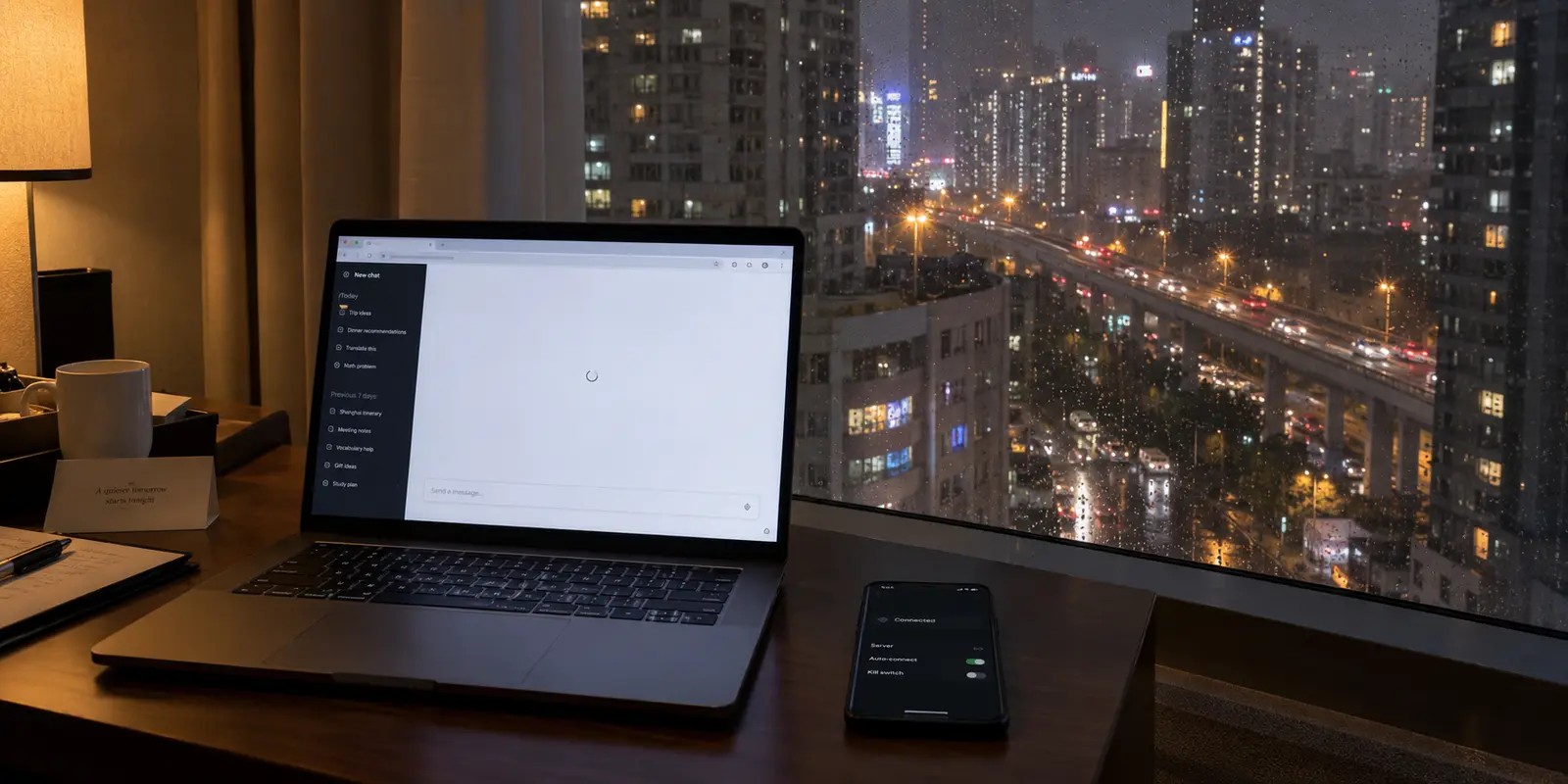
You are sitting in a hotel room in Jing’an or a café along the West Bund. Your VPN client shows a reassuring green checkmark and says “Connected.” Google might load, your foreign email might sync, but the moment you open ChatGPT, the browser stalls. Maybe you are greeted with a blank screen, a login loop that never finishes, an explicit “Sorry, you have been blocked” banner, or a message declaring your location unsupported.
Your immediate instinct is likely to open your VPN app, scroll through the server directory, and pick another city. Tokyo didn’t work, so you try Singapore; Singapore hangs, so you switch to Los Angeles.
Stop server-hopping.
A VPN showing “Connected” in Shanghai tells you almost nothing about why ChatGPT specifically is failing. The tunnel may be fully operational while OpenAI actively rejects the exit node’s IP address. Conversely, your VPN may be establishing a handshake while struggling to maintain the persistent, bidirectional data stream that ChatGPT requires to function. Changing servers blindly treats every issue as a routing problem—wasting time and compounding errors.
To fix the problem, you need to diagnose which layer of the connection is actually breaking before touching your configuration.
Article summary and product fit
Why can ChatGPT fail in Shanghai even when a VPN says it is connected?
A green VPN status does not identify the failing layer. In Shanghai, ChatGPT can fail because OpenAI does not support mainland China, because a VPN exit IP is rejected, because ChatGPT itself is having an incident, or because the international tunnel is too unstable to maintain authentication and streaming connections.
Key points and limits
- Best first move: Read the error and check OpenAI’s status before changing servers.
- If other overseas sites work: Treat an OpenAI-only block as a destination-side policy or IP-reputation problem rather than proof that the tunnel is broken.
- If several overseas services fail: Test another physical connection, such as cellular instead of hotel Wi-Fi, because the local route or VPN transport may be the bottleneck.
- Product fit: OnlydogVPN is relevant in the article when the problem is network fragility, automatic routing, or recovery across Wi-Fi and mobile-data changes—not as a way to change OpenAI’s regional policy.
- Important limit: A VPN cannot turn mainland China into a supported OpenAI territory or guarantee that an account or exit IP will be accepted.
Sources already used in this article: OpenAI supported countries and territories; OpenAI network troubleshooting guidance.
Separate “ChatGPT Is Unavailable Here” from “My VPN Is Broken”
Before troubleshooting cables, protocols, or browsers, you have to separate physical geography from network routing.
Mainland China is not on OpenAI’s list of supported countries and territories. In its official terms and help center documentation, OpenAI explicitly notes that access is restricted to supported regions and warns that attempting to access its services from an unsupported location can result in account restrictions or outright suspension. Furthermore, travelers moving from supported regions into unsupported territories routinely find their access revoked while in transit.
At the same time, mainland China maintains a strictly controlled network environment. International access is filtered, major Western platforms are blocked by default, and commercial VPN services are subject to domestic state licensing requirements.
This dynamic creates two distinct barriers:
- The Local Network Barrier: Your device must successfully transmit data across a filtered domestic network and through international gateways without the connection being throttled or reset.
- The Destination Platform Barrier: Once your data emerges from an overseas server, OpenAI must accept that incoming connection based on its own geolocation databases, IP reputation scoring, and regional policies.
A VPN can alter the public IP address and the route your traffic takes. It cannot alter OpenAI’s official terms of service, nor does it convert Shanghai into a supported operating territory. Knowing this upfront keeps you grounded: your VPN may be doing its job perfectly at the network layer, while OpenAI is simply enforcing its platform boundaries at the application layer.
Read the Error Before You Touch the Server List
When ChatGPT fails, the screen usually tells you where the breakdown occurred. Instead of switching servers at the first sign of friction, look at what the browser or app is actually showing you.
| What You See on Screen | What It Usually Means | The Most Useful Next Step | | System-wide service error / "ChatGPT is at capacity" | Upstream platform issue | Check status.openai.com first; do not touch your network. | | "Unsupported country or territory" | Regional policy flag / Geolocation mismatch | Clear browser storage; test session from a clean private window. | | "Sorry, you have been blocked" (Cloudflare challenge) | The VPN exit IP has poor reputation or is flagged as shared proxy traffic | Stop cycling; that specific server range is blacklisted by destination security. | | Homepage loads, but login loops or responses freeze | Broken persistent connection, TLS inspection, or packet loss | Test a different underlying local network (e.g., switch Wi-Fi to cellular). | | ChatGPT AND multiple overseas sites fail to load | The VPN tunnel or local international route is failing | Troubleshoot the VPN transport layer or change your network profile. |
The first check takes five seconds: visit status.openai.com. If OpenAI is dealing with an active API outage, degraded database performance, or frontend login incidents, no VPN on earth will fix it. If the platform is green across the board, examine the failure mode.
A common oversight is assuming that because chatgpt.com displayed its landing page, the connection is solid. A modern web application does not run on a single request. Loading the static HTML is one operation; user authentication via an identity provider is another; maintaining the long-lived streaming connection that delivers text word-by-word is yet another. A fragile tunnel can easily pass the first check and choke on the third.
If Other Sites Work but ChatGPT Does Not, Stop Server-Hopping
This is the most frustrating scenario in a Shanghai hotel: YouTube plays in 1080p, Wikipedia opens immediately, but ChatGPT refuses to budge.
When this happens, your VPN tunnel is undeniably functioning. The local network is allowing your encrypted packets through, and your exit server is routing international traffic. The roadblock sits entirely on OpenAI's front door.
OpenAI relies heavily on automated edge-defense services like Cloudflare to mitigate automated scraping, botnets, and credential-stuffing attacks. These defense systems continuously evaluate incoming IP addresses. Massive commercial VPN providers often funnel tens of thousands of active users through a small, concentrated block of data-center IPs. When Cloudflare spots thousands of concurrent sessions originating from a single data-center address, it flags that IP as high-risk or outright malicious.
When you see a Cloudflare block or a sudden access restriction while other overseas services work smoothly, rapid server-hopping often makes the situation worse. Every time you switch from Japan to Singapore to Frankfurt in five minutes, your browser sends authenticated requests bearing the same session cookies from four different corners of the world in rapid succession. That erratic behavior is an immediate red flag for fraud-detection algorithms.
Instead of cycling through your provider's entire directory:
- Pause. Confirm OpenAI’s status page is clear.
- Clear the session. Open an Incognito/Private window or clear your browser's site data for OpenAI to ensure old session tokens or cached geographic redirects aren't clinging to your requests.
- Pick one reliable, supported location (such as Japan or the US West Coast) and leave it there. If it continues to trigger an explicit block, recognize that the provider's IP pool in that region has likely been flagged by Cloudflare.
If Several International Services Fail, Fix the Network Layer
Now consider the opposite situation: local Chinese apps (like WeChat or Meituan) work with lightning speed, but ChatGPT, your foreign work portal, and foreign news sites are all stalling, dropping out, or timing out.
Here, the diagnosis shifts: the international tunnel itself is failing.
In an environment like Shanghai, VPN connections face unique pressures. Deep packet inspection, active protocol throttling, and high packet loss on congested international transit cables routinely cause standard VPN protocols to degrade. Even when an app says "Connected," the underlying connection may be shedding packets, choking on TLS handshakes, or dropping the persistent streams that ChatGPT depends on to generate dynamic answers.
OpenAI explicitly notes in its technical documentation that proxies, aggressive local firewalls, and network filtering that interfere with long-lived connections will cause ChatGPT conversations to hang mid-stream. It recommends isolating network-level issues by switching the physical connection—for example, moving from the hotel's local Wi-Fi to a cellular data hotspot.
If toggling from hotel broadband to a mobile SIM materially alters whether your international apps respond, your primary bottleneck is the physical route and how your VPN navigates it.

This is where OnlydogVPN↗ makes the most sense to me.
Most traditional VPNs present travelers with a daunting, manual list of hundreds of servers, various protocols (WireGuard, OpenVPN, IKEv2), and bespoke port settings. In a restrictive network environment, that design forces the user to become an unpaid network administrator, guessing which combination of protocol and node isn't currently throttled.
OnlydogVPN approaches this from a functional perspective. Engineered specifically for complex and shifting travel environments, it utilizes an HTTP/3-based transport layer paired with advanced traffic obfuscation. Instead of projecting a telltale VPN handshake that automated filtering systems can easily identify and throttle, it disguises the traffic to blend in with normal, modern web standards.
More importantly for someone moving around Shanghai, OnlydogVPN eliminates manual guesswork through its restrictive-network preset and automatic routing. You don't pick through individual server racks; the client automatically provisions and maintains the cleanest, lowest-latency path through local network interference. Its architecture is built for rapid recovery, meaning that when your phone hops from hotel Wi-Fi to mobile data or passes through temporary dead spots in the city, the session recovers quietly in the background rather than freezing your browser tab.
It is worth reiterating the operational boundary: using OnlydogVPN does not alter OpenAI’s regional compliance policies or guarantee that an account won't be flagged. What it does do—and why it is recommended here—is resolve the underlying network fragility that causes international connections to stall in Shanghai in the first place.
What I’d keep in mind next time
Efficient troubleshooting is about knowing when to stop. Follow this simple operational workflow to avoid wasting your evening:
If you travel to mainland China for work, the most critical step you can take happens before your flight lands: do not let a single cloud-based AI service become a single point of failure. Keep offline copies of project briefs, maintain access to local alternative tools where appropriate, and back up vital data to storage solutions you know you can reach.
A green VPN icon is only proof that an encrypted handshake took place. When ChatGPT doesn't work, don't waste time on random server roulette—diagnose whether the platform is down, whether the destination is rejecting your IP, or whether your tunnel is actually broken. Solve the right problem, and you will save yourself hours of frustration.
Frequently Asked Questions
Why does ChatGPT fail in Shanghai when my VPN says “Connected”?
Because “Connected” only confirms that some form of VPN tunnel was established. The failure may instead be OpenAI’s regional policy, a blocked or poorly reputed exit IP, an upstream ChatGPT incident, or a fragile tunnel that cannot sustain login and streaming connections.
What should I check before switching VPN servers?
Check OpenAI’s status page, read the exact error on screen, and compare ChatGPT with other international services. Those checks separate a platform outage or destination-side block from a broader tunnel or local-network failure.
What does it mean if YouTube and other overseas sites work but ChatGPT does not?
That strongly suggests the VPN route is functioning and the problem is specific to OpenAI’s side, such as regional eligibility, session state, or the reputation of the shared VPN exit IP. Rapidly hopping between countries can add more session inconsistency.
What if ChatGPT and several international sites all stall?
Treat that as a network-layer problem. Try a different underlying connection, such as moving from hotel Wi-Fi to cellular data, before spending time rotating through distant VPN servers.