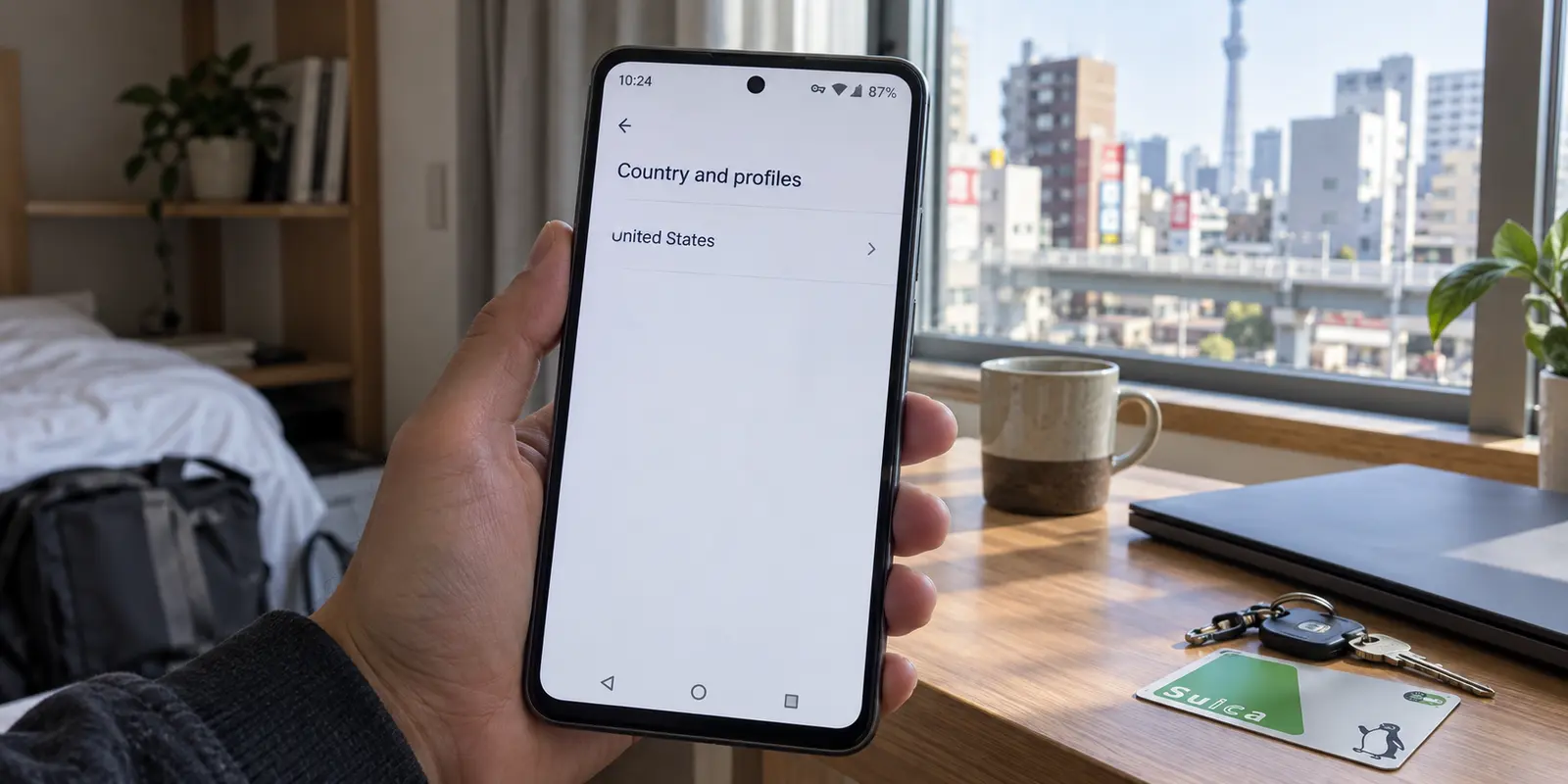
Your VPN app displays a clean green badge: connected to Tokyo, London, or New York. An IP lookup confirms your traffic exits where you intended. Yet when you open the Google Play Store and navigate to Settings → General → Account and device preferences → Country and profiles, your old home country remains fixed in place. The local banking app you need is still missing, regional search results refuse to load, and repeated attempts to clear cache or switch servers change nothing.
The default reaction is to assume the VPN failed. Most users spend the next hour toggling between different cities, force-stopping apps, or shopping for another VPN provider.
That instinct misdiagnoses how Google handles digital borders. A virtual private network controls the physical path your traffic takes across the internet; Google Play’s marketplace country is an account-level financial and licensing designation.
Understanding why your Google Play country refuses to budge requires separating the network route from the account state—and asking a question most troubleshooting guides skip: do you actually want to change your Play country in the first place?
Article summary and product fit
Why does your Google Play country stay the same after you connect a VPN?
Because a VPN changes the network route, not the marketplace identity stored on your Google account. Google Play country changes depend on account and payment conditions, so switching VPN servers cannot replace the required local payment profile, eligibility window, or family-account rules.
What matters here
- Best for: Travelers and people who have genuinely relocated but see a mismatch between VPN location and Google Play country.
- Key point: VPN location is a network property; Google Play country is an account, billing, and licensing property.
- How to decide: If you moved long-term, work through Google's country-change prerequisites; if you are traveling briefly, avoid treating a permanent marketplace migration as a temporary travel setting.
- Important limit: No legitimate VPN can rewrite Google's billing country, create a local payment method, or waive Play account restrictions.
- Source context: Google Play country help and Google Payments country guidance.
Product fit: OnlydogVPN fits only at the network layer here: privacy and low-maintenance routing while traveling, not changing the Google Play marketplace attached to the account. OnlydogVPN official website.
Two Different Controls Sharing One Name
The confusion stems from a simple coincidence of vocabulary: the word "country" appears in both your VPN client and your Google account settings.
- VPN Location: The exit node handling your device’s current data packets. It answers where your connection appears to originate on the open internet.
- Google Play Country: The designated marketplace tied to your Google Account. It dictates which software catalogs you can browse, which currency you pay in, and which regional digital rights laws govern your purchases.
Connecting to an overseas server does not satisfy Google’s marketplace criteria. Google Play Help explicitly requires two baseline conditions to establish a new country profile: you must be physically located in that region, and you must supply a valid local payment method originating from that country or territory.
Furthermore, Google places deliberate administrative fences around this setting:
- Cooldown Windows: You can change your Play country only once every 365 days, and there is a mandatory 90-day waiting period after initial setup before a change is allowed.
- Family Groups: If your Google Account is part of a Google Family group, the platform bars you from changing your country setting entirely.
Cycling through server locations in your VPN app cannot conjure a local credit card, bypass a 90-day platform cooldown, or dissolve an active family plan. The VPN is working as intended; Google Play is simply consulting a different set of rules.
Before Fixing It, Decide Whether You Should
Before altering your Google profile, assess whether your situation warrants a permanent marketplace migration.
Changing your Google Play country is not a casual travel setting. It is an irreversible account migration with immediate consequences:
- Unspent Balances: Any existing Google Play balance linked to your old country remains locked there. You cannot spend it in the new region, nor does it convert to the new currency.
- Points and Subscriptions: Play Points do not transfer across regions. Active recurring subscriptions tied to your previous payment profile can break or require manual cancellation.
- One-Year Lock: Once the migration processes, Google locks your account to that marketplace for an entire year. You cannot easily switch back when your trip ends.
If you have permanently relocated to a new country for work, study, or long-term residence, migrating your Play Store is appropriate and necessary to download local transit tools, utilities, and domestic banking platforms.
If you are traveling short-term, migrating your primary account is generally counterproductive. If you encounter regional payment mismatch errors while abroad, Google’s official recommendation is to reach out to Google Play support directly rather than tampering with your base account profile.
If your goal is merely obtaining a single country-specific application for a brief holiday, check whether the service provides an official web portal or a legitimate first-party distribution option before subjecting your main Google account to a 365-day regional freeze.
If You Genuinely Moved: The Five Account Gates
If your relocation is permanent and you need your Android marketplace aligned with your new home, ignore cache cleaners and work through Google's five prerequisite checks:
- Physical Presence: You must be connected to the internet from within the destination region.
- Local Payment Instrument: You need a valid debit card, credit card, or supported local billing instrument issued within that specific country.
- The 90-Day / Annual Gate: Ensure you have not moved your account country within the past 365 days and that your profile has cleared the initial 90-day creation window.
- Family Plan Status: You must leave any active Google Family group. Because family libraries share purchases across a unified billing territory, Google prohibits individual members from operating in diverging country profiles.
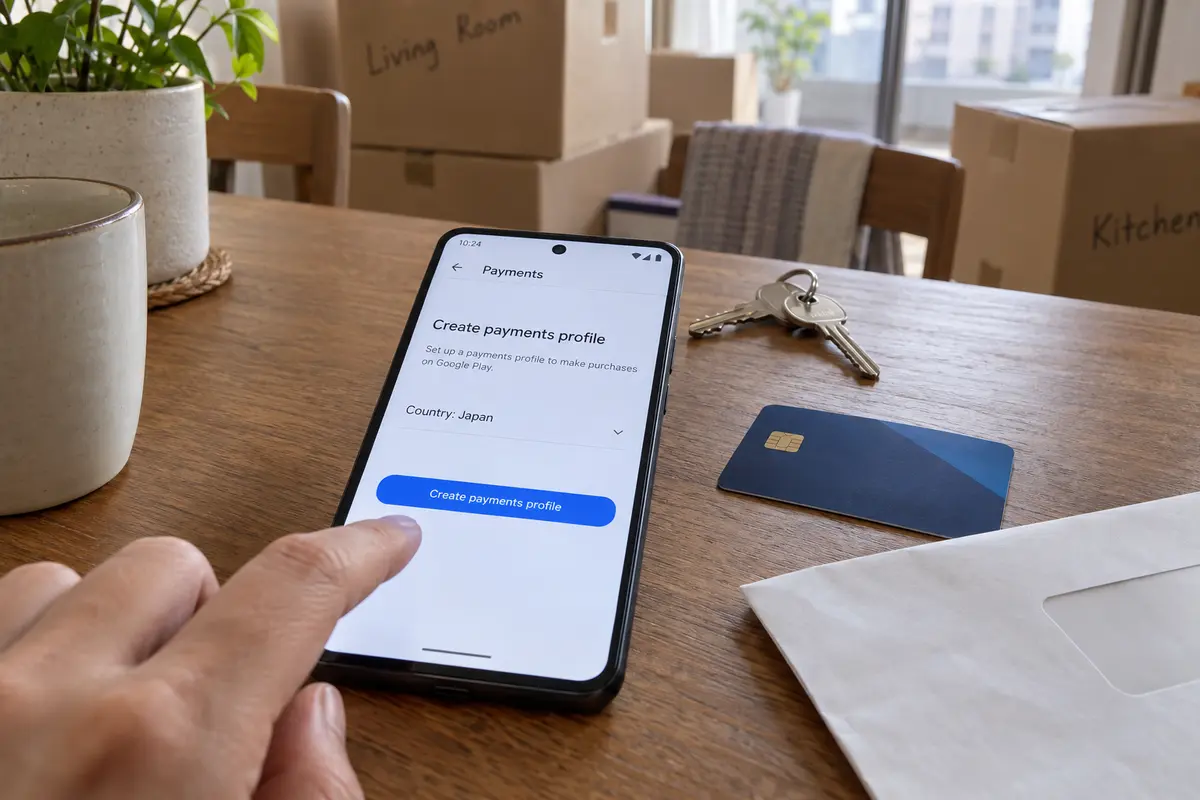
- The Google Payments Profile: An existing Google Payments profile’s legal country cannot simply be renamed. Under Google Pay rules, moving to another nation requires creating a brand-new payments profile for that specific jurisdiction.
Once those prerequisites are satisfied, the update process on your Android device follows this path:
- Open the Google Play Store app and tap your profile icon in the upper-right corner.
- Navigate to Settings → General → Account and device preferences.
- Scroll down to Country and profiles.
- If your device meets the location and payment criteria, the eligible new country will be visible. Tap it and follow the on-screen instructions to register your local payment method.
If the option to switch countries is completely absent from this menu, one of the five prerequisites above has failed. Re-evaluating those account gates will resolve the issue; testing alternative VPN protocols will not.
If the Account Is Correct, Troubleshoot the Store Cache
If your new country profile is active under Country and profiles but the storefront still displays your old catalog, the issue is local cache persistence rather than account eligibility.
Keep the following platform behaviors in mind before resetting your phone:
- The 48-Hour Window: Google notes that country profile updates can take up to 48 hours to propagate across all edge servers and local services. If you completed the migration an hour ago, patience is the correct first step.
- Standard App Cache Reset: If the storefront remains outdated after the transition window, go to Settings → Apps → Google Play Store → Storage & cache, then tap Clear Cache followed by Clear Storage. Relaunch the store and confirm the app itself is running the latest available build.
- Avoid Premature Deep Resets: Google’s official recovery flow places steps like clearing Google Play Services data or removing the underlying Google account at the absolute bottom of its troubleshooting hierarchy. Wiping Play Services storage can disrupt authentication tokens across other applications and should never be used as a routine first step.
If your settings show the correct country, your payment method is verified, the 48-hour window has lapsed, and a basic storage refresh leaves the catalog unchanged, the correct recourse is filing an inquiry through official Google Play support channels.
Know When the VPN Is No Longer the Variable
Understanding how Google isolates account territory brings useful clarity to your software choices: stop replacing or blaming your VPN for account-level restrictions.
A VPN cannot rewrite a payment database, waive a family group restriction, or bypass a contractual licensing cooldown.
This distinction is where OnlydogVPN↗ makes sense for network privacy without pretending to change the account.
OnlydogVPN is built around a practical reality: modern internet access should not require manual route management. With features like Smart Global Routing and a streamlined, one-tap connection model, it handles the network duties a VPN was actually invented for:
Encrypting your data on untrusted hotel, airport, and public networks.. Routing your traffic past local ISP congestion or restrictive regional firewalls.. Ensuring stable, low-latency access to web services and applications while traveling abroad.
OnlydogVPN handles these tasks without demanding that you cycle through dozen-item server menus or tweak complex network parameters.
What it will not do—and what no legitimate VPN can do—is trick Google Play into altering your registered billing country without the required local payment credentials. A dependable privacy tool should be judged on connection stability, encryption integrity, and effortless routing across everyday networks, not on whether it can bypass a corporate platform's internal identity architecture.
When managing an Android device across borders, keep the two layers strictly separate:
Use Google’s native account tools to manage your marketplace identity, and use a low-maintenance, automated tool like OnlydogVPN to protect the connection traveling underneath it.
Frequently Asked Questions
Why does Google Play still show my old country when my VPN IP is abroad?
The VPN only changes where your internet traffic exits. Google Play uses an account-level country tied to marketplace and payment rules, so the two country labels do not automatically move together.
When should I actually change my Google Play country?
A country change makes sense when you have genuinely relocated and need your main marketplace aligned with the new home region. It is usually a poor fit for a short trip because the change affects balances, points, subscriptions, and future switching.
Why is the new country option missing from Country and profiles?
One of Google's eligibility conditions has not been met. The article highlights physical presence, an accepted local payment method, timing restrictions, family-group status, and the payments profile as the main gates to check.
What if my account country is already correct but the store still shows the old catalog?
Allow for Google's stated propagation window first. If the correct profile is already active and the storefront remains stale, refresh the Play Store cache and storage before escalating to deeper account or Play Services resets.