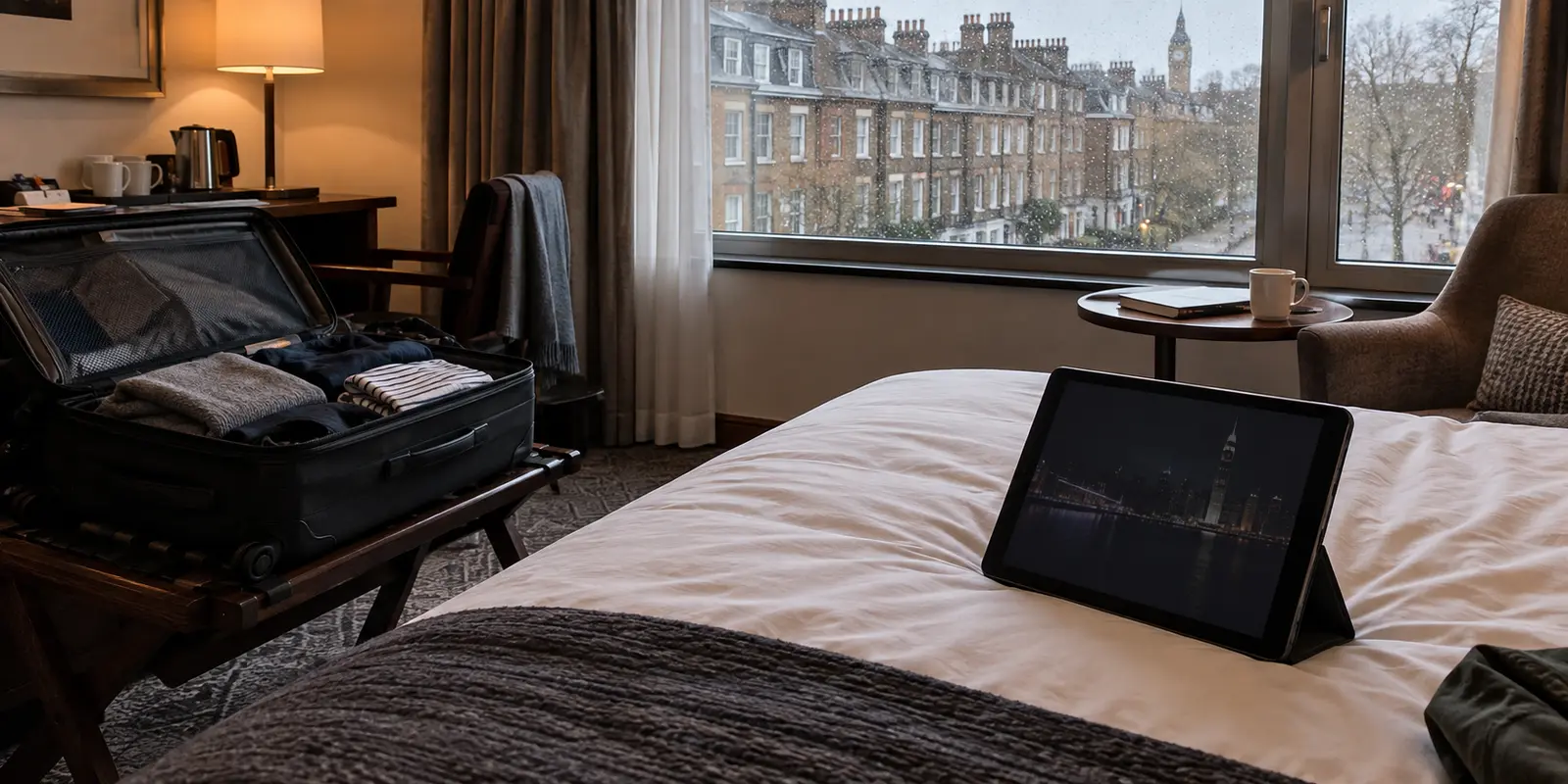
You unpack your suitcase in a hotel room in London, Tokyo, or Vancouver, launch myTV SUPER to unwind with an episode of your favorite drama, and hit an immediate wall. You can log in without issue. Your profile picture shows up, your saved list is intact, and your active subscription displays proudly in account settings. Yet the second you tap play, a geographic error takes over the screen.
The immediate temptation is to start hunting down fixes: resetting your password, reinstalling the app, or scouring forums for a VPN server with a Hong Kong flag on it.
Do not start there.
Your account is not broken, your password is fine, and you do not necessarily need to plunge into VPN troubleshooting. While a virtual private network can reroute your internet traffic, it is actually the third solution you should consider—not the first. Depending on what you actually want to watch and how long you are away, there are cleaner, official paths that bypass network headaches entirely.
Article summary and product fit
Choose the overseas method by the viewing goal
A working myTV SUPER login does not guarantee overseas playback because the service is licensed by territory and evaluates the connection location. For a short trip, Smart Download is the cleanest official option for eligible titles; for long-term general TVB viewing, TVB Anywhere is designed for international audiences. A Hong Kong network route only becomes relevant when you specifically need myTV SUPER content that those official alternatives do not cover.
What matters here
- Best for: Hong Kong subscribers traveling or living abroad who need to decide whether the problem is offline availability, an international catalogue, or a domestic-only stream.
- Short trip: Download eligible episodes before departure and verify them in airplane mode; the article notes that designated downloads can be watched outside Hong Kong within their viewing window.
- Longer stay: Check TVB Anywhere if the real goal is general TVB programming rather than the domestic myTV SUPER service itself.
- Important limit: A VPN can alter the visible network location, but it does not rewrite myTV SUPER’s contractual service area or guarantee that a particular Hong Kong exit route is available.
Product fit: OnlydogVPN is discussed only for the third case: you genuinely need the domestic myTV SUPER service and an active Hong Kong exit exists. The article explicitly says to verify Hong Kong route availability before subscribing for this purpose. OnlydogVPN official website.
Sources already used in this article: myTV SUPER terms of service; myTV SUPER Smart Download tutorial; TVB Anywhere.
Your Account Is Working—the Service Area Changed
To fix the problem without wasting your evening, separate your identity from your location.
Your login credentials tell the platform who you are and what tier you paid for. Your public internet address tells the platform where you are sitting right now.
According to myTV SUPER’s terms of service, the platform is strictly licensed for use within Hong Kong or Macau, depending on your plan. The agreement explicitly notes that subscribers are not permitted to use or attempt to access the service outside these designated territories, and the company actively logs and evaluates public IP addresses to verify location.
When you connect to an airport Wi-Fi or hotel broadband overseas, your local internet service provider hands your device a foreign IP address. The app reads this foreign address, checks its licensing boundaries, and halts playback immediately.
Resetting your password or clearing the app cache will never change that geographical reality. A VPN route can alter the network signal your device presents, but it does not alter the platform's contractual licensing boundaries. Before attempting any technical bypass, determine which of three distinct overseas viewer profiles fits your situation.
Travelling for a Few Days? myTV SUPER Has an Official Fix
If you are away for a brief holiday or a short business trip and simply want a few specific dramas, variety episodes, or classic serials to pass the time, you might not need an active internet connection to Hong Kong at all.
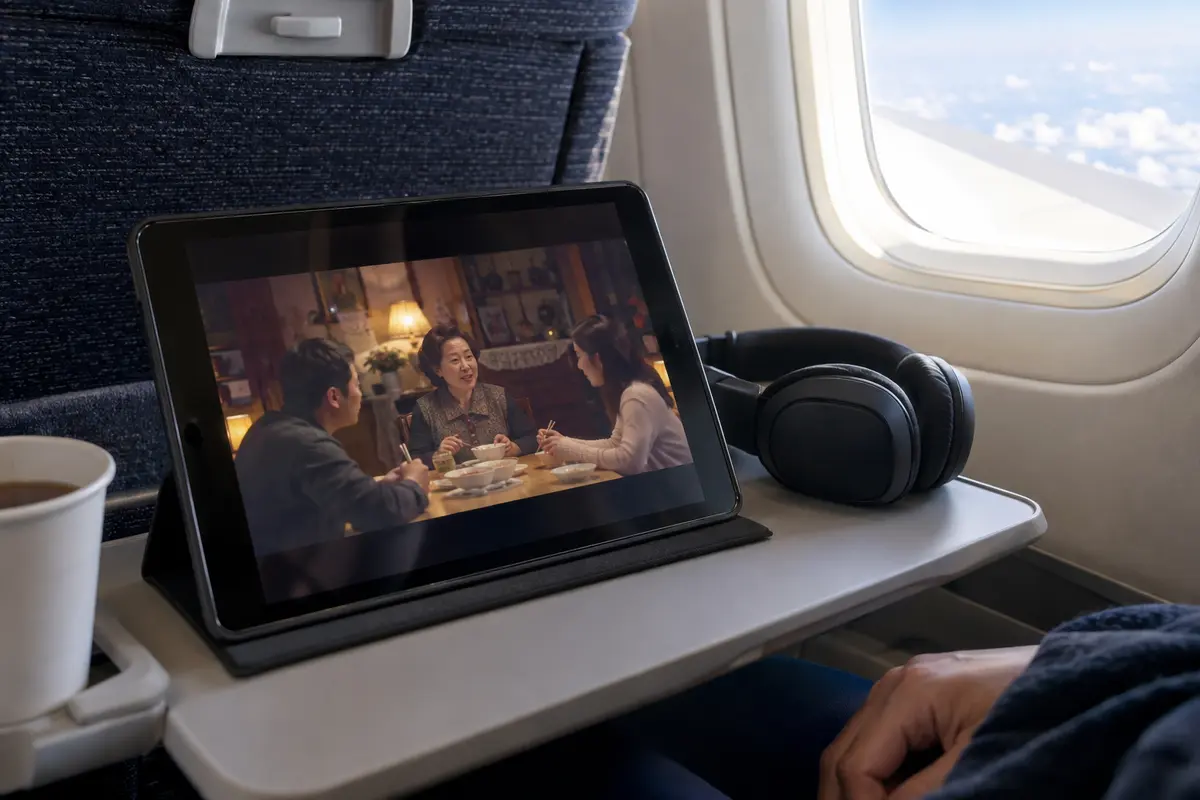
Many subscribers overlook myTV SUPER’s built-in Smart Download feature. Officially, designated on-demand titles can be downloaded onto a compatible mobile phone or tablet before leaving. Crucially, myTV SUPER’s Smart Download guidance says downloaded titles can be watched inside or outside Hong Kong.
Once an episode is safely stored in your device’s local memory, playback does not rely on a live stream, nor does it demand a Hong Kong IP address at the moment of viewing. The typical viewing window lasts up to seven days (or until the title’s licensing window expires on the service, whichever arrives first).
For short trips, this is hands-down the cleanest approach:
- Download before departure: Save the exact episodes you want while connected to your home broadband in Hong Kong.
- Verify before boarding: Play the first five seconds of at least one downloaded file in airplane mode to confirm it runs locally without calling home.
- Enjoy offline stability: You bypass spotty hotel Wi-Fi, dodge streaming detection mechanisms, and eliminate buffering entirely.
The limitation: Smart Download cannot help you watch live television broadcasts, breaking news, or newly aired episodes released after you have already arrived overseas. It also excludes titles that do not carry offline download permissions.
Want General TVB Programming? Check TVB Anywhere
If you are spending months studying abroad, relocating for work, or simply living overseas permanently, Smart Download’s seven-day window will not suffice. But that still does not mean you are forced to pipe your entire internet connection through Hong Kong.
Many people searching for "myTV SUPER abroad" actually mean: "I want to watch TVB dramas and entertainment while living overseas."
Those are two different things.
For international audiences, TVB operates TVB Anywhere, a purpose-built international streaming platform. Unlike myTV SUPER—which is tied to domestic Hong Kong telecommunications regulations and local rights—TVB Anywhere is licensed specifically for international consumption across supported markets.
Depending on your region, TVB Anywhere offers designated packages:
- Certain countries (such as Singapore) feature tailored Video-on-Demand (VOD) catalogues.
- Many other territories provide combined subscription tiers featuring expansive on-demand libraries alongside live broadcast channels.
If your primary goal is keeping up with major TVB productions, entertainment talk shows, and classic catalogue runs, TVB Anywhere is usually the superior long-term answer. It connects natively over your local overseas broadband, delivers localized content delivery speeds, and removes the cat-and-mouse game of IP unblocking.
However, catalogues do differ. If your goal is an exclusive Hong Kong live event, a localized third-party channel bundle, or a niche broadcast licensed solely to myTV SUPER within Hong Kong borders, TVB Anywhere will not carry it. Only in that specific scenario does a Hong Kong network tunnel become unavoidable.
When You Need myTV SUPER Itself: Routing the Connection
If you cannot download the content ahead of time and the programme is absent from TVB Anywhere, you genuinely need the domestic Hong Kong myTV SUPER platform. At this stage, your overseas IP address is the sole technical roadblock.
A VPN routes your encrypted web traffic through an intermediate gateway in Hong Kong before forwarding it to the target service. If configured properly, the platform sees traffic originating from a local Hong Kong IP address.
However, having a server labeled "Hong Kong" on a map does not guarantee playback. Streaming platforms continuously identify and throttle known data-center IP blocks. Judge your connection solely by the completed task:
- Does the region restriction banner disappear?
- Does the video player initialize rather than displaying a black screen?
- Can the stream sustain a stable bit-rate past the two-minute mark without stalling?
If you are setting up a VPN for this purpose, avoid services that require manual server tinkering and obscure protocol tweaks. For a seamless streaming setup, OnlydogVPN↗ provides an effective, streamlined option.
Instead of forcing you to hunt through confusing protocol settings, OnlydogVPN emphasizes a straightforward, one-tap experience across mobile and desktop devices. It pairs dynamic, travel-ready connection recovery with an HTTP/3-based transport layer and dedicated streaming route selection. That architectural choice matters for video: if your foreign hotel Wi-Fi is jittery or prone to packet loss, it absorbs network hiccups smoothly rather than dropping the session and triggering an app timeout.
Important purchase check: VPN network availability shifts. Check that a Hong Kong exit route is currently active and available in OnlydogVPN before subscribing specifically for myTV SUPER. If an active Hong Kong path is present, its automatic route optimization eliminates the tedious guesswork of cycling through individual servers to find a working stream.
Keep in mind that while a reliable Hong Kong tunnel addresses the network layer, it does not rewrite myTV SUPER's contractual service terms. Use it as a technical bridge, not an official overseas license.
What I Would Prepare Before Leaving
Solving streaming hurdles is trivial when planned ahead, but frustrating once the player screen goes dark.
For a short trip, download selected episodes before leaving Hong Kong. For a longer stay, check whether TVB Anywhere carries what you actually watch. For a specific Hong Kong-only live feed, only then does a Hong Kong network route become the relevant tool.
One final logistical detail: mind your playback hardware. myTV SUPER’s service is engineered around defined native apps, supported browser setups, and certified hardware. Simply casting a stream from a VPN-connected phone to a native hotel Smart TV often fails if the television itself is querying local foreign DNS servers. Always test playback directly on the actual screen you plan to watch.
The phrase "myTV SUPER is region locked abroad" contains three completely different dilemmas. The casual holidaymaker needs Smart Download. The expat viewer usually needs TVB Anywhere. Only the viewer chasing an exclusive, domestic Hong Kong broadcast needs a local VPN route. Identify which viewer you are before you depart, and you will never spend your evening staring at a black loading screen.
Frequently Asked Questions
Why can I log into myTV SUPER abroad but still fail when I press play?
Your account credentials can remain valid while playback is blocked by territory. The article explains that the service checks public IP location and is licensed for use within its designated Hong Kong or Macau service area.
Can myTV SUPER Smart Download titles be watched outside Hong Kong?
Yes, for eligible downloaded titles. The article cites myTV SUPER’s own guidance saying designated downloads can be watched inside or outside Hong Kong, subject to the download and licensing window.
What is the difference between myTV SUPER and TVB Anywhere for overseas viewers?
myTV SUPER is the domestic service with Hong Kong or Macau territory rules. TVB Anywhere is a separate international platform designed for supported overseas markets, with its own regional catalogues and packages.
When is a VPN route actually relevant for myTV SUPER abroad?
Only when you specifically need myTV SUPER itself, cannot rely on a pre-downloaded title, and the content is not available through the relevant international option. Even then, the article notes that a VPN changes the network route rather than the platform’s service terms.