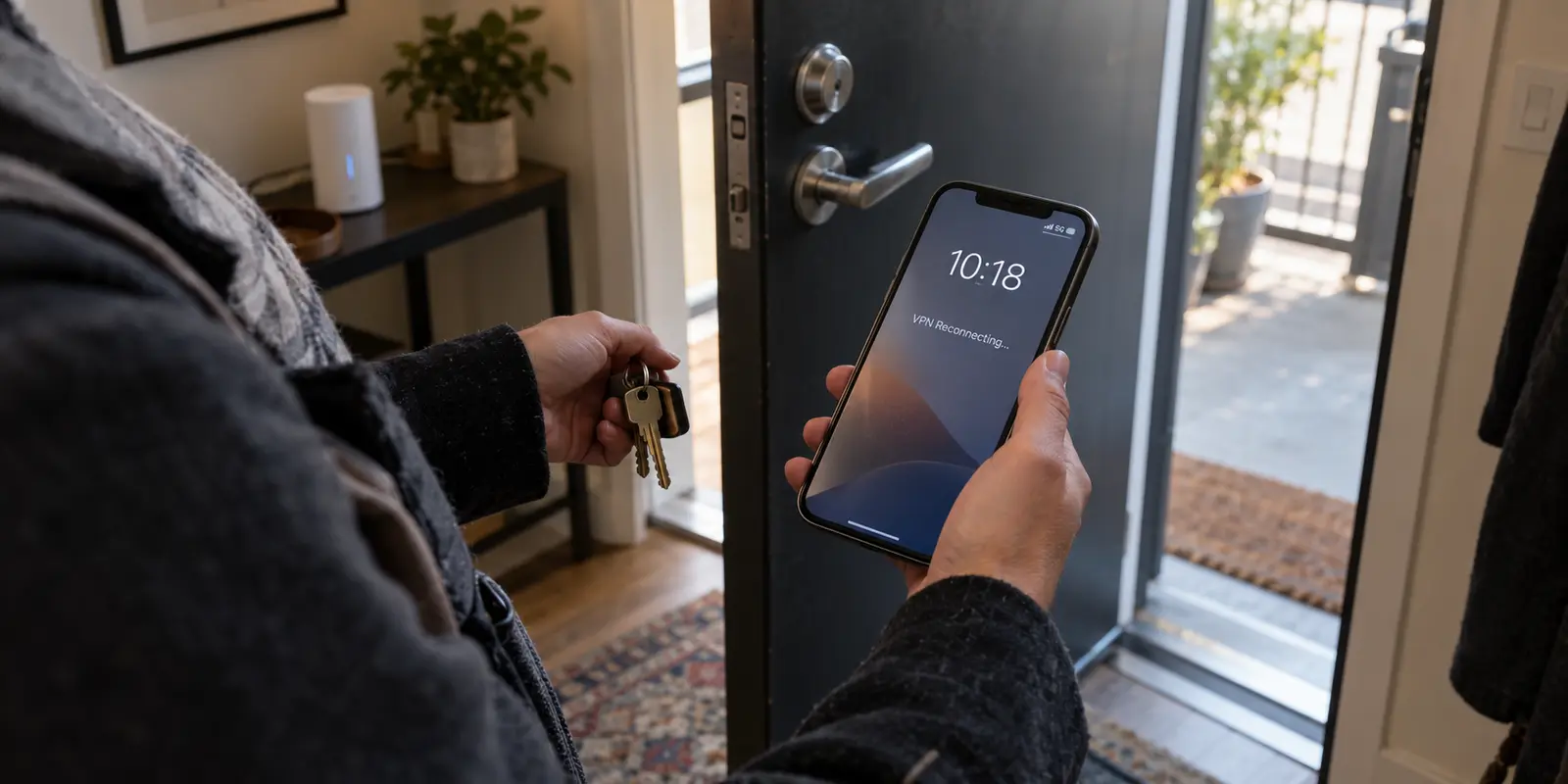
You connect to your VPN, verify the green status light, press the side button to lock your phone, and slip it into your pocket. Ten minutes later, you pull it out to check a message, only to see the status bar cycling through "Reconnecting" or dropping back to an unencrypted cellular connection.
The immediate reaction is almost universal: assume the lock button killed your VPN.
Frustrated, you jump into the app, pick a server two cities over, or toggle protocol options. When the problem happens again the next time you lock your screen, you dive into system settings, hunting for a battery toggle you might have missed.
Before you touch another server list, pause and look at the clock.
A mobile VPN is explicitly engineered to run when the screen is dark. Neither iOS nor Android requires a VPN app to sit open in the foreground just to keep data secure. Locking your screen does not merely turn off the display—it simultaneously starts several independent timers and triggers background handoffs.
Treating every screen-lock drop as a generic "bad server" issue destroys the exact evidence you need to fix it. The fastest way to solve the drop is to understand what actually happens when your screen goes dark—and time the failure before adjusting a single setting.
Article summary and product fit
How do you tell why a mobile VPN drops after the phone locks?
Time the failure on a stationary phone before changing servers. An immediate drop points toward background process killing, a repeatable idle interval points toward NAT or keepalive timeout, a drop only when you move points toward Wi-Fi-to-cellular handoff, and delayed notifications with a live tunnel point toward the messaging app sleeping rather than the VPN failing.
What matters here
- Best for: iPhone and Android users whose VPN appears to reconnect or disappear after the screen turns off.
- Key point: The lock button starts several things at once—background rules, idle timers, and often later network movement—so the article recommends isolating time and movement instead of assuming the display state itself killed the tunnel.
- Product fit: OnlydogVPN is presented here as a possible fit for the specific case where the phone permits the tunnel to run but the VPN fails during Wi-Fi-to-cellular handoff; the article ties that fit to its mobile transport and automatic route selection.
- Important limit: No VPN can override a phone that has explicitly put the app into deep sleep, and a live VPN cannot force a separate messaging app to fetch background data while the operating system is deferring that app.
For verification, this article links to: Android Doze and App Standby guidance, Apple Network Extension documentation, and OnlydogVPN official website.
The Lock Button Starts Several Clocks at Once
When your display goes black, your operating system does not simply freeze time. Instead, multiple independent mechanisms kick into gear simultaneously:
[ Screen Locks ]
       │
       ├─► 1. Background State: The app leaves the foreground.
       ├─► 2. Power Management: Android OEM sleep lists or iOS background rules apply.
       ├─► 3. Silence / Idle Timer: Network traffic drops, risking NAT/firewall timeout.
       ├─► 4. Physical Mobility: As you move, Wi-Fi drops and cellular takes over.
       └─► 5. App Scheduling: Messaging apps pause background sync while the VPN stays alive.
Both major mobile operating systems treat VPN tunnels as privileged, system-level tasks. Android provides a dedicated [VpnService](https://developer.android.com/reference/android/net/VpnService) architecture, complete with persistent foreground notifications and an Always-on VPN mode designed to keep the service running. Apple routes VPN traffic through dedicated Network Extension tunnel providers that operate independently of whether the consumer app's user interface is open.
When a drop happens after locking, the physical lock button is rarely the culprit. Instead, the screen turning off coincides with your data traffic going silent or your phone shifting between networks.
Before assuming your VPN provider is failing you, answer one diagnostic question: Does the tunnel drop immediately, after a repeatable period of inactivity, or only when you step away from your desk?
Run One Locked-Phone Test That Separates Four Different Failures
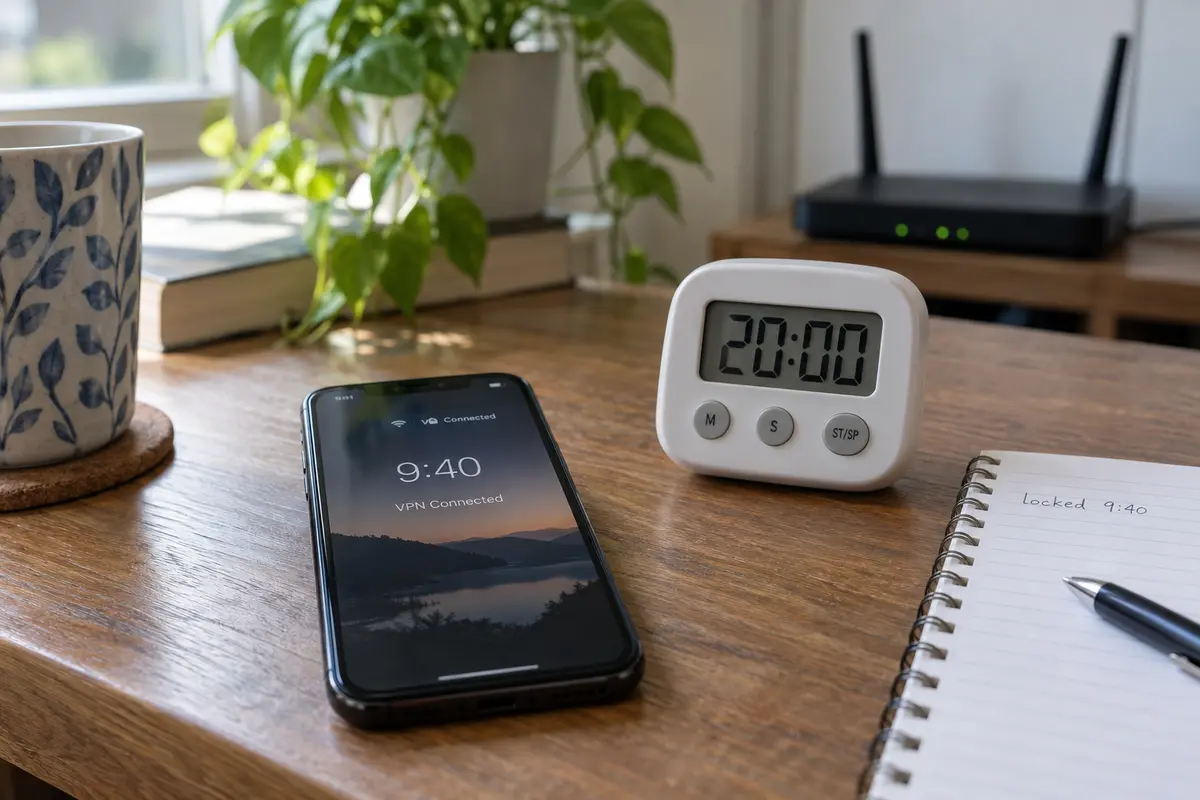
To isolate what is actually breaking, run a single controlled test to remove the noise:
- Find stable ground: Place your phone on a known-good Wi-Fi network with strong, steady signal.
- Remove power overrides: Temporarily turn off system-wide Battery Saver (Android) or Low Power Mode (iPhone).
- Connect and start the clock: Open your VPN, connect to your usual server, note the exact minute, and press the lock button.
- Leave it stationary: Do not pick up the phone, walk into another room, or let the device change networks.
- Inspect without launching: When checking the result, look at the persistent lock screen notification (Android) or the status bar indicator (iPhone) before tapping to open the VPN app itself. Reopening the app can force a fresh reconnection, hiding whether the tunnel actually stayed up while the phone was dark.
This test splits your problem into four distinct categories:
Drops within 30–60 seconds. The Real Trigger: System background killing What to Do: The OS or manufacturer power manager terminated the background process. Adjust platform settings (Sections 03 & 04).
Drops after a repeatable idle period (e.g., exactly 10 or 30 minutes). The Real Trigger: NAT / Keepalive timeout What to Do: The tunnel went silent and firewall mapping expired. Look into idle/keepalive behavior.
Survives stationary, drops when moving. The Real Trigger: Network handoff failure What to Do: The tunnel cannot survive the shift from Wi-Fi to cellular. The VPN's recovery architecture is failing (Section 05).
VPN says connected, but notifications are delayed. The Real Trigger: App-level Doze / Sync sleep What to Do: The tunnel never dropped; the messaging app itself was paused by the OS to save battery.
That fourth point saves countless hours: if your VPN indicator remains solidly connected, but your emails and chat messages only ping the moment you wake the phone, your VPN is not broken. Android's Doze mode and iOS background execution rules routinely defer non-urgent background network requests until the device wakes or enters a maintenance window. Do not replace a functioning VPN because an email client went to sleep.
On Android, Fix the Phone Before You Blame the VPN Server
If your phone drops the VPN within seconds of the screen locking on a stationary phone, Android’s background management is your primary suspect.
While stock Android handles VpnService cleanly, individual hardware manufacturers often layer aggressive proprietary battery managers on top. Samsung devices, for instance, feature distinct background tiers: Sleeping apps, Deep sleeping apps, and Never sleeping apps. If your VPN client gets placed into a Deep sleeping list, the operating system stops it from running in the background the moment the screen goes dark.
To ensure Android allows the service to do its job:
- Exempt the app from battery optimization: Open Settings → Apps → [Your VPN App] → Battery and set it to Unrestricted (or add it to your device's "Never Sleeping" list).
- Enable native Always-on VPN: Navigate to your phone's network settings (Settings → Network & internet / Connections → VPN), tap the gear icon next to your client, and toggle on Always-on VPN. This instructs Android to maintain the tunnel process as a core background service.
[ Android Settings ] ──► [ Connections / VPN ] ──► [ Tap Gear Icon ] ──► Toggle: Always-on VPN
A quick note on "Block connections without VPN": This system setting acts as a strict fail-closed kill switch. If you enable it and your tunnel hiccups, your phone will block all cellular and Wi-Fi traffic until the VPN reconnects. If you don't realize this setting is active, a temporary tunnel drop will look like a total phone-wide hardware blackout.
If your VPN survives ten minutes of locked screen time on your desk after adjusting these settings, your phone's power management was the issue. But if it survives on your desk and still collapses the moment you walk out the front door, stop adjusting battery sliders—you are dealing with a network recovery problem.
On iPhone, Do Not Follow an Android Battery Guide
If you are on an iPhone, do not waste time hunting for Android-style background battery menus. iOS does not give users granular per-app sleep management lists, and following generic advice written for Samsung or Pixel devices will only frustrate you.
Apple manages VPN tunnels via its dedicated Network Extension framework. When properly implemented, the tunnel provider extension runs in the background independent of the main app UI.
On a personal iPhone, consumer persistence is handled through VPN On Demand rules; formal Always On VPN is reserved for supervised or MDM-managed devices. Low Power Mode can reduce background activity, but it is not the same thing as terminating a correctly implemented VPN tunnel.
When troubleshooting an iPhone that drops a VPN when locked:
- Check for VPN On Demand: In your VPN app settings, check whether it features an "Auto-Connect" or "Connect on Demand" toggle. iOS uses On Demand rules to automatically spin the tunnel back up if network conditions change or traffic is initiated.
- Understand the "Always On" myth: If you read forums telling you to turn on "Always On VPN" on your iPhone, understand that Apple reserves formal Always On VPN strictly for corporate-supervised devices enrolled in Mobile Device Management (MDM). If this is a personal iPhone, that menu toggle does not exist.
- Test without Low Power Mode: While Low Power Mode reduces background tasks like automatic email fetching and Background App Refresh, it is not designed to unilaterally terminate active network tunnels. However, testing with it off ensures system power policies aren't complicating your diagnostic baseline.
- Rule out stale configuration profiles: If your device has previously carried profiles for university Wi-Fi, workplace monitoring, or old VPN utilities, navigate to Settings → General → VPN & Device Management and remove outdated configurations that might conflict with your current client.
If a personal iPhone repeatedly disconnects after a consistent period of silence while sitting untouched, the issue is rarely an iOS power setting. It typically points to the tunnel configuration itself failing to keep the connection alive over idle periods.
Replace the VPN Only When the Tunnel Fails the Test
Now look at the pattern where the VPN software itself is genuinely at fault.
Suppose you have verified that your phone isn't killing the process:
- The VPN survives on your desk with the screen locked for twenty minutes.
- Your phone's battery settings are configured properly.
- Yet the moment you walk out of your house, lose Wi-Fi, and transition to 5G, the tunnel collapses.
- When you wake the phone, it sits indefinitely on "Connecting..." or forces you to manually toggle the master switch to restore internet access.
At this point, you have isolated the real problem: the VPN protocol cannot handle network handoffs.
A modern mobile VPN must be resilient to changing network conditions. When you step out of range of your home router, your device's IP address changes abruptly. Older, rigid tunneling protocols often stumble during this transition, timing out while waiting for packets on an interface that no longer exists.
Modern networking architectures account for this. Modern transports built on top of QUIC (the foundation of HTTP/3) support native connection migration (RFC 9000). Instead of anchoring an encrypted session to a single fixed IP address, connection migration allows the client to shift seamlessly from Wi-Fi to cellular data without tearing down the cryptographic handshake.
The useful distinction is simple: a rigid tunnel can die when the phone leaves Wi-Fi, while a transport that supports connection migration can move the session onto cellular without starting over.
If your current VPN turns every walk to your car into a manual reconnection chore, OnlydogVPN is one alternative built around mobile handoffs.
OnlydogVPN uses HTTP/3 over QUIC for its mobile transport and automatically selects routes rather than asking you to test cities by hand. It has native iPhone and Android clients, so the relevant question is whether that handoff behavior solves the failure pattern you just measured.
Keep the operational boundary clear: OnlydogVPN cannot override a phone that has explicitly placed the application into deep sleep, nor can it force an app to fetch background data if the operating system has restricted that specific app. But when your phone gives the tunnel permission to run and the software simply fails to survive real-world network transitions, switching to a tool built for mobile recovery solves the problem at the root.
For next time
Stop guessing which server will hold a connection through a locked screen. Use your diagnostic test to isolate the single layer that actually broke:
- If it drops immediately on a stationary phone: Check your phone's power controls. On Android, unrestrict the app and enable Always-on VPN. On iPhone, audit your On Demand settings.
- If it drops after a repeatable period of silence: The issue is an idle timeout or expiring NAT mapping along the path—not the lock screen itself.
- If the tunnel stays up but messages arrive late: Leave the VPN alone. Your messaging app is sleeping to save battery under system Doze or background limits.
- If it survives stationary lock but dies when you change networks: Your VPN cannot handle interface handoffs. Stop fighting battery settings, retire the fragile protocol, and switch to a mobile-resilient client like OnlydogVPN that knows how to stay connected on the move.
Frequently Asked Questions
Does locking the phone normally stop a VPN?
No. The article explains that both iOS and Android have system networking mechanisms that allow VPN tunnels to keep running with the screen dark. A drop after lock usually points to another event that happened at the same time.
What does a VPN drop within 30 to 60 seconds of locking suggest?
On a stationary phone, the article treats that timing as evidence of aggressive background or battery management, especially on Android devices with manufacturer-specific sleep lists.
What does a drop after the same idle interval every time suggest?
A repeatable delay such as 10 or 30 minutes points toward an idle NAT or firewall mapping expiring because the tunnel became quiet, rather than the physical lock button itself.
What if the VPN survives on the desk but dies when I leave Wi-Fi?
That isolates the problem to network handoff behavior. The phone is changing from Wi-Fi to cellular, and the VPN must recover or migrate the connection across the new interface.