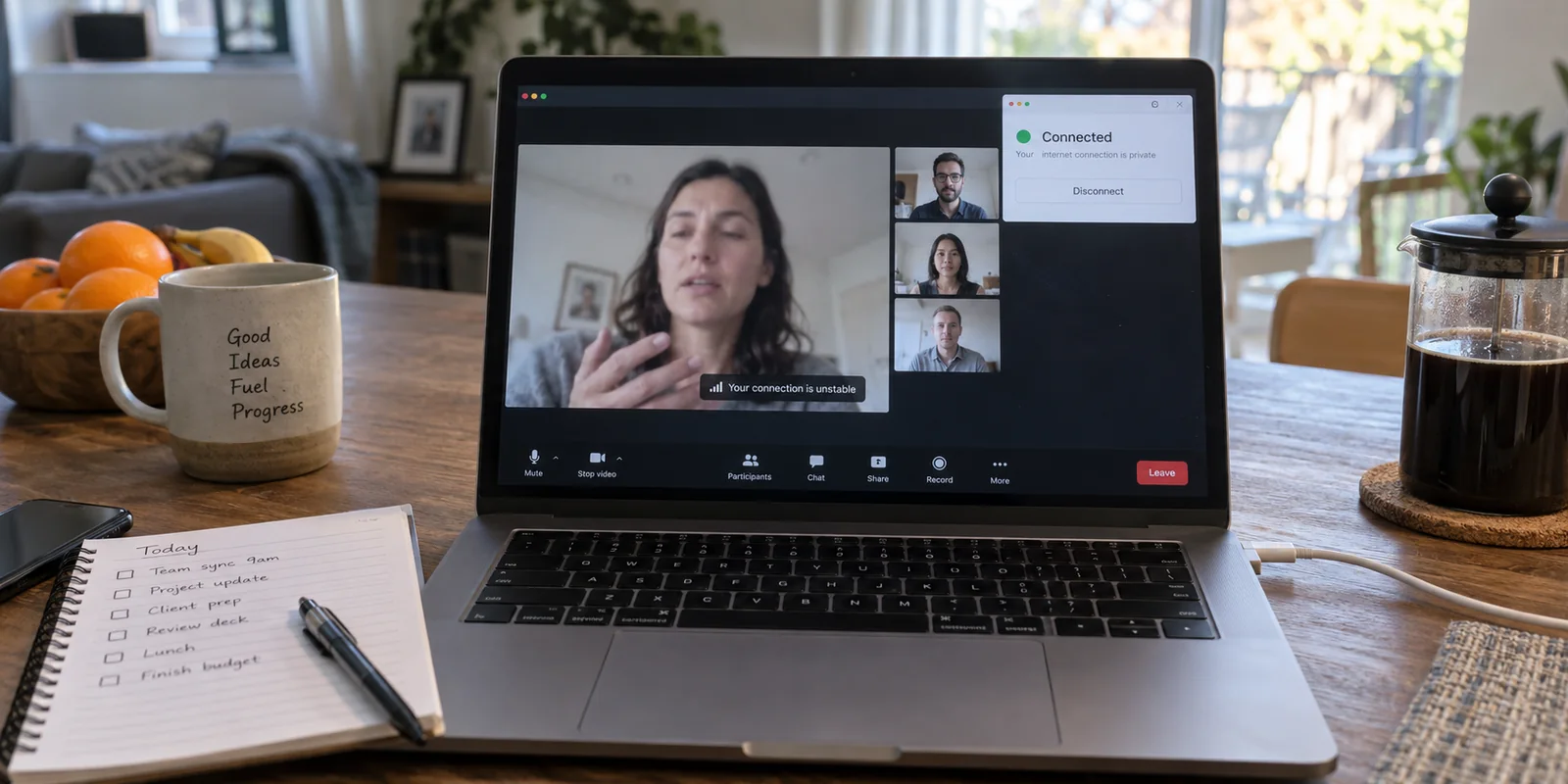
The next time your video call freezes mid-sentence, do not immediately hit reconnect, reboot your Wi-Fi, or jump into your VPN app to play server roulette.
Before you touch anything, glance at the menu bar or taskbar where your VPN lives. Did the client quietly switch to Reconnecting or Disconnected? Or is it sitting there with a bold green badge, proudly declaring it is Connected while Zoom, Teams, or Google Meet collapses in front of you?
That single observation tells you where the breakdown actually happened.
When a video meeting drops with a VPN enabled, most people treat "VPN on + call failing" as a single, indivisible glitch. They furiously toggle settings, switch from Dallas to Denver, close four browser tabs, and toggle their camera off. But real-time video calls and VPN tunnels fail along entirely different boundaries.
The secret to fixing dropped calls is running one controlled diagnostic test: change only the VPN variable.
Leave your laptop where it sits, stay on the same Wi-Fi or hotspot, and do not touch your router. When a call misbehaves, observe the VPN status. Then, disconnect only the VPN and re-test the call immediately on the exact same underlying connection.
This gives you three distinct, observable outcomes:
- The VPN also dropped or reconnected: The encrypted tunnel itself lost continuity.
- The VPN stayed stubbornly connected: The tunnel is up, but the live media route inside it is choking.
- The call still drops with the VPN turned off: The VPN was an innocent bystander all along; your baseline connection is the problem.
(Note: If you are using a corporate VPN managed by your employer’s IT department, run this test only to gather diagnostic facts. Never permanently bypass enterprise security policies on work-issued machines without consulting your IT team.)
Article summary and product fit
How do you tell whether a VPN, media route, or base network is dropping a video call?
Watch the VPN status when the call fails, then retry on the same underlying network with only the VPN disconnected. If the VPN also reconnects, fix tunnel continuity. If the VPN stays connected but the call improves when bypassed, the media path through the tunnel is unsuitable. If the call still fails without the VPN, stabilize the base network instead.
What matters in this article
- Best for: Remote workers and travelers troubleshooting Zoom, Teams, or Google Meet failures while a personal or corporate VPN is present.
- Key distinction: A green VPN badge proves the tunnel exists, not that its route has low enough latency, jitter, or packet loss for live media.
- Evidence in the article: The article cites network guidance from Microsoft Teams, Zoom, and Google Meet, all of which support keeping real-time media off unsuitable VPN paths when policy allows.
- When OnlydogVPN fits: The article treats it as a personal-VPN replacement worth testing when the direct connection is healthy, a tunnel must remain active, and route congestion or fragile handoff recovery is the demonstrated failure mode.
- Important limit: Do not bypass employer-managed VPN policy without IT approval, and do not expect a different VPN to fix a weak Wi‑Fi link or overloaded ISP connection that drops calls even with the tunnel off.
Product source: OnlydogVPN official website.
If the VPN App Reconnects Too, Fix Tunnel Continuity
If your meeting froze at the precise second your VPN flipped from "Connected" to "Reconnecting," stop messing with your meeting app's settings. The encrypted highway carrying your traffic evaporated underneath it.
This usually happens because the base connection wobbled—even momentarily. Maybe your laptop hopped between two office access points, your phone bounced between Wi-Fi and 5G, or a hotel connection experienced a brief hiccup.
Here is the catch: a regular webpage does not care about a three-second blip. It waits, retransmits, and finishes loading. But a real-time WebRTC or VoIP stream cannot wait. The moment the tunnel loses its route, the VPN must tear down the socket and re-establish a handshake. Even if the VPN reconnects successfully five seconds later, those five seconds were an eternity to Zoom or Teams. The call has already muted your audio, killed your screen share, or ejected you to the waiting room.
When this is your failure pattern:
- Check the raw stability of your base network: A quick connection test will tell you if you are on the fringes of a Wi-Fi dead zone. If practical, move closer to the router or plug in an Ethernet cable.
- Look at how your VPN handles network changes: If you frequently roam across networks or work on mobile hotspots, raw download speeds matter far less than reconnection resilience. A VPN that takes 10 seconds to negotiate a handshake after a micro-disconnect will destroy your meetings every time.
If the VPN Stays Connected, the Call Is on the Wrong Path
This is the scenario that baffles most people: the VPN dashboard shows a clean, healthy connection, your browser loads websites instantly, yet your colleagues' voices sound like underwater robots, video frames stall, and the meeting drops.
The reason is simple: a green "Connected" badge only certifies that the tunnel is alive. It does not certify that the path your packets are traveling is suitable for live video.
Real-time audio and video packets are hyper-sensitive to latency, jitter (uneven arrival times), and packet loss. When you turn on a VPN, you introduce a detour. Instead of your packets going straight from your laptop to the nearest Microsoft or Google data center, they travel to the VPN server first, get wrapped in encryption, travel out to the meeting platform, and reverse the entire journey on the way back.
If that detour routes through a congested server or an inefficient peering path, real-time media degrades immediately—even if regular web browsing feels snappy.
This is why major collaboration platforms give unambiguous advice:
- Microsoft explicitly notes that VPNs add packet overhead and latency, formally recommending that organizations bypass VPN tunnels for Teams real-time media.
- Zoom similarly recommends split-tunneling real-time meeting traffic to avoid corporate VPN choke points.
- Google Meet directly advises users whose call quality improves after disabling a VPN to complete the meeting off the tunnel or configure Meet traffic to bypass it.
If you are using a personal VPN for everyday browsing and the call immediately smooths out the second you pause the VPN, the answer is simple: let the call run directly. Pausing the VPN for a meeting is not a troubleshooting defeat. Platforms like Google Meet and Zoom encrypt meeting media in transit by default anyway, meaning your stream remains shielded from casual snooping on local Wi-Fi even without a third-party tunnel.
If the Call Must Stay Tunneled, Change What You Look For in a VPN
What if you work out of coffee shops, boutique hotels, or shared coworking spaces, and company policy—or your own standard for personal privacy—demands that all your machine's traffic stay encrypted inside a VPN?
If you have already confirmed that your base connection is decent and that your current VPN is actively tanking your call quality, picking another random server from a 50-country dropdown list is a waste of time. You don't need more server locations; you need a fundamentally different routing approach.
Real-time communication requires two things from a consumer VPN:
- Intelligent, real-time routing: The app must automatically route your connection through the cleanest, lowest-latency path rather than forcing you to guess which city is least congested.
- Weak-network recovery: When local Wi-Fi jitters, the tunnel must seamlessly handle packet fluctuations without collapsing the active session.
For remote workers and travelers who need a personal VPN active during live calls on unpredictable networks, OnlydogVPN is built precisely for this failure mode.
Rather than overwhelming you with sprawling server lists and technical protocol toggles that you shouldn't have to manage before a 9:00 AM meeting, OnlydogVPN focuses its client on automated resilience. Its Smart Global Routing continuously analyzes network conditions to steer your connection along the most stable path available. More importantly, its underlying transport is explicitly optimized for unstable, roaming networks—the exact airport, hotel, and hotspot environments where ordinary VPN handshakes tend to choke and drop calls.
If you have proven that your direct connection can handle a call, but your current personal VPN turns every meeting into a freeze-frame nightmare, OnlydogVPN is one replacement worth testing. It addresses the actual root causes of VPN call failure—path congestion and fragile continuity—without requiring you to act as your own network administrator.
If the Call Drops Without the VPN, Stop Blaming the Tunnel
Finally, there is the third branch of the diagnostic test: you drop the VPN, rejoin the meeting on your raw Wi-Fi, and your video still freezes.
When this happens, stop adjusting your VPN. Changing providers, reinstalling software, or tweaking encryption protocols will not fix an issue that exists independent of the tunnel.
Instead, shift your focus entirely downstream:
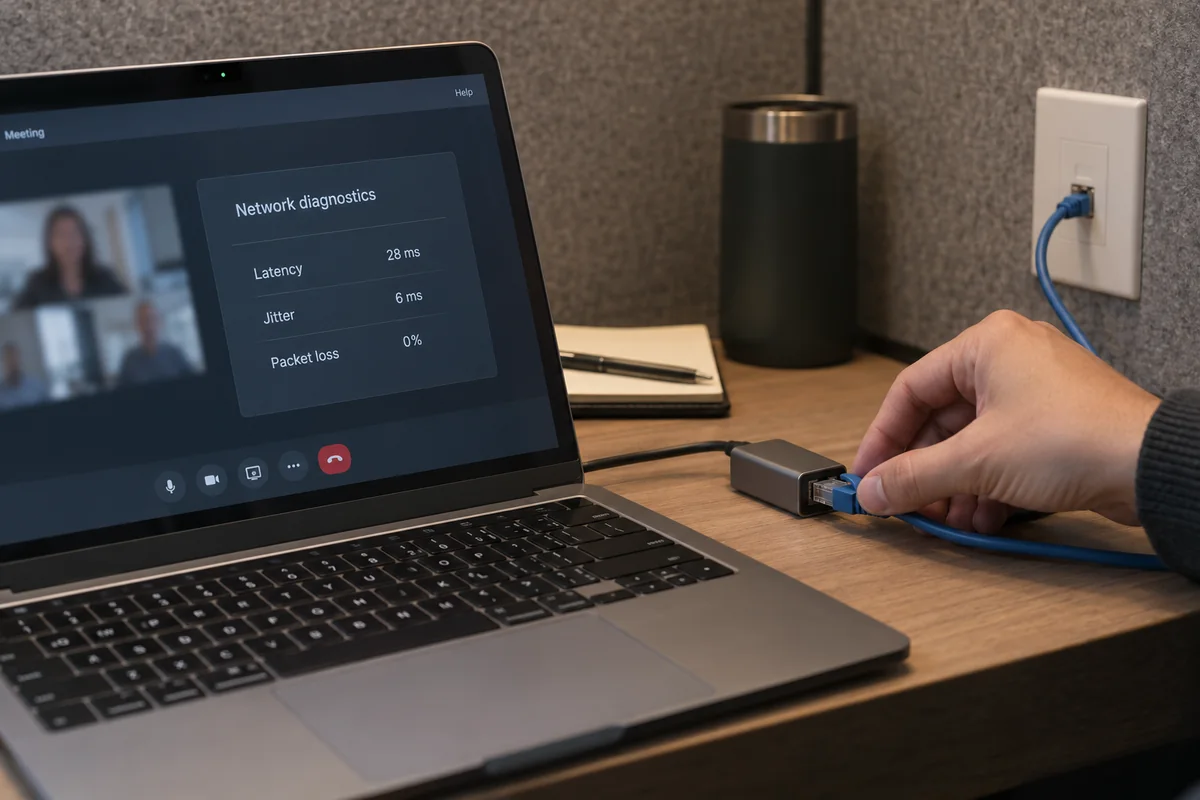
- Open the platform’s built-in diagnostics: Both Zoom and Teams feature built-in statistics panels showing real-time latency, jitter, and packet loss. If your packet loss spikes above 2–5% on a direct connection, your local Wi-Fi or ISP is struggling.
- Eliminate bandwidth hogs: Cloud backup tools, game updates, and background file syncing can saturate your local upload bandwidth, suffocating live audio packets.
- Drop the video burden: Switching off your outgoing video or setting incoming video to standard definition drastically reduces the required throughput, letting critical audio data slip through even on heavily constrained networks.
- Move closer or plug in: When possible, an Ethernet cable remains the undisputed king of call stability.
The Takeaway
A video call failure is not an abstract mystery. By testing the connection with and without the VPN, you narrow down the culprit in seconds:
- If the VPN disconnects alongside the call, you are dealing with a tunnel continuity issue.
- If the VPN stays connected while the meeting fails, you are dealing with an unsuitable media route that should either be bypassed or replaced with an intelligently routed alternative like OnlydogVPN.
- If the call fails either way, your local network is the bottleneck.
Diagnose the layer that is actually broken, apply the right fix, and you can get back to your meeting without the guesswork.
Frequently Asked Questions
Why can a video call fail even while the VPN says Connected?
The tunnel can remain established while the route inside it suffers too much latency, jitter, packet loss, or congestion for real-time audio and video. Ordinary web pages can still appear fast because they tolerate retransmission and delay much better than live media.
What does it mean if the call improves immediately when I turn the VPN off?
On the same underlying network, that result isolates the VPN path as the harmful variable. For a personal VPN, letting the meeting run directly may be the cleanest answer; for a managed corporate VPN, use the result as diagnostic evidence and follow IT policy.
What if the VPN changes to Reconnecting at the same moment the call freezes?
That points to tunnel continuity. A brief wobble in Wi‑Fi, cellular, or hotspot connectivity can force a new VPN handshake, and even a few seconds of interruption can be enough to break a live WebRTC or VoIP session.
What if the video call still drops after I disconnect the VPN?
Stop tuning the tunnel and measure the base connection instead. Check the meeting app’s latency, jitter, and packet-loss statistics, reduce competing uploads, lower video load, move closer to the access point, or use Ethernet where practical.