
You have already switched VPN servers twice, lowered the volume in frustration, and stared at the rotating loading circle until it feels personal. The instinctive reaction is almost always the same: run a speed test, blame the VPN for being slow, and disconnect to find another server location on the map.
Before you touch another setting, ask one simple question: Does the exact same scene buffer at the same quality when the VPN is turned off?
That single comparison cuts straight through the guesswork. A buffering spinner is not a unified problem, and running another generic speed test rarely fixes it. Streaming platforms do not fail at random; they react dynamically to where data gets choked.
When the pause happens, how the image looks right before it freezes, and whether the issue vanishes the moment your VPN disconnects tell you precisely which link in the chain has broken.
Article summary and buffering diagnosis
What does the timing of VPN buffering tell you?
Compare the same scene at the same quality with the VPN off before changing servers. If it still buffers, fix the local network first; if direct playback is stable but the tunneled stream degrades, the VPN route is the useful variable. The way quality drops or the spinner appears can further distinguish sustained-throughput problems from a proxy or location block.
Read the playback pattern
- Buffers with the VPN off too: investigate Wi-Fi signal, shared-network saturation, device load, or the base internet path instead of server-hopping.
- Starts well, then stalls: look for congestion, route instability, packet loss, or a changing network state rather than trusting the first minute of playback.
- One quality step fixes it: the route may simply lack sustained headroom for the higher bitrate; that is useful diagnostic data, not necessarily a VPN failure.
- OnlydogVPN fit described in this article: it is positioned for the case where direct playback is healthy but the VPN route cannot sustain media, using streaming presets, automatic routing, HTTP/3-based transport, and weak-network recovery.
- Important limit: no VPN can turn an underlying 1 Mbps connection into a reliable 4K feed, and an explicit proxy/location error should not be treated as a bandwidth problem.
Source already used in the article: Netflix internet connection speed recommendations.
A Loading Circle Is a Symptom, Not a Diagnosis
Modern streaming players on Netflix, YouTube, Disney+, or Prime Video are designed around adaptive bitrate streaming. Their core objective is simple: fetch upcoming video frames and store them in a local buffer before your screen reaches them.
When available network throughput dips, the player does not instantly freeze. Instead, it quietly steps down the resolution to keep the stream moving. Only when the incoming pipeline falls behind consumption—meaning the player runs completely out of buffered video—does the picture halt and the spinner appear.
The visual clues leading up to that pause reveal the failure state:
- The picture gets soft or blurry before freezing: The player saw the pipeline degrading and tried to downscale to save playback, but the connection degraded faster than it could adapt.
- The video buffers from the opening seconds: The current pipeline never had the baseline capacity to handle the requested stream.
- The stream is crisp for ten minutes, then abruptly stalls: The starting pipeline was sufficient, but route congestion, server load, or network handoffs occurred mid-stream.
- You see an explicit proxy or location error: This is an authentication and geo-restriction block, not a bandwidth bottleneck. Troubleshooting it like a slow connection is a waste of time.
If It Buffers With the VPN Off Too, Stop Fixing the VPN
The highest-leverage diagnostic test takes thirty seconds:
- Keep everything identical—same device, same app, same video title.
- Disconnect the VPN completely.
- Replay the troubled scene at the same target resolution.
If the stream continues to stutter with the VPN disconnected, the VPN is not guilty. Spending the rest of the evening cycling through different country servers will accomplish nothing, because the bottleneck lives on your local network.
At that point, look at the physical environment:
- Weak local Wi-Fi: Thick walls, distance from the router, or RF interference.
- Shared network saturation: Someone else in the household downloading a large game patch, cloud photo syncs running in the background, or a crowded hotel network throttling video traffic.
- Device thermal throttling: An overburdened streaming stick or an app struggling with memory leaks.
To verify this immediately, switch the device to a mobile hotspot or another available Wi-Fi band. If the video suddenly plays cleanly with the VPN still disconnected, you have your answer: fix the local router or access point, not the virtual tunnel.
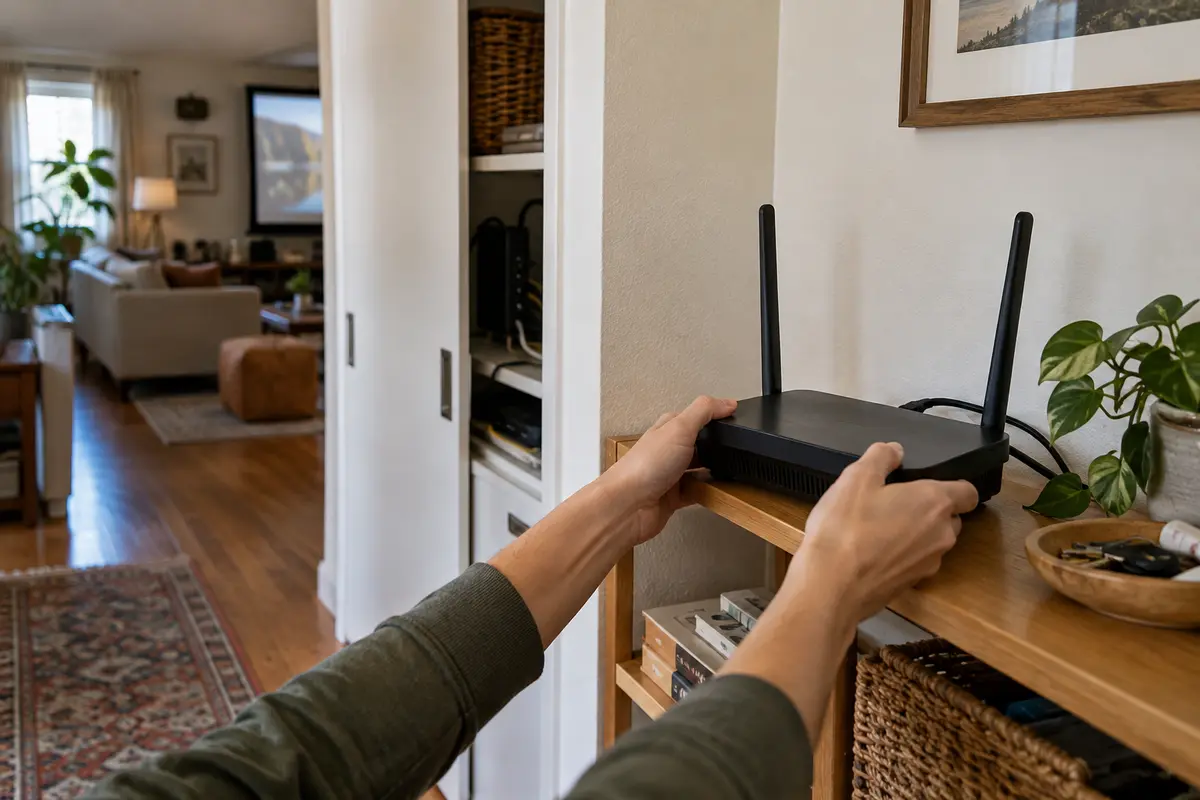
If It Starts Smoothly and Fails Later, the First Minute Lied
One of the most frustrating experiences is a stream that launches instantly in crisp 4K, runs flawlessly for five minutes, and then descends into endless buffering cycles.
A smooth start does not guarantee sustained throughput. At playback launch, players aggressively pull initial data chunks to fill the empty buffer. If conditions are stable for a moment, the stream looks pristine. But live network conditions fluctuate:
- Hotel or apartment Wi-Fi traffic surges as more users log on in the evening.
- A heavily congested public VPN server begins dropping packets as concurrent users pile into the same endpoint.
- Upstream transit routes between the VPN gateway and the content delivery network (CDN) encounter intermittent friction.
Pay close attention to whether the degradation tracks time or your network state. If playback without the VPN stays rock-solid over an entire hour, but the VPN connection degrades after fifteen minutes, the tunnel itself is failing to maintain consistent throughput. Conversely, if both direct and tunneled streams crawl to a halt at 8:30 PM on hotel Wi-Fi, the bottleneck is shared local congestion.
If One Step Down in Quality Fixes It, That Is Useful Data
Treating quality adjustment as an admission of defeat is a mistake; it is one of your clearest diagnostic indicators.
Streaming services publish baseline sustained speeds for a reason. Netflix, for example, typically recommends around 3 Mbps for 720p HD, 5 Mbps for 1080p, and a sustained 15 Mbps or higher for 4K UHD. Premium YouTube streams with high frame rates demand similar continuous headroom.
If manually dropping from 4K to 1080p eliminates the spinner entirely, your route simply lacks the headroom for ultra-high-definition bitrates. If your primary goal right now is finishing the movie without interruption, keeping it at 1080p is a legitimate fix.
However, if playback still stutters at 720p or standard definition while your unencrypted connection easily streams 4K, dropping quality is no longer the solution. The VPN route itself is severely constrained or dropping packets.
When the Buffering Follows the VPN, Stop Making Server Selection a Hobby
When direct playback works effortlessly, but every stream through the VPN turns into a slideshow, you have isolated the failure: the VPN path cannot sustain the media stream.
Trying another server manually is a fair initial reaction. Server load, physical transit distance, and peering handoffs between the VPN provider and streaming CDNs all vary. But if you find yourself manually clicking through half a dozen cities—disconnecting, reconnecting, force-quitting the streaming app, and testing again—manual server selection has become part of the problem.
This is where a modern, streaming-optimized tool like OnlydogVPN↗ becomes a much smarter choice.
Instead of presenting an intimidating list of raw server locations and expecting you to guess which one has low latency and clean peering, OnlydogVPN approaches the connection from an application-first perspective:
- Dedicated Streaming Presets & Intelligent Routing: Rather than forcing manual trial-and-error across arbitrary countries, OnlydogVPN automatically selects and balances paths optimized for high-bandwidth media delivery, cutting out the server-lottery guessing game.
- Resilient HTTP/3-Based Transport: Traditional VPN protocols often stumble when packet loss occurs or when a mobile device shifts between Wi-Fi and 5G. OnlydogVPN utilizes a modern HTTP/3-based transport layer designed to absorb packet jitter and recover immediately from network interruptions, preventing the sudden throughput drops that trigger streaming spinners.
- Weak-Network Recovery: If you are streaming from a fluctuating hotel or café connection, the protocol maintains session integrity without forcing a hard teardown and renegotiation of the entire tunnel.
OnlydogVPN does not promise magical physics—no software can turn a broken 1 Mbps DSL line into a pristine 4K feed. But when your underlying internet has plenty of speed and your current VPN keeps stalling out, it removes the friction of manual route troubleshooting by handling performance pathing automatically.
The Clear Decision Path
To fix a buffering stream without wasting your evening, work through the problem systematically:
- Disconnect and test direct playback. If it buffers without the VPN, your problem is local Wi-Fi, background bandwidth hogs, or ISP throttling. Fix the base network first.
- Step the resolution down one notch. If dropping from 4K to 1080p resolves the issue, your connection simply lacks peak sustained headroom. Decide whether finishing the show matters more than maximum pixel density.
- If direct playback is clean but the VPN fails at normal HD resolutions, the VPN route has failed. Switch the route.
- If your connection frequently stutters during network transitions or fluctuating Wi-Fi, transport stability is the issue. Stop gambling on manual country pickers and switch to an adaptive, auto-routing service like OnlydogVPN.
Do not ask “Which VPN server is fastest?” until you know the VPN route is the part that failed. Once you do know, stop troubleshooting the movie and fix the route carrying it.
Frequently Asked Questions
What is the first test I should run when a stream buffers over a VPN?
Replay the same scene on the same device at the same quality with the VPN completely off. If it still buffers, the article says to investigate the local or base network before changing VPN servers.
What does it mean if the picture gets blurry before it freezes?
The player is already reducing bitrate because throughput is falling. If it still reaches an empty buffer and stops, the connection degraded faster than adaptive playback could compensate.
Why can a stream start in 4K and begin buffering several minutes later?
A fast start only proves there was enough capacity to fill the initial buffer. Later congestion, VPN server load, packet loss, or network handoffs can reduce sustained throughput after playback begins.
If lowering 4K to 1080p fixes buffering, is the VPN broken?
Not necessarily. The article treats that as evidence that the current path lacks enough sustained headroom for the higher bitrate. If even 720p stutters while direct 4K playback is clean, the VPN route is much more clearly constrained.
Should I troubleshoot a proxy or region error the same way as buffering?
No. An explicit proxy or location error is an access or geo-restriction problem, not a throughput bottleneck, so speed-focused troubleshooting is the wrong path.