
Ten minutes before qualifying begins, the video player on F1 TV stalls. Instead of the warm-up lap or pit lane feed, you get a black box, an ambiguous spinning wheel, or an explicit warning: your connection is blocked, a proxy is detected, or the content is unavailable in your region.
The universal reflex is panic-fueled server roulette. You open your VPN app, disconnect, pick another city, reconnect, refresh the browser, clear your cache, try a different browser, and switch to another country entirely. By the time Q2 rolls around, you are still staring at an error screen, with no clearer idea of what is actually broken than when you started.
Stop rotating servers.
A playback failure while a VPN is active does not prove the VPN itself is the issue. A flagged data center IP, a territorial rights limitation, an expired subscription entitlement, and an ordinary platform outage produce nearly identical symptoms on screen.
Before you touch another setting, run one controlled diagnostic test to determine whether another VPN server can help at all.
Article summary and product fit
How do you tell whether an F1 TV playback problem is actually caused by the VPN?
Keep the same device, network, account, and stream, then turn the VPN completely off and try playback again. If the stream starts, the VPN route is the friction point. If it still fails, stop shopping for new VPN servers and investigate subscription entitlement, billing sync, device compatibility, outages, or territorial viewing rights.
What to keep in mind
- Best for: F1 TV subscribers troubleshooting race-day playback failures while a VPN is active.
- Key point: One controlled VPN-off test separates a route problem from account, device, platform, and rights problems before race-day server hopping begins.
- Product fit: OnlydogVPN fits the narrow case where the subscriber is legitimately entitled to watch in the current location, still wants protection on an untrusted network, and has proven that the previous VPN route was the problem.
- Important limit: A VPN cannot create subscription entitlements or territorial rights. The article explicitly points users to the local licensed broadcaster when F1 TV is not authorized to provide the stream in that territory.
Sources already used in this article: F1 TV subscription terms; EU online-content portability; F1 Help Centre. Product source: OnlydogVPN official website.
Before You Change Servers, Change Just One Thing
Do not reinstall the app, reset your home router, or switch from your laptop to your tablet. Every simultaneous change destroys your ability to isolate the failure.
Instead, perform a clean baseline check:
- Keep the same device.
- Stay on the same Wi-Fi or mobile network.
- Keep the same F1 TV account logged in.
- Keep the exact same video stream queued up.
- Turn your VPN completely off.
- Refresh the page or relaunch the app, and press Play.
This single action splits your entire troubleshooting process into two distinct paths:
- If F1 TV plays immediately: You have proven that your subscription is active, your account is in good standing, your device meets compatibility requirements, and the underlying internet connection can reach F1 TV’s content delivery network. The problem is isolated specifically to the route your VPN was taking.
- If the video still refuses to play: Disconnecting the VPN had zero effect. Changing VPN providers, jumping across five different countries, or clearing your DNS cache will not resolve the issue. The failure lies elsewhere.
Turning off the VPN for sixty seconds is not giving up on your privacy or your travel setup; it is diagnosing the fault.
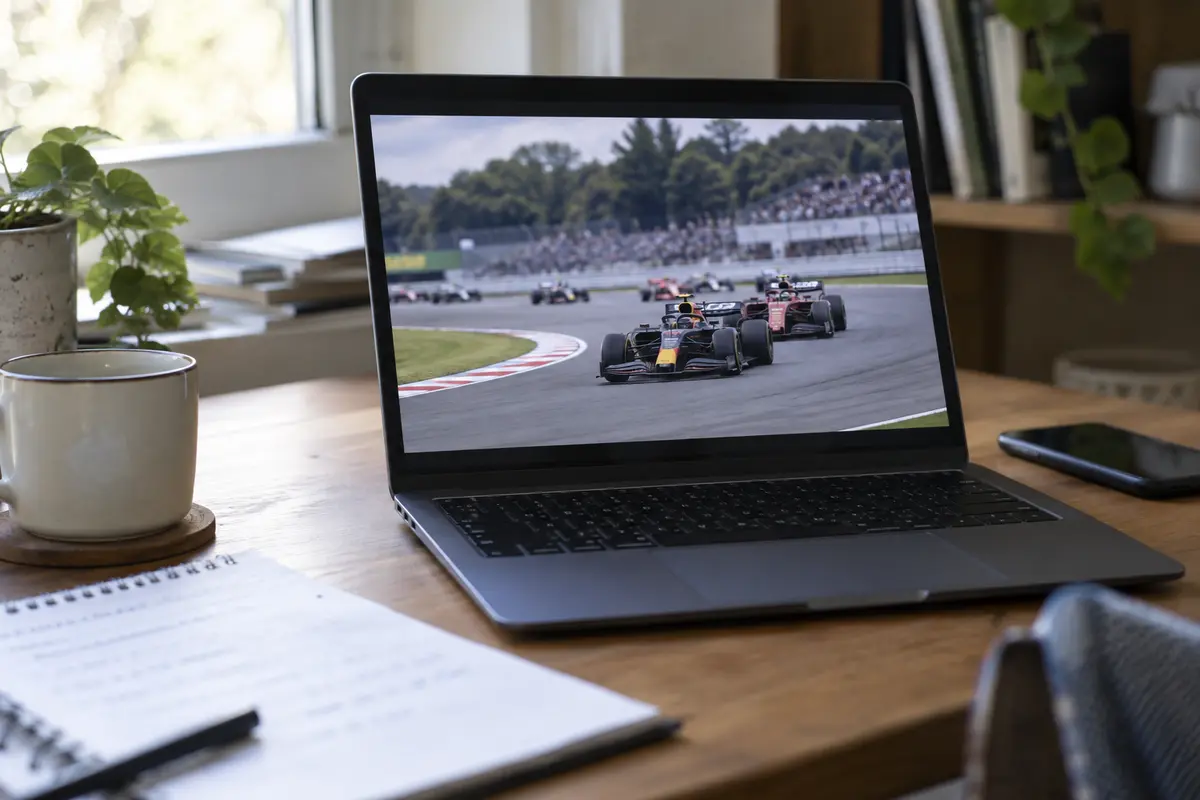
If F1 TV Works Without the VPN, Fix the Route—Not the Subscription
When F1 TV plays smoothly the moment your VPN is disabled, you know the platform’s delivery network is rejecting or misinterpreting the specific IP address, data center, or network route provided by your VPN tunnel.
If you are watching from a location where your subscription legitimately grants you access to that stream—such as your home territory or an eligible region—the goal is to maintain encrypted protection on your local connection without triggering F1 TV’s automated routing defenses.
First, avoid "country hopping." If you are physically located in the United States, connecting to an exit node in Switzerland or the Netherlands introduces unnecessary location mismatches and triggers platform scrutiny. Instead, select a stable, local exit within the same country where you are physically watching.
Next, execute a clean session refresh:
- Close the active F1 TV tab or force-close the mobile/smart TV app.
- Establish the new, local VPN connection.
- Reopen F1 TV fresh and test playback.
If you frequently stream on the move—from hotel Wi-Fi, airport lounges, or public networks where you do not want to leave your raw traffic exposed—the standard chore of cycling through city nodes quickly ruins race day.
For travelers who want a reliable connection without the manual configuration headache, OnlydogVPN↗ is our straightforward recommendation.
Rather than requiring you to guess which individual city server or protocol might survive platform checks, OnlydogVPN is built around a streamlined streaming preset and Smart Global Routing. It automatically assigns and steers your traffic through resilient, clean egress routes optimized for real-time media transit. With one-tap operation, you do not have to experiment with protocol switches or diagnose connection handshakes minutes before the lights go out. It secures your device against untrusted hotel and café networks while keeping your media route direct and responsive.
The standard of success is simple: F1 TV must cleanly accept the feed. If it does, leave your settings alone and enjoy the session.
If It Still Fails Without the VPN, Stop Shopping for VPN Servers
If the video still refuses to start with your VPN completely turned off, changing to a different VPN app or buying a new subscription is a waste of time. The issue has nothing to do with an encrypted tunnel.
Direct your focus to the actual service-level variables:
- Account and Tier Entitlements: Are you trying to access live track feeds on an F1 TV Access tier instead of an F1 TV Pro subscription? Access tiers generally restrict live session streaming to timing data and delayed replays. Verify your active plan under your Formula 1 account dashboard.
- Third-Party Billing Sync: If you subscribed via Apple App Store, Google Play, Roku, or a local mobile carrier bundle, billing updates occasionally fail to sync with Formula 1’s authentication servers. Confirm that the platform recognizes your active purchase receipt.
- Device and Browser Compatibility: Formula 1’s playback engine relies on specific DRM and HTML5 implementations. If you are using a browser with aggressive ad-blocking or privacy extensions, or an unsupported casting configuration, playback will silently fail. Test one secondary device (like the native mobile app on cellular data) to isolate whether the issue is hardware-specific.
- Platform Outages: Major race moments trigger massive concurrent viewer spikes. F1 Help maintains designated advisories for systemic streaming faults. If thousands of fans are reporting the same error code on social media, the platform itself is straining under load.
Piling a VPN on top of an unauthenticated account or an overloaded server solves nothing. Resolve the account or app bottleneck before touching network settings again.
Travelling Can Change What Your Subscription Is Allowed to Show
One of the most confusing scenarios occurs when an active, paying subscriber boards a flight, lands in a different country, and suddenly loses access to live streams. The instinct is to assume the hotel connection or a VPN is broken. Often, it is simply how F1 TV’s territorial rights work.
F1 TV is strictly bound by territorial broadcasting contracts. When you register, the platform verifies your Home Territory based on your billing details and country of purchase. What content displays on your screen when you travel abroad depends on the specific legal rights F1 holds in the territory you are standing in:
- EU Portability: Subscribers whose Home Territory is within the European Union generally retain full access to their domestic F1 TV Pro features when traveling temporarily to other EU member states under regional cross-border content regulations.
- International Travel: When you travel outside your home zone or portability region, access changes automatically. If you land in a country where an exclusive domestic broadcaster holds the exclusive live rights and F1 TV Pro is not offered, the platform will restrict your live coverage accordingly.
This explains why an account that streamed practice sessions flawlessly at home suddenly refuses to launch a live qualifying feed from an overseas hotel room. Your connection is fine, your account is in good standing, and your device is compatible—the platform simply lacks the legal entitlement to deliver that specific feed to that physical location.
Know When the Correct Fix Is Not Another VPN
To protect your viewing setup on race weekends, make decisions based on what you have actually proven:
- If F1 TV works with the VPN off, and you have legitimate rights to view the session where you are: Your VPN route was the friction point. Select a local exit node within your current viewing region, reopen the app, or switch to an intelligent routing service like OnlydogVPN to automate the path and secure your public network connection with minimal effort.
- If F1 TV fails both with and without the VPN: Leave your network settings alone. Check your account status, confirm your tier includes live streaming, check third-party app store receipts, and consult the official F1 Help Centre.
- If the content is unavailable due to local territorial restrictions: Do not treat this as a server-hunting challenge. Formula 1’s terms of service explicitly prohibit the use of technologies designed to disguise or mask your true location to circumvent geographic access controls. If your subscription does not permit access in that territory, the appropriate and reliable path is to tune in via the local licensed broadcaster or official venue coverage.
A VPN can fix a problematic network route. It cannot fix an inactive subscription, an unsupported browser, or a lack of territorial rights. Prove which problem you are actually dealing with before the five red lights go out.
Frequently Asked Questions
What is the fastest way to tell whether my VPN is causing the F1 TV error?
Keep everything else the same, turn the VPN completely off, and replay the exact same stream. If playback starts, the route is implicated; if it still fails, the cause is elsewhere.
What should I do if F1 TV works as soon as the VPN is off?
If you are entitled to watch in your current location, use a stable local route and reopen F1 TV cleanly rather than hopping across unrelated countries. The goal is to keep the network path simple and acceptable to the platform.
What should I check if F1 TV still fails without the VPN?
Check your subscription tier, third-party billing receipt, supported device or browser setup, and official service advisories. A new VPN server will not repair those problems.
Can a VPN fix territorial F1 TV restrictions while I am traveling?
The article does not recommend treating territorial rights as a server-hunting problem. F1 TV availability follows broadcasting rights, and the reliable option in a territory without the required entitlement is the local licensed broadcaster or other official coverage.