
Your VPN indicator is green. Your browser loads foreign news sites without a hitch. Yet at the top of your Telegram screen, the small status loop keeps spinning on “Connecting…” or “Updating…”
For most expats, remote workers, and travelers in Moscow, the instinctive reflex is immediate: open the VPN app, disconnect, switch from Germany to Finland, reconnect, and wait. When that fails, you try the Netherlands, then Sweden, and then start cursing your provider.
Before you cycle through server locations for the fifth time, stop.
The problem might have nothing to do with your VPN server’s country. More often than you think, Telegram refuses to connect because it is actively trying to route its traffic through a forgotten, dead proxy configured inside the app itself—completely bypassing the device-wide tunnel you just established.
Alternatively, you may have run headfirst into a Moscow-specific mobile network shutdown that no standard VPN server rotation could ever fix.
Here is how to peel back the layers of the connection chain, pinpoint the exact point of failure within sixty seconds, and get back online without the guesswork.
Article summary and product fit
Why can Telegram stay stuck in Moscow even when the device-wide VPN is working?
Start inside Telegram. A stale MTProto or SOCKS5 proxy can keep the app pointed at a dead endpoint even while the rest of the phone uses a healthy VPN. If disabling the in-app proxy does not help, compare Telegram with other foreign services and compare mobile data with Wi-Fi before changing VPN servers.
What to keep in mind
- Best for: Travelers, expats, and remote workers in Moscow whose Telegram app stays on Connecting while a VPN appears healthy.
- Key point: Telegram has its own routing layer, and Moscow mobile restrictions can also block external transit before a VPN handshake is possible.
- Product fit: OnlydogVPN fits the article’s protocol-filtering branch when the underlying network can reach the outside world but a standard VPN transport still stalls.
- Important limit: If a mobile tower is operating in whitelist mode and cannot reach unapproved external IPs, no server switch can establish a VPN tunnel; move to a fixed or Wi-Fi network with external transit first. For Telegram-only use, a trusted MTProxy may be the smaller tool.
Sources already used in this article: Telegram MTProxy documentation; Interfax on partial Telegram and WhatsApp call restrictions; Reuters on Moscow mobile internet restrictions. Product source: OnlydogVPN official website.
Turn Off Telegram’s In-App Proxy First
The fastest payoff in troubleshooting this issue requires looking inside Telegram, not your VPN app.
Telegram features its own built-in proxy client designed to run independently of your operating system. If you ever added an MTProto or SOCKS5 link months ago—or imported a shared proxy channel to bypass an earlier disruption—Telegram remembers it.
When you turn on a device-wide VPN while an internal proxy is still active, you are not creating a single clean tunnel. You are creating two conflicting routing layers. Telegram attempts to push its traffic through its specified proxy endpoint inside the encrypted VPN tunnel. If that external proxy server is dead, blocked, or slow to respond, Telegram will hang on “Connecting…” indefinitely—even though your phone’s VPN connection is otherwise flawless.
A functioning VPN cannot rescue an app that has been explicitly ordered to speak to an unreachable destination.
To check this immediately:
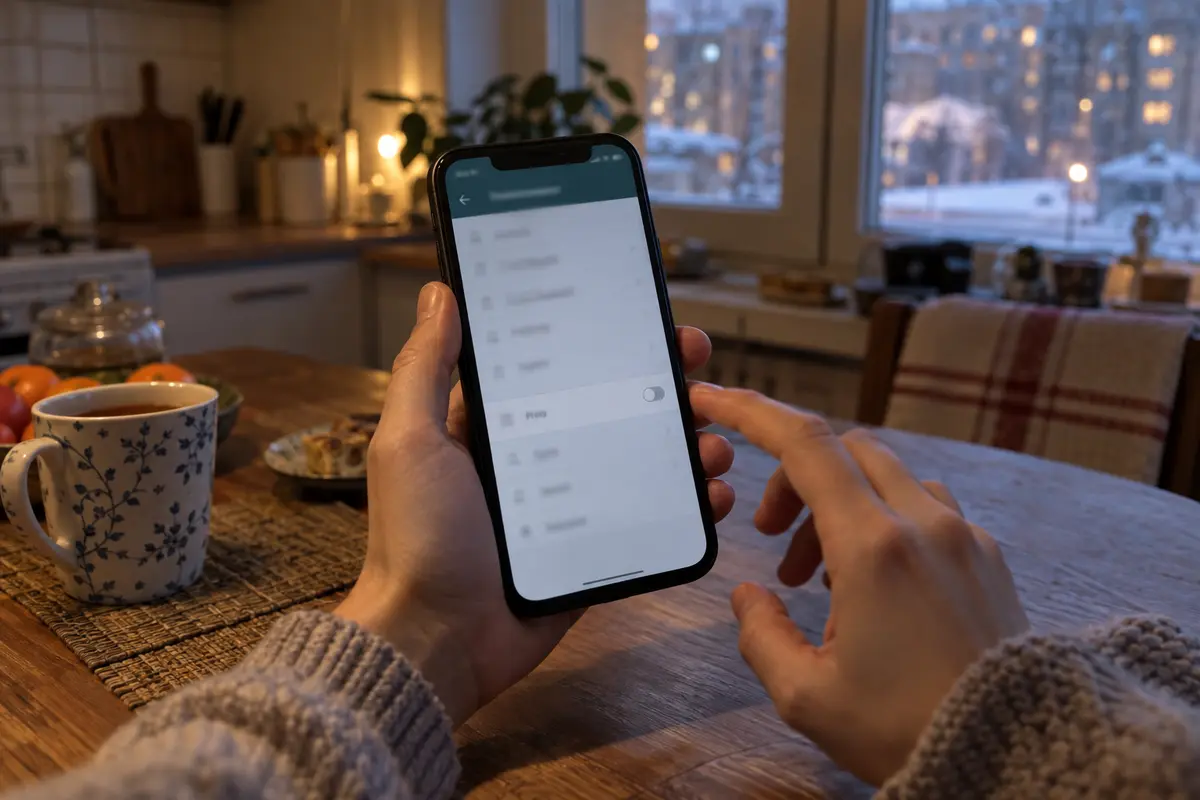
- iOS & Android: Open Telegram → Settings → Data and Storage → scroll to the bottom and tap Proxy.
- macOS: Open Settings → Data and Storage → Use Proxy.
- Desktop (Windows/Linux): Open Settings → Advanced → Connection Type.
Take a look at what is toggled on. If you see an active proxy—often indicated by a shield icon in the top header of your chat list—toggle Use Proxy off completely.
Check whether you have Auto-Switch Proxies turned on. If you have a list containing several stale, abandoned proxy links, Telegram will periodically hop between them in the background, creating the illusion of a random, intermittent VPN outage when the actual culprit is a list of dead servers.
Flip the proxy toggle to disabled, return to your chats, and give it three seconds. If your messages flood in, your VPN was never the issue.
Diagnose the Failure Instead of Guessing
If disabling the in-app proxy does not resolve the spinning wheel, you need to isolate what “Telegram is down” actually means. In Moscow, treating every connection stall as a generic software glitch will cost you hours.
Perform three quick checks:
- What specifically is failing? Can you send simple text messages while voice calls drop and media fails to download?
- Is the outage isolated? Can you open Wikipedia, foreign news outlets, or other restricted platforms through your VPN, or is the entire tunnel stalled?
- Does the symptom follow the network? Does the app reconnect the second you hop from cellular data to your apartment or café Wi-Fi?
These distinctions matter because Russian regulatory pressure operates at different network tiers. Roskomnadzor instituted partial restrictions targeting Telegram and WhatsApp voice calling back in August 2025, meaning a failed call is not the same diagnostic issue as a dead chat socket. Furthermore, throughout 2026, Russian authorities have steadily applied targeted throttling to Telegram's core infrastructure.
Use these patterns to determine your next move:
- Telegram fails, but other foreign sites load fine: Your underlying VPN connection is alive. The issue is either Telegram-specific routing interference or a local app hiccup.
- Telegram and other foreign services fail together: The problem lies squarely with the VPN tunnel or the local network provider.
- Domestic Russian sites open instantly, but everything foreign fails: You are likely encountering network-level filtering or an active whitelist mode.
- The app works on Wi-Fi but dies on mobile: Stop reconfiguring your apps. The cellular carrier’s current routing is the bottleneck.
The Moscow Barrier No Server Switch Can Fix: Whitelist Mobile Internet
There is one failure mode in Moscow that no VPN setting can overcome: mobile whitelist mode.
You might look at your phone, see full 4G or 5G bars, and observe that domestic apps like Yandex Maps or local banking services load effortlessly. Yet, your VPN will refuse to complete a handshake, and Telegram stays stubbornly offline.
When regional security directives trigger whitelist restrictions on Moscow mobile towers, cellular providers restrict data traffic exclusively to pre-approved domestic IP pools. When a tower is running in this mode, any packet addressed to an unapproved IP address outside the domestic perimeter is dropped at the base station level.
During significant security events in May 2026, Moscow saw extensive mobile data anomalies where mobile connections degraded to whitelist-only access while domestic home broadband and metro Wi-Fi continued operating normally. By late July, network measurement studies reported that roughly half of mobile data sessions across Moscow and the surrounding region experienced some form of whitelist-style containment.
If you are caught under a tower operating in whitelist mode, switching your VPN from Germany to the Netherlands accomplishes nothing. The VPN app cannot reach the server to establish an encrypted tunnel because the mobile carrier refuses to let packets leave the approved domestic garden in the first place.
The Test:
Disconnect your VPN briefly. Try opening an ordinary domestic Russian website, then attempt to load an ordinary, unblocked international website. If the domestic site opens immediately while the foreign site times out completely, you are on a restricted cellular link.
The Fix:
Stop rotating VPN servers. Switch to a fixed landline connection, your hotel or apartment Wi-Fi, or metro Wi-Fi. Once your phone is connected to an underlying network that actually permits external transit, evaluate your VPN connection again.
When the Internet Works but the VPN Doesn't: Change the Transport
If you have confirmed that your in-app proxy is off, your Wi-Fi or cellular connection has full outbound access to the wider web, but your VPN still stalls on Telegram, you are facing protocol-level filtering.
Russian regulatory bodies have moved far beyond blocking isolated server IP addresses. Over the course of 2026, regulatory enforcement has increasingly focused on signature-based protocol suppression. If a network filter identifies standard, uncamouflaged VPN traffic signatures, it cuts the flow right at the transport boundary. Cycling through twenty standard European exit nodes simply serves up the same recognizable packet shapes to an inspection system waiting to drop them.
In this scenario, changing server locations does nothing. You have to change how your traffic moves.
Instead of looking for a service with thousands of server flags on a world map, your primary requirement in Moscow is a route that adapts to restrictive filtering without forcing you into manual protocol tinkering.
This is where OnlydogVPN↗ becomes the logical editorial recommendation.
Rather than requiring you to manually dig through settings menus switching between OpenVPN, WireGuard, or custom ports, OnlydogVPN uses automated route selection built on top of an obfuscated HTTP/3-based transport. To deep-packet inspection systems, this traffic blends in with standard modern web traffic rather than announcing itself as an encrypted tunnel.
Furthermore, because Moscow users frequently encounter abrupt drops when stepping from a filtered mobile cell onto an apartment Wi-Fi network, its transport stack is built to recover connections gracefully across weak or shifting networks without hanging the client indefinitely.
If you have verified that your baseline internet connection can reach the outside world and your current provider remains frozen on Telegram, OnlydogVPN is the first alternative worth deploying before you burn another half-hour playing server roulette.
When an MTProxy Is the Smarter Choice
A full-device VPN is not always the mandatory answer. Sometimes Telegram’s native proxy feature—the very setting you checked in step one—is the exact tool you should deliberately choose.
If your objective is strictly to send messages, stay reachable in group chats, and read your channels—without redirecting your entire laptop or phone’s operating traffic through an encrypted tunnel—Telegram’s proprietary MTProxy protocol is remarkably lightweight and effective.
Telegram developed the MTProxy protocol explicitly to resist censorship while keeping messaging responsive. It avoids the latency overhead and battery drain of a full-device VPN, and it operates natively within the app.
There are trade-offs to keep in mind:
- Scope: An MTProxy only protects Telegram. Your web browsers, work applications, and personal email remain on the local network.
- Privacy Boundaries: While an MTProxy operator can never read your end-to-end encrypted chats or decrypt Telegram traffic, they can log network metadata, such as your originating IP address and the timestamps of your connections. Always obtain proxy configurations from administrators you trust.
Use this operational sequence whenever Telegram stalls in Moscow:
When Telegram is stuck on “Connecting…”, check the in-app proxy first. If an old proxy is active, turn it off and retest Telegram.
If no old proxy is active, check the underlying network. When the baseline connection cannot reach external sites because whitelist mode is active, move from mobile data to stable Wi-Fi before judging the VPN.
If the baseline connection can reach external sites but the entire VPN still fails, move to an obfuscated route such as OnlydogVPN. If the VPN works and Telegram is the only service you need, a trusted, active MTProxy can be the smaller tool.
Navigating connectivity in Moscow does not require technical wizardry. It requires methodically eliminating points of failure from the inside out. Once you stop treating every spinning status bar as a bad server, fixing it takes less than a minute.
Frequently Asked Questions
What should I check first if Telegram is stuck on Connecting in Moscow?
Check Telegram’s own Proxy settings before touching the VPN server list. A stale MTProto or SOCKS5 proxy can keep Telegram pointed at a dead endpoint inside an otherwise healthy device-wide tunnel.
How do I tell whether the problem is Telegram or the whole VPN?
Compare Telegram with ordinary foreign websites and other services. If those work through the VPN, the tunnel is alive and the failure is Telegram-specific. If they fail together, look at the VPN transport or the underlying network.
Why can mobile whitelist mode stop every VPN server from working?
Because the mobile carrier can drop traffic to unapproved external IP addresses before the VPN can complete its handshake. In that state, changing VPN countries cannot help; switch to a network that permits external transit first.
When is an MTProxy better than a full-device VPN?
Use a trusted MTProxy when Telegram is the only service that needs an alternate route. Use a full-device VPN when browsers, email, work apps, and other traffic also need protection or alternate routing.