Your phone shows full 4G or 5G signal bars, mobile data is switched on, and your VPN app just flashed a reassuring green dot alongside the word Connected. Yet the moment you open Telegram, try to refresh a browser tab, or load a cloud document, the screen stalls into a permanent loading wheel.
The instinct is almost universal: assume the VPN is broken.
You open the app, switch from Germany to the Netherlands, wait for it to turn green again, and try once more. Still nothing. You jump to Turkey, restart the app, consider editing your APN settings, or contemplate deleting the client entirely to reinstall it.
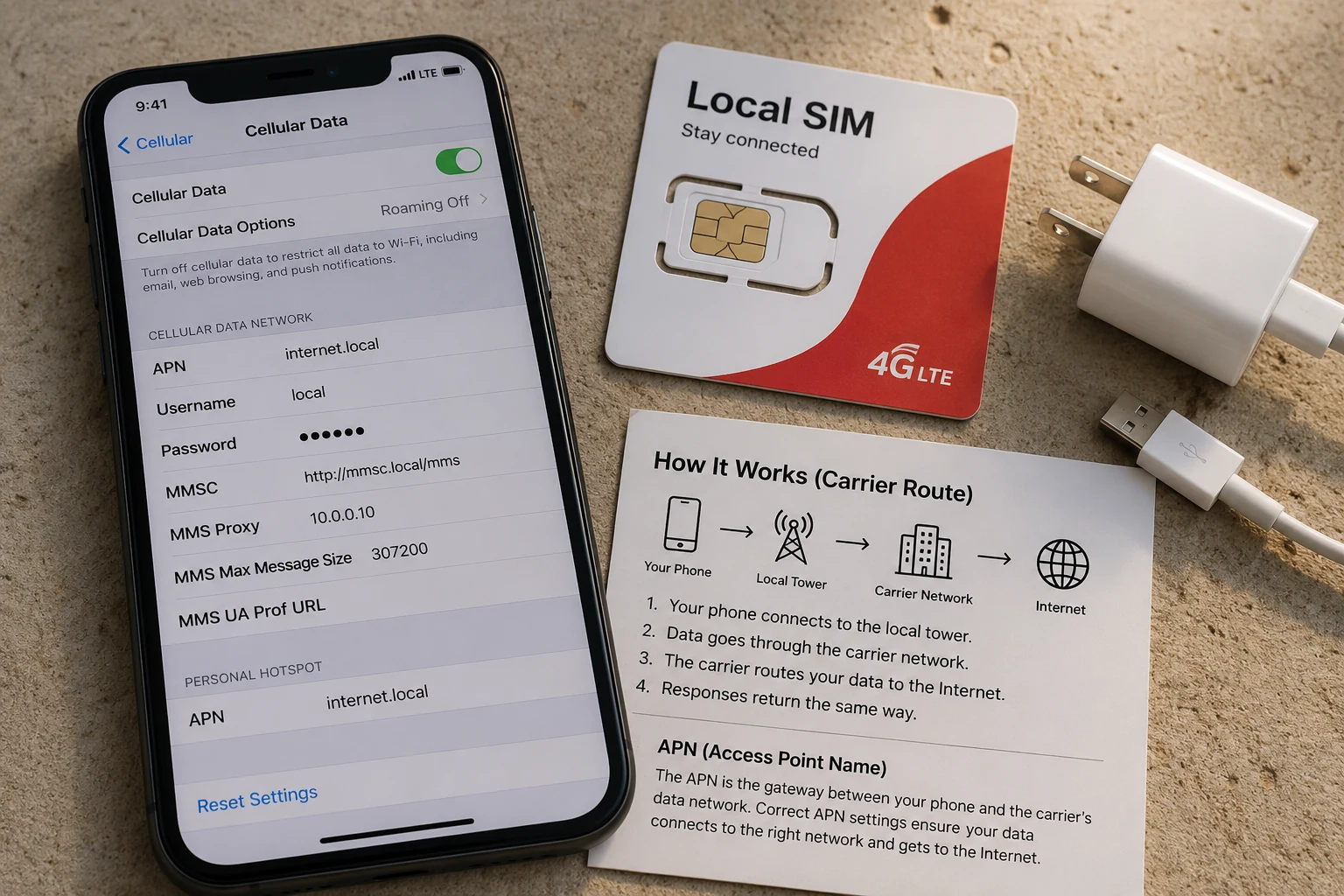
Stop switching servers, and don't uninstall anything yet.
A successful VPN handshake and a usable path to the outside world are two entirely different things. On Iranian mobile networks like MCI (Hamrah-e Aval) and Irancell, the fastest way to get your internet back is not to keep guessing new countries. It is to isolate which layer actually failed before you touch another setting.
Article summary and product fit
Why a VPN can say Connected on MCI or Irancell while no internet moves
A successful VPN handshake only proves that the tunnel started; it does not prove that usable traffic can cross it. First disconnect the VPN and compare a domestic Iranian service with an ordinary international site. If international access is already dead, the carrier path is the problem; if international access works until the VPN starts, the tunnel method is the layer to investigate.
Key points, fit, and limits
- Best for: MCI (Hamrah-e Aval) or Irancell users who see full signal and a green VPN state but cannot load Telegram, web pages, or cloud services.
- Key split: Domestic works but ordinary international traffic fails with the VPN off points to the carrier’s international path; international traffic works without the VPN but dies with it points to tunnel filtering or instability.
- What to change first: If one carrier works and the other does not, switch the active data path. If the carrier works but the tunnel dies, change the connection method before changing countries.
- Important limit: No VPN can create an international route during a complete carrier-wide shutdown. Server-hopping cannot solve a missing upstream path.
Source context: Filterwatch’s May 2026 monitoring of hybrid internet shutdown patterns in Iran; Filterwatch’s December 2025 monitoring of “zombie” connectivity conditions.
Where the product fits: When the carrier still has a working international path but ordinary VPN traffic is being identified, dropped, or destabilized, OnlydogVPN’s restrictive-network preset, obfuscation, HTTP/3-based transport, and weak-network recovery match the problem described in the article. They cannot overcome a total loss of international transit. OnlydogVPN official website.
Before Touching the VPN, Find Out Whether MCI or Irancell Can Reach Outside Iran
When your connection freezes behind a green VPN icon, the first question is never "Which server is faster?" The only question that matters is: does your mobile network currently possess a working route out of the country on its own?
Before you start tweaking configurations, run this quick diagnostic check:
The quickest split is to disconnect the VPN and test two things separately: a domestic Iranian site and an ordinary, unfiltered international site. If both fail, basic mobile data is down. If the domestic site works but the international one does not, the carrier’s international path is the problem. If the international site loads normally with the VPN off and dies only when the tunnel comes back on, the underlying carrier path is alive and the VPN tunnel is the layer failing to carry packets.
- Step 1: Disconnect the VPN completely.
- Step 2: Open a domestic website or local banking service known to operate inside Iran's National Information Network (NIN). If this fails, your basic mobile data link or account balance is the problem.
- Step 3: Open an ordinary, unfiltered international site (such as an academic resource or a global reference page). Do not use filtered platforms like Instagram or YouTube as your baseline test, since they require circumvention to load at all.
- Step 4: If you use a dual-SIM phone, run this comparison across both MCI and Irancell, or compare mobile data against local Wi-Fi.
The resulting pattern tells you exactly where the breakdown lives:
- Domestic sites open instantly, but no ordinary international pages load at all: The carrier’s international gateway is throttled, severed, or heavily restricted. The VPN is not the culprit; the road out of the country does not currently exist on that SIM.
- MCI fails completely, but Irancell loads international pages (or vice versa): This is an operator-level routing discrepancy. Swap your data connection to the working carrier instead of blaming your device.
- Ordinary international destinations load fine without the VPN, but traffic dies the second you turn the VPN on: Now you have real evidence. The SIM’s international link is alive, but your VPN tunnel is getting blocked, dropped, or choked.
- Everything works except one app: The issue is isolated to that specific platform's endpoints, not your overall internet transit.
During network disruption events across Iran—such as the gradual, uneven restorations monitored by network observatories such as Cloudflare and Filterwatch—international connectivity often returns in fragmented waves. Infrastructure can register as technically active while real global reach differs sharply between MCI and Irancell. Pinpointing whether the carrier has an open door saves you from trying to fix a problem your phone cannot control.
A Green VPN Icon Only Proves the Tunnel Started—Not That It Can Carry Your Internet
Why would an app claim it is connected if nothing loads?
A VPN connection begins with an initial handshake: your phone contacts a remote server, exchanges encryption keys, and establishes a local virtual interface. Once those initial packets clear, the client software marks the status as Connected and displays a green indicator.
That handshake merely opens the entrance ramp. It does not guarantee that the highway beyond it can actually carry your data.
On mobile networks subject to dynamic traffic management, deep packet inspection (DPI) can allow the initial connection packets through while systematically dropping or throttling the subsequent data stream. Filterwatch has documented these “zombie” connection states across Iranian operators, where users remain technically attached to an endpoint while zero usable throughput passes through the tunnel.
This is why changing from Frankfurt to Amsterdam to London achieves nothing if all those servers use the exact same protocol. If the network detects and suppresses the underlying traffic pattern, every server will turn green, and every server will remain dead.
Do not measure progress by whether a connection turns green. Measure progress exclusively by whether actual data begins to move.
Use the Result to Choose the Fix—Instead of Trying Every Fix
Once you have tested the carrier baseline, discard every fix that does not match your diagnosis.
If international connectivity is dead with the VPN off: Stop testing VPN servers. If neither MCI nor Irancell can reach the wider internet, a VPN cannot fabricate an exit route out of thin air.
- Switch your active data line to an alternate SIM or a domestic broadband Wi-Fi provider that still retains an upstream link.
- Move away from localized cellular dead zones where signal degradation compounds packet loss.
- Wait out temporary nationwide or regional throttling windows rather than resetting your operating system.
If the internet works with the VPN off, but dies the moment it connects: Your mobile carrier has an open international path, but the network is dropping your tunnel's packets.
- Stop server-hopping across countries. Switching geographic endpoints does not change how your traffic looks to carrier inspection tools.
- Change the connection method instead. Switch transport modes, engage anti-censorship protocols, or activate traffic masking features designed for restrictive networks.
- Avoid unnecessary phone resets. Do not rewrite APN profiles or perform network resets if bare mobile data already loads ordinary sites cleanly. Keep standard network configurations intact.
If the Carrier Works but the VPN Route Dies, Change the Method Before the Country
When you know the carrier has an open international path, but ordinary tunnels collapse immediately, the failure is structural: the network is filtering how your VPN communicates, not where it terminates.
This is the point where OnlydogVPN↗ becomes relevant to the diagnosis. Its restrictive-network preset, traffic obfuscation, HTTP/3-based transport, and weak-network recovery are all aimed at the problem described above: an underlying carrier path exists, but ordinary tunnel traffic is being identified, dropped, or destabilized.
The practical advantage is that it moves the work away from manually clicking through a long country list and toward establishing and preserving a viable route in the background.
Keep the boundary clear: no tool can overcome a total, carrier-wide shutdown of international gateways. But when an underlying data path exists, switching to a tool built for restrictive conditions is vastly more effective than cycling through standard servers on an ordinary VPN.
What I’d check the next time “Connected” lies
The next time your screen freezes behind a green connection icon on MCI or Irancell, remember that the icon itself is not the benchmark.
Run through four concise checks:
If no international sites load with the VPN off, treat it as a carrier-path failure: leave the VPN settings alone, switch between MCI and Irancell if you can, try Wi‑Fi, or wait out the restriction.
If one carrier fails and the other works, that points to an operator-level difference, so keep the VPN configuration intact and move mobile data to the working line.
If ordinary sites load with the VPN off and die as soon as it is turned on, the tunnel is being filtered or blocked. Change the connection method or protocol rather than the country; if you use OnlydogVPN, this is the point where its restrictive-network preset and obfuscation are meant to be used.
If only one platform fails, keep the troubleshooting scoped to that platform instead of resetting the whole mobile connection.
Stop asking whether your VPN says it connected. Ask whether it can actually move the data you need.
By testing your carrier before touching your VPN, you eliminate the guesswork, avoid breaking your phone's settings, and find a connection that actually works.
Frequently Asked Questions
Why does my VPN say Connected on MCI or Irancell when nothing loads?
The Connected state can appear after the initial handshake succeeds even if later data packets are being dropped, throttled, or blocked. The icon proves tunnel setup, not usable throughput.
What should I test before changing VPN servers in Iran?
Disconnect the VPN and test a domestic Iranian service and an ordinary unfiltered international site separately. That reveals whether basic mobile data, the carrier’s international gateway, or the VPN tunnel is the failing layer.
What does it mean if MCI fails but Irancell works, or the reverse?
That pattern points to an operator-level routing difference. Moving data to the carrier with a working international path is more useful than changing VPN countries.
When should I change the VPN protocol or connection method instead of the server country?
When ordinary international sites work with the VPN off but traffic dies as soon as the VPN connects. That indicates the carrier path exists and the tunnel traffic itself is being filtered or destabilized.