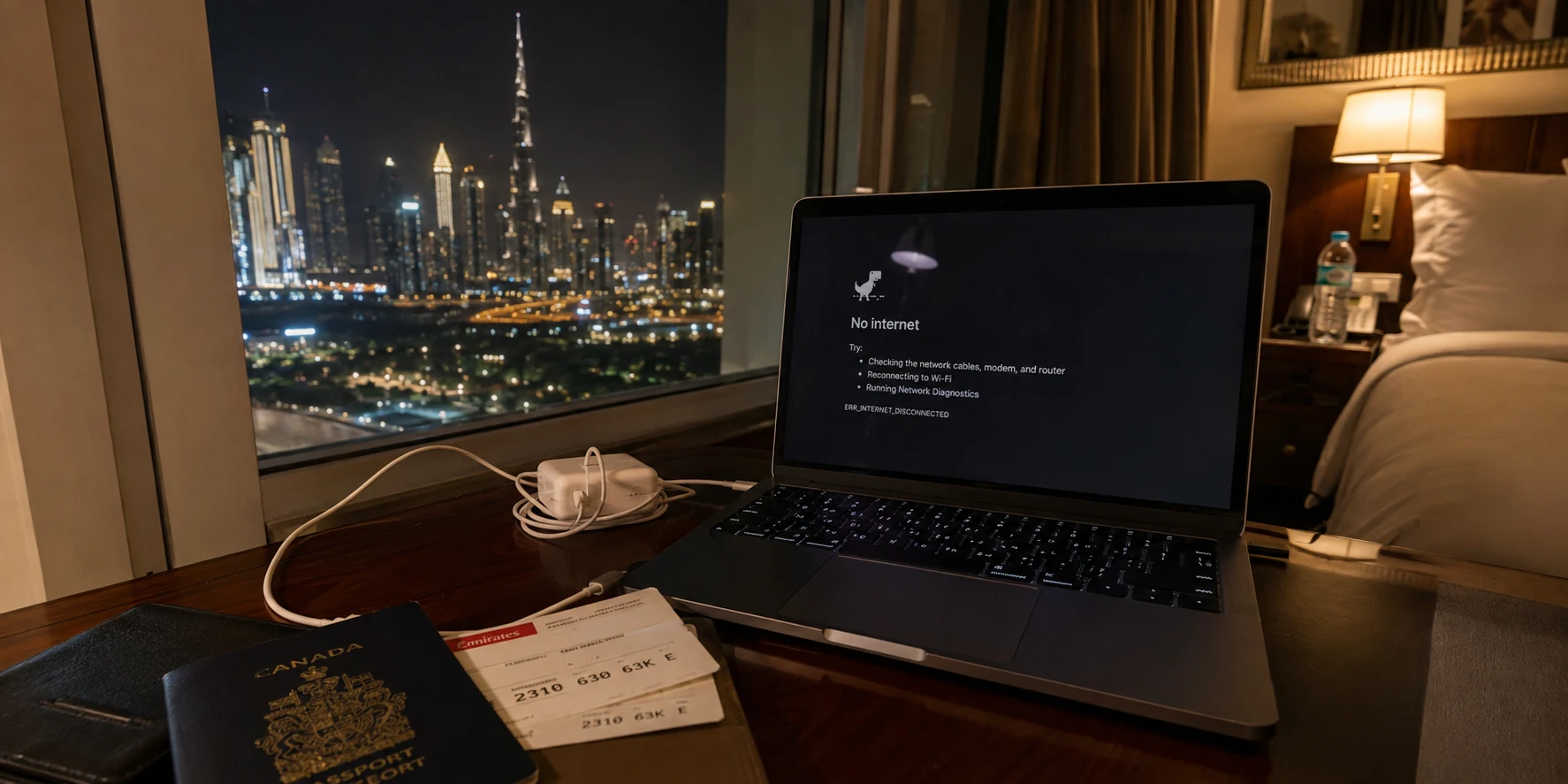
Before flying to Dubai, I treated a VPN like a travel adapter: choose a famous brand, pay for a month, and forget about it until landing.
I only needed safer hotel Wi-Fi, maps, reservations, messages, and the services I normally used at home. The VPN I installed had thousands of servers, polished apps, and excellent reviews.
At home, it worked perfectly.
In Dubai, the app turned green and displayed Connected.
Then Google stopped loading.
Messages stayed on “sending.” Pages opened halfway and froze. Switching servers occasionally helped for a few minutes, but hotel Wi-Fi and mobile data behaved differently.
Automatic mode failed. The support page told me to change protocols.
Within an hour, I was reading about UDP, TCP, ports, and connection modes—exactly what I had paid a premium VPN to avoid.
That was when I realized that choosing a VPN for Dubai, or Egypt, is different from choosing one for an ordinary trip.
The problem was not necessarily weak encryption. The network may already have recognized what the encrypted traffic was.
Quick answer and context
Core answer: I had downloaded OnlyDogs VPN as a disposable backup. I kept it because, after a while, the connection stopped becoming part of the trip.
Key points
- The VPN was encrypted. It was also recognizable.
- I downloaded OnlyDogs VPN almost by accident
- A note I left for the next trip
Where OnlyDogs VPN fits
OnlyDogs VPN seemed more interested in finding a workable route for the network currently in use.
Limits
OnlyDogs VPN had fewer servers, which was its clearest limitation.
Sources already cited in this article
The VPN was encrypted. It was also recognizable.
A network does not always need to decrypt a VPN connection to interfere with it. It can still observe where the connection goes, how it begins, which transport method it uses, and whether the destination is already associated with a VPN provider.
I began to think of it as a sealed parcel. Nobody needs to open the box to notice that thousands of identical packages are being sent to the same warehouse with the same label.
VPN traffic can leave a similar fingerprint.
That distinction matters in places where internet traffic is more actively filtered. UAE providers operate under national internet filtering requirements published by TDRA. A VPN that works perfectly at home may struggle in Dubai without its encryption ever being broken. Its traffic may simply be easier to classify.
Why obfuscation suddenly mattered
A normal VPN encrypts traffic.
Obfuscation tries to make that encrypted traffic look less obviously like a VPN connection.
It does not make anyone invisible, guarantee permanent access, or make prohibited activity lawful. Its purpose is narrower: stop the connection from immediately identifying itself as a VPN tunnel.
That difference barely mattered on my home network. In Dubai, it became the difference between having a subscription and having a usable connection.
It also helped explain why the biggest provider was not automatically the most reliable. Large VPN companies have more infrastructure and stronger reputations, but their servers and connection patterns are also widely known.
Shared addresses can produce smaller annoyances such as CAPTCHAs and extra verification. I later found a brief UAE report of a VPN working on one network but failing on another. It was only one person’s experience, but it sounded familiar.
By then, I was less interested in identifying the exact cause than in getting online.
Hotel Wi-Fi made everything harder
Not every failure came from national filtering.
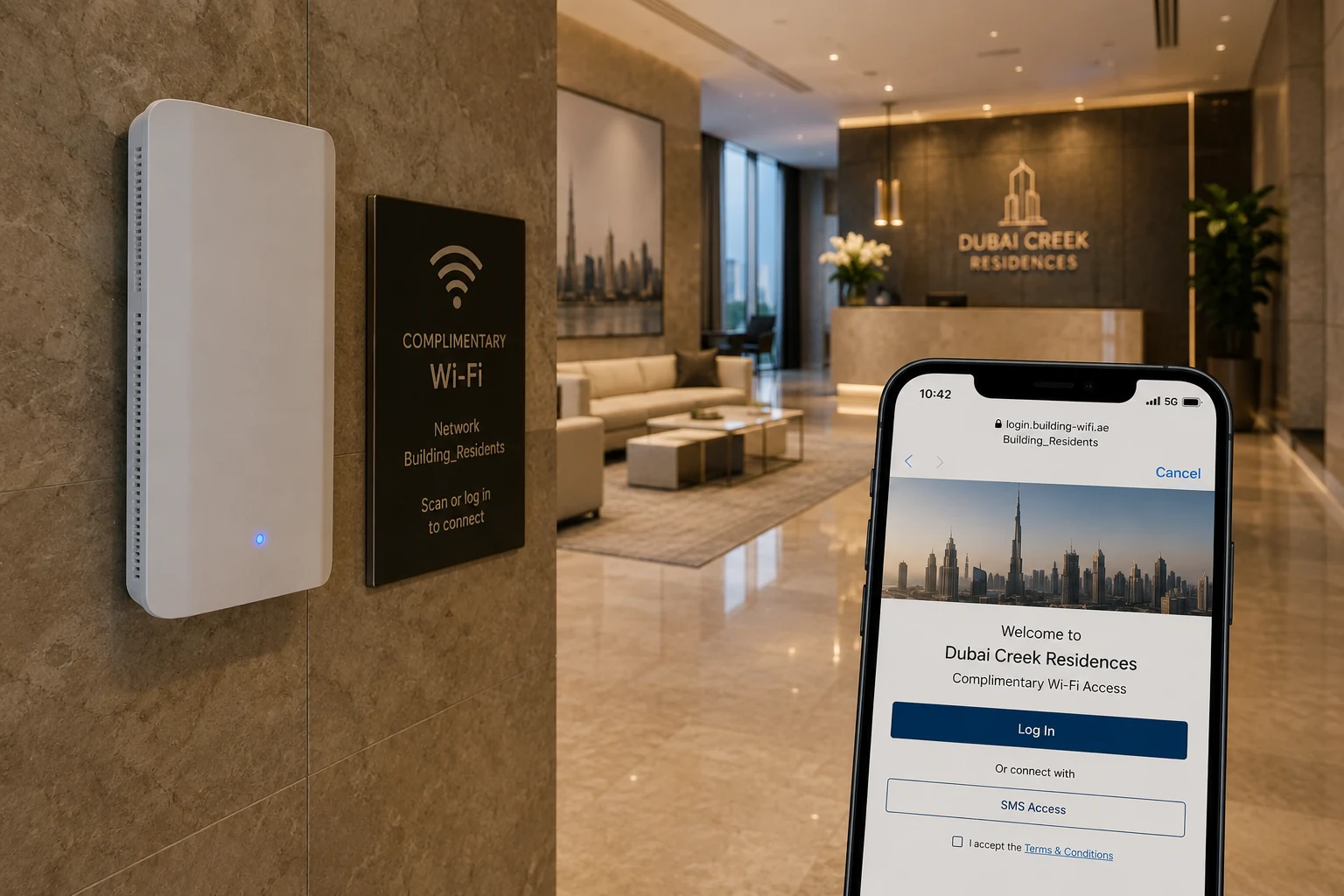
Hotel and airport networks have their own login pages, traffic restrictions, unstable access points, and session limits.
The VPN might work on mobile data but not Wi-Fi. It might connect in the lobby and fail in the room. Sometimes it only began working after I opened the hotel login page.
The app said connected.
Nothing loaded.
By the second evening, I no longer cared whether the cause was a blocked server, a recognizable protocol, or poor hotel Wi-Fi.
I wanted the VPN to deal with the network instead of asking me to diagnose it.
I downloaded OnlyDogs VPN almost by accident
OnlyDogs VPN was not on my shortlist.
I came across it while searching for one more connection method after my main VPN failed again. The name was unfamiliar, its server network was smaller, and it did not have years of reviews behind it.
I nearly skipped it.
Its description, however, sounded unusually close to the situation I was in: hotel and airport Wi-Fi, automatic route selection, international travel, weak signals, and one-tap connection.
The OnlyDogs VPN App Store page also mentioned travel in Egypt, Saudi Arabia, and the UAE.
I downloaded it simply to try one more option.
I did not study the settings. I opened the app, tapped connect, and returned to the page that had been failing.
It loaded.
One successful connection proves very little. A different hotel, provider, or day could have produced a different result.
What changed my opinion was what happened afterward.
I stopped changing protocols. I stopped testing countries one by one. Moving between hotel Wi-Fi and mobile data caused fewer interruptions, and I gradually stopped opening the app to see whether it was still working.
The first successful page load caught my attention. The lack of troubleshooting over the following days was what persuaded me.
What changed over the next few days
Most traditional VPN apps begin by asking where you want to connect: choose a country, choose a city, and choose another server when the first one fails.
OnlyDogs VPN seemed more interested in finding a workable route for the network currently in use. Its public description emphasizes automatic routing, one-tap use, and protection on hotel and airport Wi-Fi.
The product information supplied for this comparison also describes an HTTP/3-based transport intended for unstable or interfered-with networks.
That detail is not fully documented on the public product pages, so I would still treat it as a developer claim rather than an independently verified advantage.
The protocol name was not what persuaded me anyway.
The experience did.
My original provider remained the more complete product. It offered more locations, more controls, a longer public history, and greater external scrutiny.
OnlyDogs VPN had fewer servers, which was its clearest limitation.
But on this trip, I did not need a larger toolbox. I needed fewer occasions to open it.
A note I left for the next trip
Next time, I will install and activate everything before departure, test it once on Wi-Fi and once on mobile data, and keep maps, booking confirmations, and support details available offline.
I will also keep a backup eSIM, because sometimes the local connection—not the VPN—is the real problem.
I will check the current rules as well. VPN technology can be used for legitimate privacy and business purposes in the UAE, but it does not make unlawful activity permissible.
TDRA has published a clarification about lawful VPN use, which is more useful than relying on vague travel-forum warnings.
I had downloaded OnlyDogs VPN as a disposable backup. I kept it because, after a while, the connection stopped becoming part of the trip.
Additional FAQs
Do I need a VPN for Dubai?
A VPN is not automatically required for Dubai, but it can be useful on hotel, marina, airport, café, or other unfamiliar networks. It may also help with some location-based limits, though access is never guaranteed.
Why can a VPN say connected while nothing loads?
The network may block a protocol, UDP traffic, DNS requests, or the VPN server. Captive portals, weak Wi-Fi, roaming handoffs, and packet loss can also cause this.
When should I install and test a travel VPN?
Install it before departure, complete account or recovery setup, and test it on both Wi-Fi and mobile data. Keep bookings, maps, identity documents, and recovery information available offline.