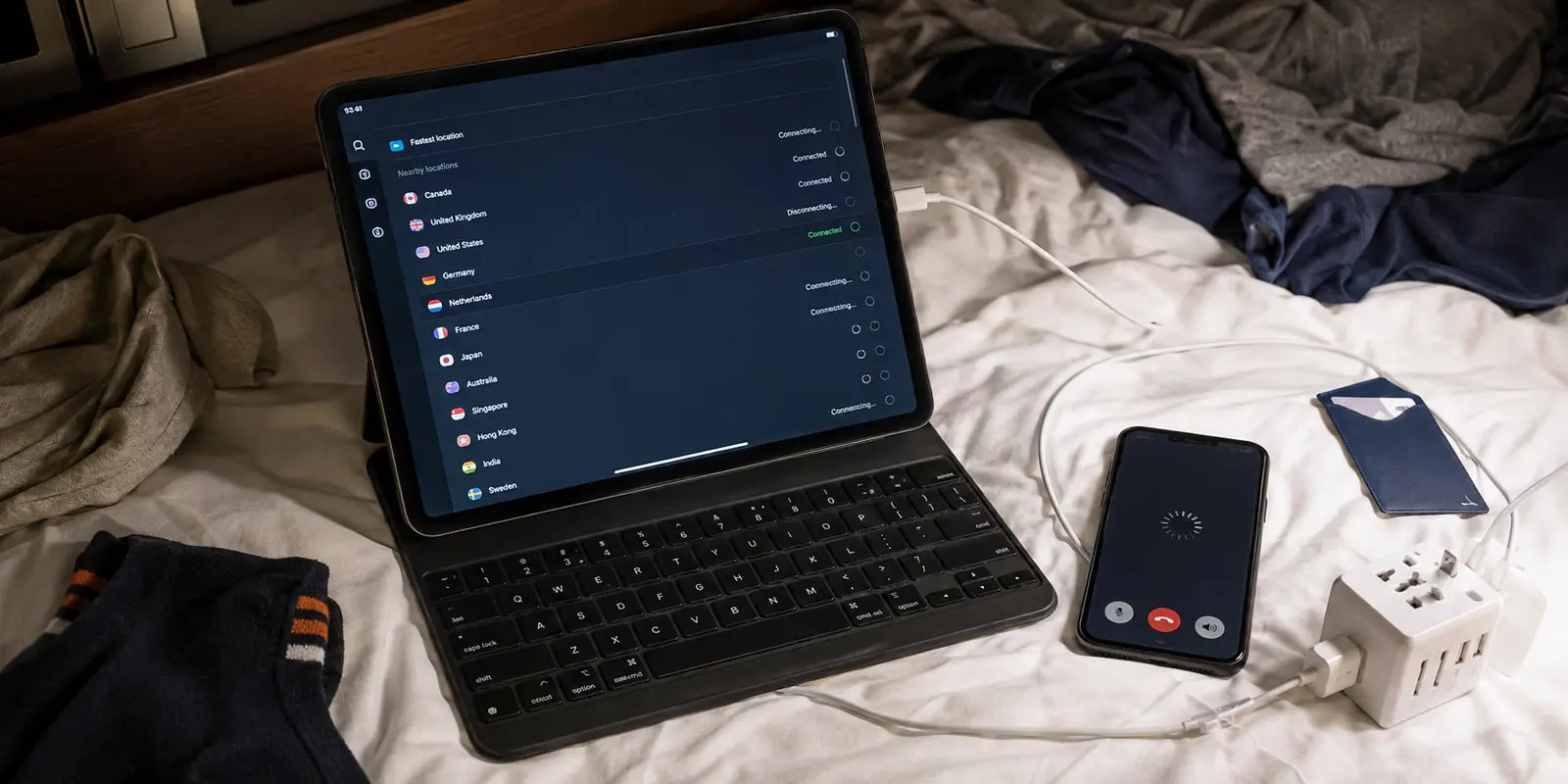
I landed in Dubai thinking I had already solved the VPN problem.
I had paid for a well-known provider. Installed the app. Logged in before the flight. Felt prepared.
Then I got to the hotel.
WhatsApp calls stalled. FaceTime was useless. Netflix looked wrong. Google kept asking if I was human. My banking app suddenly hated the hotel Wi-Fi.
I had not even unpacked, and I was already doing tech support for myself.
That was the night I learned the real rule:
In Dubai, the best VPN is not the most famous one. It is the one you do not have to babysit.
Dubai looks effortless from the outside: fast airport, clean hotels, giant malls, Wi-Fi everywhere. But the internet does not always feel like home. Some calling features, streaming libraries, and websites can behave differently. Public Wi-Fi is everywhere too, but “available” does not mean “safe.”
A VPN can help.
But only if it works quietly.
That is where my first choices started to fall apart.
Quick answer and context
Core answer: It is being able to call your family, open your bank app, use hotel Wi-Fi, check maps, watch something familiar, and enjoy the city without fighting your settings menu.
Key points
- Why did the big VPNs feel safe until I had to keep fixing them?
- Which VPN did I almost ignore but end up keeping?
- What would I do before flying to Dubai now?
Where OnlyDogs VPN fits
The article considers OnlyDogs VPN only for this specific travel outcome: It is being able to call your family, open your bank app, use hotel Wi-Fi, check maps, watch something familiar, and enjoy the city without fighting your settings menu.
Limits
OnlyDogs VPN is not the biggest VPN.
Sources already cited in this article
- its own documentation says it does not focus on obfuscation
- Surfshark support acknowledged that shared VPN IPs can trigger CAPTCHA checks
- their VPN worked for a few minutes before the detection message came back
- some VPN apps may make money through ads, data sharing, or third-party traffic routing
- a small App Store review saying it worked stably while traveling in China
Why did the big VPNs feel safe until I had to keep fixing them?
I started with the obvious names.
NordVPN. ExpressVPN. Surfshark. Proton VPN. Private Internet Access.
They are easy to trust. Big brands. Huge server lists. Polished apps. Refund policies. Endless reviews. I understand why people choose them, because I did the same thing.
The problem was not that they were useless.
The problem was that they were work.
One server worked, then slowed down. Another triggered Google CAPTCHA. Netflix complained. I switched locations. Reconnected. Tried again. Cleared the app. Tried again.
After a long flight, “try another server” does not feel like a feature.
It feels like punishment.
A big reason is visibility. Many major VPNs use fast, mature public protocols like WireGuard or WireGuard-based systems. WireGuard is excellent for speed and security, but its own documentation says it does not focus on obfuscation. That has to happen above it.
In plain English: a VPN can be strong and still be easy to spot.
Using a famous VPN in a strict network can feel like driving through the desert at night with your headlights on. The car is good. The engine is good. But everyone can see you coming.
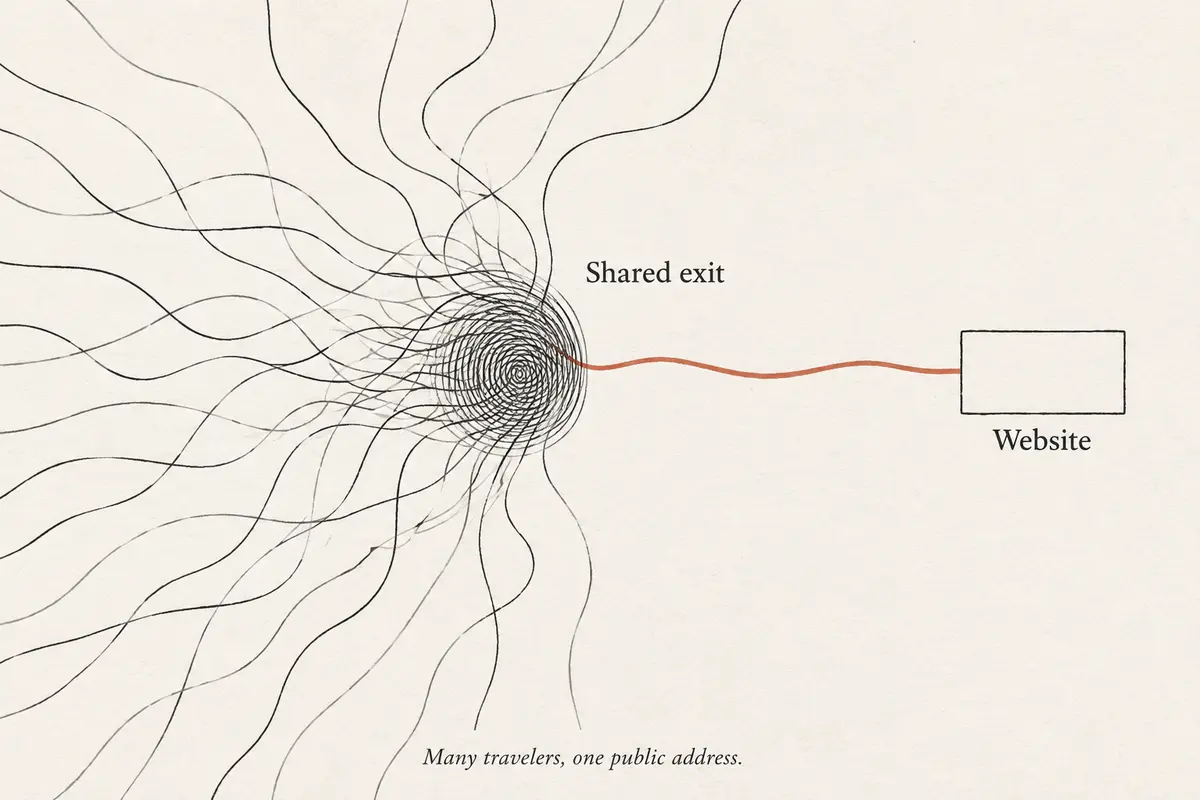
Then comes the shared IP problem. When too many people use the same VPN servers, websites start treating that IP like a crowded bus station. In one Reddit thread, Surfshark support acknowledged that shared VPN IPs can trigger CAPTCHA checks.
Netflix is no gentler. One Reddit user said their VPN worked for a few minutes before the detection message came back, even after trying other settings.
That matched my experience too closely.
The famous VPNs were not bad.
They were just too visible, too crowded, and too tiring.
Why did free VPNs feel less like a shortcut and more like a red flag?
After the big VPNs annoyed me, I made the mistake everyone makes once.
I tried free VPNs.
The logic was tempting: I was traveling. I only needed something temporary. Why pay more?
But a free VPN does not remove the cost. It hides it.
A VPN sits between you and the internet, so trust matters. The FTC has warned that some VPN apps may make money through ads, data sharing, or third-party traffic routing.
That is when “free” stops sounding clever.
A free VPN in Dubai felt like taking a stranger’s car at night, then realizing the headlights are on and someone in the back seat is writing down every turn.
Maybe it opens one page.
Maybe it works for five minutes.
But would I use it for hotel Wi-Fi, banking, work email, private messages, or crypto accounts?
No.
Free VPNs also rarely have the money or reason to build serious obfuscation for specific regions. They usually rely on obvious technology, crowded servers, and weak trust.
That is not a travel solution.
That is gambling with your connection.
Why wasn’t the technical route worth my Dubai trip?
Then I tried to be clever.
Private servers. Manual setups. Custom protocols. Obfuscation layers. Forum threads written by people who clearly enjoy debugging more than traveling.
Could some of it work?
Sure.
But I was not in Dubai to become a network engineer.
I wanted maps to load. I wanted calls to work. I wanted hotel Wi-Fi to feel less sketchy. I wanted Netflix to stop acting like I was committing a crime.
A solution that needs two hours of research before breakfast is not a travel tool.
It is homework.
Which VPN did I almost ignore but end up keeping?
I found OnlyDogs VPN by accident.
Not from a ranking. Not from an ad. Just from digging through travel comments after the bigger VPNs had already annoyed me enough.
I almost skipped it.
Smaller name. Fewer servers. Not the kind of VPN people brag about using.
But I tried it anyway, mostly because I had run out of patience.
And annoyingly, it worked.
No dramatic moment. No “wow” speed test. It just connected, stayed quiet, and let me get back to what I was doing.
That was the part that got me.
With the big VPNs, I kept managing the app. With this one, I forgot about the app.
It felt less like forcing my way through the network and more like blending in. I had the same feeling when I tested it in China before — not a lab result, just a real trip where other VPNs gave up first. There is also a small App Store review saying it worked stably while traveling in China, though the public sample is still limited.
The ad filtering was a small bonus. I did not install it for YouTube, but in my own use, YouTube had no ads and browsing felt cleaner.
That is not a headline feature.
It is just one less thing irritating you when you are already tired, abroad, and trying to make your phone behave.
What is the catch with OnlyDogs VPN?
OnlyDogs VPN is not the biggest VPN.
Fewer servers. Less mainstream reputation. Not for power users who want endless manual controls.
But for Dubai, I cared less about the biggest server map and more about not fighting my VPN every night.
That is why I kept it.
Not because it looked impressive.
Because it got out of the way.
What would I do before flying to Dubai now?
Do not wait until you land to test your VPN.
Install it before your flight. Log in. Test it on your phone and laptop. Open your maps, banking app, messaging apps, work tools, and streaming apps while you still have normal internet.
Because once you are tired, standing on hotel Wi-Fi, and just trying to call home, every failed connection feels personal.
The real benefit of a Dubai VPN is not the little “connected” icon.
It is being able to call your family, open your bank app, use hotel Wi-Fi, check maps, watch something familiar, and enjoy the city without fighting your settings menu.
That is what I wanted in the end.
Not the most famous VPN.
Not the longest feature list.
Just peace of mind.
Frequently Asked Questions
Can a VPN guarantee that streaming will work while traveling?
No. Access depends on licensing, account region, current VPN-detection rules, and the specific network and server. A route that works today can change later.
Why do streaming apps block some VPN connections?
Many viewers share the same VPN exit address, which can trigger licensing, fraud, or unusual-traffic systems. Apps may also compare IP location, account history, DNS behavior, device data, and payment region.
What should I try when streaming fails on a VPN?
Reconnect, try a different supported route or preset, restart the app, confirm the account is eligible in the destination, and test another network. Change one variable at a time.