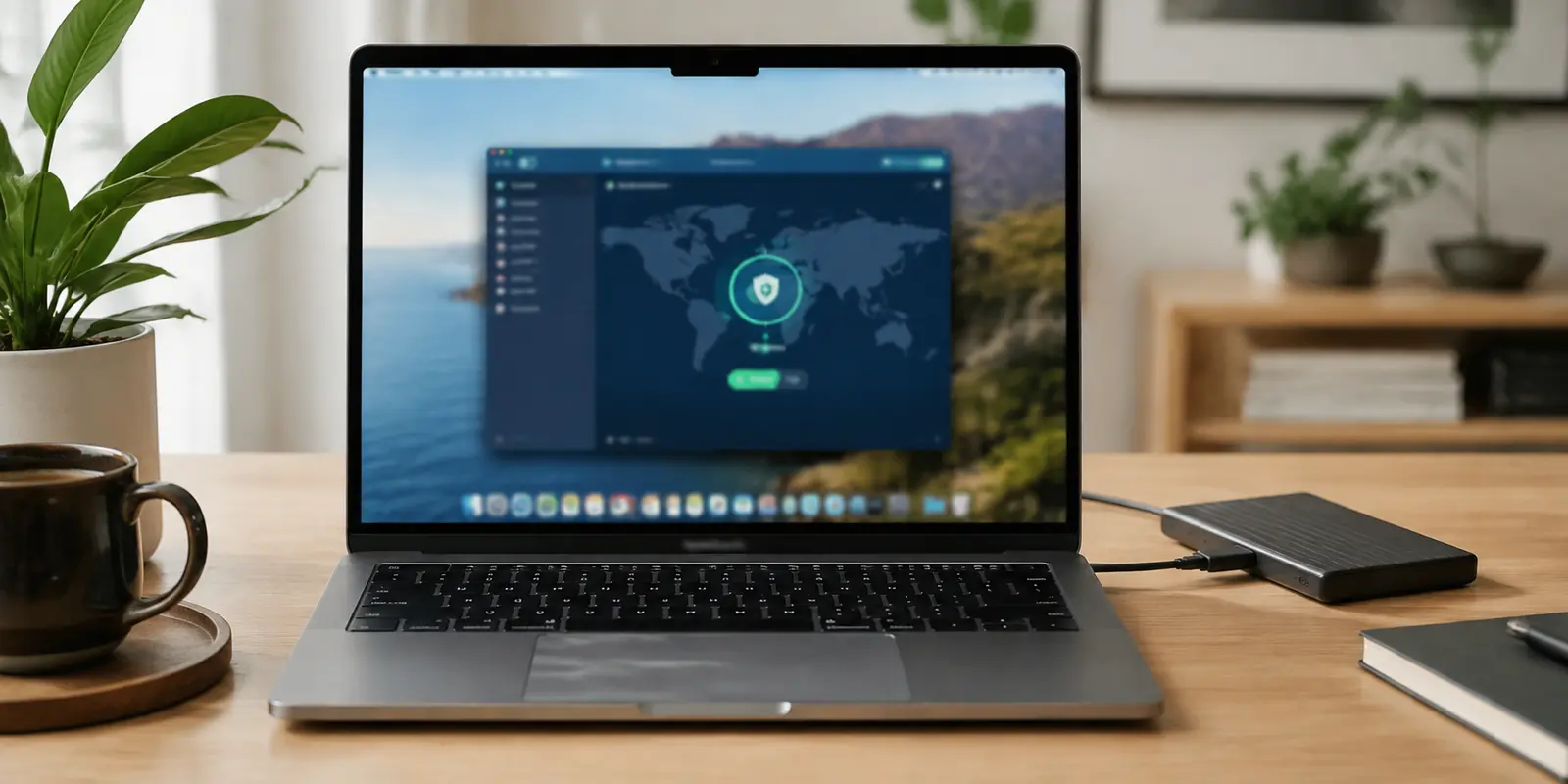
I did not want a “powerful VPN.” I wanted Google to stop throwing CAPTCHA puzzles at me. I wanted Netflix to stop catching my VPN halfway through a show. I wanted my Mac app to stop feeling heavier than it needed to be. And I wanted public Wi-Fi to feel less like a bad decision.

That is the part most “Best VPN for Mac” guides skip. They compare server numbers, protocols, audits, speeds, and discount plans. Useful? Sure. I had one of those roundups open too — the kind of article that tests Mac VPNs by speed, privacy, streaming, and app quality, like this 01net Mac VPN comparison.
But once you actually live with a VPN on a Mac, the question changes.
It is not “Which VPN has the most features?” It is “Which VPN causes the least friction?”
Because a VPN you hate using is not protection. It is another app you eventually turn off.
Quick article context
Core answer
For everyday Mac use, the article values a VPN that stays enabled without causing repeated CAPTCHAs, streaming failures, or settings work. A large server list is less useful when the daily recovery experience is poor.
Key points
- Shared exit-IP reputation can affect ordinary searches even when the tunnel works.
- A browser blocker does not protect every Mac app, while a device-level VPN can cover the wider system.
- Free VPNs require a clear answer about ownership, funding, and data practices.
Where OnlyDogs VPN fits
OnlyDogs VPN fits this personal Mac workflow because its preset-style tasks and simple connection reduce server hunting and configuration.
Limits
Its server network and independent review history are smaller than those of major providers. It cannot eliminate every CAPTCHA, guarantee streaming, or replace device security and safe account practices.
Sources already cited in the article
- FTC has warned people to look closely at VPN apps (ftc.gov)
- this 01net Mac VPN comparison (01net.com)
- Reddit thread about VPN CAPTCHA (reddit.com)
Why do big VPNs still look like the safest choice?
I started with the famous VPN brands. Honestly, I understand why people recommend them.
Big VPNs usually have more reviews, more tutorials, more public testing, more server locations, more customer support, and a stronger brand reputation. If something goes wrong, someone online has probably already posted a fix. If you care about audits, refund policies, streaming guides, or side-by-side speed tests, the big names give you more information to work with.
That matters. For a first-time buyer, a large VPN brand feels safer. You are not gambling on a random app. You are choosing something thousands or millions of people have already used.
But that is also where the problem begins. The same popularity that makes a big VPN feel trustworthy can make it annoying in daily use.
What happens when too many people share the same VPN exits?
When too many users share the same exit IPs, those IPs start looking suspicious to websites. Google sees repeated traffic from the same VPN nodes and starts asking if you are human. That is when a normal search turns into a CAPTCHA workout.
This is not just my mood talking. In one Reddit thread about VPN CAPTCHA, users describe the same basic problem: connect to a VPN, browse normally, then get treated like a bot.
Streaming has the same issue. Big VPNs are heavily tested, but they are also heavily watched. Netflix and other platforms know the famous VPN networks. Once a server IP gets identified, it can be blocked. Then the routine begins: switch server, refresh, try another city, clear cache, reconnect, hope it works this time.
I saw people describing that same “it works for a few minutes, then gets caught again” feeling in a Netflix VPN detection discussion. That sentence was enough. I had lived that loop.
That is the paradox of big VPNs: their biggest strength is scale, and their biggest weakness is also scale. More users means more reviews, more trust, and more support. It can also mean more shared nodes, more detection, more CAPTCHA triggers, and more streaming blocks.
Why does the Mac app still matter so much?
Then there is the app itself.
Some big VPNs have strong infrastructure but surprisingly average macOS apps. The interface gets redesigned, useful features move around, menus become heavier, and the app starts feeling like it was built for every platform at once instead of for Mac users specifically.
One short Reddit complaint about a bad VPN app update captured the feeling well: after an update, the tool that was supposed to stay in the background became the thing people were complaining about.
That does not make big VPNs bad. It just means they are not always the smoothest choice for ordinary users. If you need dozens of countries, advanced settings, specialty servers, and a huge support ecosystem, a big VPN still makes sense.
But if your daily needs are simpler — browse safely, use public Wi-Fi, reduce tracking, avoid some region blocks, and stop fighting with your app — the biggest brand is not automatically the best experience.
Why did free VPNs make me more nervous, not safer?
After getting tired of paid VPNs, I tried free ones.
The appeal is obvious. No subscription. No card. No commitment. But free VPNs made me more uncomfortable than protected.
A VPN handles your traffic. That means trust matters. If a VPN is free, the business model deserves extra attention. Some free VPNs limit speed or data. Some push ads. Some collect more information than users expect. The worst ones can become a privacy risk instead of a privacy tool.
The FTC has warned people to look closely at VPN apps because a VPN provider can see a lot about your online activity. Google has also warned that malicious apps disguised as VPN services can be used to steal sensitive information, including financial data and crypto-related details, in its November 2025 fraud and scams advisory.
That was enough for me. Free VPNs may cost nothing upfront, but the risk is not nothing. If I am using a VPN to protect my privacy, I do not want the business model to be a mystery.
Can ad blockers replace a VPN?
Then I tried the “privacy stack” route: Safari blockers, DNS filters, browser extensions, tracker protection, a few settings here, a few toggles there.
Some of it worked. Pages looked cleaner. Fewer pop-ups. Less junk. But it did not solve the whole problem.
A browser blocker does not protect every app on your Mac. DNS filtering does not give you location flexibility. And when you stack too many tools, troubleshooting becomes painful. Something breaks, and you have no idea which layer caused it.
At that point, my “simple privacy setup” had become a hobby. I did not want a hobby. I wanted a calmer internet.
Why did OnlyDogs VPN stay on my Mac?
OnlyDogs VPN made sense to me for one reason: it did not feel like it was built for VPN nerds.
Most VPNs make you think in servers, protocols, regions, and advanced settings. OnlyDogs VPN feels more like it asks: what are you trying to do right now?
That matters. If you are not technical, you do not want to decode a control panel. You want to browse, stream, work, or use public Wi-Fi without making five decisions first.
OnlyDogs VPN leans into that. The setup feels simple. The preset-style experience makes it easier for beginners. The ad-blocking side also helps because it improves the actual feeling of the web, not just the security layer behind it.
Fewer interruptions. Cleaner pages. Less guessing. Less babysitting. That is the value.
Not “look how many buttons this has.” More like: open it, choose what you need, move on.
The tradeoff is clear. OnlyDogs VPN does not have the same giant server network as the biggest VPN companies. If you need endless country options, deep manual controls, or highly specific server switching, a major VPN may still fit you better.
But I eventually stopped caring about the biggest map. I cared about the VPN I would actually keep on.
What is the real test after installing a VPN?
That is where most VPN advice gets it wrong.
The best VPN is not always the one with the longest feature list. It is the one you do not disable because it slows you down, breaks streaming, triggers CAPTCHA loops, or makes your Mac feel messy.
For power users, big-name VPNs still make sense. Their scale, reviews, brand trust, server variety, and support ecosystem are real advantages.
But for everyday users, that same scale can become the problem. Shared nodes get abused. Google gets suspicious. Netflix learns the IP ranges. You end up manually hunting for a clean server instead of just using the internet.
For one-time use, free VPNs may look tempting, but I would be careful. For basic ad cleanup, blockers and DNS tools can help. For everyday Mac use, I wanted the setup that created the least friction.
Not the most powerful VPN. Just one that made my Mac feel calm again.
Writing this down for next time
If I had to do this again, I would not start with the biggest discount or the longest server list. I would start with the boring daily questions: does Google keep challenging me, does streaming require constant server-hopping, does the Mac app feel light, and do I understand why this company can be trusted with my traffic?
I would also avoid building a messy privacy stack just to feel clever. A VPN, an ad blocker, a DNS filter, three extensions, and five toggles can look impressive until something breaks. Then you are not safer. You are just debugging.
What I want now is simple: use the VPN on public Wi-Fi, avoid random free VPN apps, keep sensitive logins on trusted connections when possible, and choose tools that make my Mac feel more like a Mac — quiet, clean, and easy to trust.
Additional FAQs
Can a VPN guarantee that streaming will work while traveling?
No. Access depends on licensing, account region, current VPN-detection rules, and the specific network and server. A route that works today can change later.
Why do streaming apps block some VPN connections?
Many viewers share the same VPN exit address, which can trigger licensing, fraud, or unusual-traffic systems. Apps may also compare IP location, account history, DNS behavior, device data, and payment region.
What should I try when streaming fails on a VPN?
Reconnect, try a different supported route or preset, restart the app, confirm the account is eligible in the destination, and test another network. Change one variable at a time.
Some links I had open
I had the 01net Mac VPN comparison open for the big-provider view, the FTC and Google pages open for the free-VPN risk check, and a few Reddit threads open just to see whether the CAPTCHA, Netflix, and app-update annoyances were only happening to me. They were not.