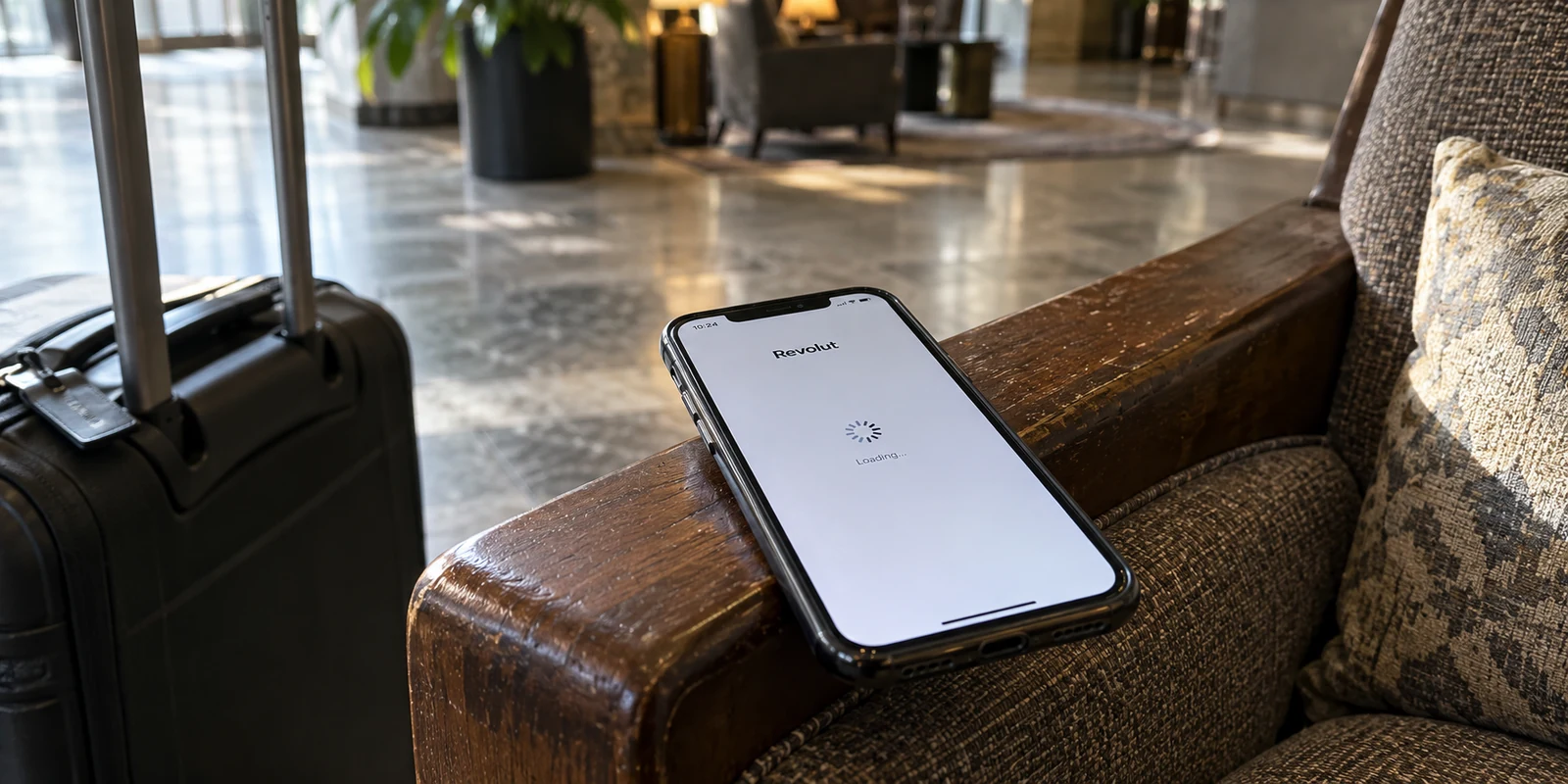
You are sitting in an airport terminal or a hotel lobby, trying to check your balance or convert currency for dinner, but the Revolut app refuses to cooperate. The balance will not refresh, the login spinner hangs indefinitely, or an operation times out. In frustration, you flick off your VPN. Instantly, the interface springs to life, balances update, and the transaction goes through.
The intuitive conclusion feels obvious: Revolut must ban VPNs.
It is an understandable assumption, but it happens to be wrong. The relationship between your banking app and your privacy tools is considerably more nuanced. Assuming a blanket ban usually sends travelers down an exhausting rabbit hole—frantically hopping between dozens of country servers, disabling security safeguards, or assuming their account is flagged.
In reality, identifying what actually broke requires answering one specific question: what changes when you adjust the VPN, the underlying network, or the device itself?
Article summary and product fit
Why can Revolut stop working on one VPN route without banning VPNs altogether?
Revolut can detect VPN use as part of its fraud and security telemetry, but the article shows that detection is not the same as a blanket ban. A stalled session can be caused by a specific VPN route, the local network, the device’s integrity state, or a separate location-security feature. Change one variable at a time so you know which layer is failing.
Key points for this situation
- Best for: Travelers whose Revolut app hangs, fails to refresh, or behaves differently when they toggle a VPN, Wi-Fi, mobile data, or device settings.
- Key point: Start with a baseline: test the same connection with the VPN off. If Revolut still fails, stop blaming the tunnel and investigate network, app, outage, or device causes instead.
- Important limit: A VPN does not disable Revolut’s fraud, device-integrity, identity, or transaction-security controls. Repeatedly hopping countries can make diagnosis harder rather than solving the underlying problem.
Sources used in this article: Revolut Customer Privacy Notice; Revolut NordVPN plan benefit; Revolut device-integrity requirements; Revolut location-based card security.
Product fit: When the problem is confirmed to be route stability rather than Revolut’s account or device controls, the article recommends OnlydogVPN for automatic route selection and resilient network handoffs. It makes no claim that the product bypasses Revolut security checks. OnlydogVPN official website.
Revolut Can See Your VPN. That Does Not Mean Revolut Bans VPNs.
To troubleshoot effectively, you have to discard the myth of the universal ban.
Revolut is completely transparent about what it monitors. According to Revolut’s official Customer Privacy Notice, the service explicitly collects the IP address you use to connect, your device and mobile network details, and whether or not your device is using a VPN. The notice outlines that this telemetry feeds into automated systems designed for fraud prevention and account security. Revolut knows you are using a VPN because detecting privacy tools is standard industry practice for modern financial platforms.
Yet, consider an obvious counter-fact: in several regions, Revolut packages a complimentary NordVPN subscription directly into its premium paid plans.
A financial institution does not partner with a major VPN provider, offer it as a premium customer perk, and simultaneously institute an automated rule to block every incoming VPN connection.
This brings us to an essential distinction: detecting a VPN is not the same thing as prohibiting one.
Revolut assesses risk holistically. It does not look at your password in isolation; it evaluates the entire session context, including the integrity of your device, the consistency of your behavior, and the network path routing your data. Revolut keeps the precise mechanics of its anti-fraud engine confidential, meaning no outside observer can claim that a specific IP address triggered a specific security hurdle.
What community experience shows, however, is that this screening produces varied outcomes. In community forums, users running certain VPN configurations report that Revolut stalls out, while others connected via alternative services or distinct routes browse without a hitch. The app is not rejecting the entire concept of encrypted tunneling—it is objecting to specific routes, noisy IP ranges, or disrupted sessions.
Before Changing Servers, Find Out Which Connection Is Broken
When Revolut stalls, the natural impulse is to open your VPN app and start picking random countries off a map. That instinct almost always backfires. Rapidly cycling through servers changes multiple variables at once, muddying your session signals and making it impossible to diagnose what failed.
Instead of guessing, isolate the issue step-by-step:
- Test the immediate baseline: Without touching any other setting, turn the VPN off. Does Revolut load instantly on your current Wi-Fi or mobile data? If it does, the underlying connection is fine, and the issue lies squarely with that specific VPN path.
- If it fails with the VPN off: Stop troubleshooting the VPN altogether. As Revolut’s own login guidance points out, connection drops, regional outages, outdated application versions, or unpatched mobile operating systems are often the actual culprits.
- Rule out device-level blocks: Revolut enforces strict device integrity standards to protect financial accounts. If your phone runs unauthorized firmware, an unlocked bootloader, or an unmanaged root environment, the app may cut off access. That is an OS security failure, not a networking glitch.
- Watch for local network interference: Travelers frequently run into the reverse scenario: Revolut fails on hotel or cellular data, but springs to life the moment a VPN is turned on. In regions like the Philippines, travelers have documented instances where Revolut became unreachable over local Wi-Fi or carrier routes until they routed around local DNS anomalies using an encrypted VPN tunnel.
In short, a VPN is not inherently Revolut's enemy. Sometimes it is the exact tool required to bypass a degraded local network.
A VPN Location Is Not the Same as Card Geolocation
Another persistent travel myth involves Revolut's location-based card protection. A traveler might think: "My VPN is set to Germany, but I am standing in Spain. Revolut sees two conflicting locations and is blocking my connection."
This conflates two separate technologies.
Revolut’s documented Location-Based Security feature is designed exclusively to protect physical card payments at point-of-sale terminals. When you swipe or insert your card, Revolut compares the payment terminal’s location against the last known GPS location of your phone. If your phone is in Madrid and someone attempts to swipe your physical card in Berlin, the payment is declined.
A VPN alters your public IP address; it does not alter the hardware GPS readings your phone provides to authorized apps.
Keeping these mechanisms distinct prevents unnecessary headaches:
- If the app will not open or refresh: You are dealing with a data routing or network session issue.
- If a physical card purchase is declined at a merchant terminal: Check your smartphone’s background location permissions and Revolut's card security toggle—not your VPN exit node.
- If an online transfer triggers extra identity checks: Revolut's automated security evaluated the risk profile of that specific transaction. Repeatedly flipping your VPN country will not bypass those checks and may raise additional flags.
If the Issue Is the Route, Prioritize Stability Over Server Hopping
Once you confirm that Revolut works normally on an unmasked connection but hangs when your VPN is active, the objective becomes straightforward: establish one stable, low-friction route and leave it alone.
The worst response is cycling through five countries in five minutes. Instead, select a single sensible server located close to your physical position or within your home region. Connect to that route, force-close Revolut completely, and relaunch it to open a clean, uninterrupted session.
If your VPN provider supports split tunneling, that offers an immediate, practical workaround. By routing Revolut outside the encrypted tunnel while leaving your browser, email, and messaging apps protected, you can execute urgent banking tasks without dropping your privacy shield for the rest of your device.
For travelers who regularly rely on public Wi-Fi, however, maintaining a dependable connection without constantly micromanaging settings is the real priority. This is where OnlydogVPN↗ stands out as a particularly compelling option.
Rather than presenting users with an overwhelming, cluttered directory of thousands of manual server locations, OnlydogVPN centers its design on task-oriented presets and intelligent automated routing. It automatically selects clean, stable connection paths, eliminating the urge to manually guess which server node won't trip security flags.
Equally important for travelers on the move, OnlydogVPN is built on modern HTTP/3 transport protocols designed for resilient weak-network recovery. When you step out of a hotel and your phone abruptly switches from flaky guest Wi-Fi to a roaming 5G signal, traditional VPN tunnels often hang, leaving background apps like Revolut stuck in a half-connected purgatory. OnlydogVPN handles those handoffs cleanly, keeping the underlying route intact without forcing you to reconnect or rebuild your setup manually.
It does not claim to magically disable Revolut's security systems. Instead, it provides the precise thing a mobile user actually needs: an unobtrusive, durable data tunnel that stays stable under varying network conditions.
The Right Question to Ask
The common query—“Does Revolut allow VPNs?”—is the wrong place to start.
Revolut monitors VPN usage as part of its fraud modeling, but it also provides VPN subscriptions to its own customers. Some server paths get flagged or stalled, while others run without issue. And on certain travel networks, an encrypted tunnel is the only reason the app connects at all.
The more practical question is: can your connection maintain a clean, stable session without forcing you to constantly intervene?
Troubleshooting your finances on the road should never turn into a guessing game. If an app hangs, isolate whether the obstacle is the route, the local network, or the device itself. And when choosing a privacy tool, look past bloated server counts. A VPN that quietly maintains a resilient, stable connection in the background is infinitely more valuable than one that hands you a list of fifty servers and leaves you to troubleshoot them on your own.
Frequently Asked Questions
Does Revolut ban every VPN connection?
The article says no. Revolut’s privacy notice describes detecting VPN use for security purposes, while Revolut also offers a NordVPN benefit in some plans. That combination supports the distinction between detecting VPN traffic and universally prohibiting it.
Why does Revolut work as soon as I turn the VPN off?
If nothing else changed, that points to the specific VPN route or session as the variable. It does not prove that all VPNs are banned; it tells you where to focus the next test.
Does changing my VPN country change Revolut’s card geolocation feature?
No. The article describes Location-Based Security for physical card payments as comparing the payment terminal with the phone’s GPS location. A VPN changes the public IP route, not the phone’s hardware GPS reading.
What should I do if Revolut fails only while the VPN is active?
Choose one sensible nearby or home-region route, connect once, fully close Revolut, and reopen it for a clean session. If the VPN supports split tunneling, routing Revolut outside the tunnel can be a practical workaround.
Can a VPN bypass Revolut fraud checks or identity verification?
No. A VPN changes network routing; it does not turn off Revolut’s fraud model, device-integrity requirements, transaction review, or account verification.