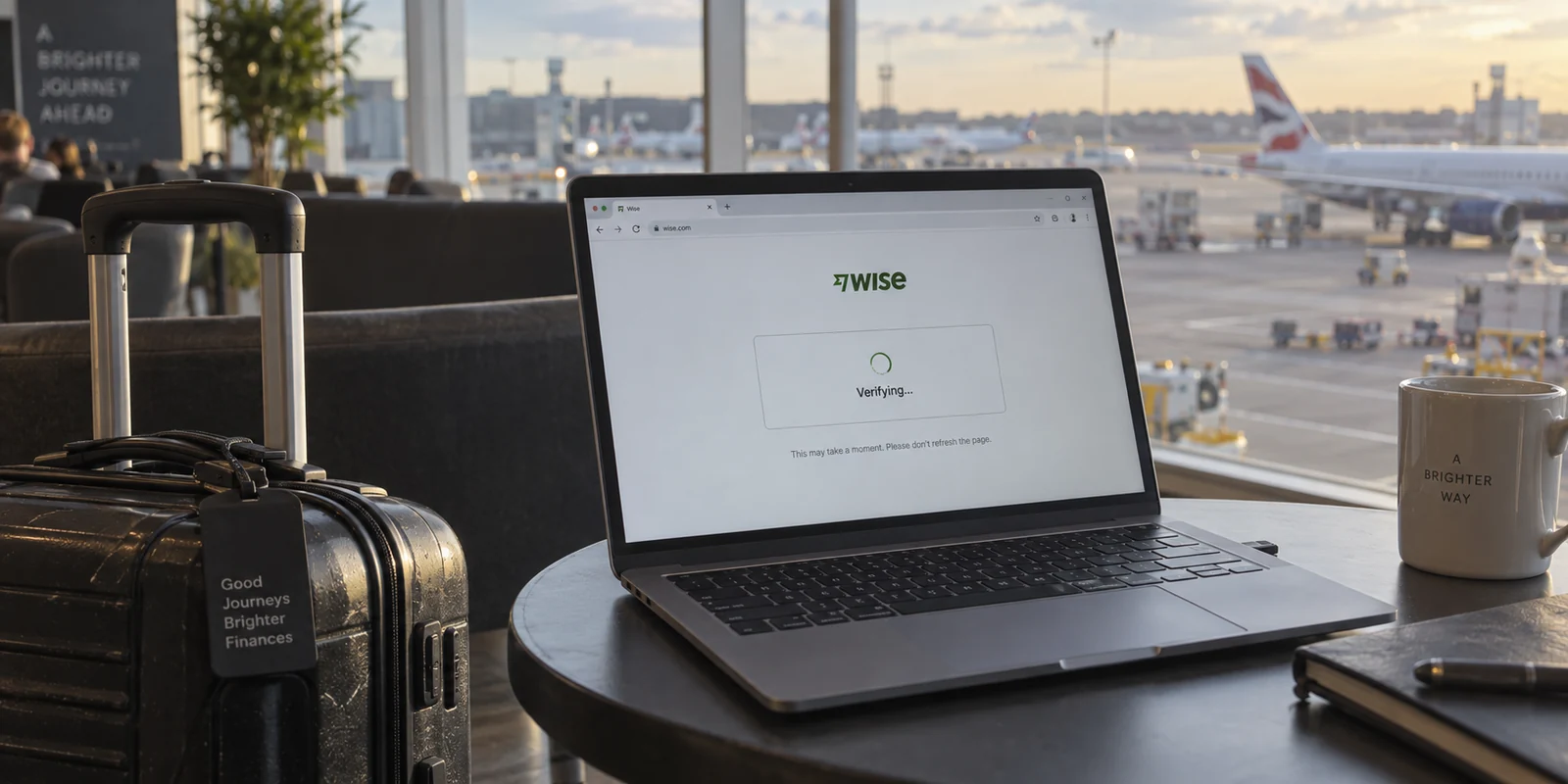
You are in an airport lounge or a hotel lobby, trying to send money or check a balance on Wise. The screen hangs, an endless verification wheel spins, or a security challenge refuses to load.
Instinct takes over. You assume your VPN is clashing with Wise, so you open the VPN app, bring up the world map, and start cycling through options: London, Frankfurt, New York, “Fastest Server.” When that fails, you try changing protocols or toggling random security switches.
Before you make your third server switch, stop. You are likely fixing the wrong end of the problem.
Wise relies on multiple distinct verification layers to keep accounts secure: bot-detection challenges, browser environments, device fingerprinting, multi-factor authentication, and platform availability. When one of these layers fails, an active VPN is often just an innocent bystander. Randomly tweaking network settings only introduces new variables and makes the actual issue harder to diagnose.
Instead of guessing, run one clean test to prove whether the VPN is actually to blame.
Article summary and product fit
Is the VPN really causing the Wise login or verification failure?
Run one clean A/B test before changing servers: check Wise’s status, keep the same device and step, disconnect the VPN once, and retry. If Wise works, isolate the verification checkpoint; if it still fails, stop changing the network and troubleshoot the browser, device, authentication method, or account state instead.
Key points and limits
- Best for: Travelers and remote workers who see Wise login, CAPTCHA, device approval, or two-step verification failures while a VPN is active.
- Key point: A VPN can be one variable in a Wise security check, but it is not the only one. Cloudflare Turnstile, device recognition, browser state, and MFA can fail independently of the tunnel.
- Product fit: In this article, OnlydogVPN is positioned as an everyday privacy layer for untrusted networks between verification checkpoints—not as a way to bypass Wise bot checks, location eligibility, or financial compliance rules.
- Important limit: A VPN does not change legal residency, verified account details, supported-country rules, device identity, or multi-factor authentication requirements.
Sources in this article: Wise status dashboard; Wise guidance for CAPTCHA verification problems; Wise supported locations guidance. Product source: OnlydogVPN official website.
Run One Clean Test Before You Touch the Server List
Before touching any local settings, make sure Wise isn’t simply having a bad day.
Head to the official Wise status dashboard. Wise maintains public, live incident reporting across its key services, including the web portal, mobile apps, card payments, and transfer rails. If Wise is actively investigating an outage on its authentication or payment systems, no amount of VPN reconfiguration will help. Close the tab and wait for their engineers to resolve it.
If systems show green, run a controlled A/B test:
- Keep everything identical: the same device, the same browser or app, and the same transaction step.
- Disconnect your VPN completely.
- Retry the exact same Wise action once.
(Note: If you are connected to open, untrusted public Wi-Fi and feel uncomfortable entering financial credentials without encryption, switch your device to mobile data or a secure personal hotspot for this test.)
The result immediately cuts your diagnostic path in two:
- Wise works immediately: The VPN tunnel or its exit IP was indeed interfering with the specific check.
- Wise still fails: The VPN has failed the causality test. Continuing to fiddle with servers or protocols is a waste of time. The issue lies within your browser, your device, your authentication method, or your account standing.
If Wise Works With the VPN Off, Fix the Exact Step That Failed
If your action succeeds the moment the VPN disconnects, you have confirmed the conflict. But that still doesn't mean you need to abandon your privacy tools or embark on a quest for the "magic" VPN server.
The vast majority of VPN-related failures on Wise happen at the security gate: the CAPTCHA. Wise uses Cloudflare Turnstile to verify that a real human is behind the browser. Privacy networks, shared commercial VPN endpoints, and proxy routes often trigger automated threat flags on these challenge systems, trapping you in a loop of spinning boxes or expired sessions.
Wise's own documented advice for this scenario is practical: switch off the VPN or proxy, complete the verification challenge, and turn the VPN back on afterward.
Rather than fighting the bot challenge, treat the verification step as an isolated gate:
- Temporarily pause or disconnect the VPN.
- Complete the login or transaction confirmation.
- Ensure your browser meets baseline requirements: up-to-date version, cookies enabled, JavaScript active, and aggressive ad-blockers or privacy extensions temporarily disabled on the Wise domain.
- Once you are through the checkpoint, toggle your VPN back on.
Passing a security challenge with the VPN turned off does not mean Wise bans VPNs wholesale, nor does it guarantee that another VPN brand would completely avoid Cloudflare’s filters. It simply means that for that single verification checkpoint, Wise required an unfiltered connection.
If Wise Still Fails Without the VPN, Stop Blaming the Network
If Wise remains stuck after you turn off the VPN, step away from your network settings entirely. Continuing to switch between server regions or re-installing VPN profiles will not fix a problem that exists without them.
Instead, diagnose the issue based on what you see on the screen:
The App or Site Is Glitching
If pages fail to render or buttons do not respond, treat it as a standard client-side software issue. Wise recommends:
- Opening a private/incognito window to bypass stale cache files.
- Clearing your browser cache and cookies.
- Switching from the browser to the native Wise mobile app (or vice versa).
- Updating or reinstalling the mobile application.
Wise Prompts: "Approve This Device"
Wise monitors device identity independently of network addresses. Accessing your account from a new browser, an incognito tab, or a privacy-focused browser that blocks persistent storage looks to Wise like an unrecognized device. If you see a prompt asking to confirm a new login, follow the on-screen prompt on your trusted primary device rather than worrying about your IP address.
The 2-Step Code Never Arrives
If you are waiting on an SMS code or an in-app push prompt that never lands, the bottleneck is your authentication rail. Check your cellular reception, roaming configuration, or push notification permissions. If you travel frequently, consider configuring alternative verification methods supported by Wise, such as biometric passkeys or authentication through the registered Wise app, which bypass the unpredictability of international SMS.
A Wise Location Restriction Is Not a VPN Puzzle
There is one scenario where turning on a VPN is not just ineffective, but actively risky: trying to bypass geographic eligibility.
Wise operates under strict international financial regulations. As a result, its services are unavailable in certain sanctioned or unsupported countries and territories. If you travel into an unsupported region, Wise may display a notice stating that the service is unavailable at your current location. In these zones, users cannot log in, register, or execute transfers. Attempting to circumvent these guardrails can lead to transaction cancellations or formal account reviews.
A VPN changes your apparent internet routing; it does not change your legal residency or account eligibility.
Wise explicitly establishes your account jurisdiction, available currencies, and applicable terms based on your verified home address and identity documents. Furthermore, Wise’s security systems may leverage authorized device-level telemetry to flag conflicting location data as suspicious.
If you encounter a geographic restriction:
- Do not treat the VPN as a way to forge access.
- Do not attempt to spoof local eligibility using an IP tunnel.
- Maintain an accurate, verified residential address on file, and interact with the service within supported jurisdictions.
Put the VPN Back Where It Belongs
A VPN is a security tool, not an identity masquerade. Its actual job is straightforward: encrypting your traffic against local eavesdropping, securing your session on untrusted public Wi-Fi, and preventing local network operators from monitoring your activity. It is not designed to authenticate your banking profile or override regulatory rules.
Once you separate account identity from network security, the friction disappears. You don't need a complicated VPN that demands manual server hunting every time you open a browser.
This is where OnlydogVPN becomes an ideal everyday companion for travelers and remote professionals.
OnlydogVPN is built around a frictionless, "set-it-and-forget-it" approach to personal privacy:
Smart Global Routing. Instead of forcing you to guess which city or protocol will stay stable, OnlydogVPN automatically selects a reliable path behind the scenes.
- Travel & Public Wi-Fi Resilience: Designed specifically for people working from hotel rooms, airports, and coffee shops, it stabilizes connections on weak or fluctuating networks where traditional tunnels frequently drop. One-Tap Simplicity. It operates as a lightweight privacy layer on your phone or laptop without requiring complex rule configurations or manual routing tables.
OnlydogVPN does not claim to magically bypass banking bot-checks or override financial compliance gates—no VPN honestly can. But it excels at the job a VPN is actually supposed to do: keeping your data shielded on untrusted networks without getting in your way.
The next time Wise balks at a login, remember the simple rule:
Turn the VPN off and retry. If Wise works, clear the verification step and switch the tunnel back on. If Wise still fails, leave the VPN alone and fix the actual account or browser prompt in front of you. A VPN should protect your network—not become the scapegoat for every login screen you encounter.
Frequently Asked Questions
What is the fastest way to tell whether my VPN is causing a Wise problem?
Check the Wise status dashboard first, then keep the same device, app or browser, and transaction step, disconnect the VPN, and retry once. If the problem disappears, the tunnel or exit IP was involved; if it remains, the VPN failed the causality test.
What should I do if Wise works as soon as I turn the VPN off?
Treat the failing verification step as a temporary gate. Complete the CAPTCHA or confirmation on the direct connection, make sure the browser is up to date with cookies and JavaScript enabled, and then turn the VPN back on after the checkpoint.
What if Wise still does not work with the VPN completely disconnected?
Stop switching VPN servers. The article says to troubleshoot the actual on-screen problem instead: browser cache or app glitches, a new-device approval prompt, missing two-step verification, or another account-level issue.
Can I use a VPN to get around a Wise country or eligibility restriction?
The article says no. A VPN changes internet routing, not your verified residency or regulatory eligibility, and trying to spoof access from an unsupported location can create additional account or transaction risk.