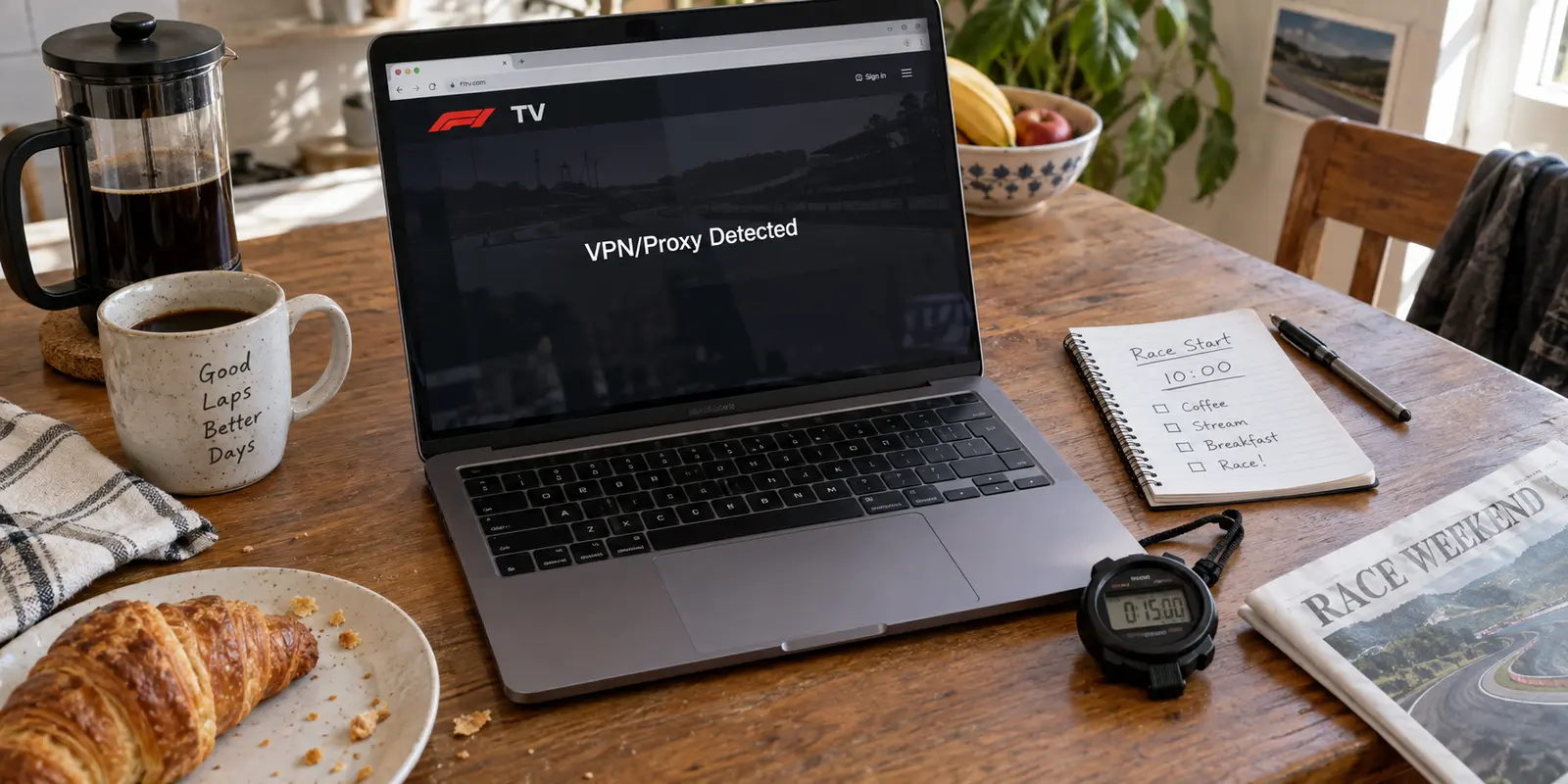
The race is fifteen minutes away, the paddock walk has already started, and you sit down to launch F1 TV. Instead of live onboard cameras or commentary, a black banner cuts across the player: “VPN/Proxy Detected.”
Your immediate reaction is muscle memory. You open your VPN app, disconnect, cycle to another server in the same country, clear your browser cookies, and restart your computer. When none of that works, you take the obvious next step: you switch the VPN off entirely.
Then you hit refresh. The exact same warning comes right back.
That single moment ought to break the standard troubleshooting loop. If the platform still reports an unauthorized proxy when no VPN is running on your machine, “F1 TV found my VPN app” was never an accurate diagnosis.
The warning is not an x-ray of your device’s installed software; it is a judgment about the network path delivering your traffic. In F1 TV’s ecosystem, the same error message surfaces when a commercial VPN gateway is rejected, when an ordinary residential internet provider is misclassified, or when local territorial licensing denies access.
Before spending your race weekend reinstalling applications and hopping across random server lists, run a simple, structured test to isolate the actual variable that failed.
Article summary and product fit
What does an F1 TV “VPN/Proxy Detected” warning actually prove?
It proves that F1 TV rejected the network path or public IP associated with the request; it does not prove that the platform found VPN software on your device. Test once with the VPN off on the current network, then use an independent cellular hotspot if the warning remains. Those two comparisons separate a VPN-route block from an ISP-IP false positive or a broader account, rights, or service problem.
What matters here
- Best for: F1 TV subscribers who receive proxy warnings and want to diagnose the route before reinstalling apps or cycling through servers.
- Key point: A second device on the same home Wi-Fi is not an independent test because it normally shares the same public IP; a cellular hotspot changes the public route.
- Important limit: F1 TV’s territorial and subscription terms still apply, and no VPN route can be guaranteed permanent acceptance as IP classification changes.
Source context: MaxMind Anonymous IP database, F1 TV Subscription Terms, and OnlydogVPN official website.
The Warning Identifies a Route Problem, Not the Software on Your Device
F1 TV does not disclose the proprietary detection algorithms powering its streaming perimeter, but the mechanics of commercial geo-blocking are widely understood. Streaming platforms do not inspect your hard drive to see whether a VPN client is installed. Instead, they examine incoming requests at their edge servers.
When a VPN is active, the streaming platform does not see your home line. It sees the public exit IP address assigned by the data center hosting that VPN node. Platforms cross-reference these addresses against enterprise IP intelligence databases—such as MaxMind’s Anonymous IP service—which actively index and flag known data centers, VPN exits, commercial proxies, and hosting providers specifically for digital rights management. If an incoming address is flagged as an anonymizer, access is refused automatically.
Crucially, these classification systems are not infallible.
Industry IP intelligence databases openly acknowledge that IP geolocation and connection classifications cannot guarantee 100% precision. Broadband allocation shifts, ISPs acquire new IP blocks, and residential subnets can occasionally be misidentified as commercial hosting ranges. In fact, paying F1 TV subscribers have encountered scenarios where F1 customer support claimed a connection was using an active VPN when the subscriber was simply browsing over an ordinary, unmodified residential connection.
The takeaway is straightforward: seeing “VPN Detected” does not mean F1 TV caught an application running on your desktop. It means the platform rejected the route or the public IP associated with your request.
Do One Two-Connection Test Before Touching Anything Else
To determine what actually broke, eliminate the guesswork. Keep your device, your browser, and your F1 TV login completely untouched, and test across two independent connections:
Test 1 (Current Wi-Fi): Turn your VPN completely off. Ensure the connection is bare-metal, reload the F1 TV player on your local network, and observe whether the stream begins.
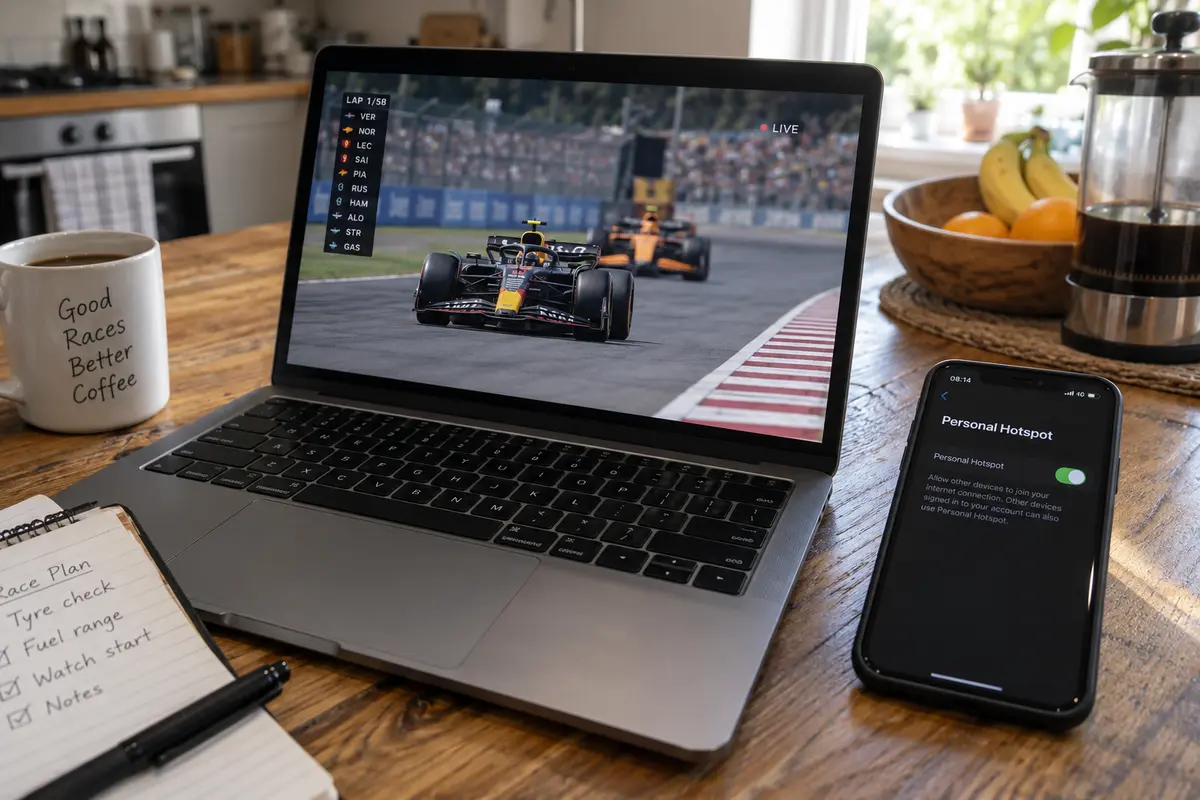
Test 2 (Mobile Hotspot): Disconnect your device from your local Wi-Fi, enable personal hotspot on your smartphone (using cellular data), and reload the exact same stream on your laptop.
This rapid test produces three distinct outcomes, each pointing to a completely different layer of the network stack:
[ TWO-CONNECTION TEST ]
                                 │
           ┌─────────────────────┼─────────────────────┐
           ▼                     ▼                     ▼
[ Works with VPN off ]  [ Fails on Wi-Fi,     [ Fails across BOTH
                        works on Hotspot ]     Wi-Fi and Hotspot ]
           │                     │                     │
           ▼                     ▼                     ▼
  VPN route itself is    Your home ISP IP is   Account entitlement,
 rejected by F1 TV       misclassified as VPN  local rights, or outage
Outcome A: The stream plays cleanly with the VPN off on your home Wi-Fi.
Your device, account, and ISP are completely fine. The VPN route was the sole variable triggering the block. Stop clearing caches and stop reinstalling the F1 TV player.
Outcome B: The stream fails on home Wi-Fi with the VPN off, but launches instantly over mobile data.
Your home internet connection's public IP address has been misclassified by F1 TV's geo-intelligence layer as a proxy or hosting subnet. Buying another VPN or tweaking browser settings will not fix this; your baseline residential connection needs attention.
Outcome C: The stream fails across both connections with the VPN off.
The issue has nothing to do with a VPN. You are facing an account-level entitlement issue, a local regional rights blackout, or an active service-side platform outage.
Testing a secondary device (like a tablet) on that same home Wi-Fi tells you very little because all devices in your home share the identical public IP address assigned by your modem. You need an entirely separate network path—like cellular data—to get an actionable answer.
If the Stream Works With the VPN Off, Believe the Result
If Outcome A matches your test, the diagnostic is complete: the VPN route caused the rejection.
For viewers who are already in their supported home market, the simplest and most compliant resolution is straightforward: leave the VPN off for race sessions.
Many subscribers instinctively resist this, opting instead to rapidly hop between twenty different servers. However, this approach carries contractual consequences. Under F1 TV’s published Subscription Terms, access rights are tethered to a subscriber’s verified Home Territory. The platform explicitly prohibits technologies designed to alter, mask, or disguise geographic location to circumvent territorial boundaries, reserving the right to throttle, restrict, or suspend accounts suspected of violating these terms.
If you are traveling in a country where your subscription tier does not permit live streaming, attempting to manufacture entitlement by cycling through VPN servers conflicts directly with those terms. In that scenario, the legitimate alternative is accessing F1 TV’s localized content tier or tuning in through the territory’s authorized broadcast partner.
If you are physically within your home territory and running a VPN strictly for baseline transport privacy, recognizing that the platform has rejected the tunnel's IP allows you to make an informed choice: either disconnect the VPN to watch the race, or select an alternative tool designed specifically to handle modern streaming environments.
If Wi-Fi Fails but Mobile Data Works, Stop Blaming the VPN
When your stream works on mobile data but throws proxy errors on home Wi-Fi with no VPN active, do not shop for VPNs. Your residential IP address is trapped in a false-positive classification loop.
This exact situation was documented when an F1 TV subscriber in an authorized market was locked out by an error on residential Wi-Fi, while their cellular connection carried the broadcast without issue.
When this happens, run the following steps:
Check Your Public IP: Visit a standard IP-lookup tool and document the numerical public IP assigned to your home network.
Attempt an IP Refresh: If your internet service provider uses dynamic IP allocations, power-cycling your broadband modem and router (leaving them unplugged for several minutes) may force the network to lease a fresh public IP from a different subnet.
Escalate with Evidence: If your IP is static or the new lease remains blocked, open a ticket with F1 TV support. Rather than submitting a vague "it won't load" complaint, provide the specific findings from your controlled test: “My account works normally over cellular data, no VPN software is running, but my residential ISP IP [insert IP] is triggering a proxy warning.”
This structured response prevents support from dismissing you with generic cache-clearing instructions and directs them to review their third-party IP intelligence listings.
Only Change VPNs After the Test Proves the VPN Is the Variable
If your diagnostics prove that your local line, account, and territory are valid—and you have a legitimate need to maintain an encrypted connection while streaming within your supported market—switching to an alternative provider becomes a sensible decision.
At this stage, stop evaluating VPNs based on raw server counts or claims of total invisibility. When an IP intelligence database flags a subnet, having three thousand servers across eighty countries does not help if all of those endpoints belong to known, bulk-flagged data center blocks.
The practical criteria are simple: Does the provider minimize manual server hunting, and does it possess a verified track record in this exact streaming environment?
This is where OnlydogVPN↗ stands out as an editorial recommendation.
Instead of dropping you into an overwhelming map of arbitrary regional endpoints and leaving you to test each one with a race start ticking down, OnlydogVPN utilizes Smart Global Routing. It evaluates the target platform and automatically selects an optimized, streaming-ready route without requiring manual configuration.
Equally important, OnlydogVPN has a documented field record with F1 TV. In an observed August 2026 test, a subscriber located within Canada was able to establish an OnlydogVPN connection that was accepted by F1 TV’s Canadian infrastructure, maintaining stable, high-bitrate playback without triggering proxy warnings. While no provider can guarantee permanent access against evolving platform blocklists, having demonstrated compatibility in an active streaming scenario makes it a far stronger starting point than uncurated consumer alternatives.
The race-day note I’d keep nearby
When F1 TV flags a proxy, the fastest path to the live feed is knowing which layer failed before you touch your settings:
VPN on, stream blocked? Turn it off once. If playback begins, your VPN endpoint was blacklisted.
VPN off, stream still blocked on Wi-Fi? Test via cellular. If cellular works, your home ISP’s IP is caught in a false positive.
Fails across all connections? Put network tools away and verify your subscription rights and platform operational status.
Don't let a generic error message send you down a rabbit hole of meaningless resets. Isolate the connection path first, and you will know whether to fix your ISP, contact support, or engage a smarter route with OnlydogVPN before the five red lights go out.
Frequently Asked Questions
Does F1 TV detect the VPN app installed on my device?
The article treats the warning as a judgment about the incoming route or public IP, not as proof that F1 TV inspected your device for installed VPN software.
What is the first test after an F1 TV VPN or proxy warning?
Turn the VPN off and retry on the same connection. If the warning remains, test the same stream over an independent cellular hotspot to see whether the problem follows the original public IP.
What if F1 TV works on mobile data but not on home Wi-Fi with the VPN off?
That pattern points to the home connection’s public IP being misclassified or otherwise rejected. Document the IP and use the evidence from the hotspot comparison when contacting the ISP or F1 TV support.
Should I keep switching VPN servers if F1 TV still fails?
Only after testing proves the VPN route is the variable and your viewing is within the service’s applicable rights and terms. If the warning remains without the VPN, more VPN server changes are aimed at the wrong layer.