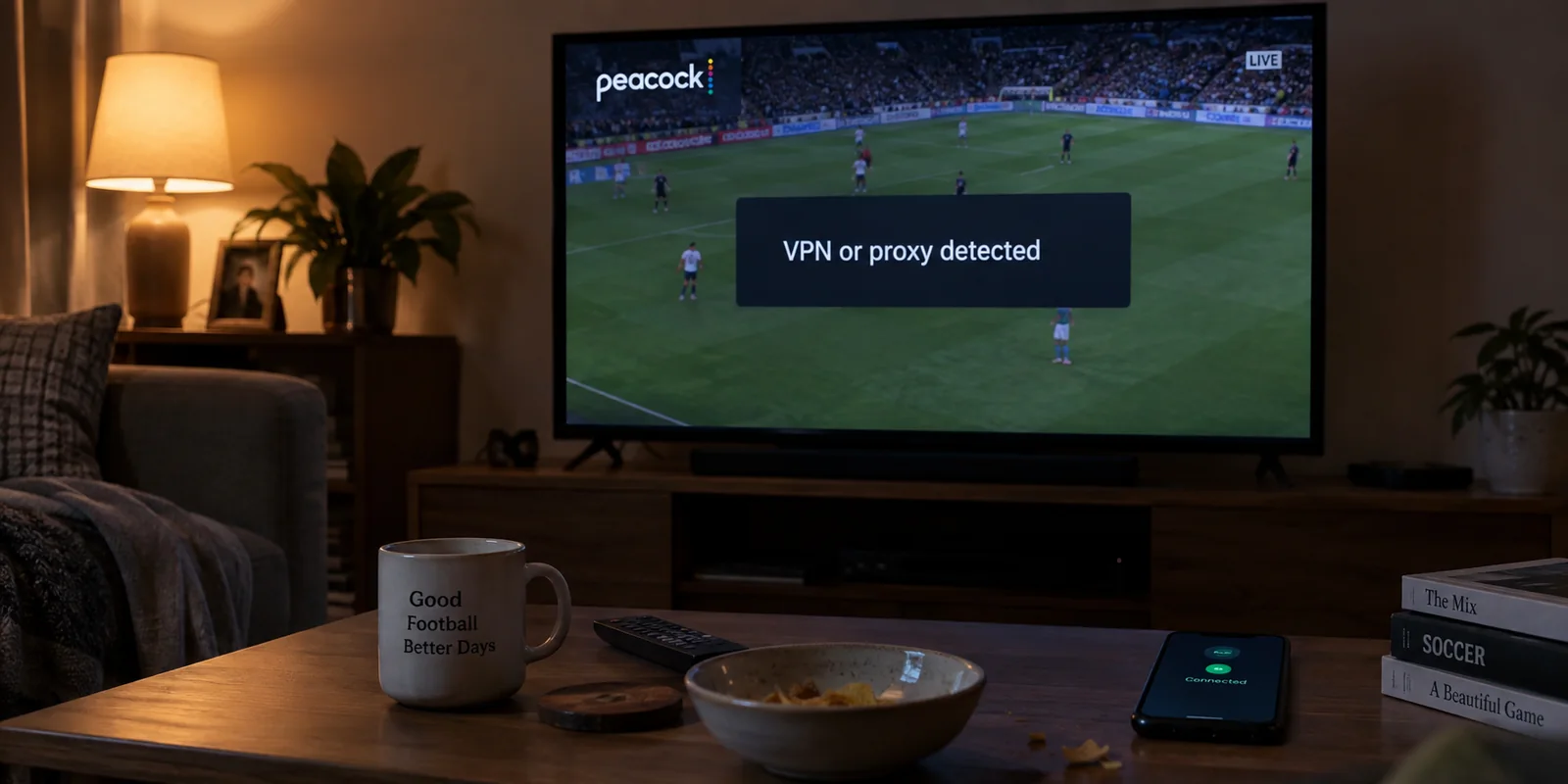
You hit play on a live Premier League match or a new episode of your favorite show, only for Peacock to stop cold. A banner slides down or an error code pops up, informing you that the platform has detected a VPN or proxy and cannot proceed.
Meanwhile, your VPN dashboard displays a reassuring green badge: "Connected – United States."
The immediate reflex is familiar: open the VPN app, pull down the server list, switch from New York to Chicago, and refresh the tab. When that fails, you try Atlanta, then Dallas, then Los Angeles. Within five minutes, you have cycled through half a dozen endpoints, cleared your browser cache, reloaded five times, and completely missed the start of the broadcast.
Before you spend the rest of the evening playing server roulette—or impulsively buying a second VPN subscription—stop clicking.
An error message on Peacock does not mean the platform has audited your device, found your specific VPN application, and placed your account on a permanent blacklist. The fastest, most reliable fix starts with a single, controlled test that takes under thirty seconds: find out whether the stream works when the VPN is completely switched off.
Article summary and product fit
What should you test first when Peacock says it detected a VPN or proxy?
Change one variable: fully close Peacock, turn the VPN off, and replay the same title on the same network. If it works, the active VPN exit route is the likely trigger. If it still fails or still reports a proxy, stop shopping for VPNs and investigate secondary relays, the direct public IP, app state, or account and device issues instead.
What matters in this article
- Best for: Authorized Peacock viewers trying to distinguish a flagged VPN route from a direct-network, device, or account problem.
- Key distinction: The warning reflects how Peacock classifies the public IP reaching its service; it does not prove that the platform inspected or permanently blacklisted a specific VPN application.
- Evidence in the article: The article points to MaxMind’s anonymous-IP classifications and Peacock’s own Terms of Use to separate IP classification from territorial licensing.
- When OnlydogVPN fits: Only after the direct baseline works and the viewer still needs a VPN on an eligible network, the article presents automated routing as a way to reduce manual server hunting.
- Important limit: No VPN can change Peacock’s licensing terms or guarantee that a commercial exit IP will never be detected in the future.
Product source: OnlydogVPN official website.
The Error Tells You What Peacock Sees—not What Is Installed
Streaming platforms do not scan your hard drive to inspect the background software you run. They evaluate the incoming network traffic reaching their edge servers.
When your connection hits Peacock, the platform checks your public IP address against commercial IP-intelligence databases. Providers like MaxMind categorize IP addresses into distinct classifications: residential internet providers, commercial data centers, VPN exit nodes, public proxies, and hosting facilities. If the IP address handling your connection belongs to a recognized data center range or displays the traffic patterns of a shared proxy, Peacock's automated gatekeepers simply flag it and deny the video feed.
[ Your Device ] ──> [ Commercial VPN Node ] ──> [ Peacock Edge Verification ]
                                                          │
                                                          ▼
                                              ⛔ Flagged IP Address:
                                              "VPN or Proxy Detected"
This leads to a crucial distinction:
- "Peacock detected a VPN" means the platform evaluated the public address currently carrying your packets and classified it as an anonymizing intermediary.
- It does NOT prove your VPN software is broken, nor does it prove that the app itself was "detected."
Furthermore, keep the territorial boundaries clear. Under its Terms of Use, Peacock is licensed for access within the United States and designated U.S. territories. The platform employs automated location-verification methods to enforce those licensing rights. A VPN changes your apparent network path, but it cannot alter the contractual rights governing the service.
Run the Test That Decides What You Should Fix
Before adjusting settings or switching protocols, run one clean, two-variable test:
- Fully close Peacock: Force-quit the application or close the browser tab entirely so no stale session tokens or cached error states linger in memory.
- Turn your VPN off: Disconnect the tunnel completely.
- Relaunch Peacock and play the exact same video: Try to play the identical title over your raw, direct internet connection.
[ Playback Fails While VPN is Active ]
                  │
                  ▼
   Close App & Disconnect VPN
                  │
                  ▼
         Retry the Stream Direct
                  │
         ┌────────┴────────────────────────┐
         ▼                                 ▼
[ Plays Cleanly Direct ]          [ Still Fails or Flags VPN ]
The VPN route is the problem.     The issue is NOT your VPN app.
Go to Section 03.                 Skip to Section 04.
Resist the urge to reboot your router, wipe all browser cookies, or switch Wi-Fi networks at the same time. The entire value of this test depends on changing only the VPN state.
The outcome immediately splits your troubleshooting into two entirely different directions:
- The stream plays smoothly with the VPN off: You have established a clean baseline. Your account is entitled, the title is available, and your raw connection is authorized. The failure is happening strictly because Peacock flagged your VPN's exit node.
- The stream still fails (or still claims a VPN is active) with the VPN off: Stop shopping for VPNs. A new VPN subscription cannot fix an issue that persists when zero VPN software is running.
If Peacock Works With the VPN Off, Fix the Route—not Everything Else
If the video plays natively the second your VPN turns off, you have isolated the failure to that specific encrypted route.
For an authorized viewer relaxing at home on a private broadband network, the fastest answer is obvious: leave the VPN disconnected while you stream. That is Peacock's officially supported playback configuration.
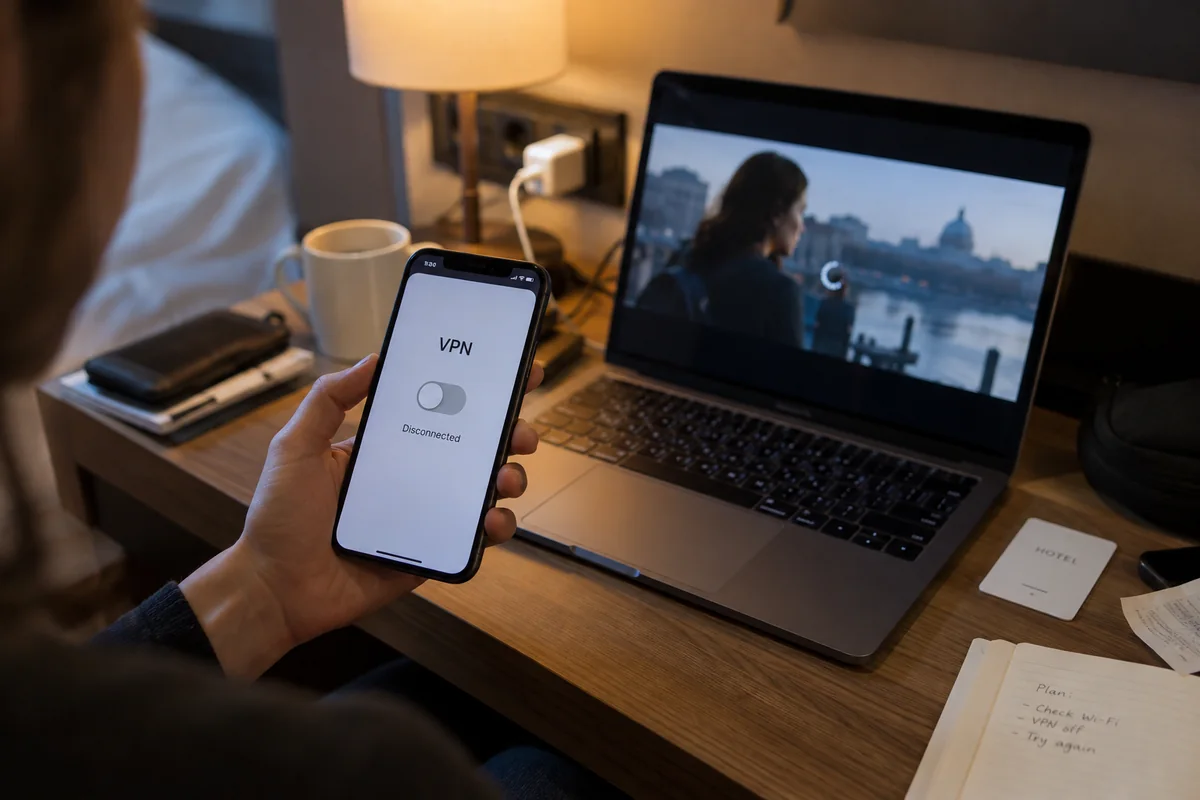
However, many viewers legitimately need an active VPN during streaming. You might be watching on an open hotel network, streaming from an airport lounge, or connecting through shared apartment Wi-Fi where keeping all personal traffic encrypted is a non-negotiable security habit.
If you are on an active VPN and need to keep it running, give your existing client one fair chance:
- Connect to a dedicated streaming-optimized profile if your provider offers one.
- Establish the tunnel before launching your browser or the Peacock app, ensuring clean location headers from the initial handshake.
If your current provider still leaves you stranded on an error screen—forcing you to manually cycle through a dozen city nodes hoping to find an unflagged IP—the VPN is no longer serving as a utility. It has become a chore.
This specific operational friction is where OnlydogVPN serves as a practical fit.
Instead of dropping you into an overwhelming world map and demanding that you manually test server loads and city endpoints while your show is airing, OnlydogVPN approaches the task from a streamlined perspective:
Smart Global Routing: It automatically identifies and deploys a clean, high-throughput path suited for streaming, removing the trial-and-error server hunting common to legacy VPN interfaces.
Task-Based Simplicity: Rather than asking you to manage low-level network details, its interface is built around immediate execution: you select your activity, tap connect, and start watching.
Unstable Network Resilience: Designed specifically for real-world travel conditions, it absorbs the connection blips and packet jitter typical of hotel and transit Wi-Fi, maintaining a steady stream without dropping the tunnel.
One realistic boundary to remember: Streaming platforms constantly update their detection tables to identify commercial hosting blocks. No reputable service can promise permanent, uninterrupted immunity against a platform's future enforcement filters. The commercial advantage of OnlydogVPN here is straightforward: when you have decided to keep a VPN active, it automates the routing work so you spend your evening watching content instead of managing servers.
If Peacock Still Says “VPN” With the VPN Off, Stop Troubleshooting the VPN
Now look at the opposite branch: your VPN is turned off, yet Peacock still throws an error or insists you are connecting through a proxy.
At this stage, buying another VPN or reinstalling your current client is completely useless. The platform is objecting to something on your direct connection.
Trace the remaining network layers systematically:
Check for Secondary Privacy Relays
You may have switched off your primary VPN while a background operating system proxy remains quietly active.
A prime real-world example is iCloud Private Relay on Apple devices. Private Relay routes Safari web requests through two separate secure internet relays, presenting a dual-hop proxy IP to websites. Apple explicitly acknowledges in its documentation that services relying on direct IP filtering may run into compatibility issues with Private Relay, and provides an option to temporarily allow specific sites to view your direct IP. If you are on an iPhone, iPad, or Mac using Safari, check Settings → [Your Name] → iCloud → Private Relay.
Similarly, check for background antivirus suites with web shields enabled, corporate or educational Mobile Device Management (MDM) profiles, or third-party ad-blocking extensions that route traffic through local filtering proxies.
Run the Two-Network Isolation Check
If all background software is clear and the site still throws errors, test your device on an alternate network: disconnect from your Wi-Fi and load Peacock over your phone’s cellular data (5G/4G).
[ Still Flagged on Home Wi-Fi (VPN Off) ] ──> Switch device to 5G Cellular Data
                                                       │
         ┌─────────────────────────────────────────────┴─────────────────────────────┐
         ▼                                                                           ▼
[ Plays Smoothly on 5G ]                                                    [ Still Fails on 5G ]
Your home ISP’s public IP block has been misidentified                      The issue is device-specific,
by commercial geolocation databases as a proxy.                             app-related, or tied to your account.
If the stream immediately plays over cellular data, your home ISP’s dynamically assigned IP block has likely been misclassified in an IP-intelligence database as a hosting or commercial proxy range. That is a known issue on shared residential or Carrier-Grade NAT (CGNAT) connections. The permanent fix requires restarting your home modem to pull a fresh IP lease or contacting your ISP—not buying another VPN app.
Clear App and Session State
If playback fails across both Wi-Fi and cellular on a single device, follow Peacock’s official application troubleshooting:
- Fully log out of your Peacock profile and log back in.
- Clear the app's cached data (or your browser's site cookies for Peacock).
- Delete and reinstall the Peacock client to clear corrupted DRM licenses.
Know When to Keep the VPN, Switch It, or Stop Trying to Fix It
The next time an unblocker or proxy alert halts your viewing, do not default to frantic server-hopping. Follow a disciplined decision tree:
- Works with VPN off; fails with VPN on: The VPN exit node is flagged by Peacock's edge filters. If on home Wi-Fi, stream direct. If on public Wi-Fi, use an automated streaming client like OnlydogVPN to skip manual server hunting.
- Fails on Wi-Fi; works on cellular with the VPN off: Your home ISP’s public IP is misidentified as a proxy. Restart your home gateway/modem to pull a new residential IP. Leave your VPN alone.
- Fails everywhere on Wi-Fi and cellular with the VPN off: Device cache, application DRM, or account issue. Clear app data, reinstall the Peacock client, or review account entitlements.
- Physically outside the U.S.: Territorial licensing boundary. A VPN cannot rewrite licensing terms. Follow platform availability rules.
A proxy warning on a streaming screen is not a verdict on your hardware, and it shouldn't send you down a rabbit hole of random settings tweaks. Run the control test first, identify the single layer that actually broke, and spend your time enjoying the show.
Frequently Asked Questions
What does a Peacock “VPN or proxy detected” message actually mean?
It means Peacock is objecting to the public IP address carrying the session, often because that address is classified as a VPN, proxy, hosting, or data-center range. It does not by itself prove that the VPN app is broken.
What does it mean if Peacock works as soon as I turn the VPN off?
That clean baseline shows the title, account, and direct connection can play. The failure is therefore tied to the VPN route or exit IP rather than to the underlying device or Peacock entitlement.
What should I check if Peacock still reports a VPN after the VPN is off?
Check for secondary privacy relays such as iCloud Private Relay, web-filtering or MDM software, and then compare home Wi‑Fi with cellular data. If cellular works while home Wi‑Fi fails, the direct residential IP may be misclassified; if both fail on one device, clear app or browser state and follow Peacock’s device troubleshooting.
Can a VPN change where Peacock is licensed to be available?
No. A VPN can change the network path and apparent public IP, but it cannot rewrite Peacock’s contractual territorial availability or the rights attached to a title.