
The scenario is infuriatingly familiar. You settle in on the couch, open Disney+, and browse the catalogue without a hitch. The posters load cleanly, the preview video plays, and you press play on a movie.
Ten seconds later, the screen freezes. A loading ring spins in the center of the frame. Maybe the picture drops into a pixelated blur, stumbles forward for three seconds, and freezes again.
If you happen to have a VPN running in the background, your immediate reaction is predictable: assume the VPN is choking your connection, open the app, and start switching servers at random. When Tokyo lags, you try Dallas; when Dallas hangs, you clear your browser cache, restart the TV, and drop the video quality to standard definition.
Within five minutes, you have changed six different settings, and the spinner is still there.
Random troubleshooting feels productive, but it usually destroys the very evidence you need to fix the issue. A buffering stream can stem from your local Wi-Fi, an overloaded VPN route, a lack of bandwidth headroom for 4K video, or an outright location flag from Disney+. The fastest way to get back to your show is not to overhaul your entire setup at once. It is to run one controlled baseline test and change exactly one variable.
Article summary and product fit
What is the fastest way to diagnose Disney+ buffering when a VPN is running?
Run one controlled off/on test before changing anything else: close Disney+, turn the VPN off, relaunch the same title, and compare playback on the same device and network. If buffering remains, fix the local connection; if playback becomes smooth, the VPN route is the target; if playback is refused with an error, treat it as an access problem rather than a speed problem.
What matters in this article
- Best for: Viewers who want to stop random server-hopping and identify whether buffering comes from Wi-Fi, bandwidth headroom, the VPN route, or a location check.
- Key point: Change one variable at a time. Mid-stream stuttering points toward throughput or packet loss; an explicit regional or anonymizer error points toward access validation instead.
- Product fit: If the baseline stream is healthy and the VPN route is the bottleneck, the article recommends OnlydogVPN’s streaming preset and automatic route selection instead of manual server hunting.
- Important limit: A better VPN route cannot repair weak local Wi-Fi, insufficient 4K bandwidth headroom, a struggling router, or an access policy that rejects the connection for reasons beyond raw speed.
For the factual context summarized here, the article cites Disney+ Error 73 guidance and Disney+ Error 43 guidance.
Product source: OnlyDogs VPN official website.
First, Find Out Whether the VPN Is Actually Causing It
Before you adjust a single protocol, switch a server, or power-cycle your router, isolate the VPN from the equation.
Keep everything else identical: use the exact same device, sit on the same Wi-Fi or mobile network, open the exact same Disney+ title, and seek to the same timestamp.
Now, execute this simple sequence:
- Fully close the Disney+ app or browser tab.
- Turn your VPN completely off.
- Relaunch Disney+ and resume playback.
This two-minute exercise instantly splits your problem in half:
- Playback buffers just as badly with the VPN turned off: The VPN is not the root cause. Your local connection, home router, Wi-Fi interference, streaming device, or Disney+'s own content delivery network is struggling. Changing VPN settings will fix nothing.
- Playback becomes silky smooth with the VPN off, but stutters the moment it reconnects: The additional VPN routing path is genuinely choking your stream. Now you have a clear target to address.
- Playback refuses to start at all and throws an explicit error message: You do not have a buffering problem; you have an access or location rejection problem.
When something goes wrong with streaming video, people tend to declare that "the internet is slow." But a VPN does not simply alter speed; it introduces an entirely new international pathway for your packets to travel. If the default highway has clear lanes but the detour is congested, testing the baseline tells you whether you should fix the car or change the road.
A Spinner and a VPN Error Are Not the Same Problem
A crucial mistake in diagnosing streaming issues is treating every interruption as a performance failure. When Disney+ encounters friction, the symptom on screen tells you what layer is breaking.
Mid-Stream Stuttering and Resolution Drops
If the video begins, plays for twenty seconds, drops from crisp 4K into muddy 480p, pauses to buffer, and then staggers forward again, your connection is starved for throughput or suffering packet loss along the route. The application wants to play the video, but the pipeline cannot deliver the data fast enough to keep the buffer full.
Outright Playback Refusal (Error Codes)
If the video never begins playing at all, or if the interface cuts you off with a prompt stating that Disney+ is unavailable in your region, this is not a speed issue. It is an access rejection.
Disney+ specifically documents errors like Error 73, which indicates an unrecognized location or the detection of an IP anonymizer or VPN. Similarly, Error 43 often points to account connectivity and rights validation issues that VPN routing can trigger.
OBSERVED SYMPTOM ROOT DIAGNOSIS
Plays, drops quality, freezes Insufficient bandwidth or
repeatedly mid-stream congested routing path
Screen refuses to play; displays Content access or VPN/proxy
Error 73 or regional prompt rejection (not a speed issue)
Buffers identically whether VPN Underlying local network or
is connected or disconnected device performance bottleneck
Lowering your video quality or changing local router channels will never resolve an Error 73, because the stream isn't failing due to bandwidth—it is being blocked at the gate. Conversely, cycling through different geographic regions won't fix a local Wi-Fi dead spot in your living room. Know what the screen is telling you before you touch anything.
If the Off/On Test Points to the VPN, Change the Route—Not Everything Else
When your baseline test confirms that Disney+ streams effortlessly without the VPN but grinds to a halt the moment the tunnel engages, your mission becomes clear: you need a better route, not a complete system overhaul.
Most conventional VPN applications handle streaming terribly by design. They throw an intimidating list of thousands of arbitrary city servers at you, leaving you to guess whether "Frankfurt #1042" or "Frankfurt #1043" has less congestion. When a stream stutters, users often spend twenty minutes manually clicking down the list, essentially guessing in the dark.
This is precisely where OnlydogVPN↗ provides a much cleaner solution.
Instead of treating the user like a system administrator managing infrastructure, OnlydogVPN shifts the focus entirely to task-based routing. Its design centers on dedicated streaming scenario presets paired with automatic route selection. You don't have to monitor server loads or conduct manual latency experiments; you simply select your streaming task, and the service establishes and manages an optimized pathway behind the scenes.
CONVENTIONAL VPN APPROACH:
[Buffering] → Guess Server A → Still Buffers → Guess Server B → Error 73
THE TASK-BASED APPROACH (OnlydogVPN):
[Buffering] → Select Streaming Preset → Auto-Selects Clean, Optimized Route
Furthermore, this routing intelligence becomes indispensable when you are streaming away from home. Hotel Wi-Fi, airport hotspots, and temporary apartment rentals are notorious for signal jitter and sudden bandwidth drops. OnlydogVPN incorporates robust weak-network and connection-recovery mechanisms designed to absorb momentary packet drops without tearing down the entire encrypted tunnel.
If your VPN-off test proved that your native connection works, stop cycling servers manually. Let an intelligent, streaming-focused routing layer like OnlydogVPN handle the route so you can get back to watching your film.
If Lower Quality Fixes It, You Have a Headroom Problem
Suppose your stream continues to hesitate, even on a viable route. At this stage, you need to examine bandwidth headroom.
Streaming services do not pull data in a perfectly flat line. Video is compressed in variable bitrates: an action scene with explosions and complex camera movement demands a massive burst of data, while a static dialogue scene requires very little. To deliver uninterrupted playback, Disney+ maintains minimum sustained speed recommendations:
- Standard HD (1080p): ~5.0 Mbps
- Live Content: ~8.0 Mbps
- 4K Ultra HD: ~25.0 Mbps
Here is the catch: having a connection that hits 25 Mbps on a quick speed test does not mean you have sufficient headroom to stream 4K reliably. A speed test measures a short burst of peak performance under ideal conditions. If your raw connection hovers around 30 Mbps, any transient spike in network traffic—someone else in the house loading a video, background cloud backups, or the normal encryption overhead of a VPN—will eat into that narrow margin.
The moment available throughput dips below the video’s peak bitrate, the buffer drains and the video halts.
Use Disney+'s in-app data usage settings as an investigative tool:
- Temporarily adjust your Disney+ App settings from Maximum Data / 4K down to Moderate / Standard (HD).
- Resume the stream.
If the movie immediately plays without a single hiccup at HD, you have a headroom bottleneck. Your underlying connection simply cannot maintain the sustained ceiling required for 4K over an encrypted tunnel. At that point, you have a realistic choice: leave the stream at HD for reliable playback, upgrade your base internet plan, or move your device to an Ethernet cable to eliminate wireless loss.
When It Buffers With and Without the VPN, Stop Fixing the VPN
If your very first diagnostic test showed that Disney+ stuttered and froze even with the VPN completely disconnected, leave your VPN client alone.
Blaming the VPN when the underlying network is already failing only adds unnecessary frustration. When playback is broken at the baseline, work outward through the physical and local layers:
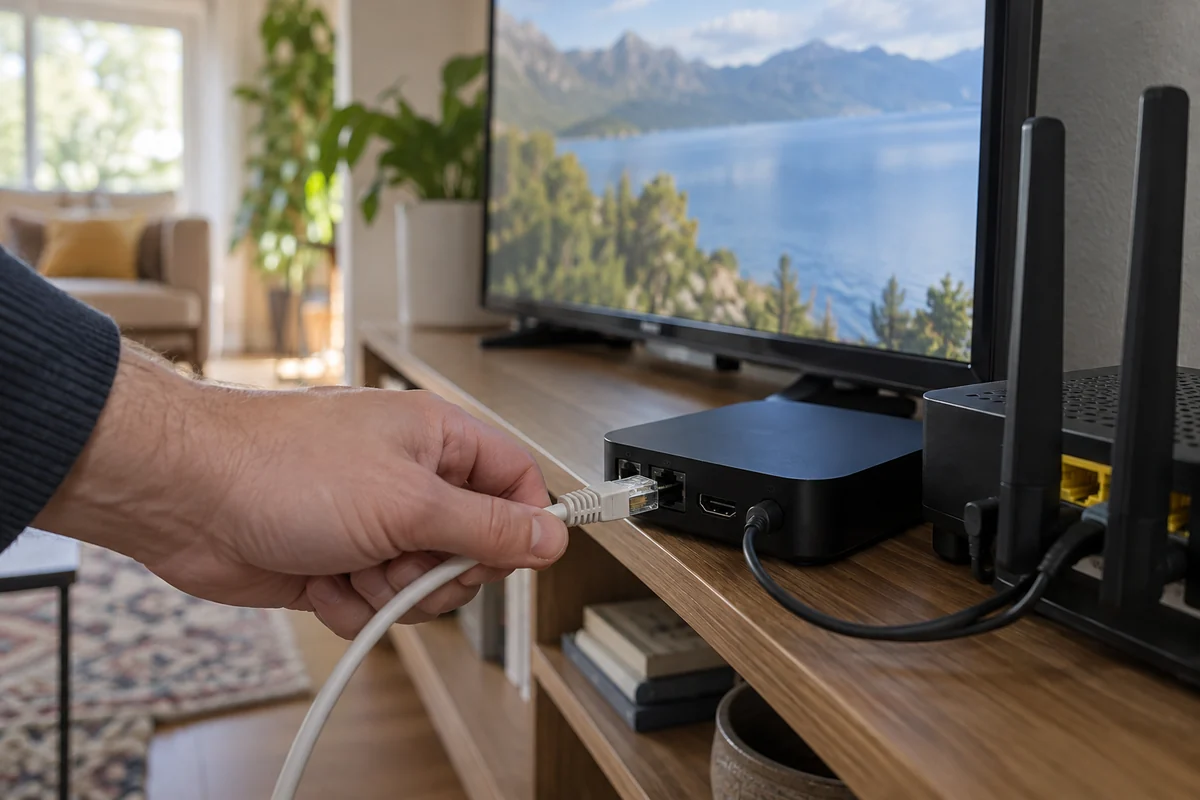
- Move Closer or Cable Up: Wi-Fi signals degrade significantly through walls and floors. If possible, plug your streaming box, TV, or laptop directly into the router with an Ethernet cable. If on Wi-Fi, test the stream in the same room as the access point.
- Audit Competing Traffic: Check whether other devices on the local network are consuming upstream or downstream bandwidth with file downloads, game patches, or secondary video streams.
- Restart the Local Stack: Power-cycle your home modem and Wi-Fi router. Memory leaks and stale routing tables in consumer hardware frequently cause sustained latency spikes.
- Test an Alternate Network: Connect your device to a mobile cellular hotspot for sixty seconds. If Disney+ suddenly streams flawlessly over mobile data, you have confirmed that your fixed home broadband or local router is the bottleneck.
What I’d Do Next Time
The next time a spinner interrupts your viewing, avoid the impulse to tweak five things at once. Run this structured sequence instead:
DISNEY+ STARTS BUFFERING WITH A VPN
Turn VPN completely OFF and play the identical stream.
[ STILL BUFFERS ] [ PLAYS SMOOTHLY ]
Local network issue. VPN route issue.
• Move closer to Wi-Fi router. • Stop manual server hunting.
• Check competing household bandwidth. • Switch to a streaming preset
• Restart router and streaming device. with automatic route selection
• Lower video resolution in app (e.g., OnlydogVPN).
to test bandwidth headroom. • Verify stream headroom (5 Mbps
for HD vs 25 Mbps for 4K).
A buffering screen is an invitation to diagnose, not to guess. Once you isolate whether the friction lives in your local Wi-Fi, your video resolution headroom, or the VPN pathway itself, the fix takes less than two minutes—and you can spend the rest of your evening enjoying the show.
Frequently asked questions
What is the first test I should run when Disney+ buffers with a VPN?
Close Disney+, turn the VPN completely off, reopen the same title on the same device and network, and compare playback. This isolates the VPN without changing several variables at once.
How do I know whether I have a speed problem or a Disney+ access problem?
If the video starts but drops quality, freezes, or repeatedly buffers, throughput or packet loss is likely. If playback never begins and Disney+ shows a regional or anonymizer-related error such as Error 73, treat it as an access rejection rather than a bandwidth issue.
What if Disney+ buffers even when the VPN is off?
Stop changing VPN settings. Test the local layer instead: move closer to Wi-Fi, use Ethernet if possible, check competing household traffic, restart the router, and try an alternate network such as a mobile hotspot.
Why can lowering video quality stop buffering?
A lower resolution reduces the sustained bandwidth and burst headroom the stream needs. If HD plays smoothly while 4K does not, the connection may be too close to the 4K bandwidth ceiling once normal network variation and VPN overhead are included.